View the product changelog
Open What’s new to read the latest Growf release and older weekly notes.
Changelog is the public list of what is new in Growf: weekly additions, improvements, and fixes. Anyone can open `/changelog`. In the app, What’s new in the sidebar footer is the same page, and it shows if you can update the workspace.
2 steps · About 2 minutes
Open Changelog
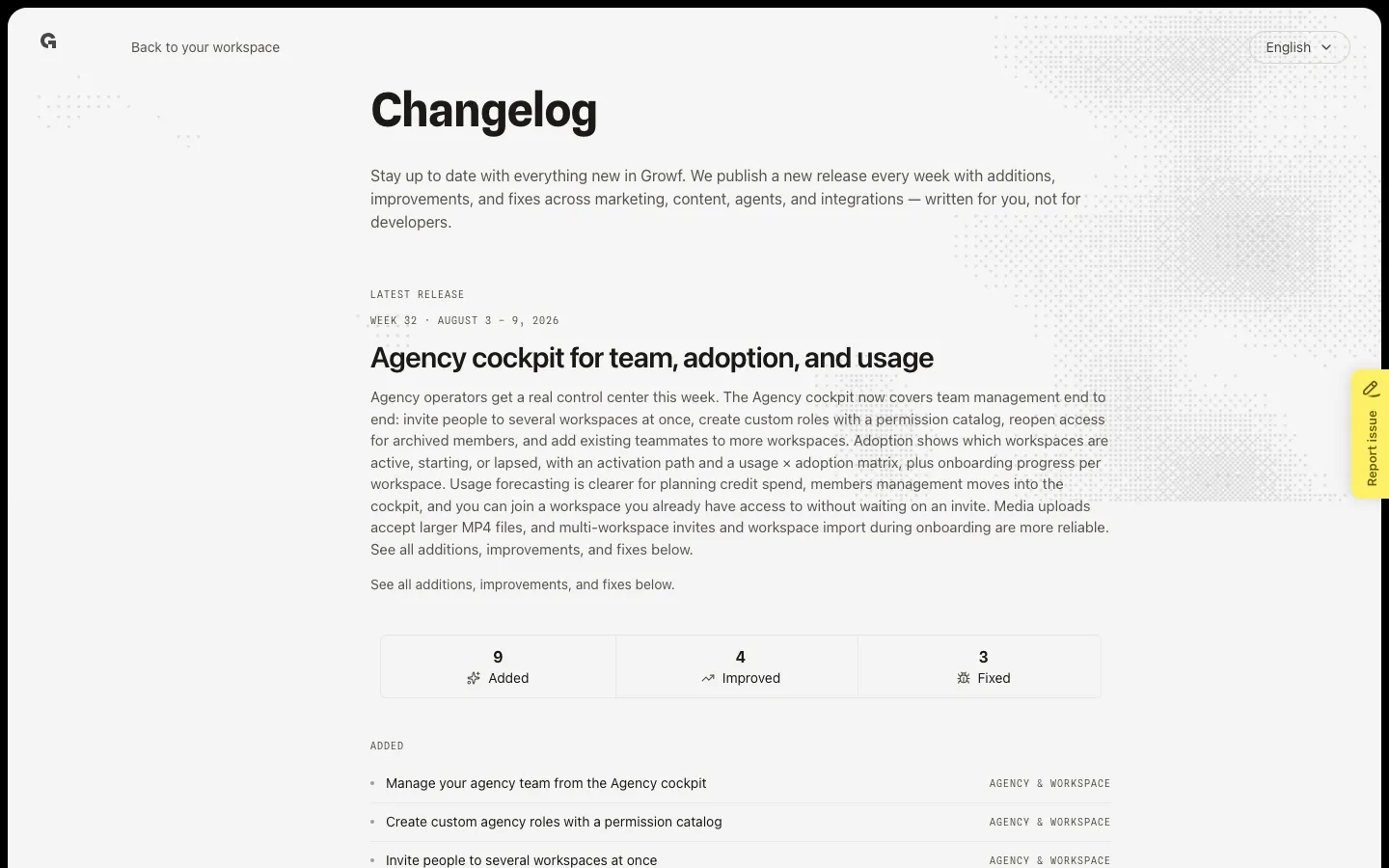
In the sidebar footer, choose What’s new (newspaper icon). You need permission to update the workspace to see that icon. The page is public Changelog at `/changelog`. A workspace path such as `/app/{workspace}/changelog` redirects here. Latest release is this week’s title, summary, and counts for Added, Improved, and Fixed.
Open an older release
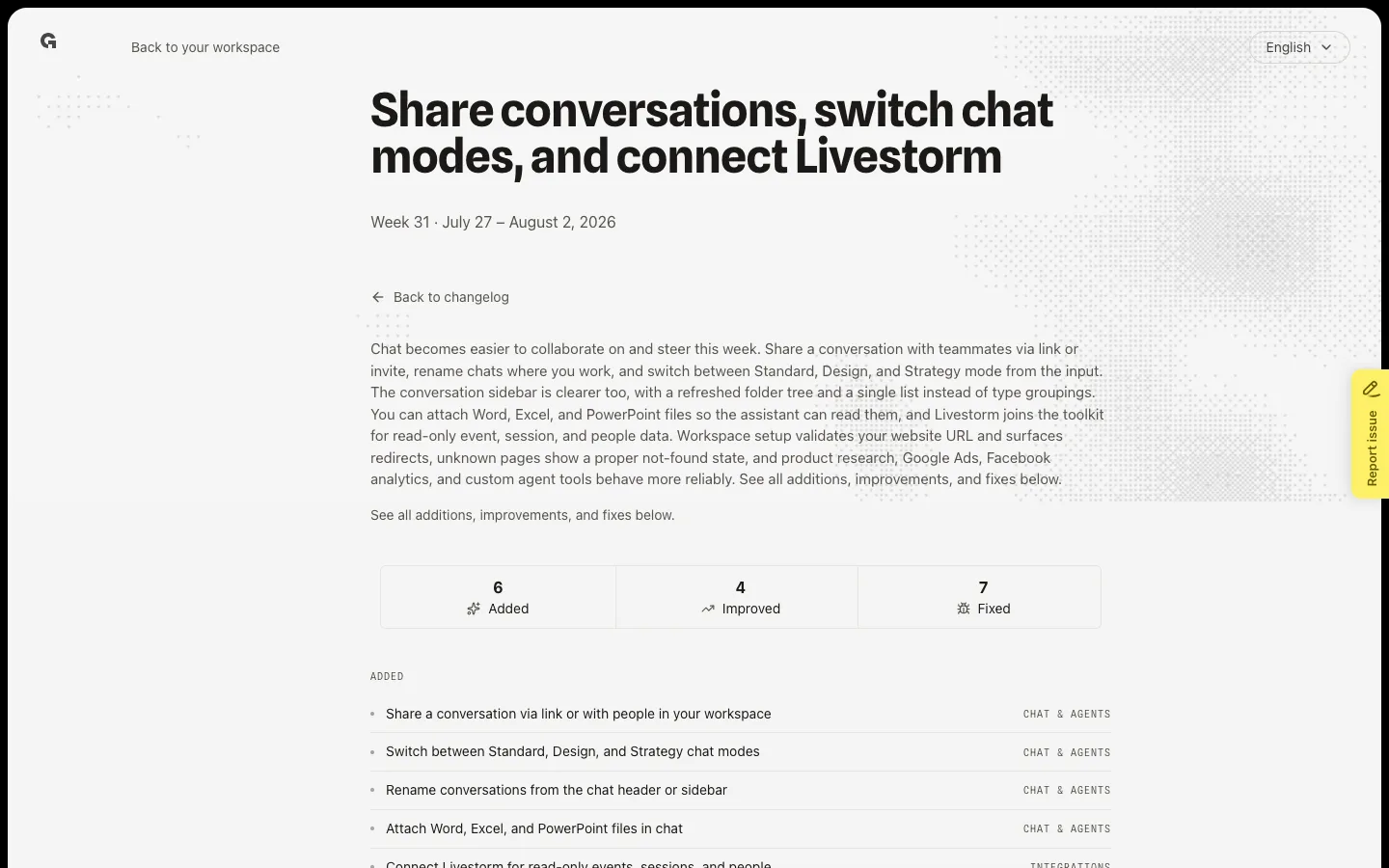
Scroll to Older releases. Each row is a week: period and title. Choose a row to open that week. The week page repeats Added, Improved, and Fixed for that release. Choose Back to changelog to return to the list. Back to your workspace returns you to Home if you are signed in.
FAQ
I do not see What’s new in the sidebar.+
The icon shows if you can update the workspace. You can still open `/changelog` in the browser. It is a public page.
Why does `/app/{workspace}/changelog` leave the workspace?+
That path always redirects to the public Changelog. There is no in-workspace changelog page.
How often does Growf publish a release?+
Growf publishes a new week when there is a release. Latest release is the newest week. Older releases lists the rest.
The page says no entries are published.+
Nothing is published for this environment yet. Check again after the next release.