View a custom agent run in chat
Mention a custom agent, send the task, then read the run on the agent canvas beside the thread.
The agent canvas shows a custom agent’s report beside the conversation after you mention that agent and send a task. Anyone who can send in the thread can start a run if they can mention the agent.
2 steps · About 2 minutes
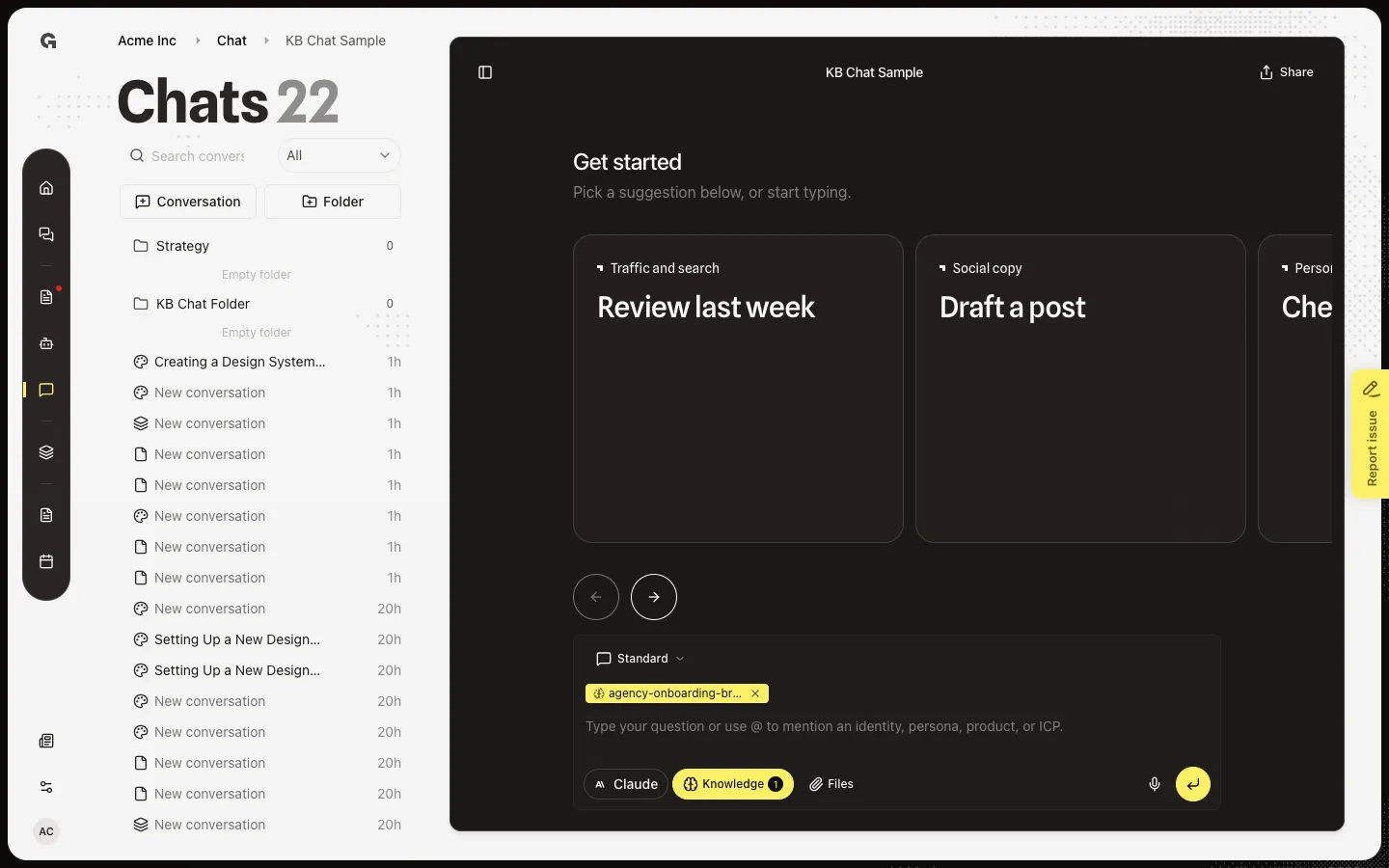
Open a Standard chat
Open a Standard conversation. Custom agents run from a mention in this composer, not from Design Mode templates. Create the agent first — see Create a custom agent. Mention it with @ — see Mention resources with @.
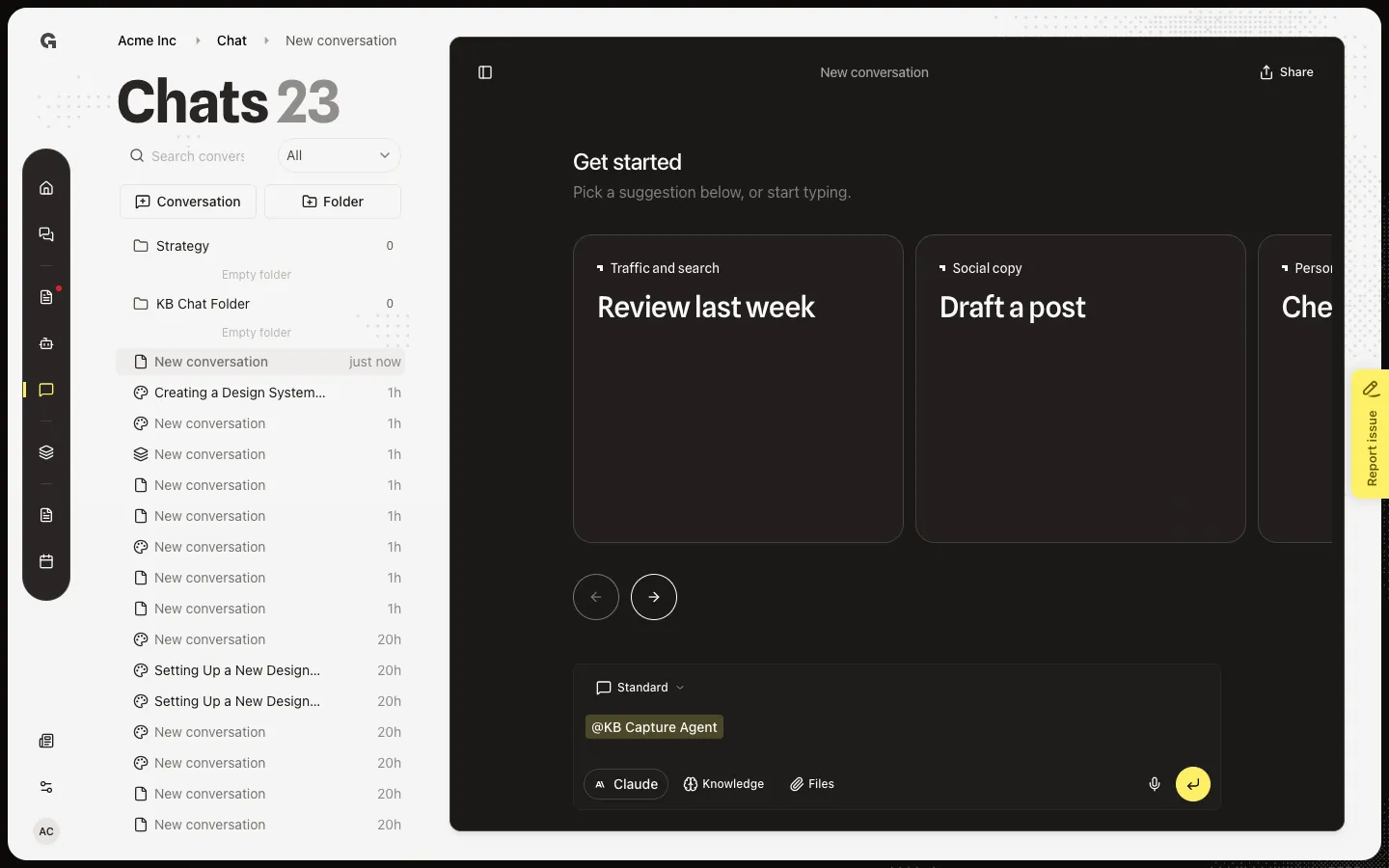
Mention the agent
Type @ and the agent name. Mention suggestions lists Agent rows. Choose KB Capture Agent (or the agent you created). A chip appears in the message. One agent per message. Add the task in the same message, then send. Growf runs the agent and opens the canvas with the report.
FAQ
I sent the message and do not see a canvas.+
The canvas opens when the agent run starts and returns a run id. Wait for the tool to finish. If the agent is missing or inactive, create or activate it first — see Create a custom agent. Close agent output hides the panel; open the run again from the tool result in the thread.
How do I start a run from chat?+
Mention one custom agent with @, write the task in the same message, and send. Follow-up turns can keep using that run. See Mention resources with @. Do not mention a second agent in the same message.
Can I view runs outside chat?+
Yes. Open the agent from Agents to see its runs. This how-to is the canvas that opens beside the conversation after you mention the agent in chat.