Use the Get started guide
Follow your Get started steps from any page with the guide at the bottom right: open a step's how-to, move the guide, or hide it and bring it back.
The Get started guide follows you through the app. In each part, it shows the steps you can do there, explains how to do each one and ticks it off as soon as you are done, with the points it earns. It belongs to Get started, the setup guide of your agency and your client workspaces, and is there for your agency team.
5 steps · About 4 minutes
See the steps of this part of the app
The guide sits at the bottom right of the pages of your workspaces, the agency cockpit and My work. In a part of the app with open steps, such as Documents, it lists them with their points: Documents, 0 of 1 done. Elsewhere it shows the next step of Get started. When you finish a step, the guide opens and ticks it off in place. Back to Get started opens the full guide.
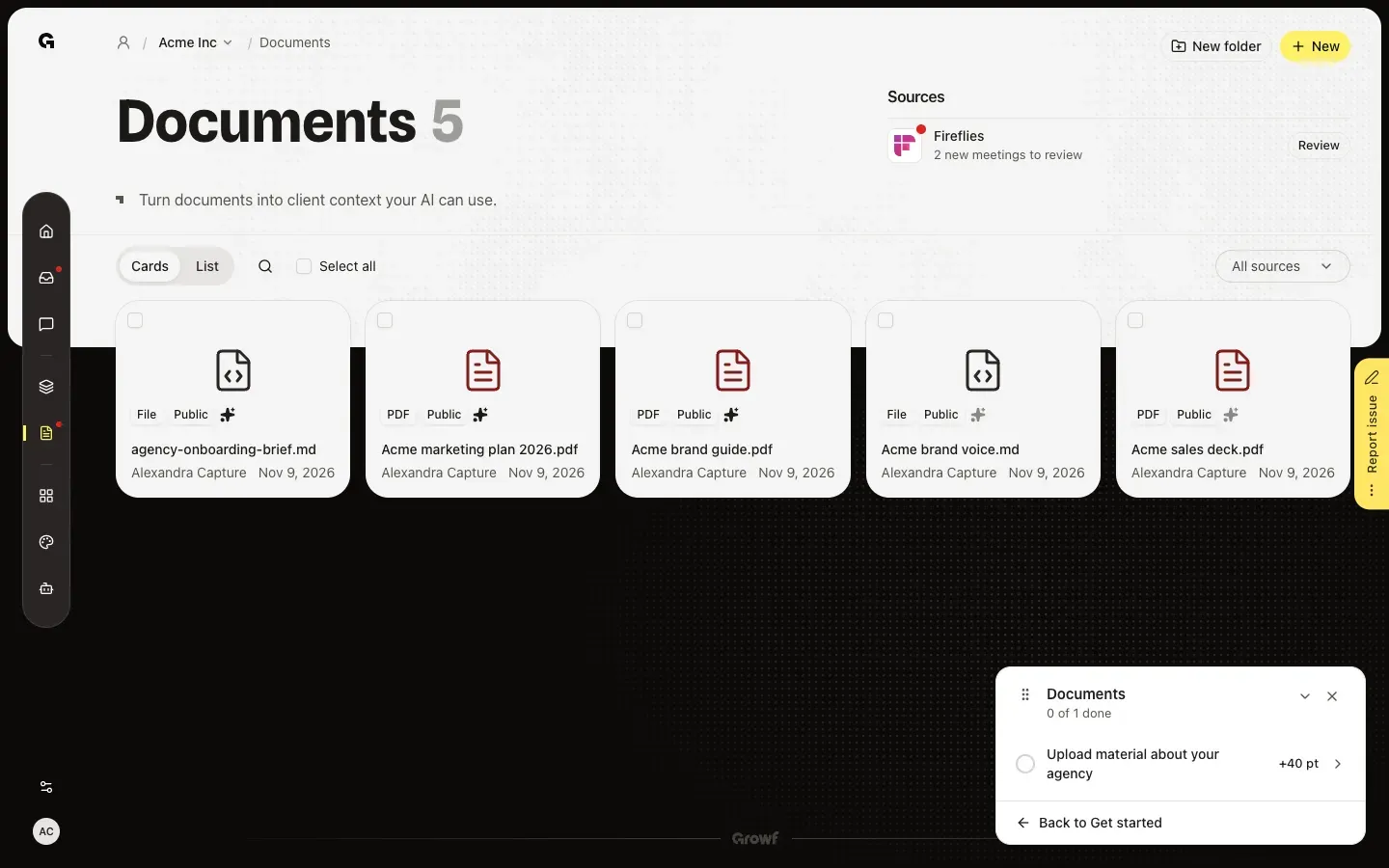
Open a step's how-to
Click a step to see how to do it: why it matters and what to do, in order. On another page, a button takes you there and the how-to stays open, so you can follow along. Read the guide opens the full help article. Back returns to the list.
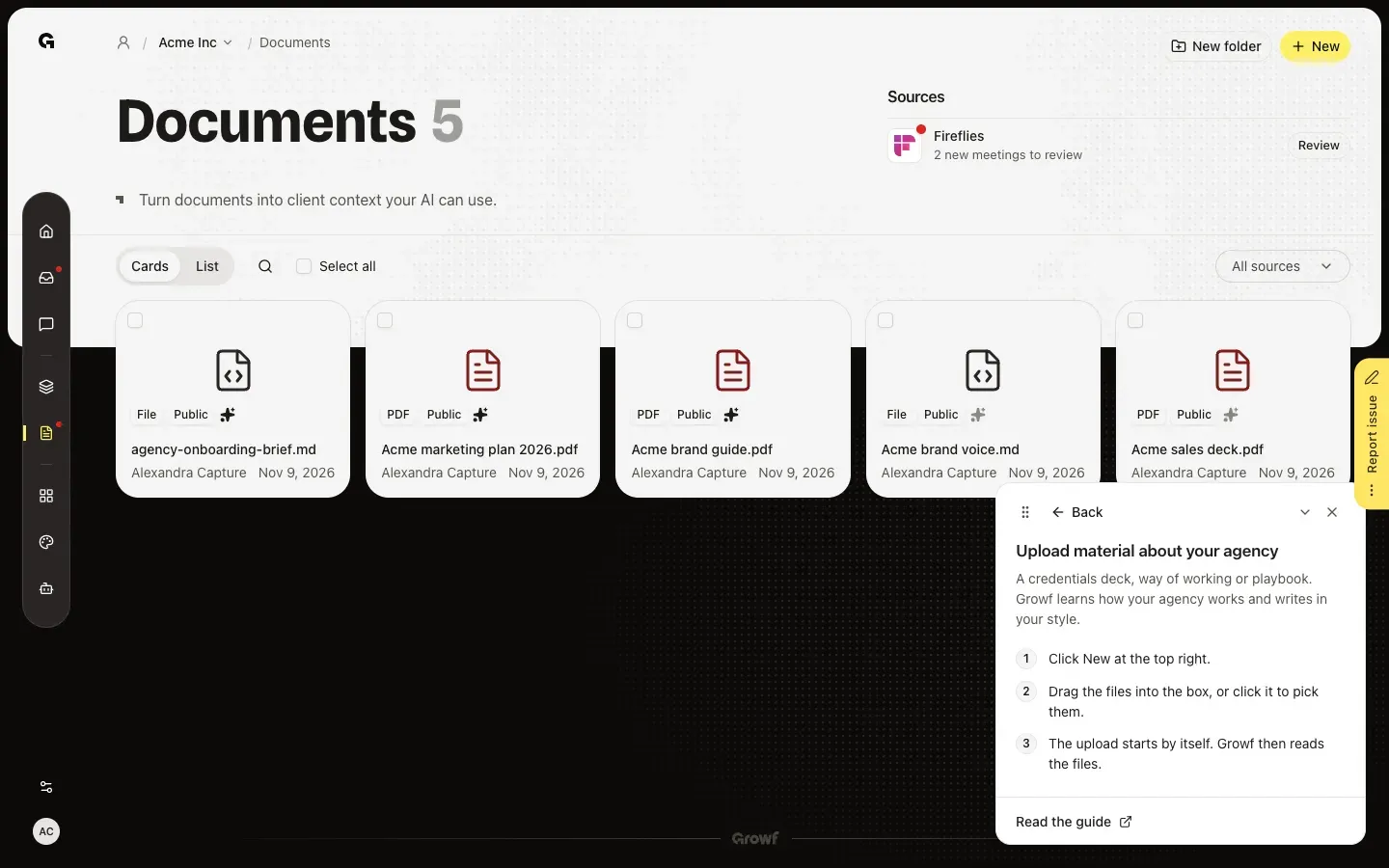
Move, fold or hide the guide
Is the guide in the way? Drag the grip at its top left to another corner, or focus the grip and use the arrow keys. The arrow next to the cross folds it into a small bar with the next step. The cross hides it on every page in this browser; Undo in the message brings it straight back.
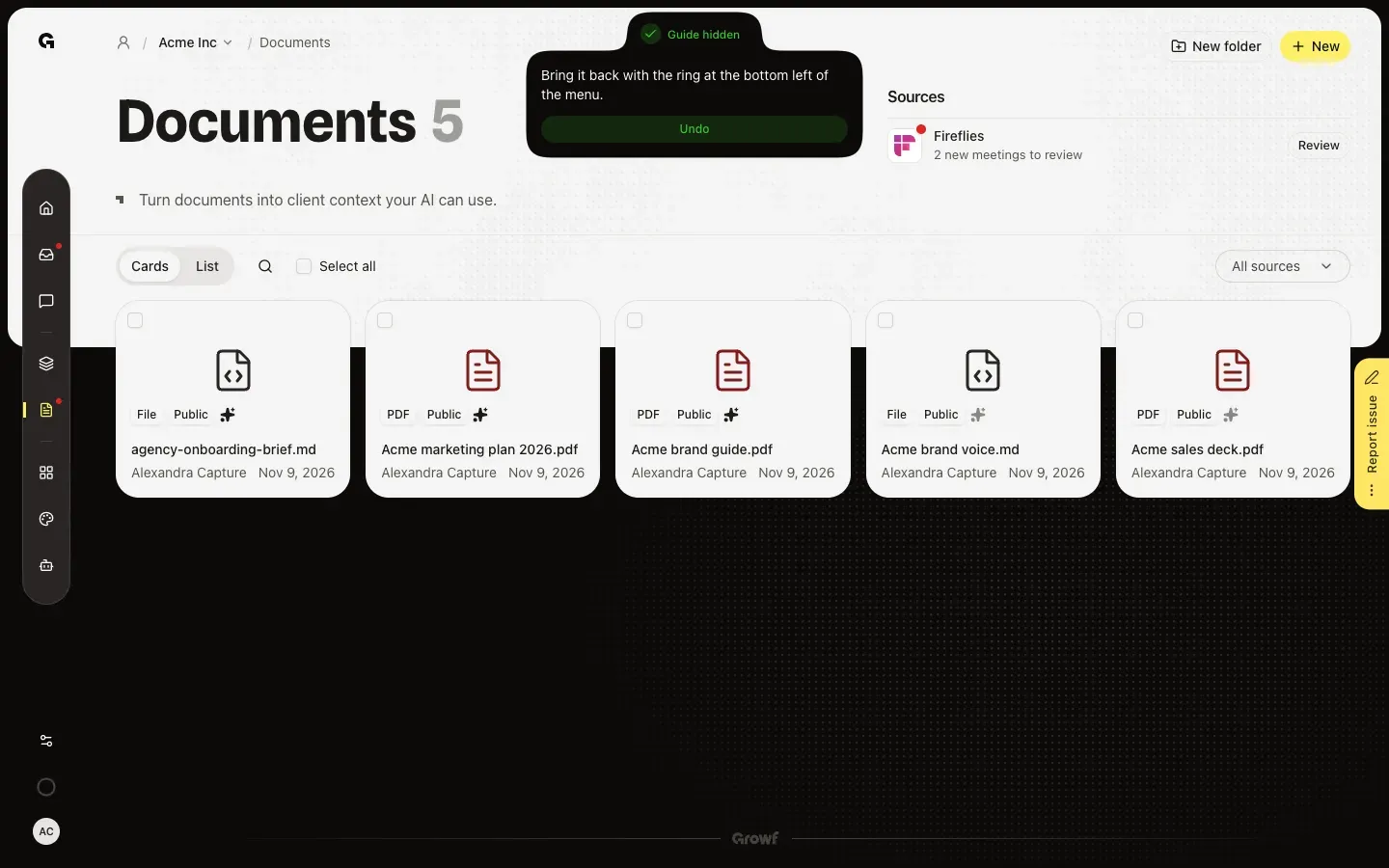
Use the ring in the menu
While the guide is hidden, a ring at the bottom left of the menu shows how far you are. Point at it to see the same steps, and click a step for its how-to. Click the ring to bring the guide back to its corner.
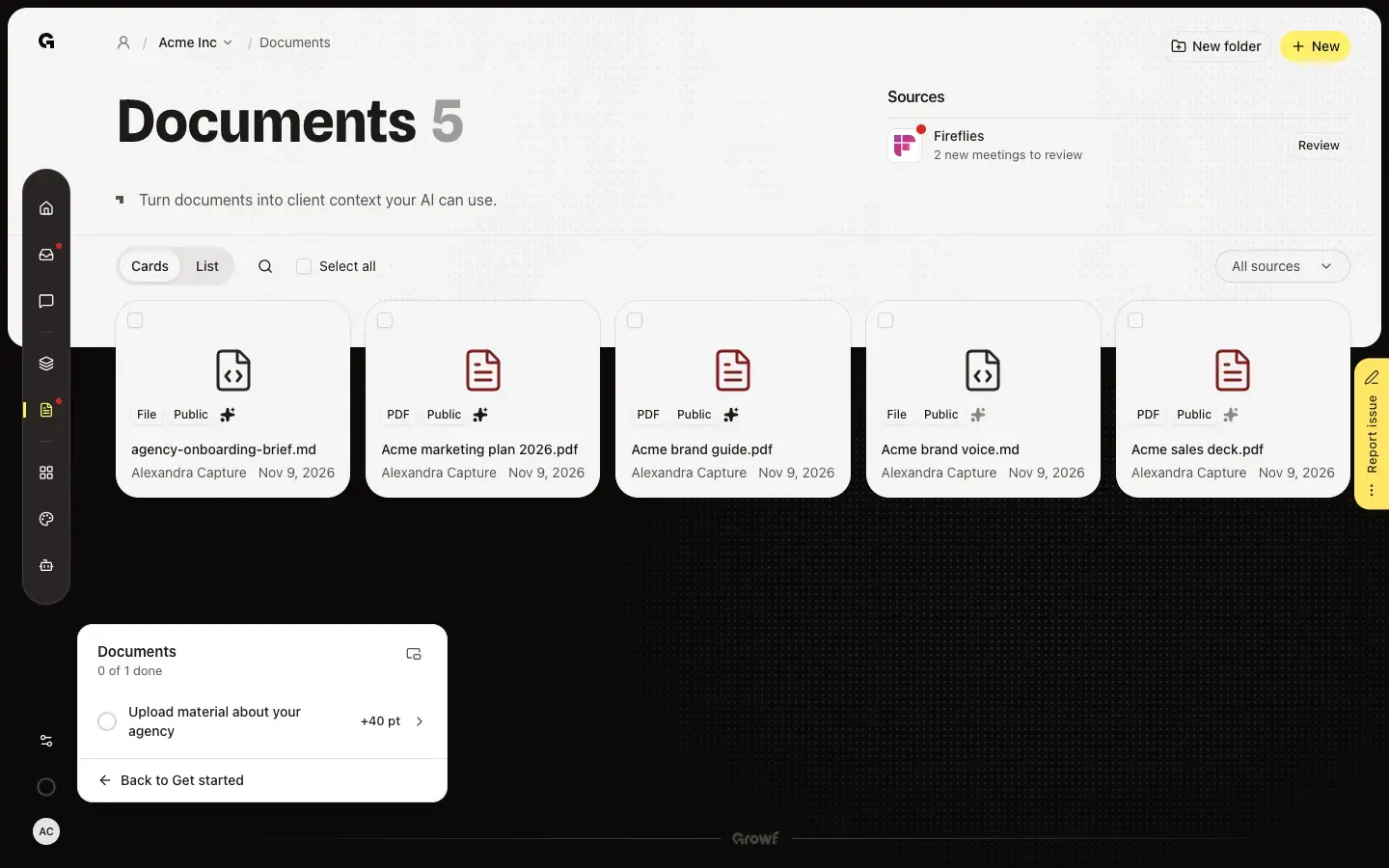
Show the guide again from Get started
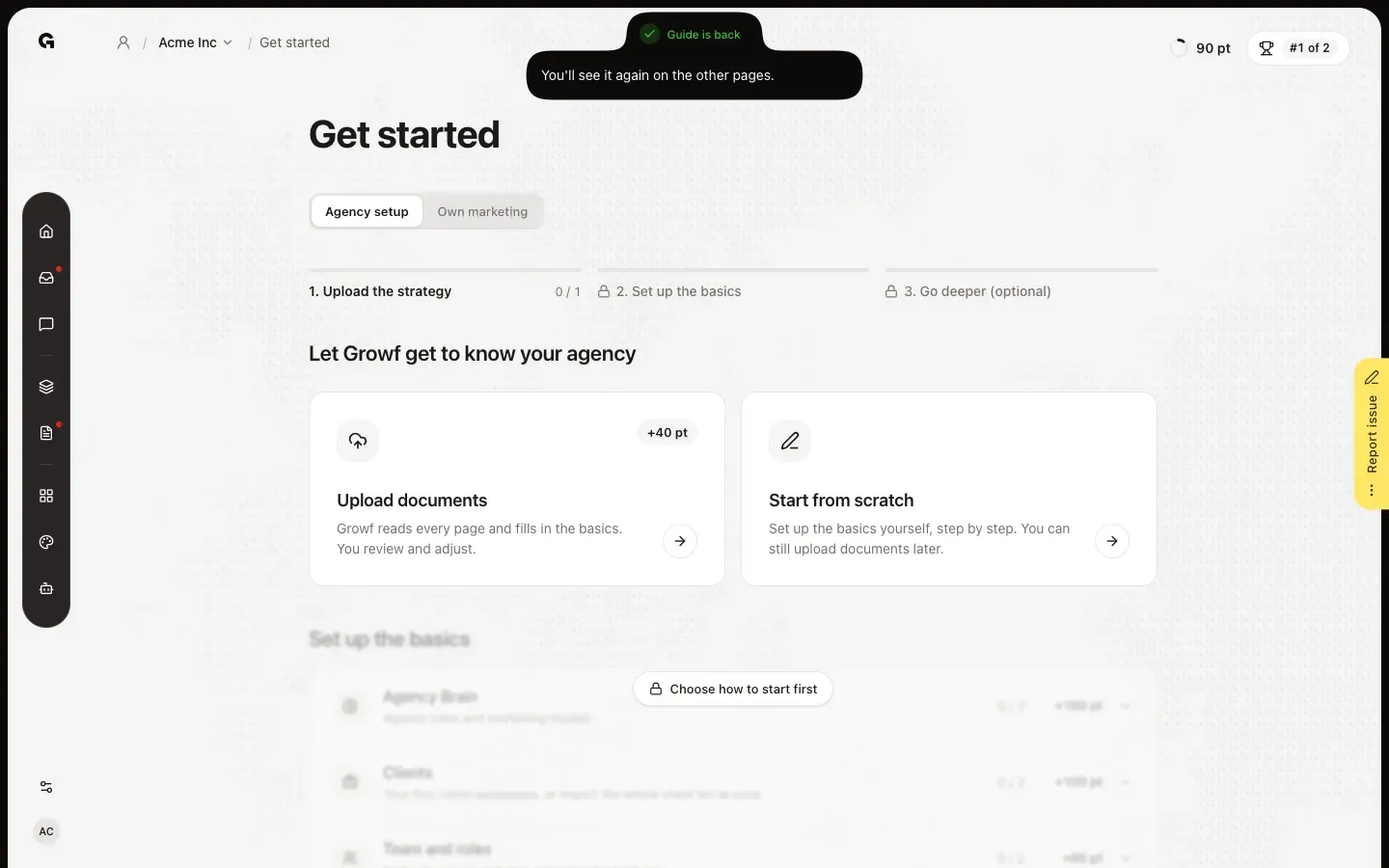
On Get started, Show guide at the top brings the guide back as well. The guide itself does not show on Get started, because that page lists every step already; you see it again on the other pages.
FAQ
Why don't I see the guide?+
The guide is for your agency team, the owner of the agency workspace and its members who are not a client. It is gone once every step is done, and a page that needs that corner hides it for that time. If you hid it yourself, click the ring at the bottom left of the menu, or Show guide on Get started.
Does hiding the guide hide it for my colleagues too?+
No. Hiding, folding and moving the guide only apply to you, in this browser. On another computer or browser it is back in its corner.
Where is the guide on my phone?+
On a small screen the guide only shows briefly when you finish a step, so it does not cover the page. Open Get started for every step.
Which steps does the guide show?+
The steps of the part of the app you are in, up to the phase of Get started you have reached, basics before the rest. A step you finished stays in the list, ticked off, until you leave that part. Each step shows the points it earns for your agency's leaderboard.