Use the strategy model assistant
Ask Growf AI to draft or rewrite the open framework, then Apply or Discard the proposed version.
The assistant is Growf AI on one open framework. It can fill empty fields or rewrite the model. You approve every write. People with strategy update Apply a proposal; everyone with access to the model page can read the thread.
3 steps · About 3 minutes
Open Assistant
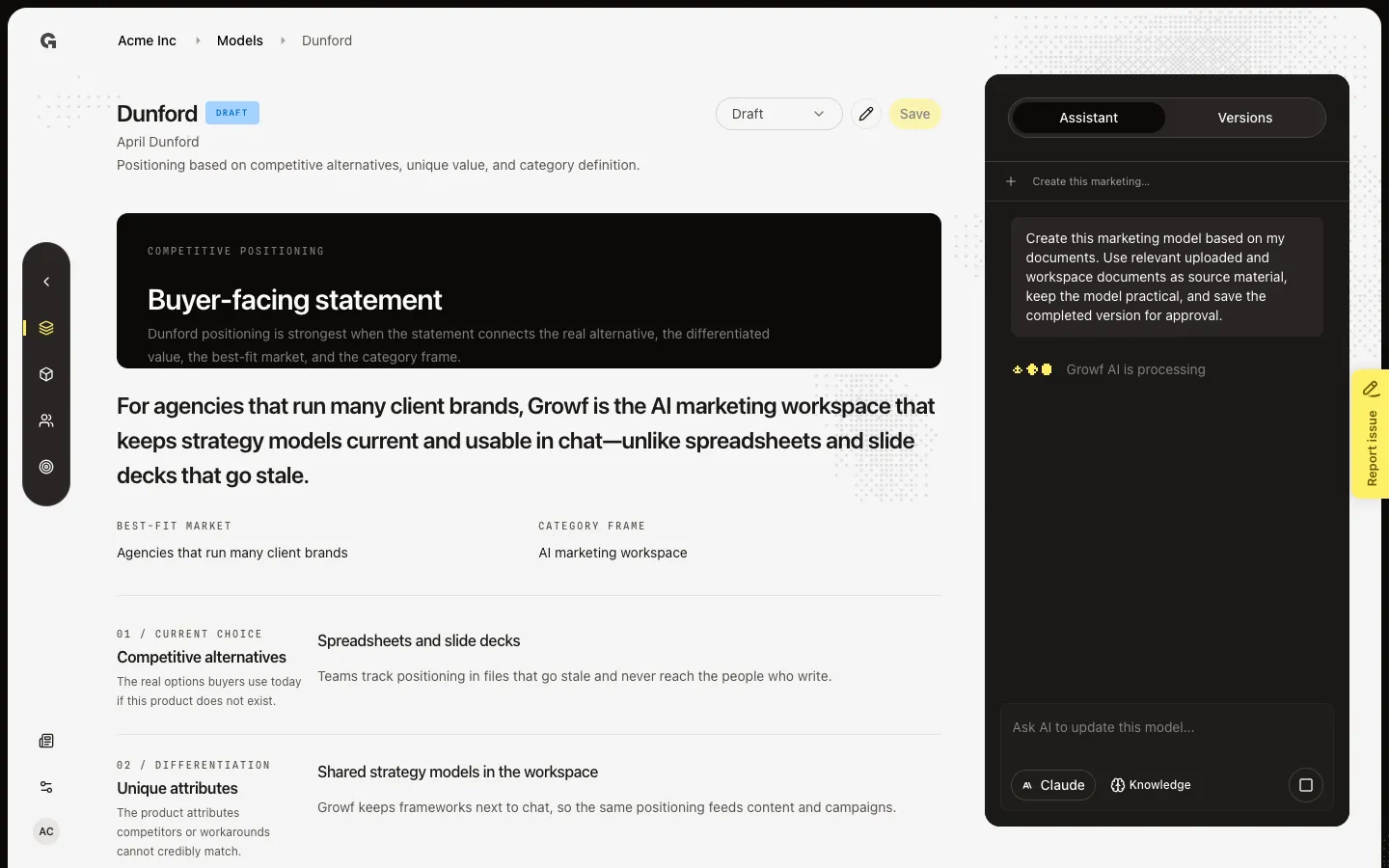
Open a model. Assistant is the default right-hand tab. The empty state is titled Strategy assistent and explains that changes save only after you approve them. The card Create the model based on my documents sends a prompt that uses uploaded and workspace documents. Sending that card starts a real reply — wait for Apply AI update? before anything is written.
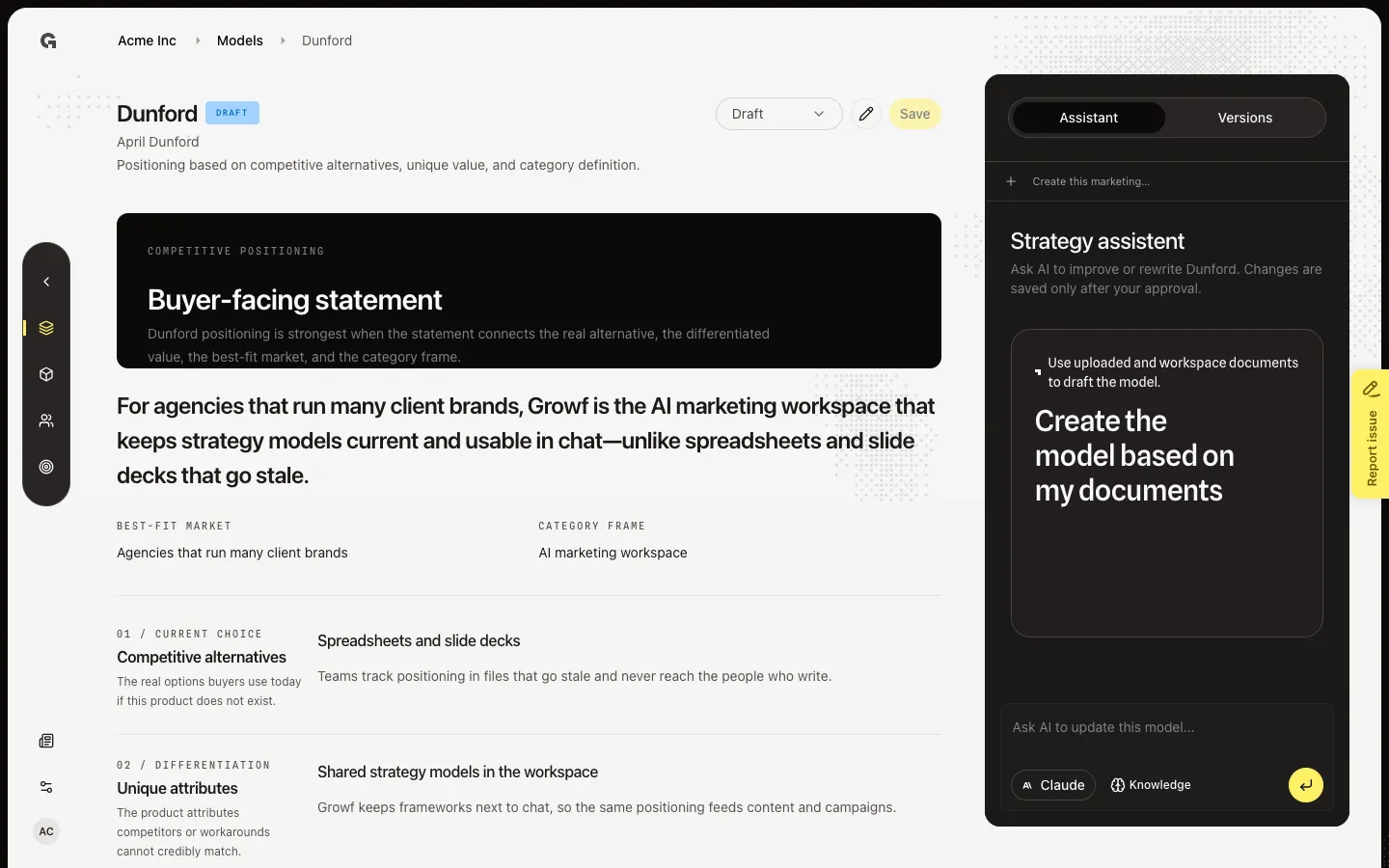
Type a direction
Click the field Ask AI to update this model.... Type what should change (fill empty fields, sharpen a claim, or draft from workspace context). Send when you want a proposal. The model selector and Knowledge sit on the composer. Knowledge attaches documents to this assistant thread, same idea as chat knowledge.
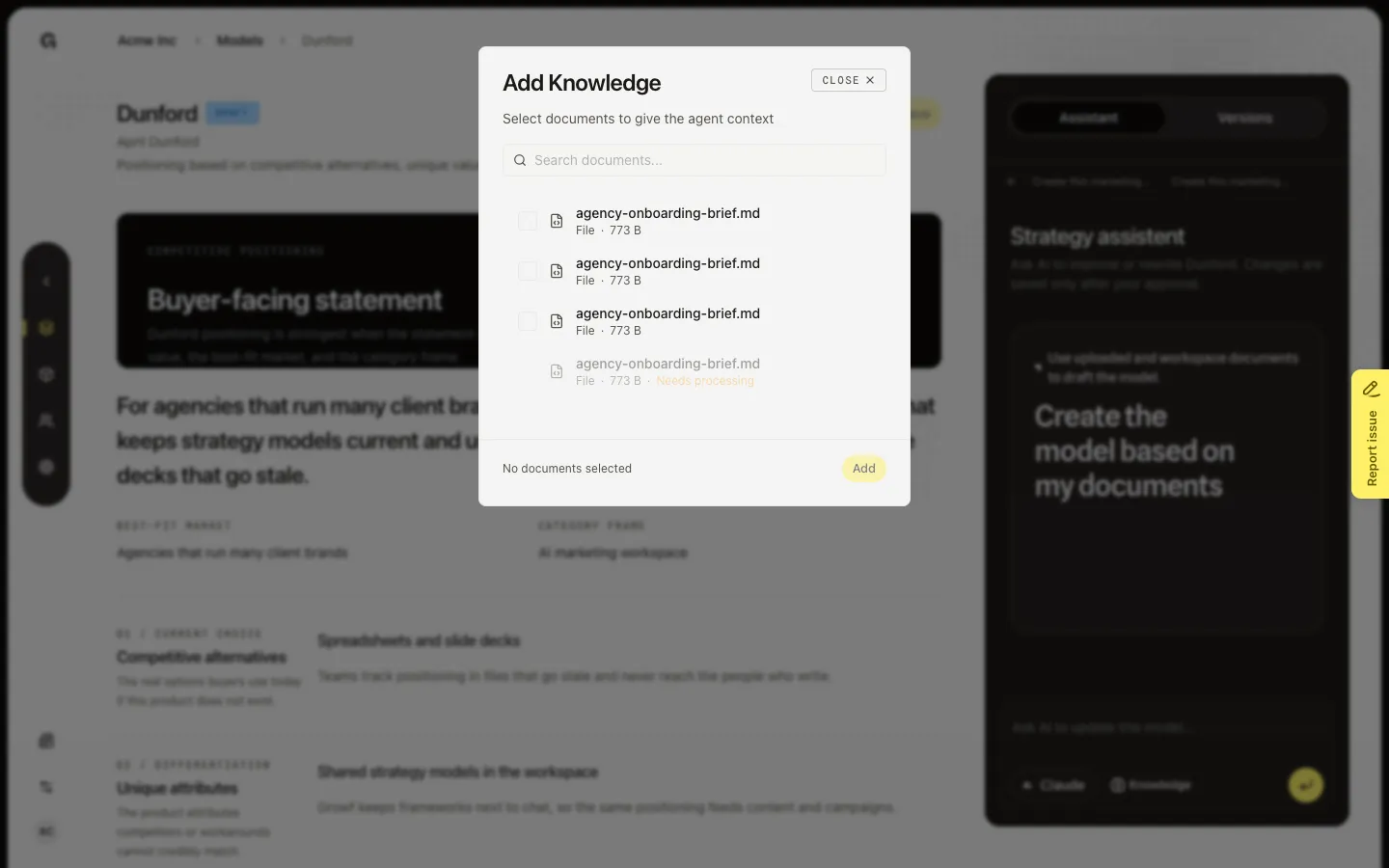
Attach knowledge
Choose Knowledge (Add knowledge) if the draft should use specific files. Pick documents, then send. After the first message, New conversation starts a clean thread for this model. Apply AI update? is the gate: Apply saves a new Draft version on the canvas; Discard keeps the current version. You still publish from the status control.
FAQ
What is the difference between Apply and Discard?+
Apply writes the proposed payload as a new Draft version and refreshes the canvas. Discard drops the proposal. Nothing is saved until you Apply (or you edit and choose Save yourself).
Does Apply publish the model?+
No. Apply is a save. Publish the latest Draft from the status control when you want chat preview and @mentions to use it. See Save and publish a strategy model.
Create the model based on my documents did nothing useful.+
The assistant reads documents you attach and the workspace knowledge already on the thread. Upload files in knowledge, or attach them with Knowledge here, then send again. Empty knowledge yields a generic draft.
I can chat but Apply does not stick.+
Applying an update needs strategy update, same as Save. You can still talk to the assistant with strategy read; the write is rejected without update permission.