Use Strategy mode
Switch a conversation to Strategy mode so the Models sidebar and strategy tools turn on.
Strategy mode is a chat type for marketing strategy models. The composer stays; the right-hand panel becomes Models. Anyone who can chat can switch the type. The Strategy folder also needs strategy update.
4 steps · About 3 minutes
Open Chat
Choose Chat. If you have no thread open, the page says Select or create a Chat. Strategy mode is a conversation type, not a separate app area. You turn it on from the composer after a thread exists.
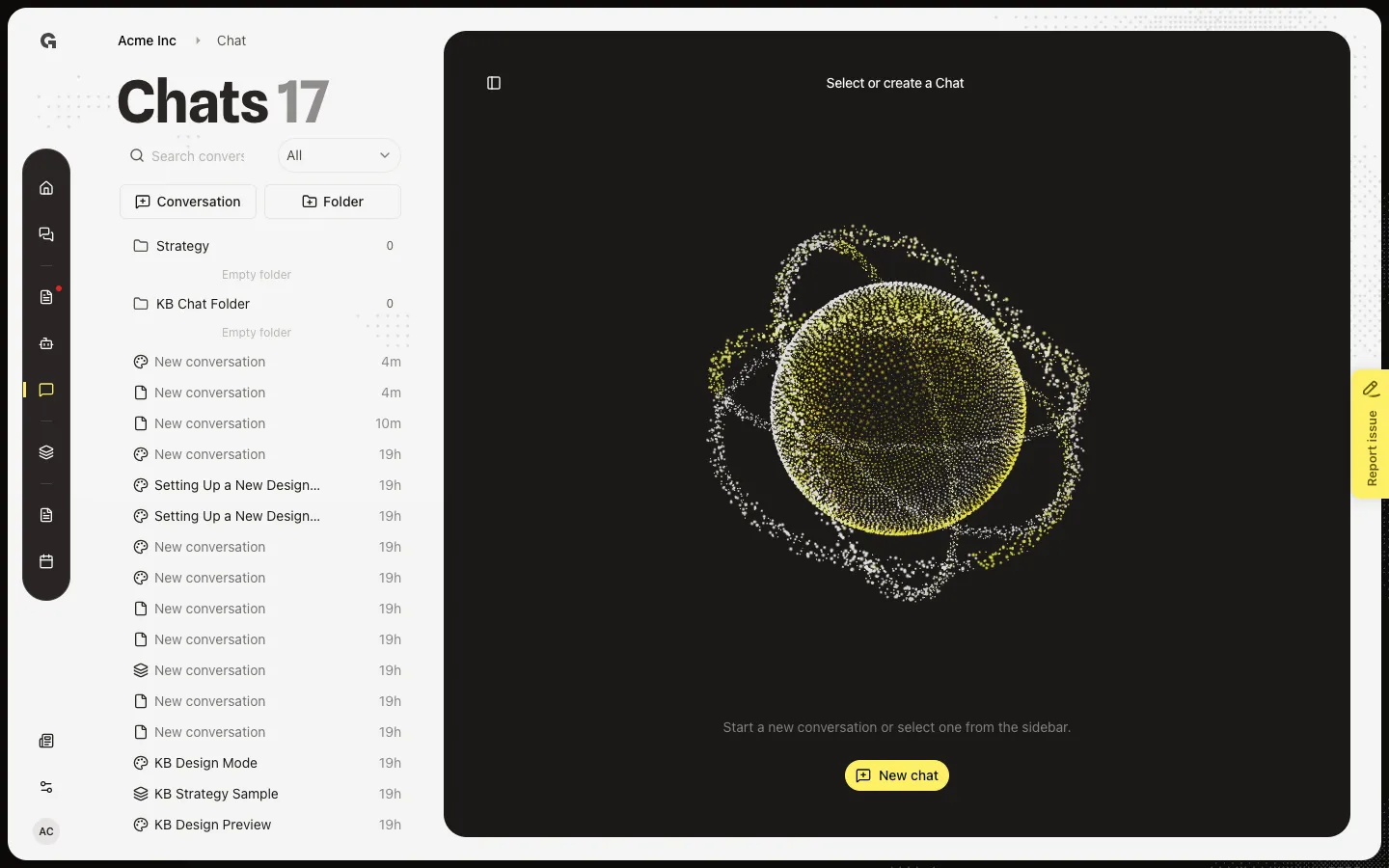
Start a conversation
Choose New chat (or Conversation in the sidebar list). A Standard thread opens with the composer. Chat mode sits on the left of the composer and currently reads Standard. Switching mode is stored on this conversation — it is not a global preference.
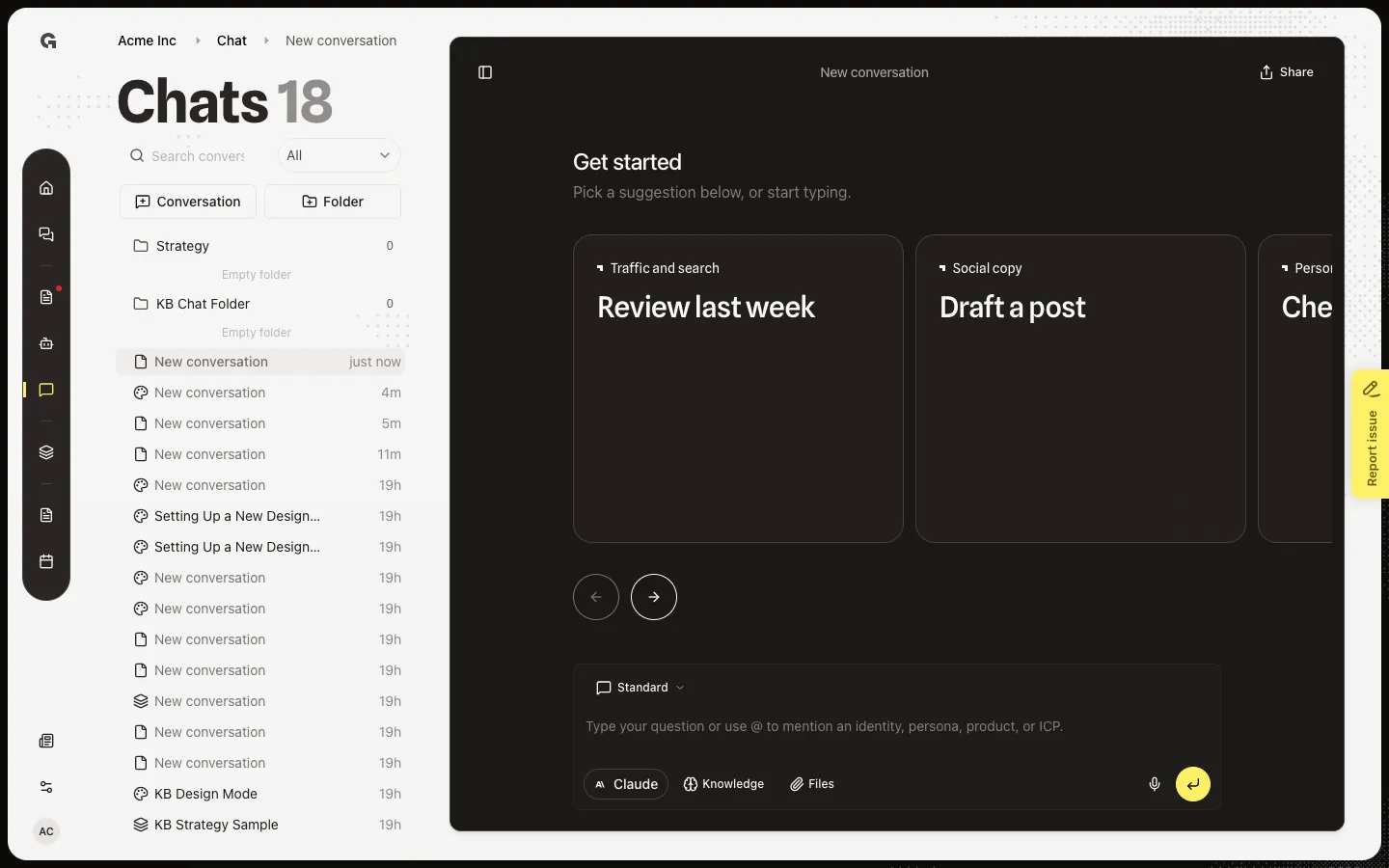
Open Chat mode
Choose Chat mode. The menu lists Standard (general workspace tools), Design mode (visual work), and Strategy mode (marketing strategy models). Pick one. Design mode and Strategy mode replace each other’s right-hand panel.
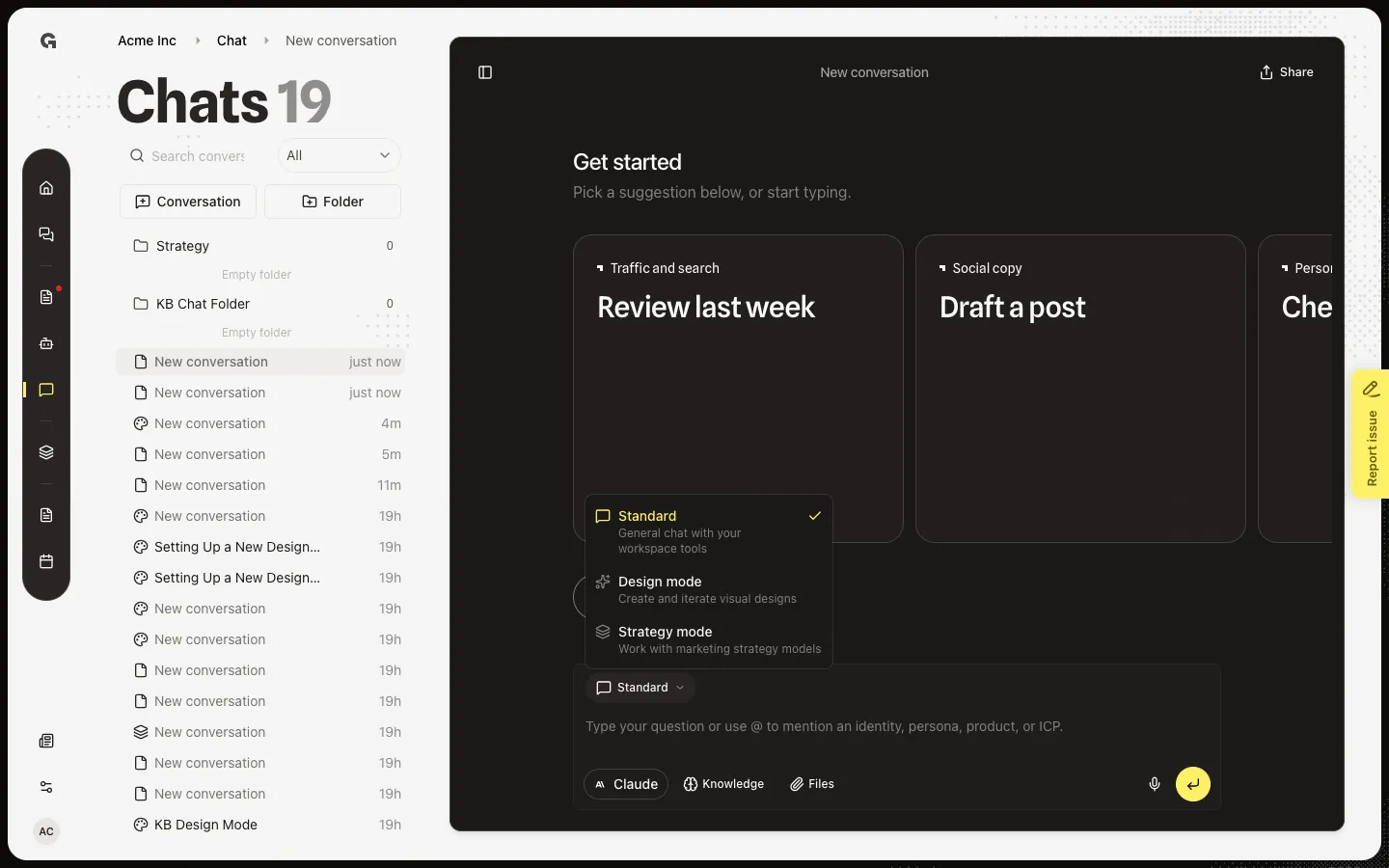
Choose Strategy mode
Choose Strategy mode. The right-hand Models sidebar opens. It lists the same agency stack as Strategy → Models, with status badges. View all opens the full table. Preview is a separate job — the eye is on each row that already has a saved version. If the sidebar is closed, use the panel button in the conversation header.
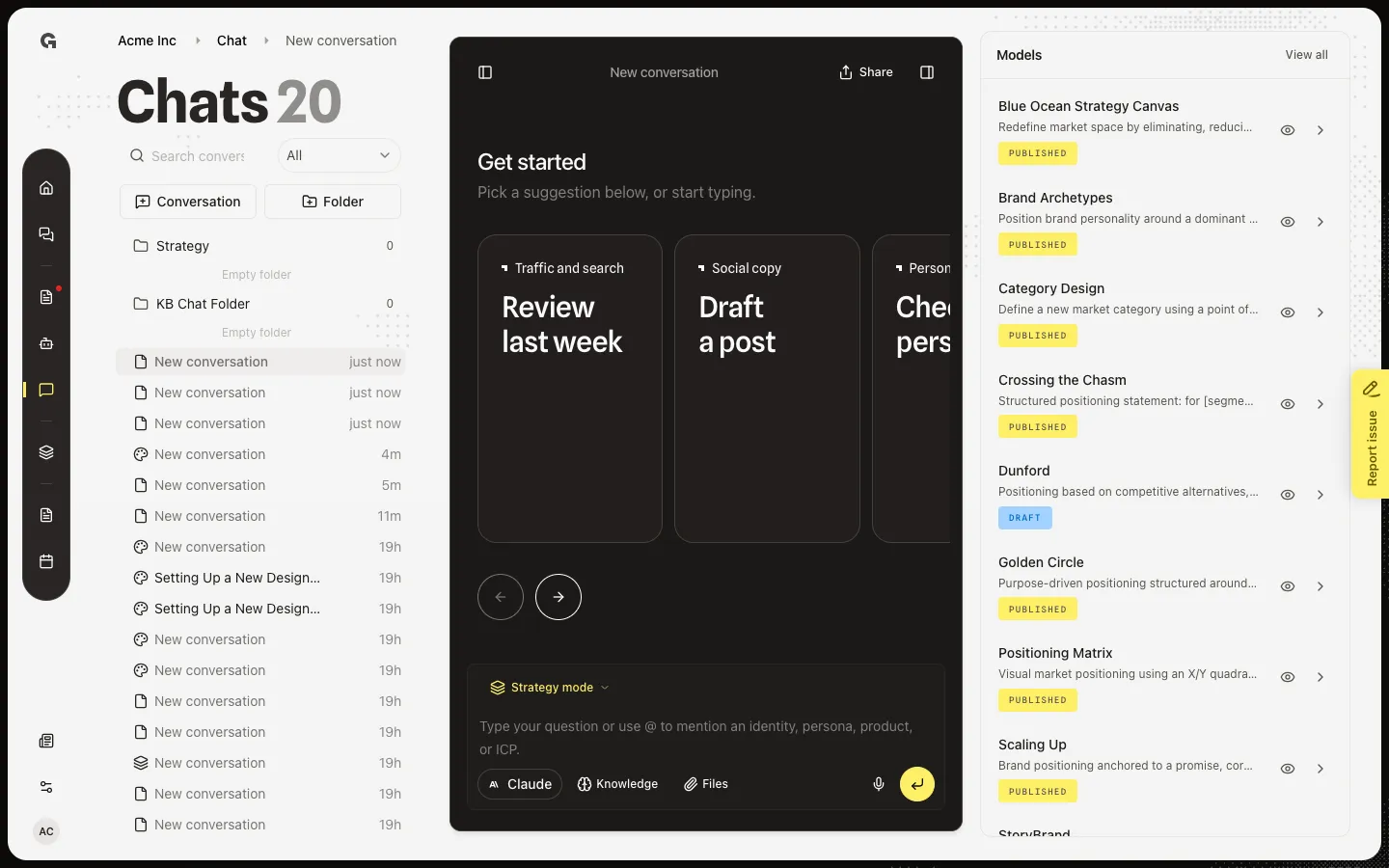
FAQ
The sidebar says No models.+
The agency has not added frameworks yet. Ask an agency owner to add them in Settings → Marketing models. See Manage agency marketing models and Use strategy models.
Growf asked me to move the chat to Strategy. Should I?+
If the thread is about filling or changing models, Move to Strategy puts it in the Strategy folder and keeps strategy tools available even if you switch back to Standard. Design mode turns those tools off. Not now dismisses the banner. You need strategy update to use that folder.
Is this the same as the assistant on a model page?+
No. Strategy mode is workspace chat plus the Models list. The model page assistant edits one framework and asks you to Apply. Preview a strategy model in chat is the eye on the sidebar. Choose a chat mode covers Standard and Design as well.
I cannot open a chat in the Strategy folder.+
That folder needs strategy update. Without it, Growf blocks the thread. Use a Standard conversation, or ask for strategy update.