Use the content media library
Attach JPEG, PNG, GIF, or one MP4 from the library or Upload, then use those files on the draft.
The media library attaches images or one video to the open draft. Anyone who can edit the piece can add files. Uploads stay in the workspace Gallery for reuse.
3 steps · About 3 minutes
Open the draft
Open KB Feedback Sample. Above the body, + Upload opens the media library. Images you already attached show next to it. You cannot mix a video with images on the same piece.
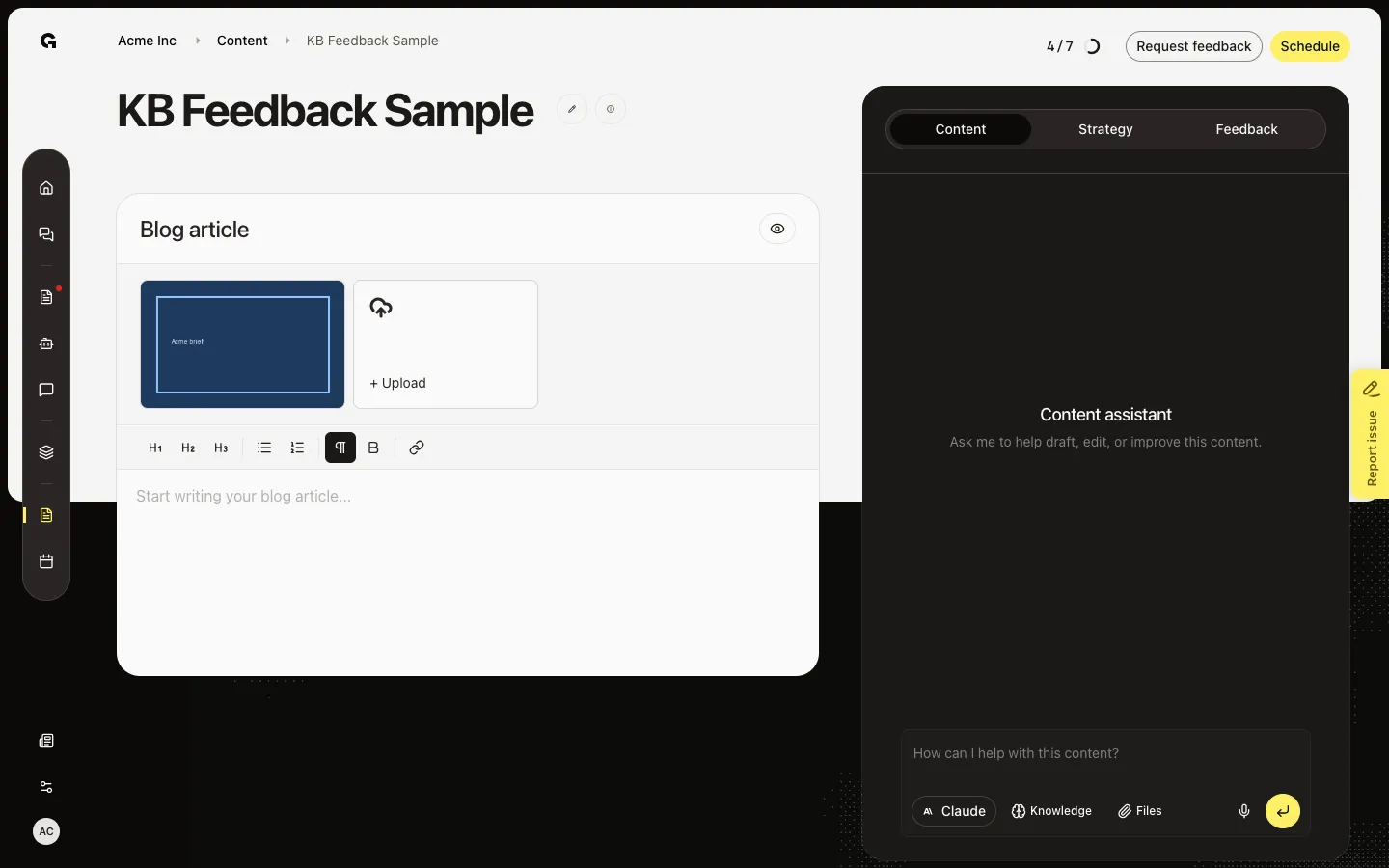
Open Media library
Click + Upload. Media library has Gallery (files already in the workspace) and Upload. Gallery is empty until someone uploads. Select files in Gallery, then Select N media file(s).
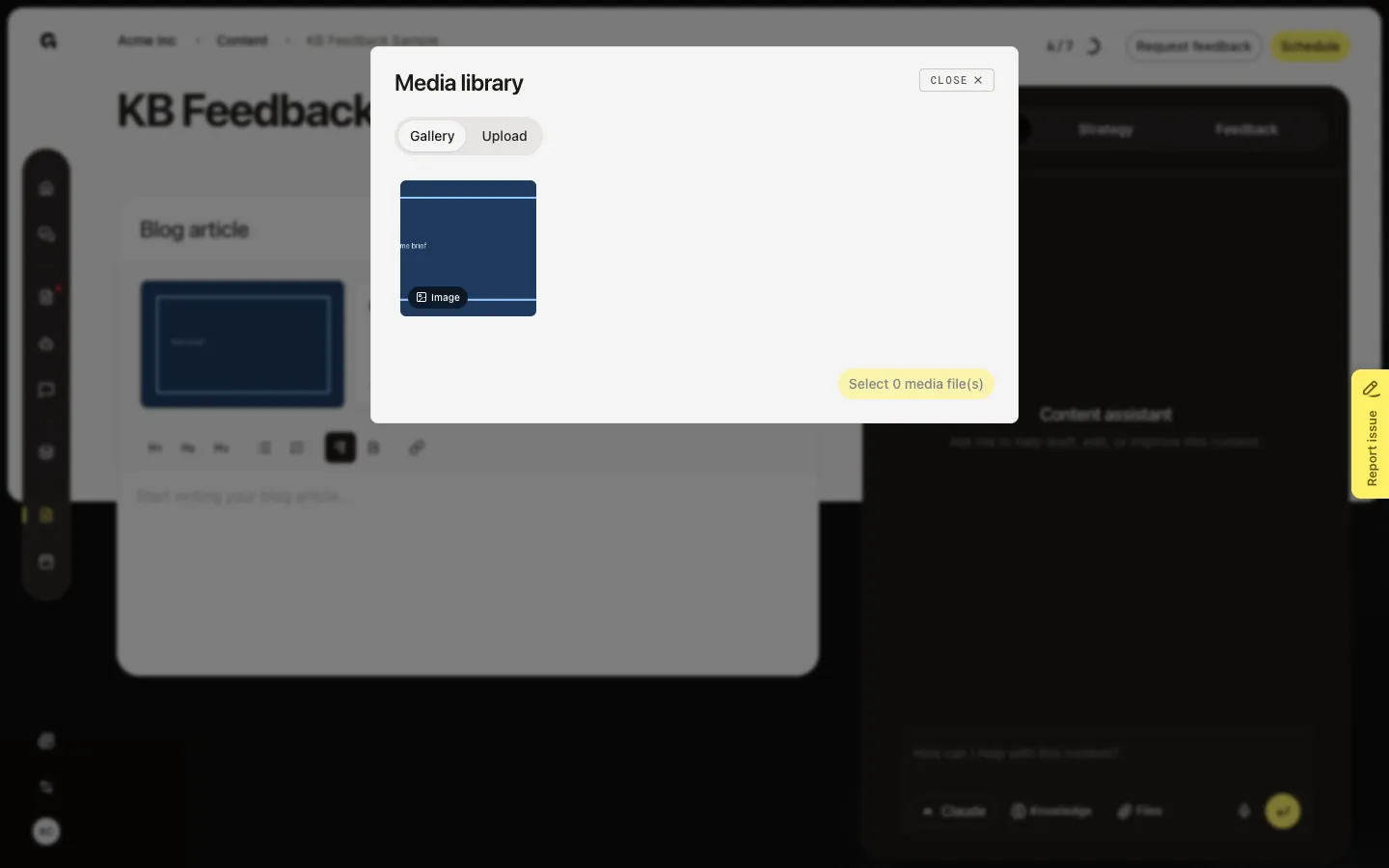
Upload a file
Choose Upload. Drag JPEG, PNG, or GIF (up to 5MB) or one MP4 (up to 1GB), or add a file here. From the editor, an upload attaches at once. Other formats are rejected. Remove a thumbnail on the draft to detach it. + Generate media is not available yet.
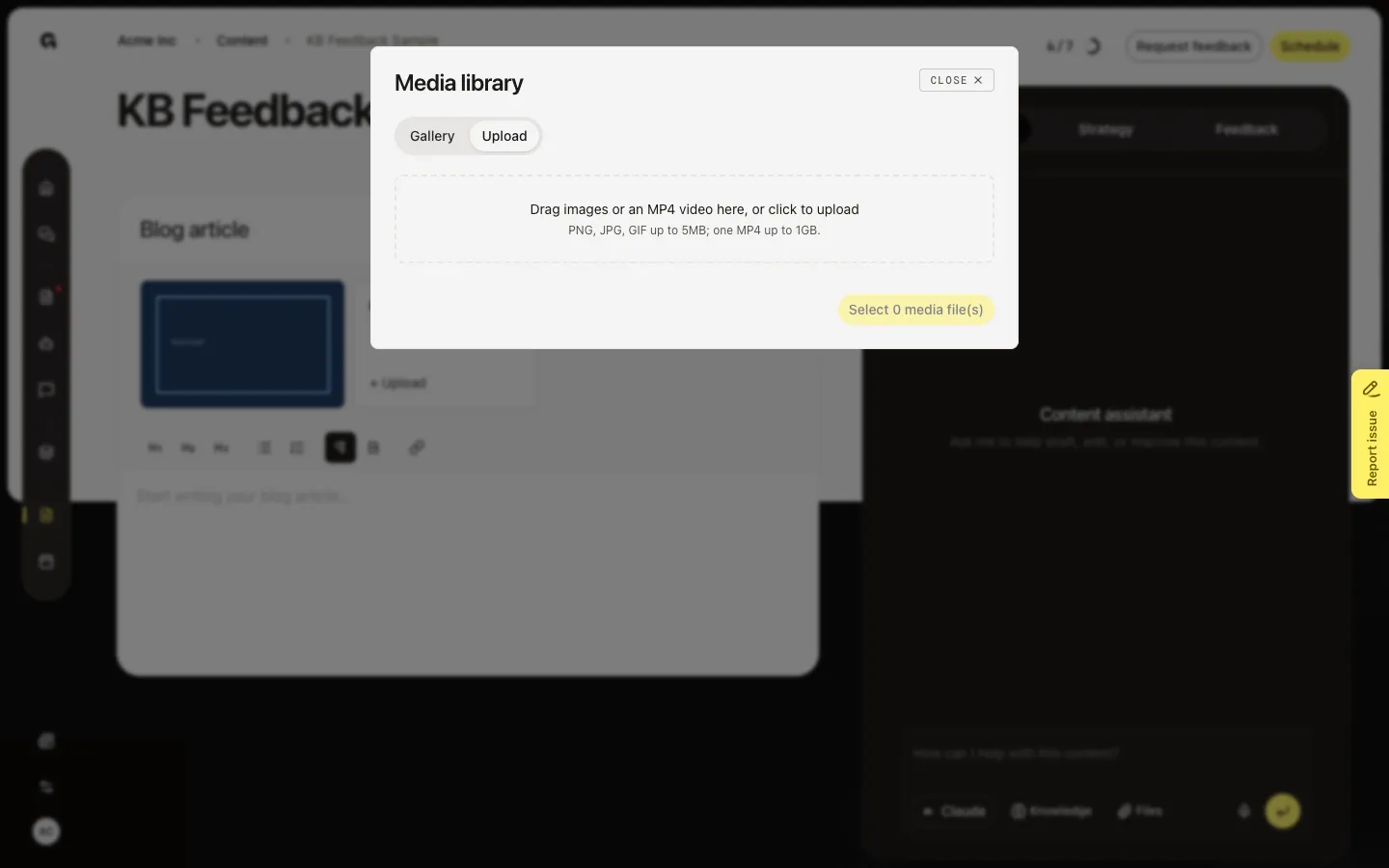
FAQ
Gallery says there are no images or videos.+
Nothing has been uploaded to this workspace yet. Use Upload, then the file appears in Gallery for later drafts too.
I cannot select a video, or I cannot select images.+
A piece can have images or one video, not both. Remove the other type first.
The upload failed.+
Use JPEG, PNG, GIF, or MP4. Images must stay under 5MB. An MP4 must stay under 1GB.