Use the content assistant
Ask the Content tab to draft or improve the open piece, then Apply or Discard the suggested text.
The Content tab is a chat that drafts and edits the open piece. Anyone who can edit the draft can use it. The assistant writes into this piece only — it does not create a new row.
3 steps · About 3 minutes
Open Content
Choose Content and stay on Table. Open the piece you want help with. KB Feedback Sample already has a title, body, and persona. If the assistant is off, Settings → Content controls the default provider.
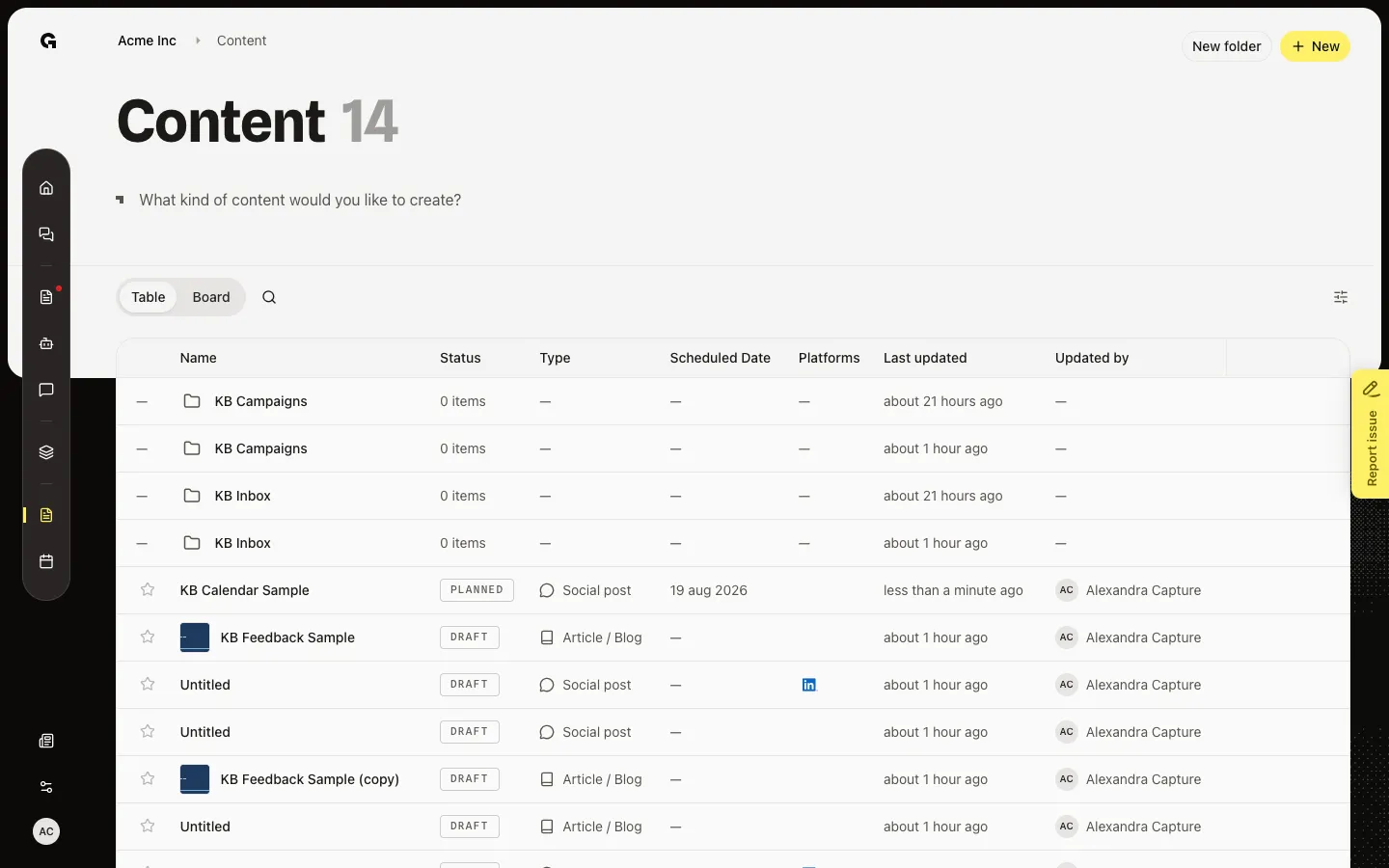
Open the Content tab
Choose Content if another tab is open. The empty state says Ask me to help draft, edit, or improve this content (or a first-draft line when the body is empty). Suggestion cards appear when a persona is set. A social post that still needs an identity shows the setup screen first — finish that, then Start writing.
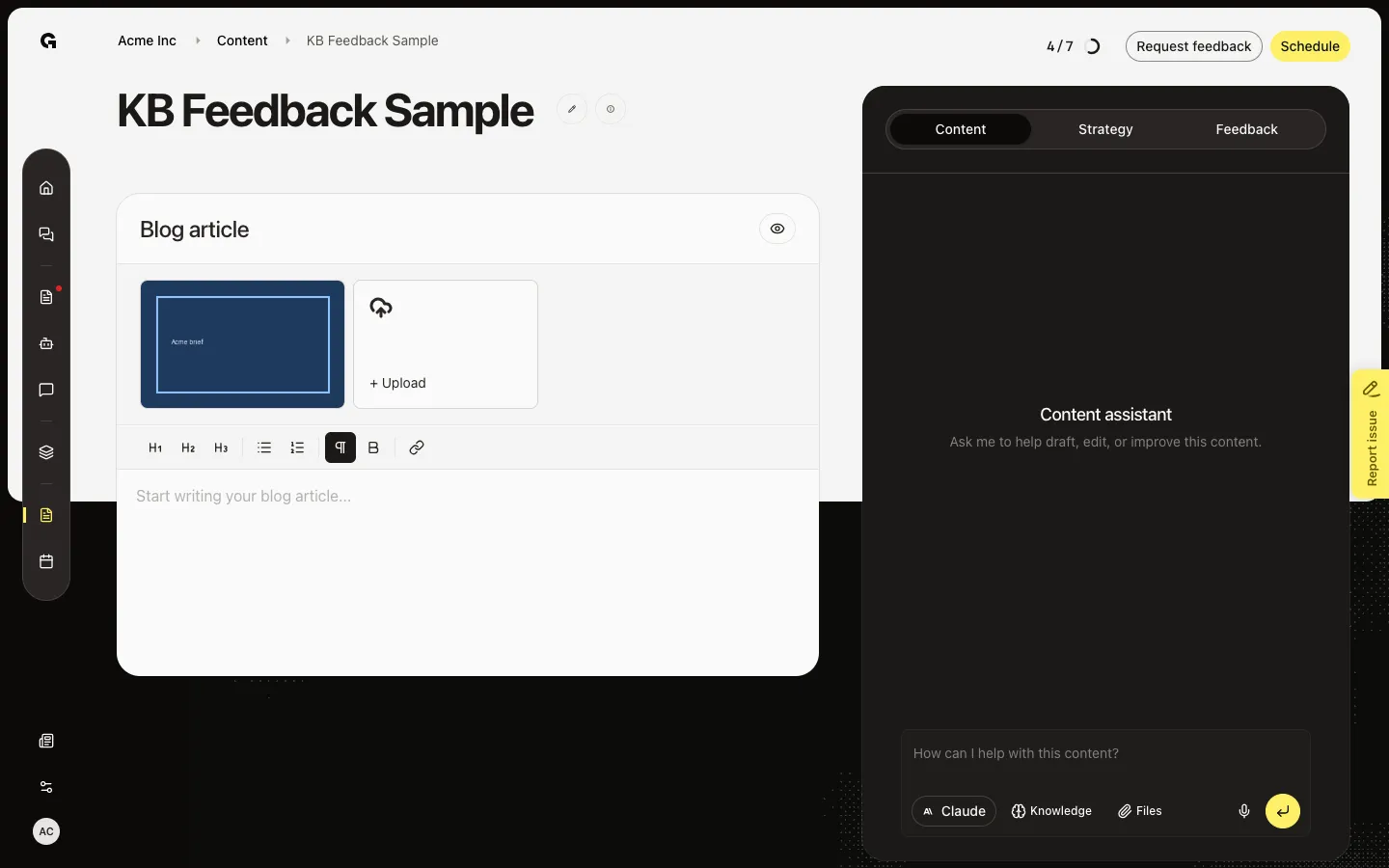
Ask for a change
Choose a suggestion card such as Improve for KB Capture Persona, or type in How can I help with this content? and send. The assistant can rewrite the body. Apply this version? shows a preview — Apply writes it into the editor, Discard keeps the old text. Nothing is saved until you Apply. A locking feedback request disables the assistant. A published post is read-only.
FAQ
The assistant says it is disabled, or I cannot type.+
An open locking feedback request turns the assistant off. Handle or withdraw that request first. A published post is read-only. If the tab says the assistant is disabled, check Settings → Content for the default provider.
Suggestions look generic.+
Connect a persona on Strategy (or during setup). The assistant then drafts for that audience. See Use the content strategy copilot.
What do Apply and Discard do?+
Apply writes the suggested body into the editor. Discard drops it. The draft does not change until you Apply.
How is this different from Strategy?+
Content is a chat that can rewrite the piece. Strategy sets persona and shows tone and blog analysis. Use both on the same draft.