Use agency billing
See your Growf plan, how much of it you use, what your next invoice will be, and download your invoices, from Billing in the agency cockpit.
Billing in the agency cockpit shows your Growf subscription: which plan you have, how much of it you use, what your next invoice will be and every invoice you received. From there you also open Stripe to change your payment method and billing details.
3 steps · About 3 minutes
Open Billing
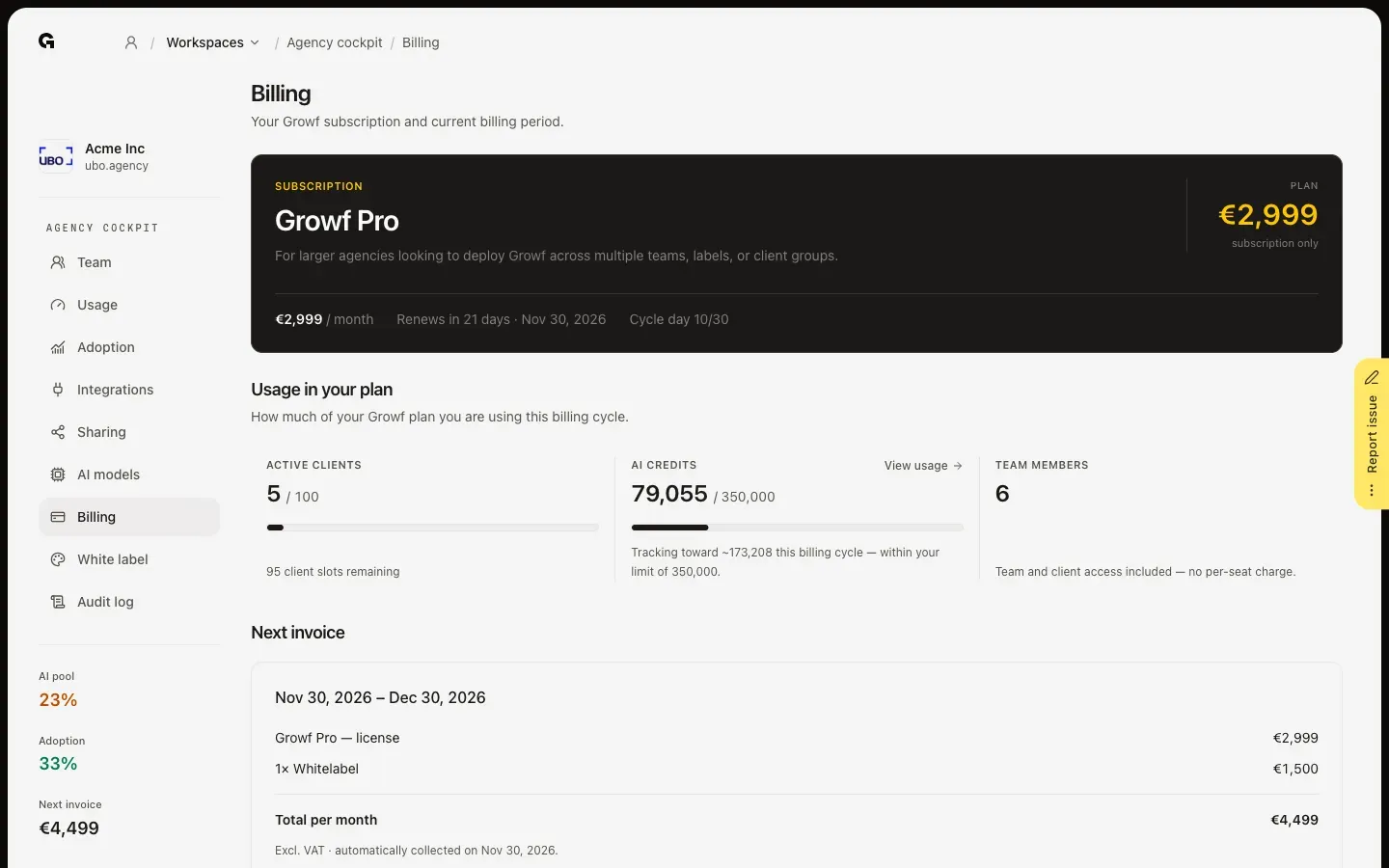
In the agency cockpit, click Billing. The top shows your plan, such as Growf Pro, what it is for and its price per month, excl. VAT, with when it renews, such as Renews in 21 days, and which day of the billing cycle it is. Below it, Usage in your plan shows three figures for this billing cycle: Active clients against the limit of your plan, with the slots you have left; AI credits used against your monthly credits, with View usage for the details; and Team members, everyone with access, at no cost per seat.
Check your next invoice
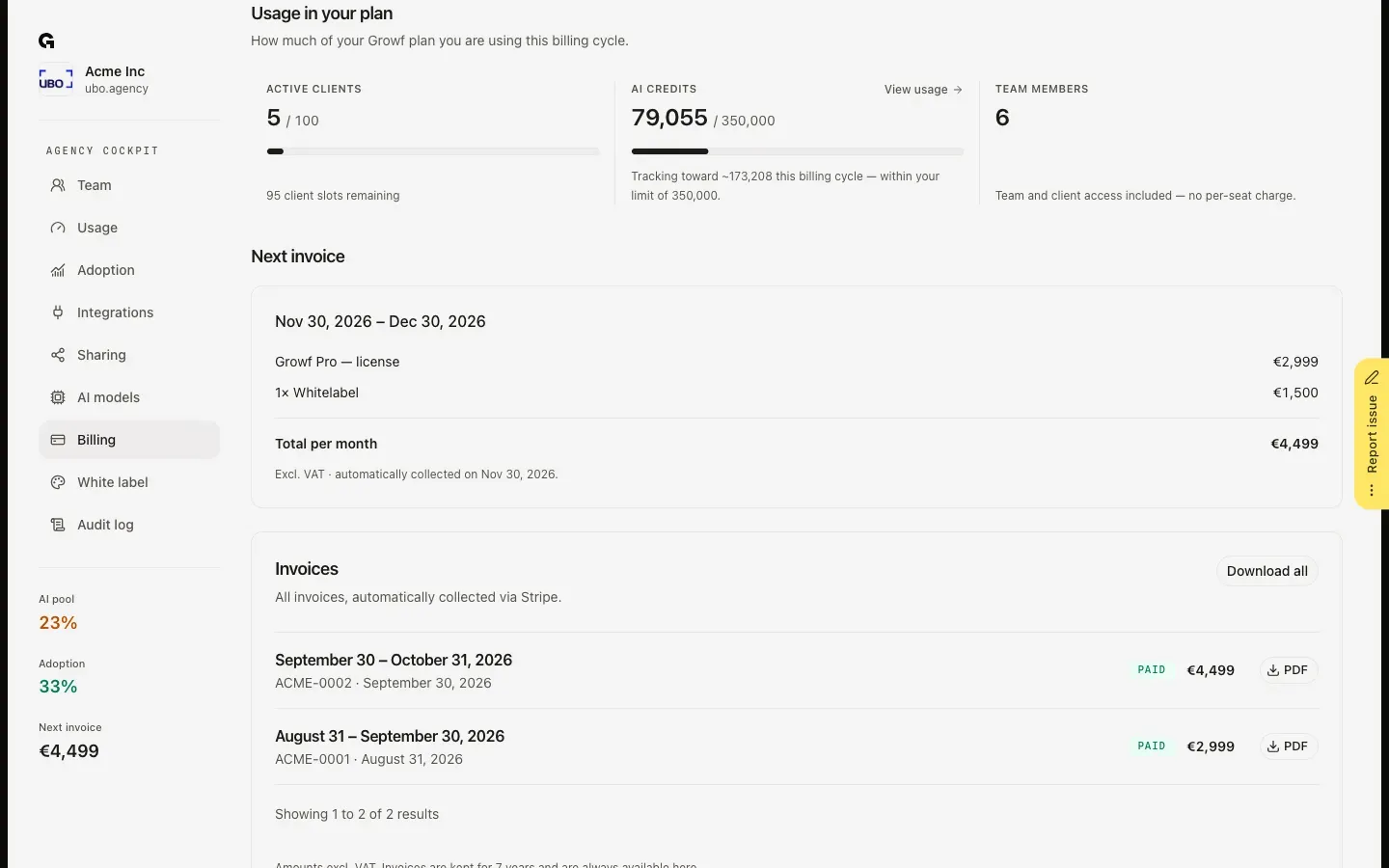
Next invoice lists what your next invoice will hold: the period it covers, your plan's license and each add-on, such as Whitelabel, with the Total per month, excl. VAT. The line below says when it will be collected.
Download your invoices
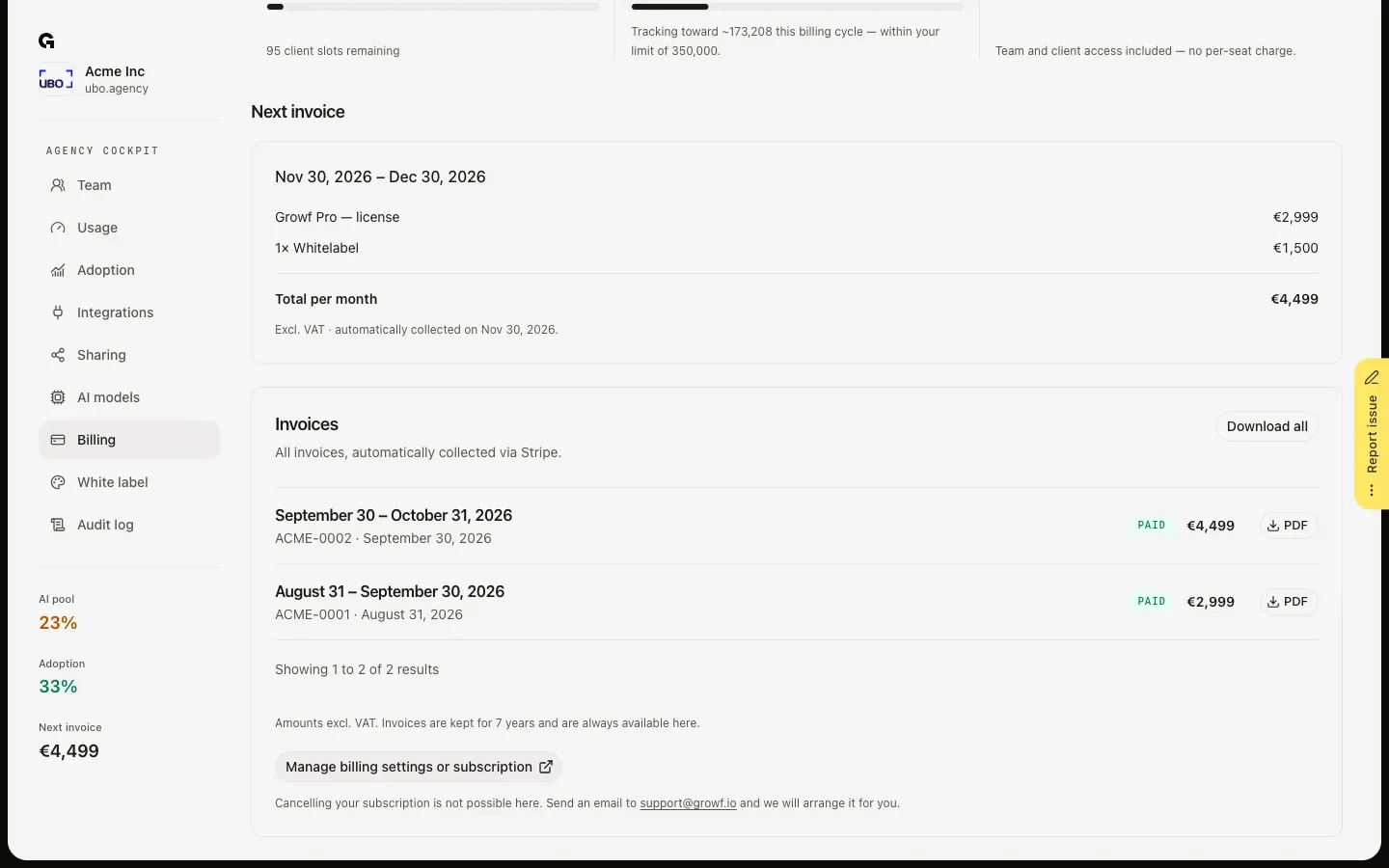
Invoices lists every invoice with its period, number, status, such as Paid, and amount. Click PDF to open one, or Download all to get them all in one ZIP file. Invoices stay available here for 7 years. Manage billing settings or subscription opens Stripe, where you change your payment method and billing details. To cancel your subscription, email support@growf.io.
FAQ
How do I upgrade my plan or add capacity?+
When you pay by card through Stripe, Billing also shows Manage add-ons, to add extra active clients, extra AI credits or Whitelabel, and Subscription plans, to Upgrade to a higher plan. Growf shows what you pay now and the new monthly total before you confirm. Lower add-on quantities take effect at the start of the next billing cycle. When your subscription is on invoice or arranged by our team, these sections are not shown: email support@growf.io instead.
How do I start a subscription after my trial?+
Without an active subscription, Billing shows the plans under Choose a plan, and your workspaces show a notice with the same button. Pick a plan and complete the checkout in Stripe. See **Choose a subscription for your agency**.
Who can see Billing?+
The agency owner and people with the Admin role on the agency workspace, for the agency their own account belongs to. For everyone else the tab is hidden.
What happens when the AI credits of my plan run out?+
AI features pause in every workspace of your agency until the next billing cycle starts or credits are added, for example with the 50,000 extra AI credits add-on. To see it coming, set usage alerts: see **Configure agency usage alerts**.