Upload workspace documents
Add a knowledge file from Documents so Growf can read it and use it in chat.
Upload puts a file into the workspace knowledge library so Growf can read it and use it as context. It is for people who can create documents (admin and strategist on the default roles).
3 steps · About 3 minutes
Open Documents
Choose Documents in the sidebar. You need permission to create documents (admin or strategist on the default roles). New is in the header. If the library is empty, New also sits on How to use Documents. You can drop files on this page without opening the dialog — a highlight appears while you drag.
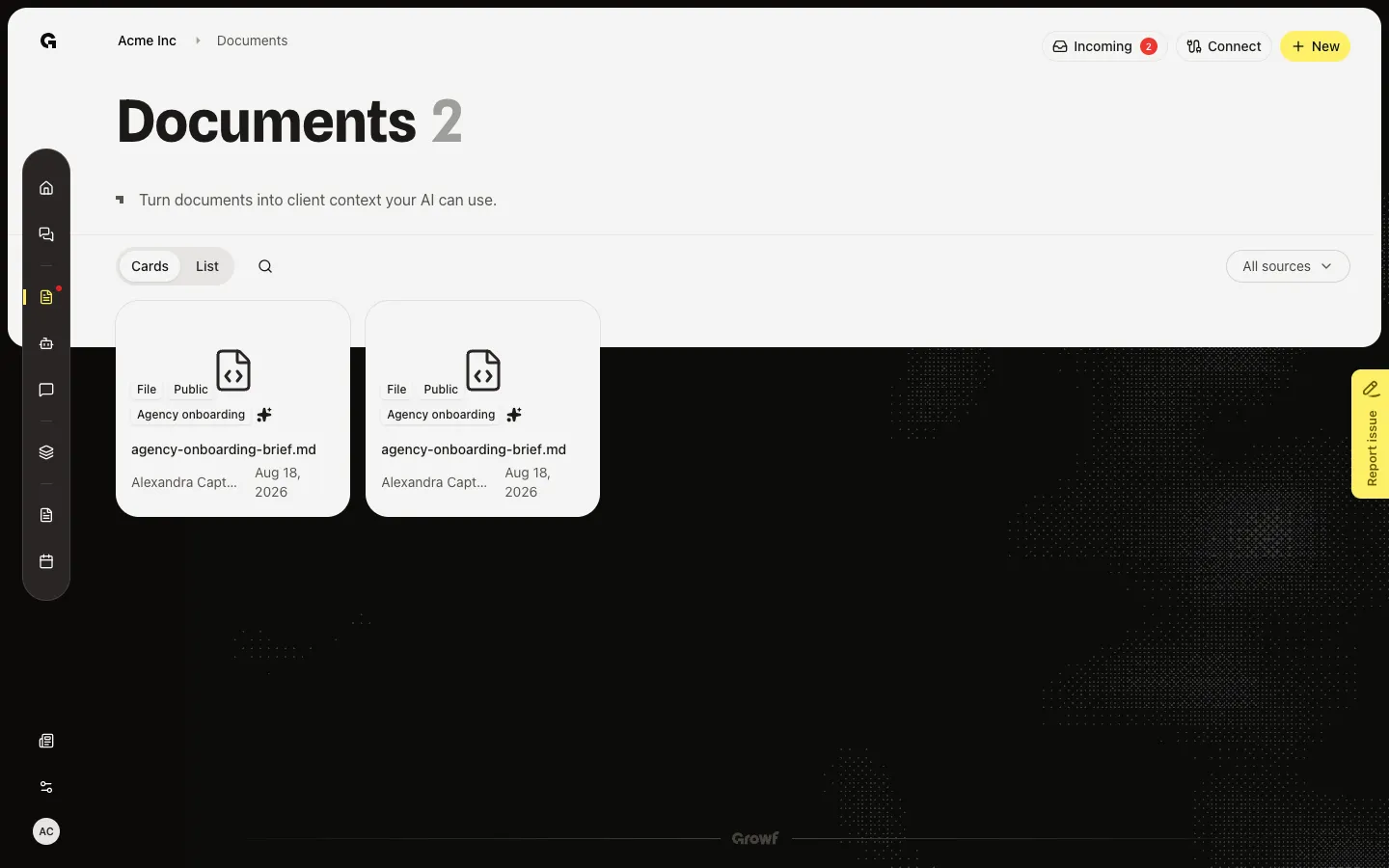
Open Upload documents
Choose New. Upload documents asks you to drop a file or click to browse. The hint is Files up to 100MB. This dialog accepts one file. Close it if you would rather drop several files on the page behind it.
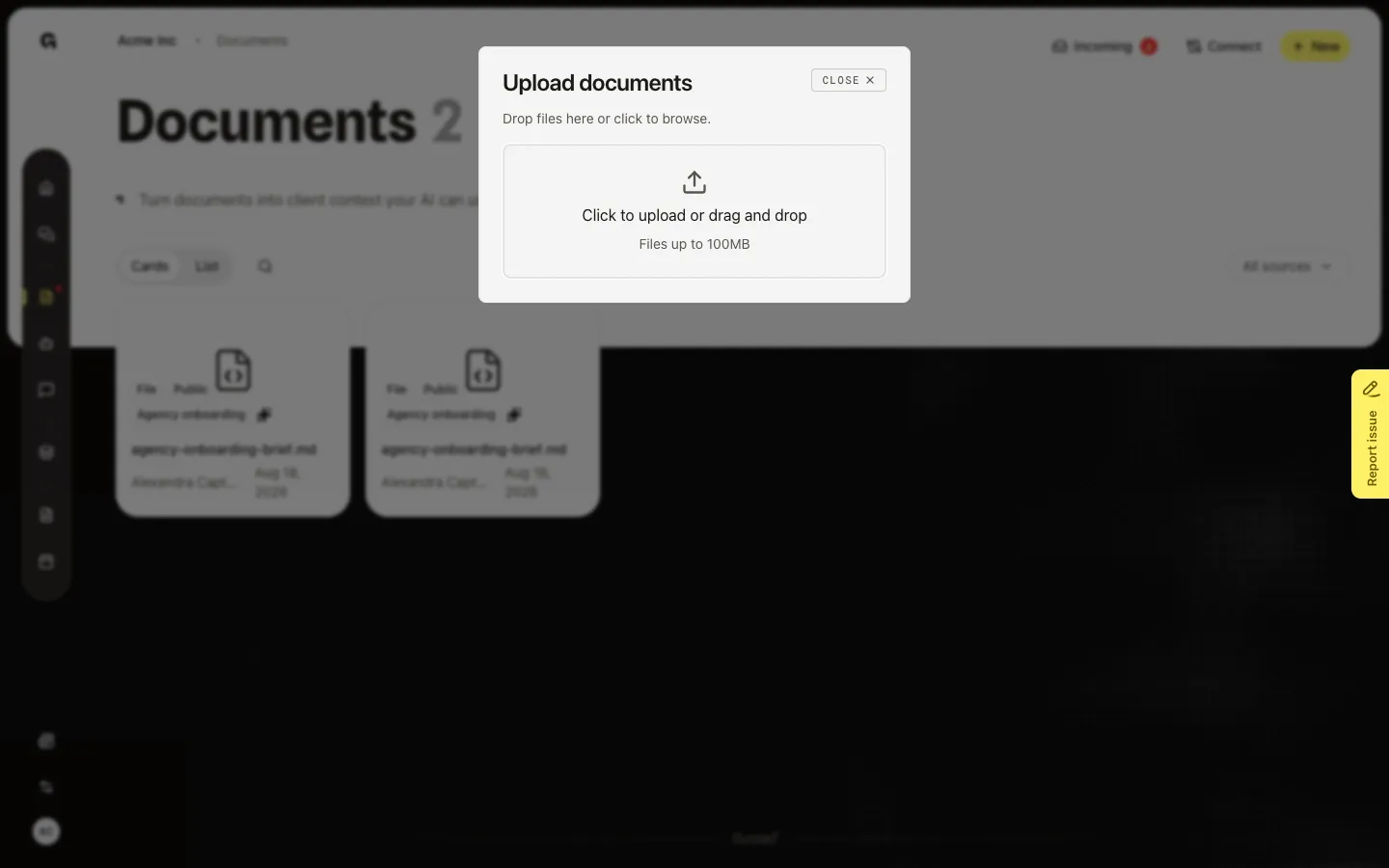
Choose a file and wait for the card
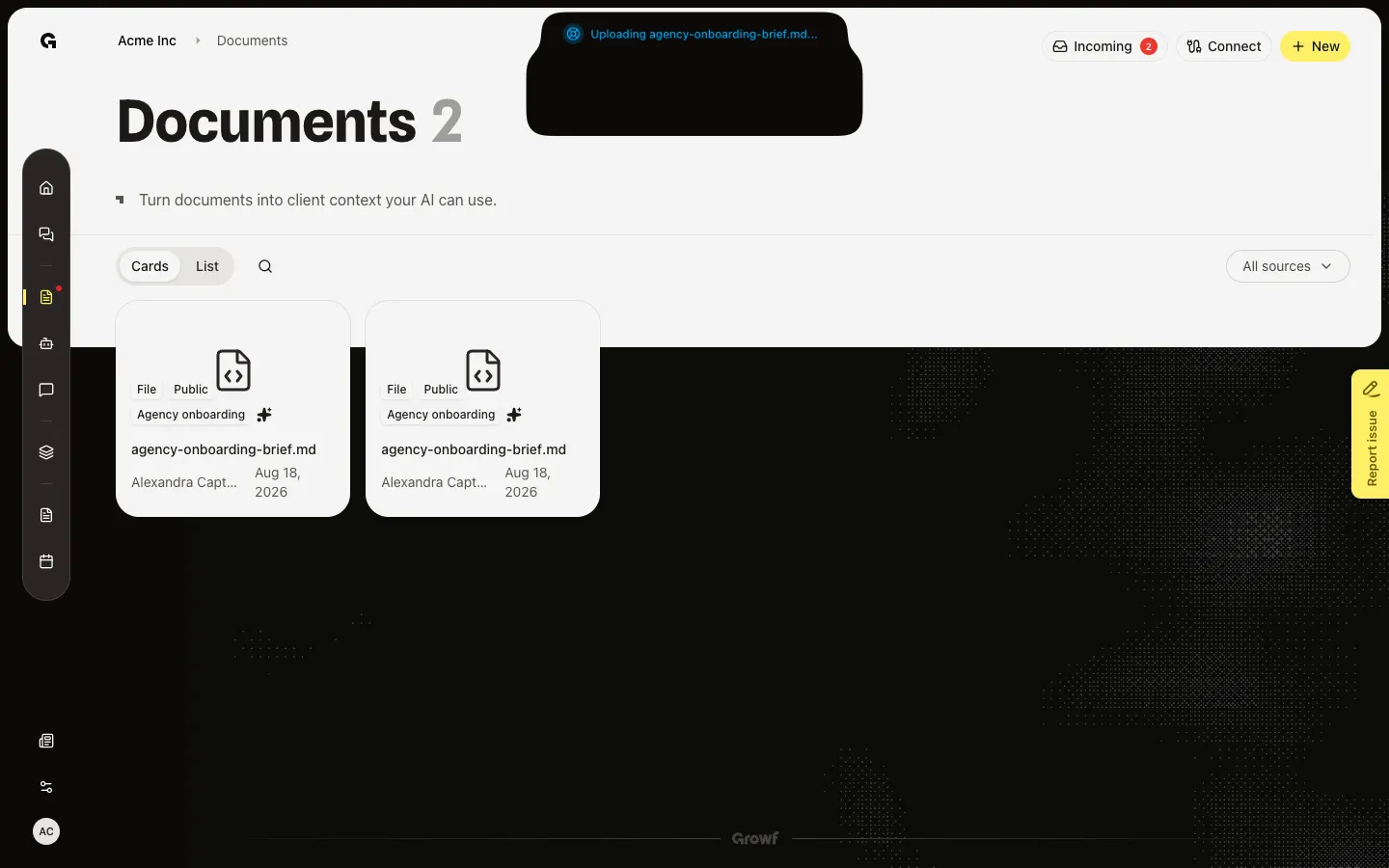
Click the dropzone and pick a file, or drop one on it. Upload starts at once. The dialog closes. A toast names the file, then says processing has started. Growf stores the file as Public knowledge and queues a read of its text. When the list refreshes, the card shows the file name. Open it to watch Overview fill in. Use PDF, Word (DOCX), PowerPoint (PPTX), Excel (XLSX or XLS), CSV, TXT, MD, JSON, or a common image (PNG, JPEG, GIF, WebP). Old DOC and PPT files can sit in the library, but extraction often fails — prefer DOCX and PPTX. Skip anything over 100MB.
FAQ
I cannot upload. What is blocked?+
You need permission to create documents. Creator and client roles do not have it by default. If a toast says you do not have permission, ask an admin. If it says another upload is in progress, wait for that toast to finish.
The file was rejected or the toast says it failed.+
Check the size (100MB or less) and the type. A dropped file that the browser rejects stays in the dialog with an error under the name. A network or storage failure asks you to try again. Refresh and sign in again if the session expired.
I dropped several files and only some appeared.+
A page drop can send more than one file. If some fail, Growf keeps the ones that worked and tells you how many failed. Open New and add the rest one at a time, or drop them again.
When can chat use the file?+
After processing finishes, Overview shows the extracted text and the card sparkle fills in. If that fails, open the file and choose Process. See Process a document. To attach it in a thread, see Link knowledge in chat.