Update your profile
Change your name and preferred language in Profile settings.
Profile settings are personal: your name and language follow you across workspaces. Open Profile from workspace Settings to see your avatar, email, and name fields.
2 steps · About 2 minutes
Open Profile settings
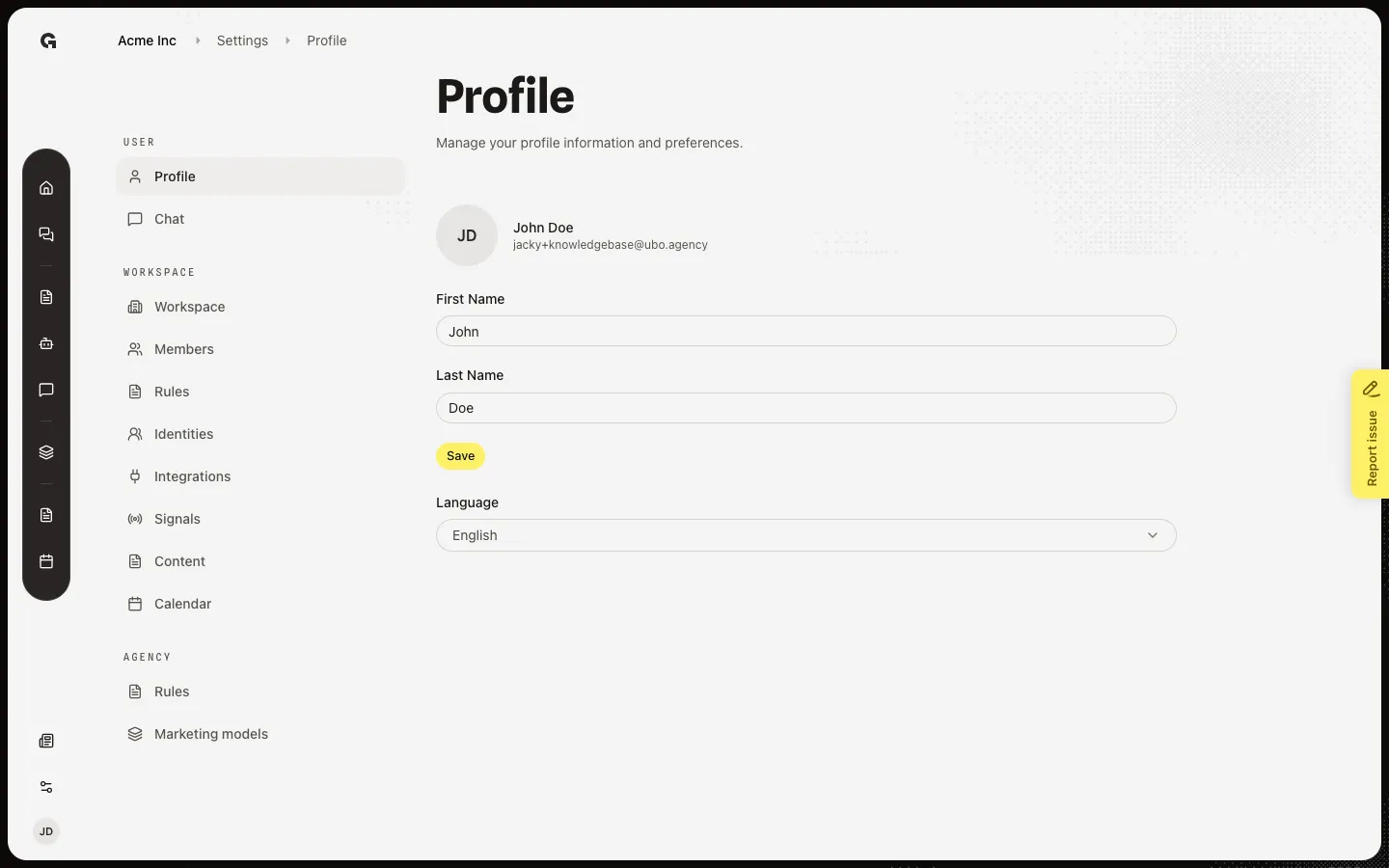
In a workspace, open Settings and choose Profile. You see your avatar, display name, email, name fields, and language.
Update your name and language
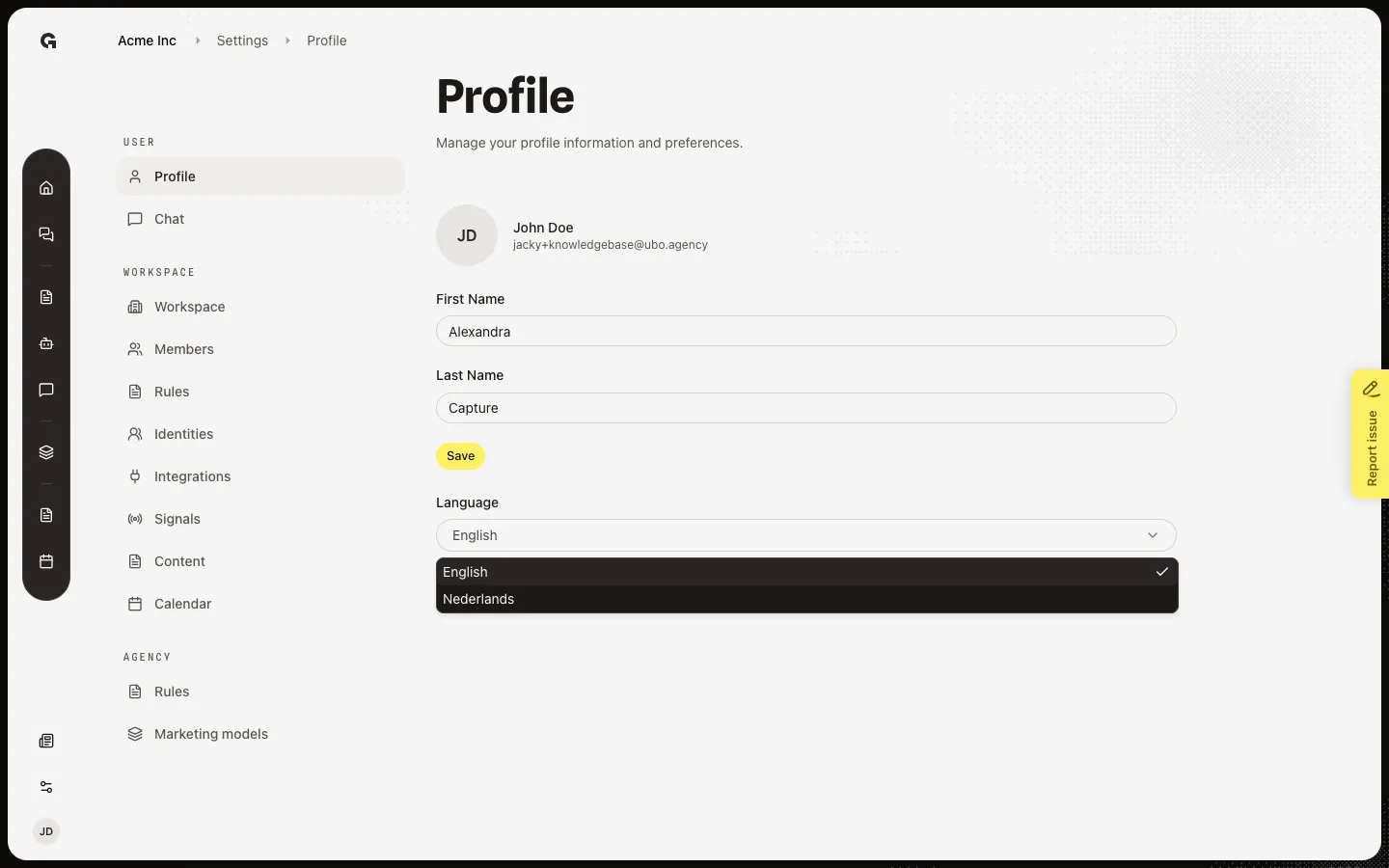
Edit First Name and Last Name, then choose Save. Open Language and pick English or Dutch. Your name and language apply across the workspaces you can access.
FAQ
Can I change my email address on the profile page?+
No. Your email is shown for reference and cannot be edited here. Contact support or your admin if you need a different login email.
Does changing language affect only this workspace?+
No. Your language preference is personal and applies across the workspaces you can access.
I edited my name but nothing changed.+
Choose Save after you edit First Name or Last Name, then refresh if the header still shows the old name.