Sync products from the website
Start Sync products so Growf can look for product pages on the workspace domain.
Sync products asks Growf to look for product pages on the workspace website and add what it finds. Use it when the site already describes the offers and you do not want to add each one by hand.
2 steps · About 2 minutes
Open Products
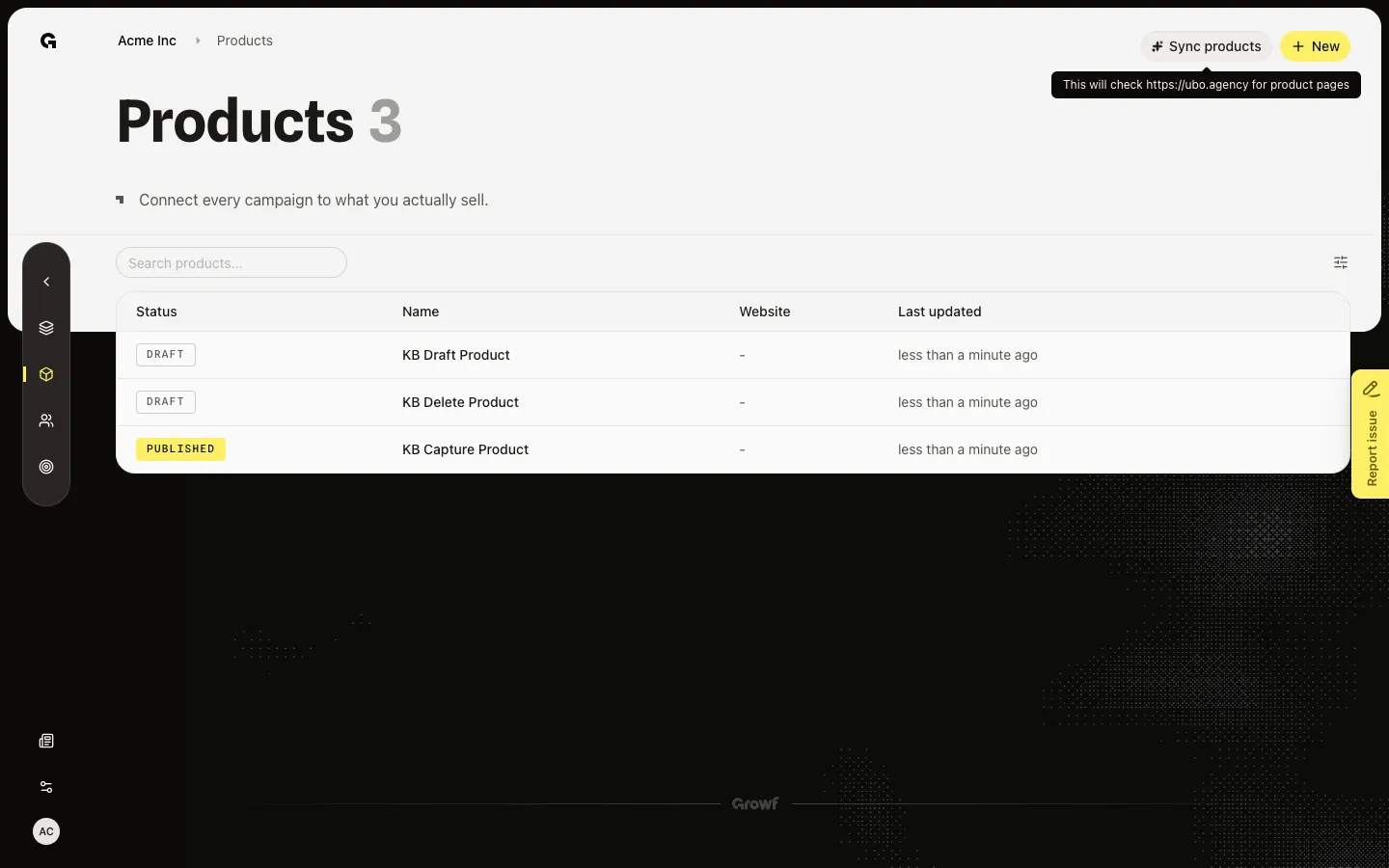
Open Products. Sync products sits next to New. Hover it to see which domain Growf will check. If the workspace has no domain, the tooltip says it will check your workspace for product pages. You need product create.
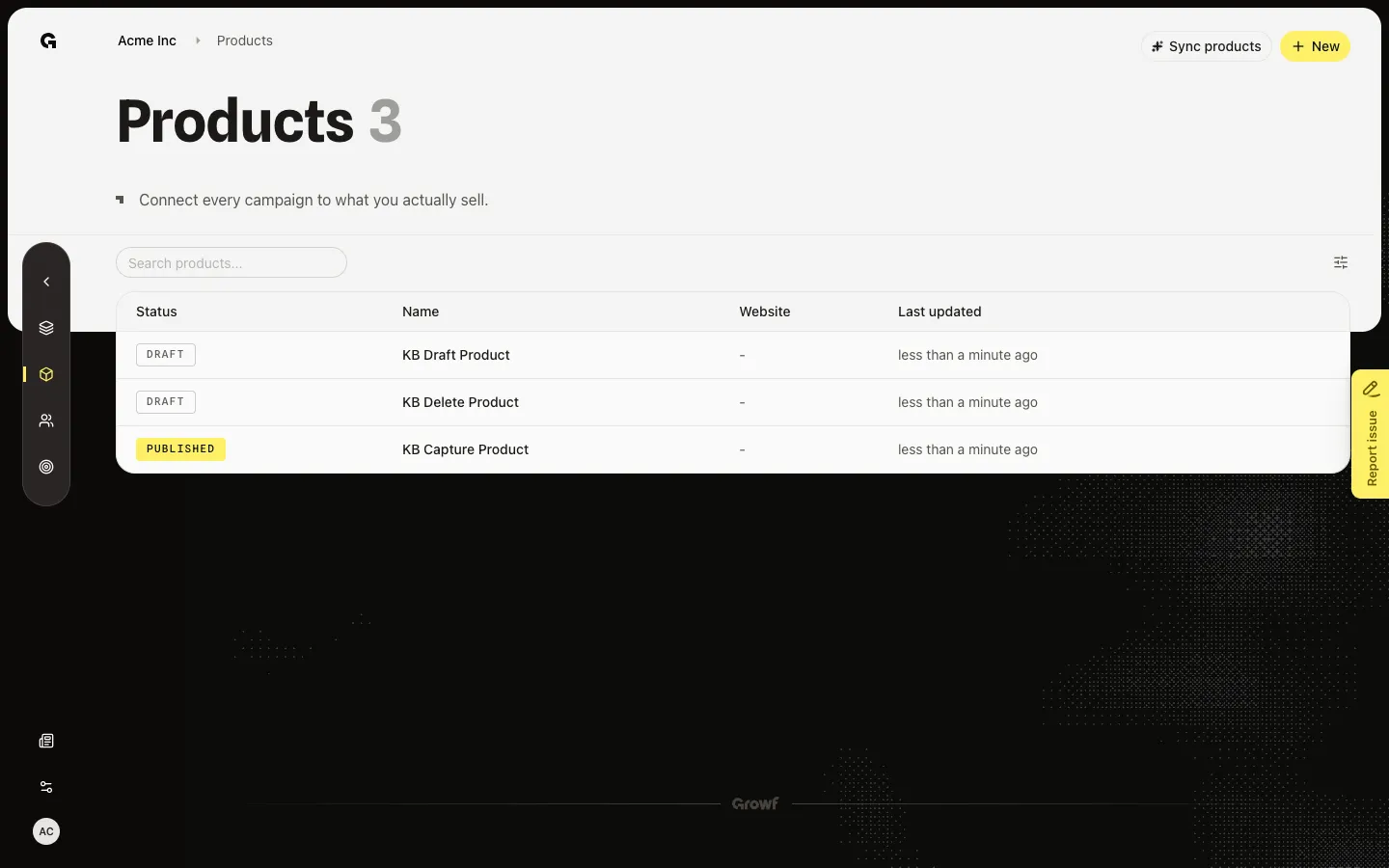
Read the sync tooltip
Hover Sync products. The tooltip names the workspace domain, or the fallback line when no domain is set. Clicking starts a background job. The list then shows Enriching… and New is off until the job finishes. Do not click Sync products during capture — the job can leave the list spinning. Use this when you want Growf to find pages you did not add by hand.
FAQ
When should I sync instead of using New?+
Sync when the workspace website already lists products and you want Growf to find those pages. Use New when you have one offer, a pre-release name, or a URL that is not on the workspace domain.
I do not see Sync products, or it is disabled.+
The button needs product create. It also disables while a sync or workspace-context enrich is already running. Wait for Enriching… to clear, or ask an admin.
The tooltip does not name a website.+
Set the workspace domain in workspace settings. Without a domain, Growf still tries the workspace, but results are weaker. After a successful sync the button can read Products synced.