Sign out
End your Growf session from the user menu or the workspaces page.
Sign out ends your Growf session so nobody else can use your account on that browser. Use it when you finish on a shared device or when you want to switch accounts.
2 steps · About 2 minutes
Open your user menu
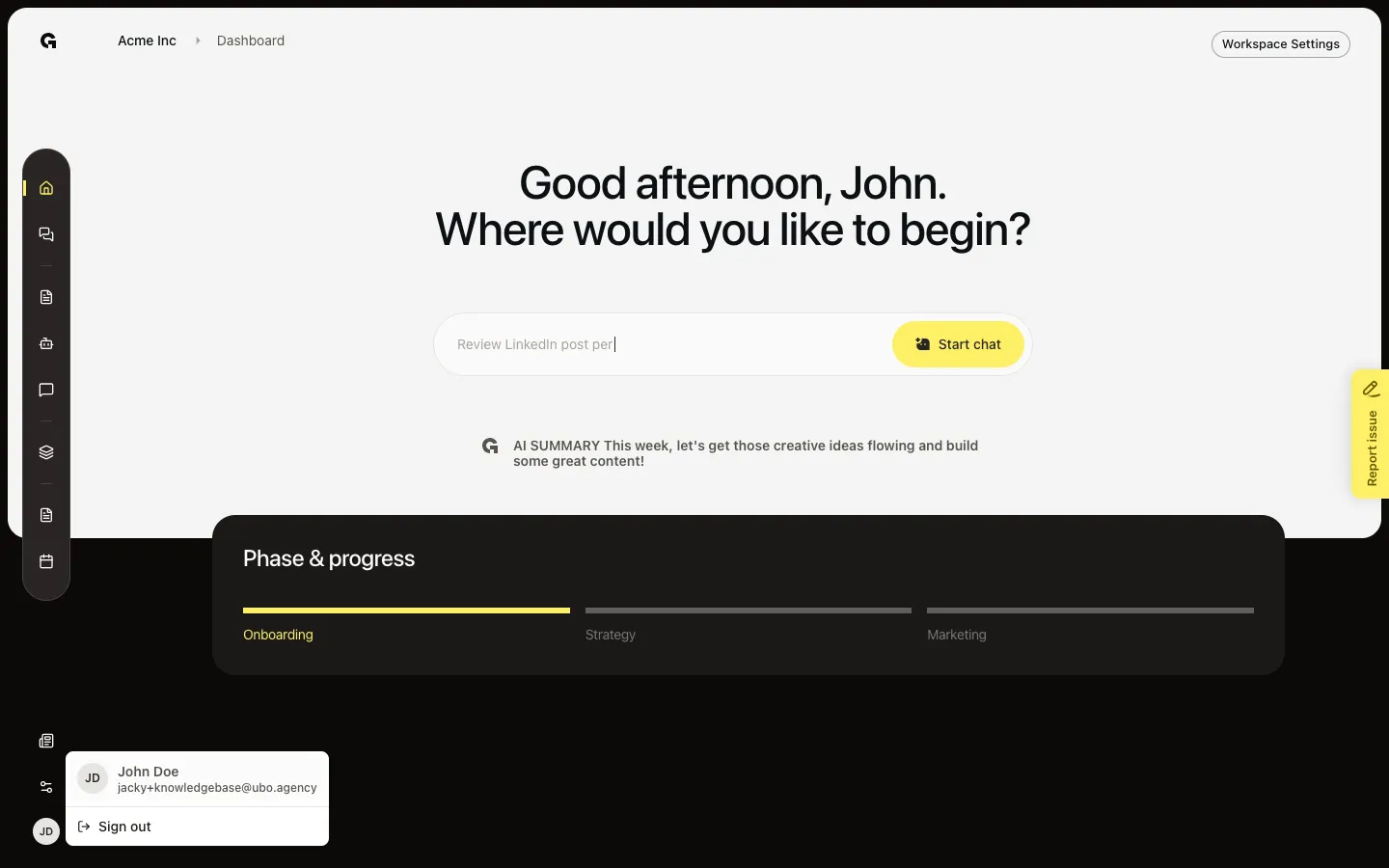
In a workspace, open your avatar in the sidebar footer. The menu shows your name, email, and Sign out.
Choose Sign out
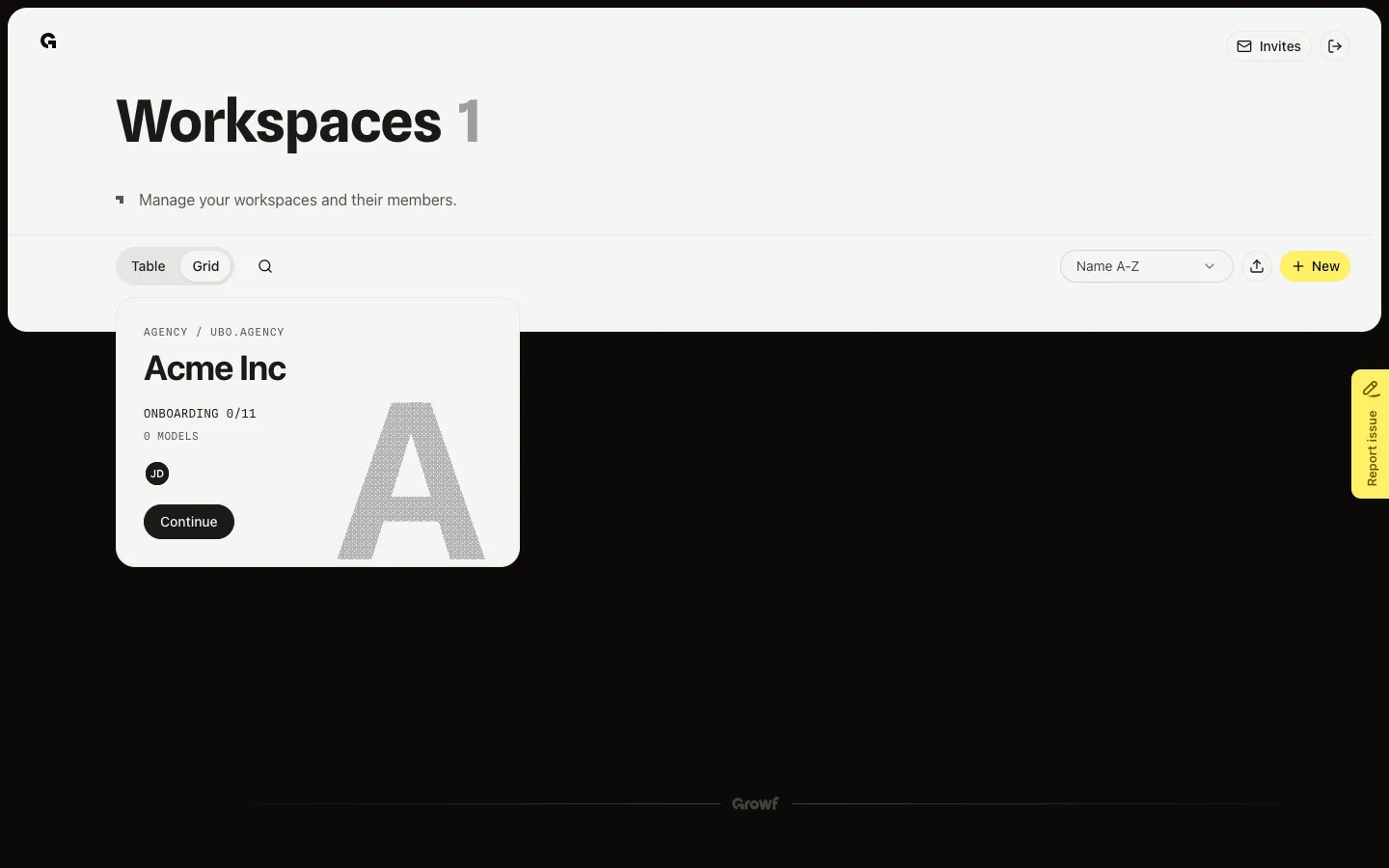
Choose Sign out from the menu. On the workspaces overview you can also use the Sign out control in the page header. Growf ends your session and returns you to the login page.
FAQ
Where can I find Sign out?+
From a workspace, open your avatar menu in the sidebar footer. From the workspaces overview, use the Sign out control in the page header.
I chose Sign out but I still seem signed in.+
Refresh the page or open Growf in a new tab. On a shared device, sign out again and clear site data for Growf if the session remains.
How do I sign back in after signing out?+
Open the login page and sign in again with email (one-time code) or Google, using the same account as before.