Share a design with a link
Turn on a public link for a design, so anyone with the link can view it without a Growf account.
A public link lets people outside Growf look at a design, such as a client or a partner without an account. You turn it on under Share on an open design. Everyone who can see the design in Design can turn the link on or off.
2 steps · About 2 minutes
Open Share
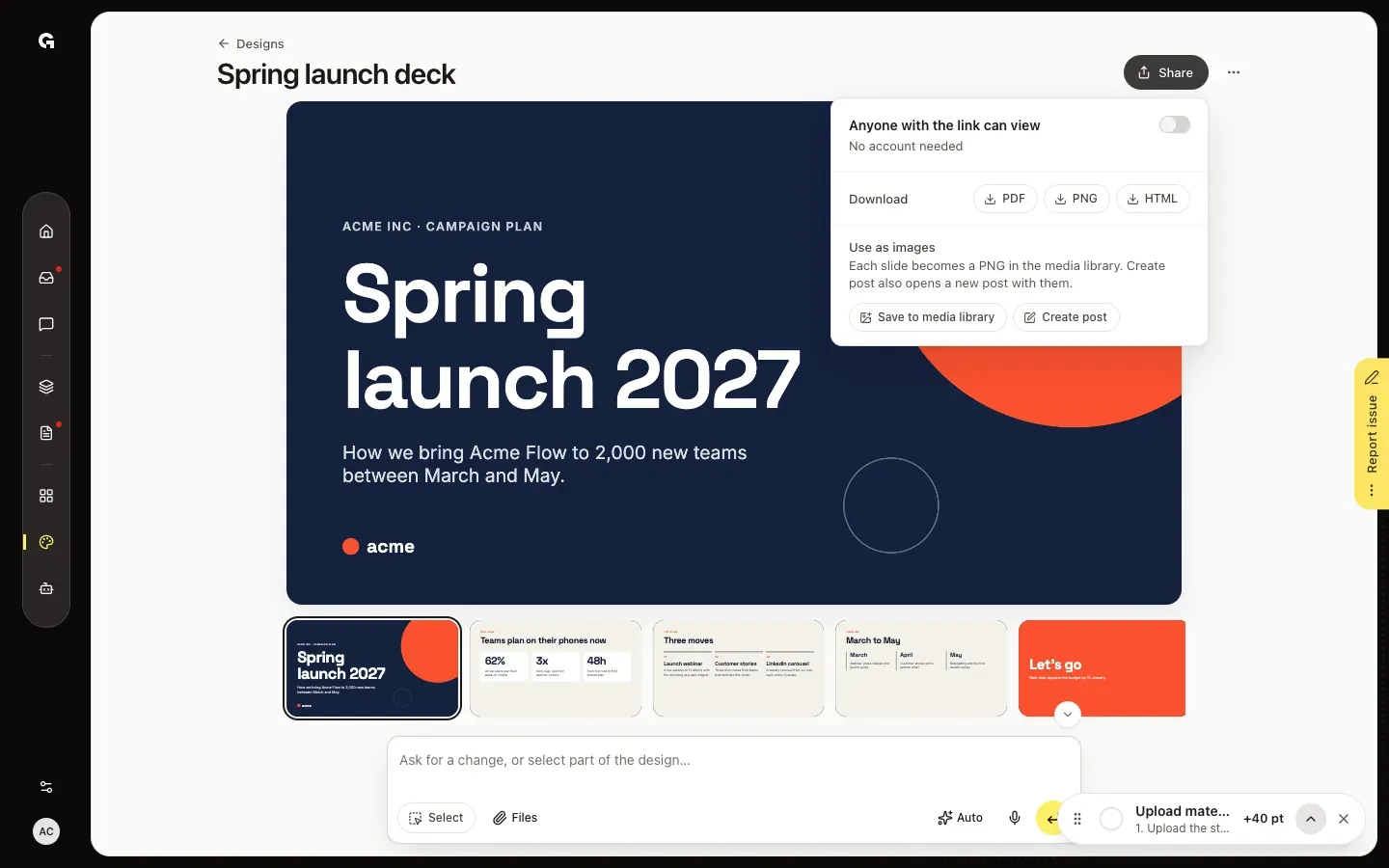
Open the design in Design and click Share at the top right. Anyone with the link can view sits at the top, with a switch that stays off until you turn it on.
Turn on the link and copy it
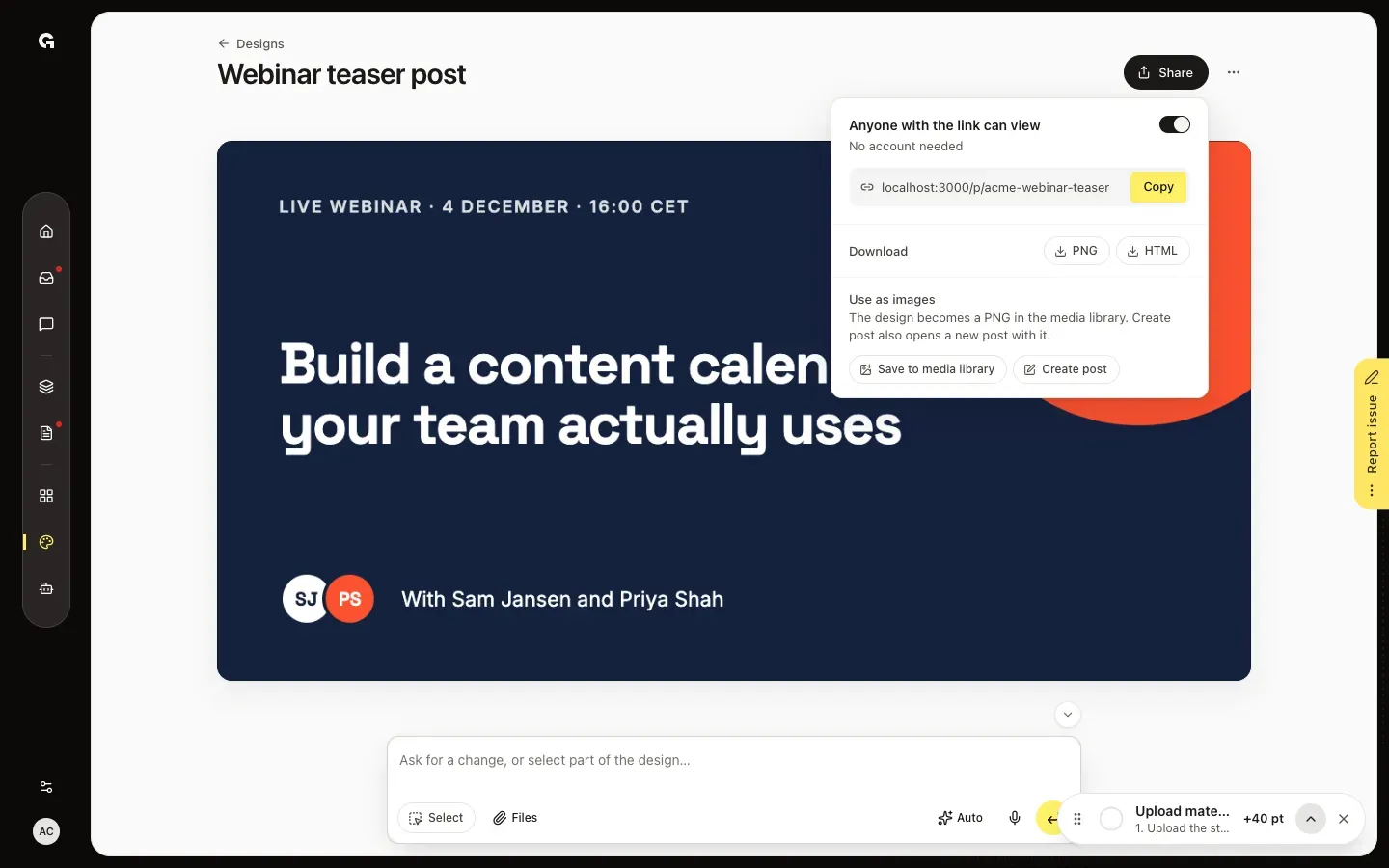
Turn on the switch. The link appears below it; click Copy and send it to whoever needs it. To stop sharing, turn the switch off: the link stops working right away.
FAQ
What do people see with the link?+
The design on a page of its own, without Growf around it and without signing in. A slide deck starts on the first slide, the arrow keys go to the next one, and Fullscreen shows it on the whole screen.
Do people see my latest changes?+
Yes. The link always shows the design as it was last saved, also while Growf is still working on a change.
Do I get a new link every time?+
No. While the switch is on, the link stays the same. If you turn it off and on again, you get a new link, and the old link doesn't work anymore.
Can I share a template with a link?+
No. Templates have no link: their Share only has the downloads.
Who can turn the link on or off?+
Everyone who can see the design in Design. Deleting the design also stops its link.