Set up skills for a workspace
Give a workspace its own skills, switch on ready-made Growf skills and share agency skills with your client workspaces.
Workspace skills are ways of working that everyone in a workspace can use in its chat, such as how your agency runs a client kickoff. You find them in the workspace under Settings > Skills. Everyone who can start chats and view skills can pick them with /. Creating and changing them takes permission to edit skills, which Admin, Strategist and Creator have by default.
4 steps · About 3 minutes
Open the skills of the workspace
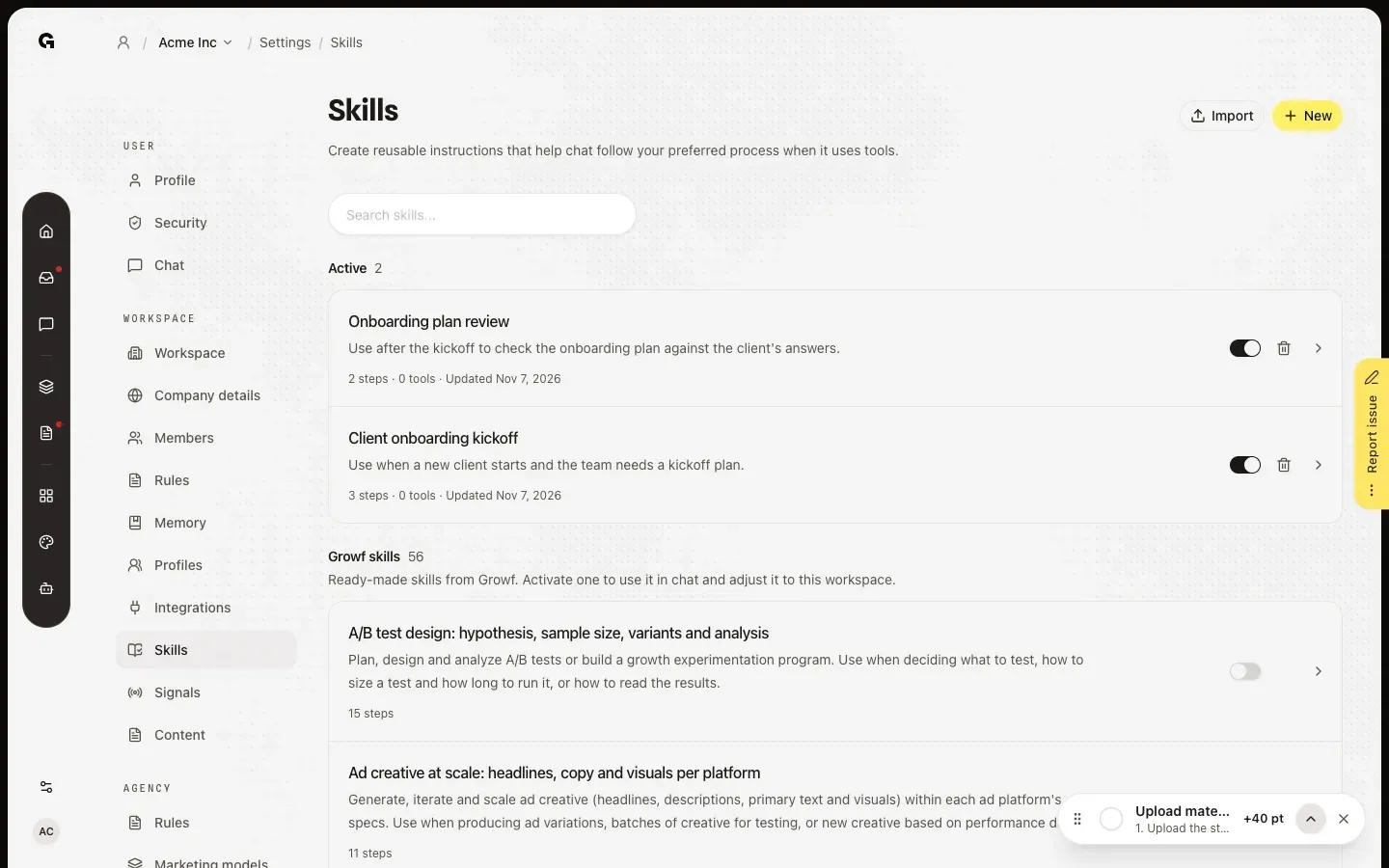
In the sidebar of the workspace, click Settings and then Skills. The page lists the skills of this workspace under Active and Inactive, together with skills your agency shares with it, and below them Growf skills: ready-made skills you switch on with Activate and then adjust to the workspace. New and Import add a skill of your own.
Open a skill
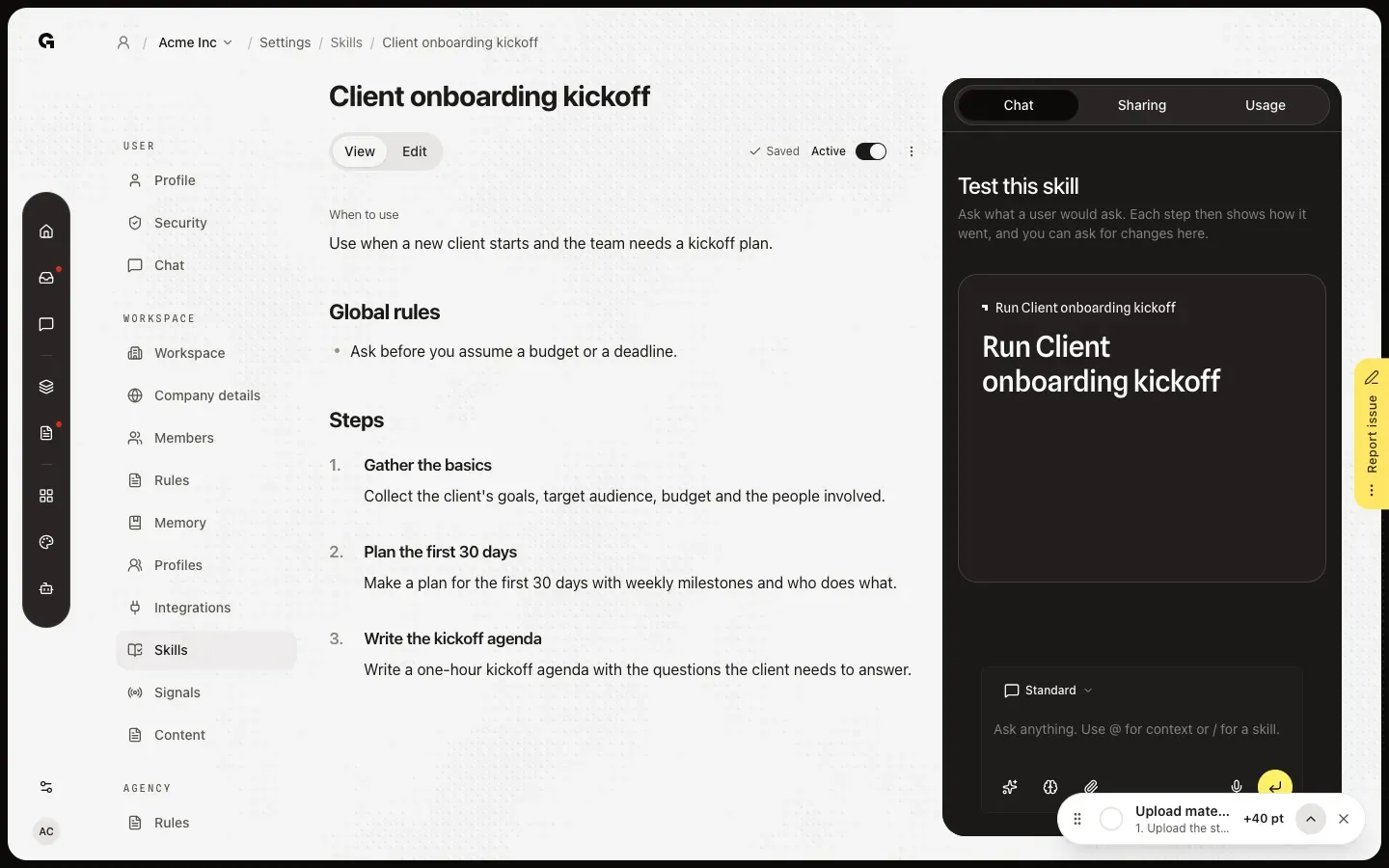
Click a skill to open it. It works like a personal skill: View and Edit, the switch for Active and the Chat beside it to test it, as **Create and test a skill** explains. Usage shows how often chat used the skill, in which workspaces and by whom.
Share it with client workspaces
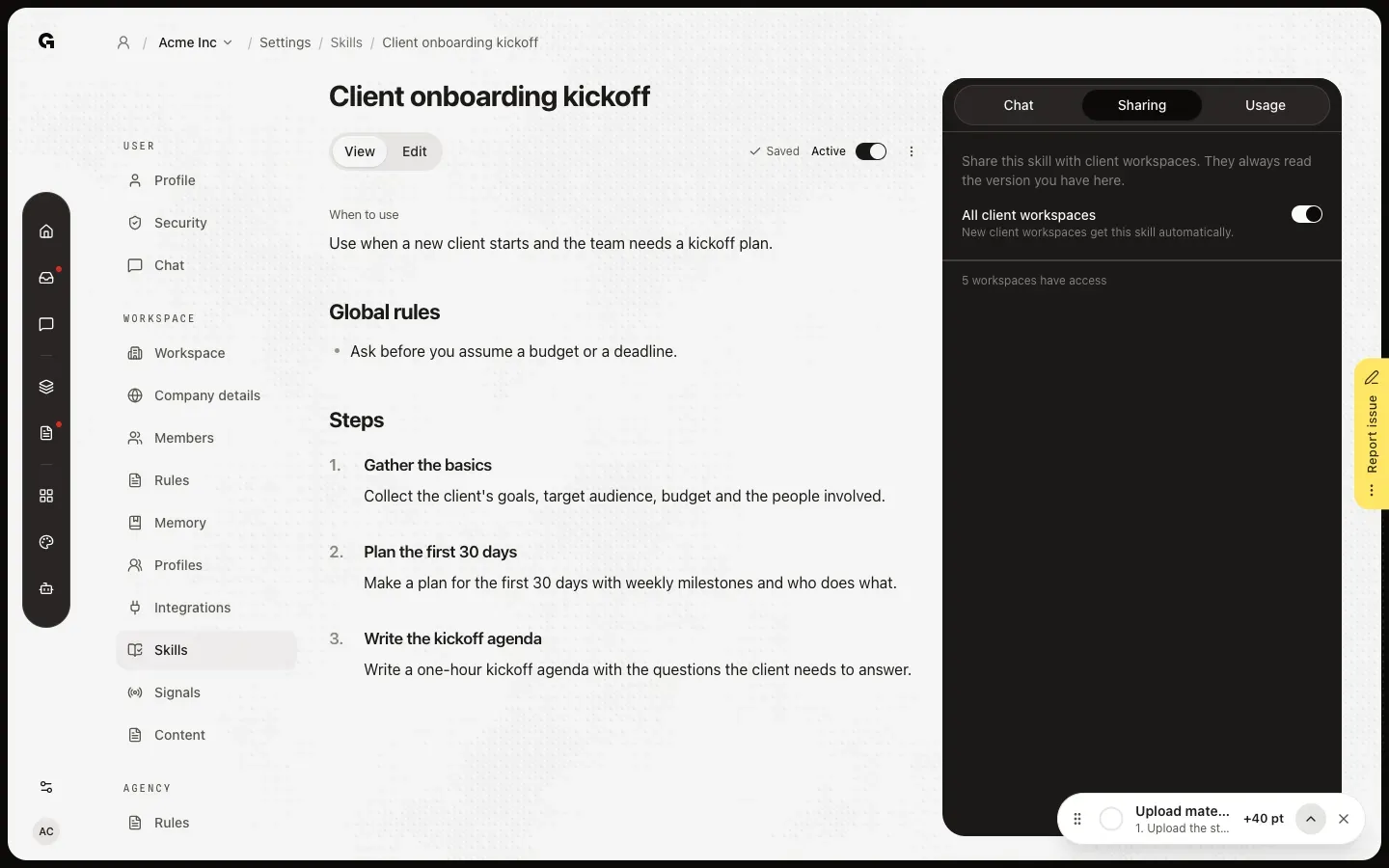
In the agency workspace, click Sharing. Switch on All client workspaces to share the skill with every client workspace, also the ones you add later, or tick workspaces one by one. A client workspace always reads the version you have here: it can use the skill in chat, but not change it.
Import playbooks
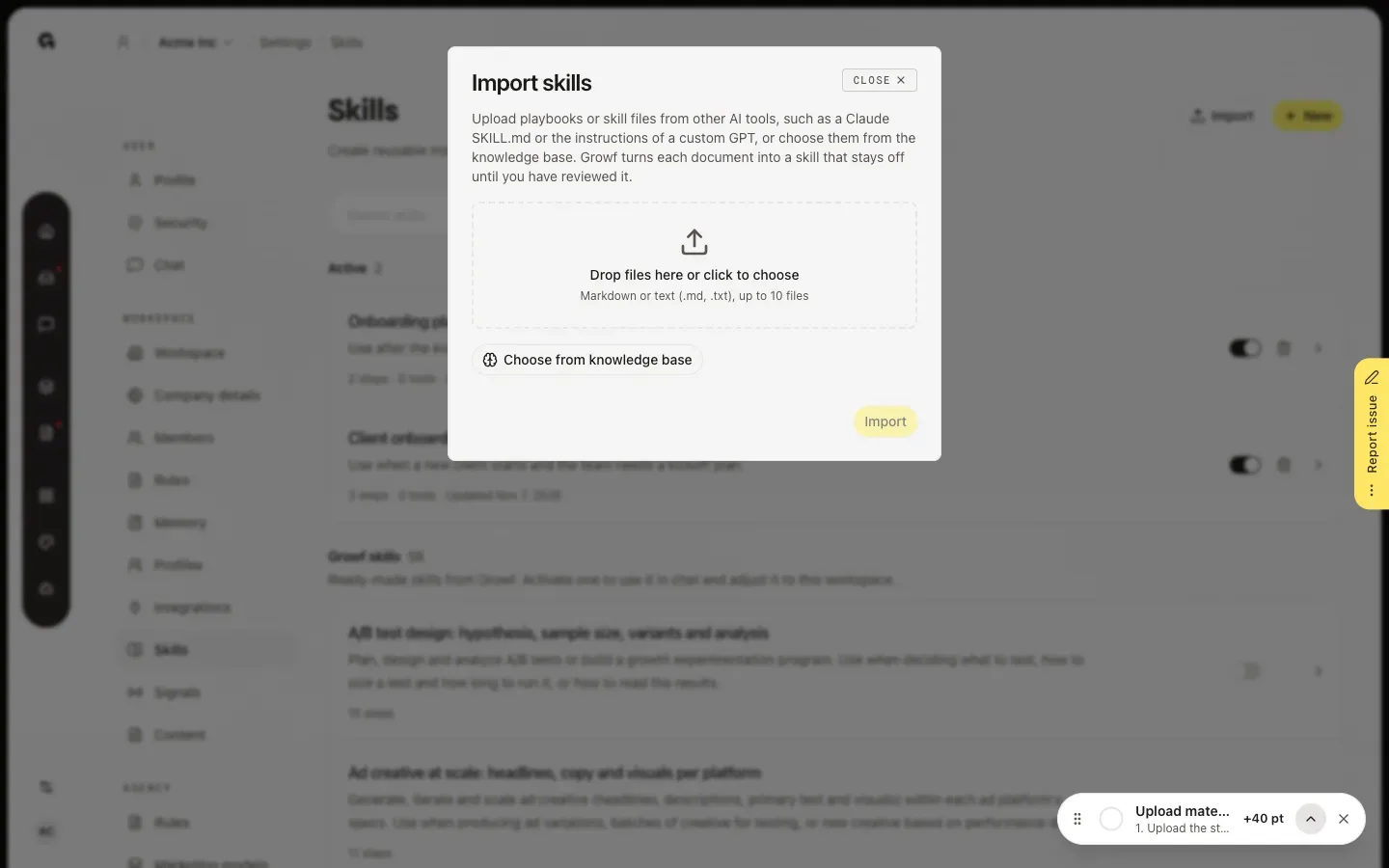
On Skills, click Import to turn playbooks into skills. Add up to 10 Markdown or text files (.md or .txt), or click Choose from knowledge base to pick documents from the workspace, also ones synced from Google Drive or another integration. Each one becomes a skill that stays off until you have reviewed it.
FAQ
Who can create and change workspace skills?+
Everyone with permission to edit skills, which Admin, Strategist and Creator have by default; sharing with client workspaces takes permission to share skills, which they have too. Clients can read the skills of their workspace, but not change them.
Why can't I change a skill in a client workspace?+
It is shared by your agency: it shows Shared by and the name of the agency. You can read it and use it in chat. Change it in the agency workspace, and every client workspace it is shared with gets the change.
A shared skill says Missing integrations.+
The skill uses tools from an integration this workspace hasn't connected. Chat already follows its steps, but runs those tools only once you connect the integration in this workspace. See **Connect an integration**.
What is the difference with my personal skills?+
Personal skills are yours alone and work in My work. Workspace skills are for everyone in the workspace and work in its chat, with / or on the home of a folder. See **Create and test a skill**.
What are Growf skills?+
Ready-made skills from Growf. Click Activate to add one to this workspace: it becomes a skill of the workspace that you can adjust.