Set default chat knowledge
Mark a file you uploaded so new empty chats start with it already selected as Knowledge.
Default in chat marks a knowledge file so every new empty chat in the workspace starts with it already selected. Only the person who uploaded the file can turn the switch on or off.
2 steps · About 2 minutes
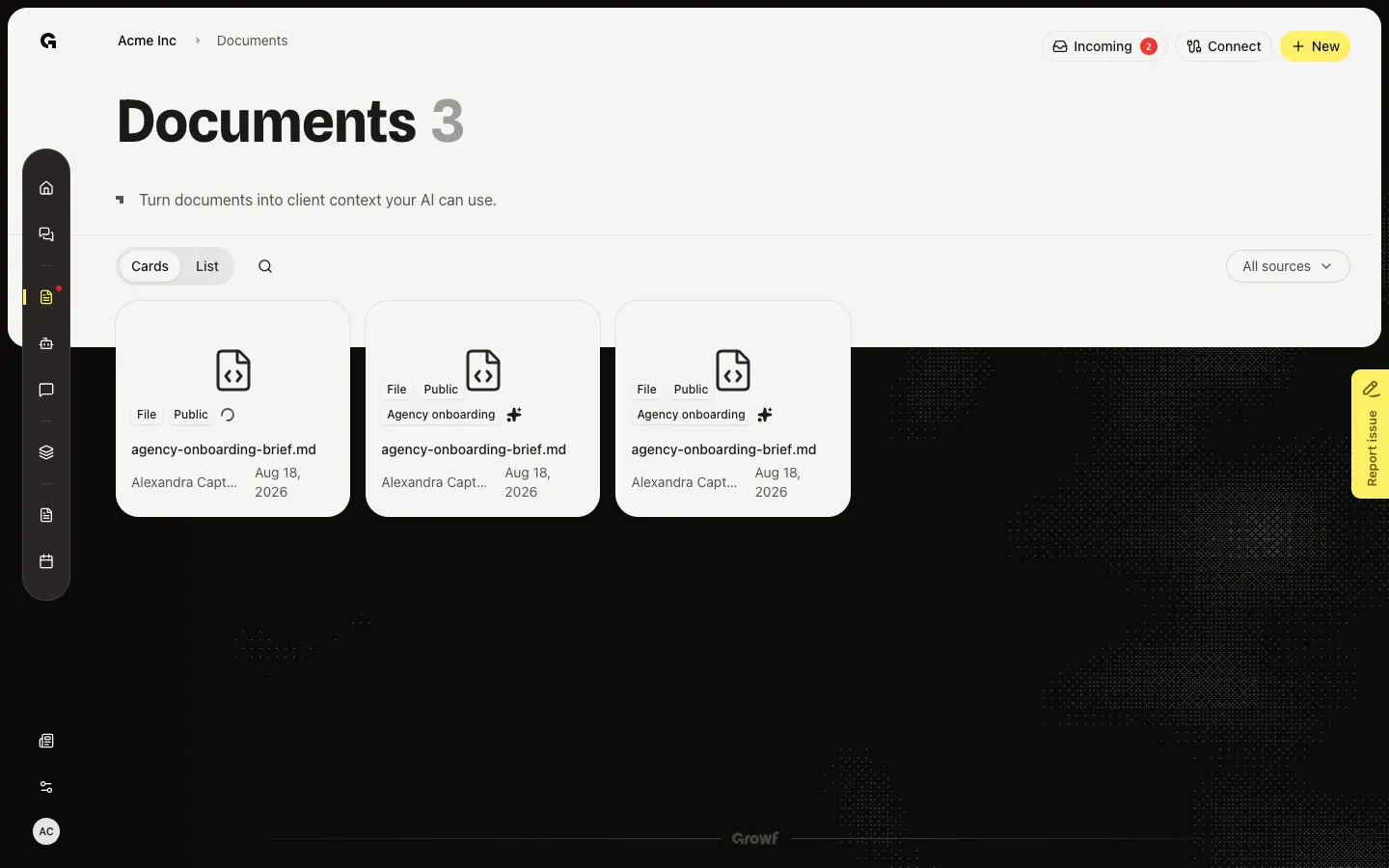
Open the file
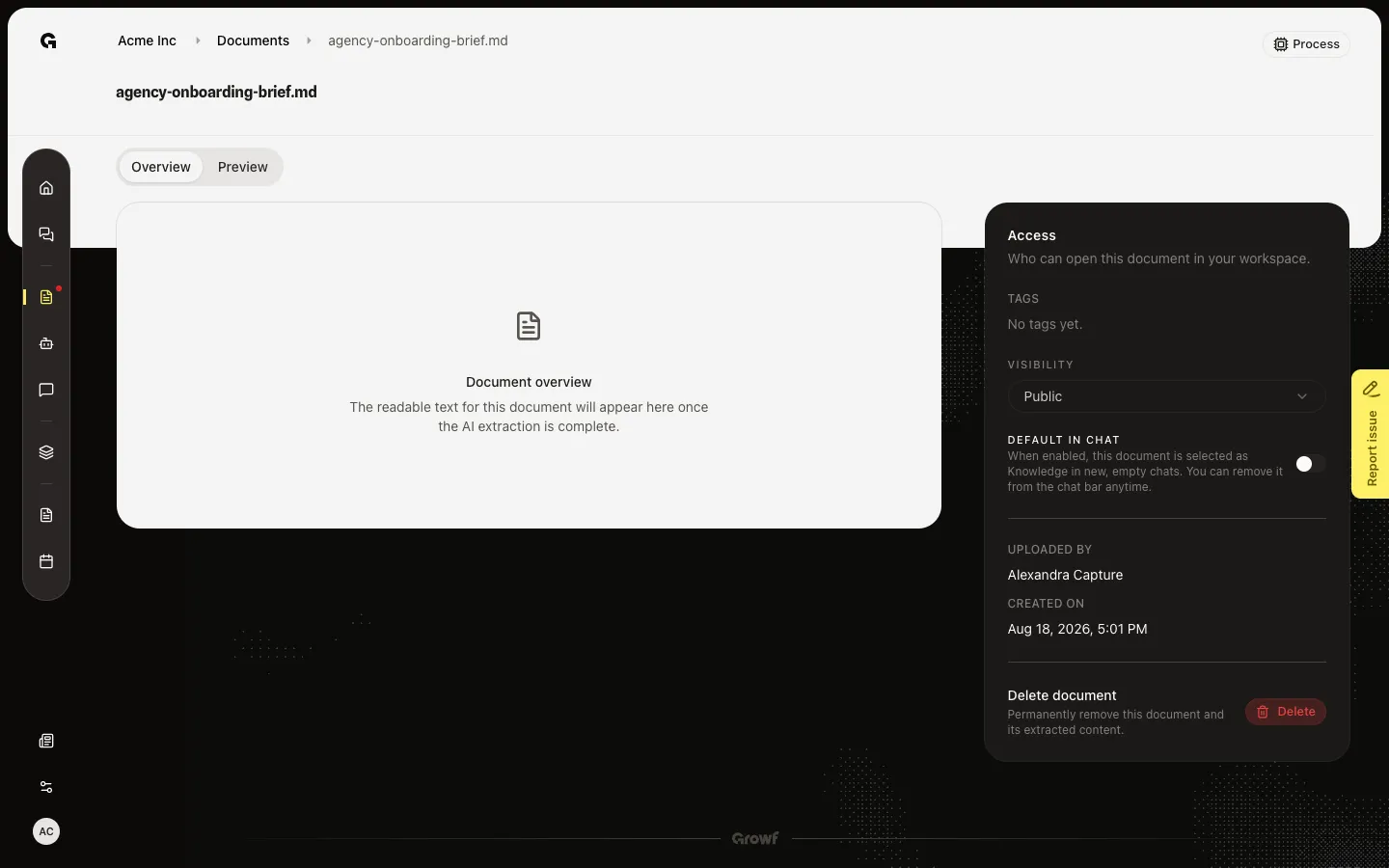
On Documents, find a file you uploaded (this walk uses agency-onboarding-brief.md). Open it to reach Access. Default in chat sits under Visibility. The hint says that when it is on, the file is selected as Knowledge in new, empty chats, and you can remove it from the chat bar. Only you, as the owner, get the switch. Other people see On or Off and Only the owner can change access settings.
Turn Default in chat on
Open the file. Choose the Default in chat switch. It saves at once. New empty chats in this workspace then include this file as Knowledge, as long as the person opening the chat can see the file (Public, or Private and shared with them). Existing threads do not change. You can remove the file from that chat’s knowledge control. Chat settings also lists Default knowledge in chat and lets you turn a file off if you own it.
FAQ
I can open the file but I cannot change Default in chat.+
Only the person who uploaded the file can flip the switch. You also need permission to update documents. In Chat settings, only the owner sees the control to remove a default file.
I turned it on. A teammate’s new chat does not include the file.+
The file must be readable to them. Public files are. A Private file is included only if you shared it with them. They can still add other files with the knowledge control. See Set document visibility, Share a document, and Link knowledge in chat.
Does this change chats I already started?+
No. Default in chat applies to new, empty chats. A thread that already has its own knowledge list keeps that list. Remove or add files in that chat if you need a different set.