Search conversations
Filter the Chats list by name, then narrow it with All, Mine, or Archived.
Search conversations finds threads by name in the Chats list. Anyone who can read chat can use it.
2 steps · About 2 minutes
Find Search conversations
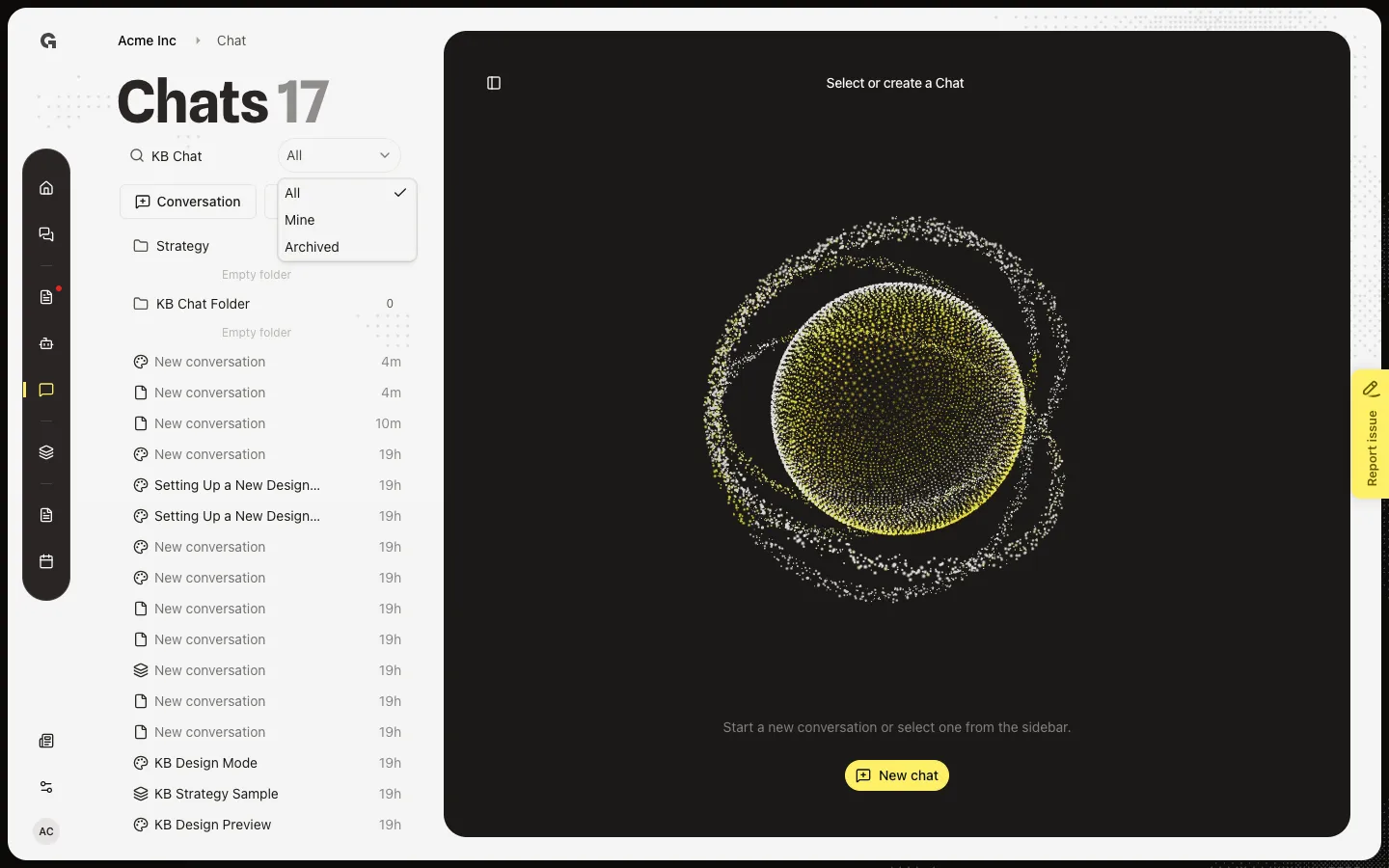
Choose Chat. Search conversations sits at the top of the Chats list. All / Mine / Archived sits next to it. All hides archived threads. Mine shows chats you created. Archived shows only archived threads. See Archive a conversation.
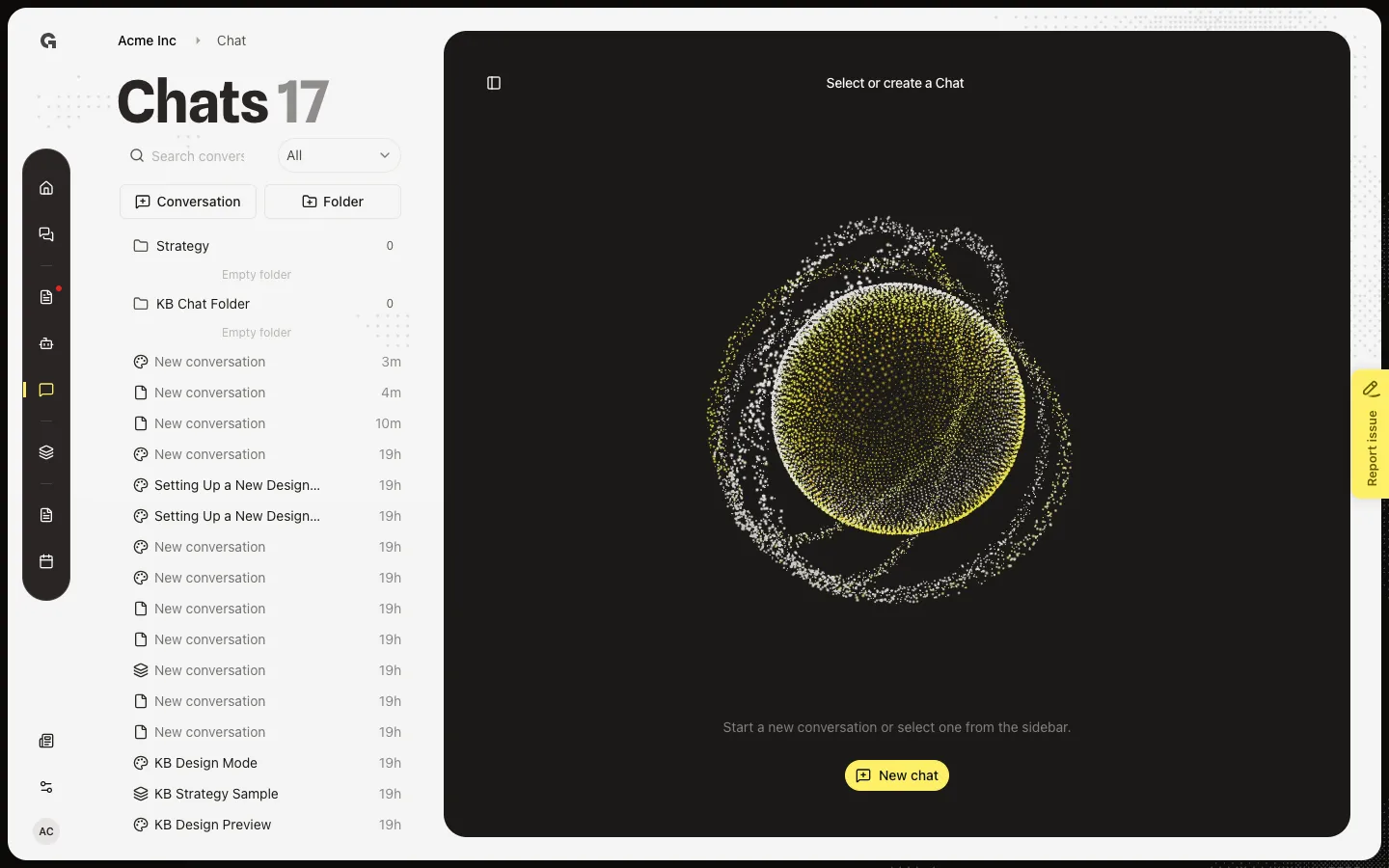
Search by name
Type part of the conversation name. Matching threads stay in the list. No conversations found means nothing matches that filter. Clear the field to see the full list again. Search does not open a thread — choose a row to open it.
FAQ
I cannot find a chat I archived.+
All and Mine hide archived threads. Switch the filter to Archived, then search again. See Archive a conversation.
I see No conversations found.+
No thread name matches that text under the current filter. Clear search, or switch All / Mine / Archived. Folders stay visible when they still have matches.