Save and publish a strategy model
Change a model in Edit, save it as a new draft version, then publish that version so the chat can use it.
Every save writes a new version of the model, and publishing makes the latest version the live one for this workspace. The chat only uses a published version when someone mentions the model with @. You need permission to update strategy, which Admin and Strategist have by default. Without it the form is read-only.
3 steps · About 3 minutes
Switch to Edit
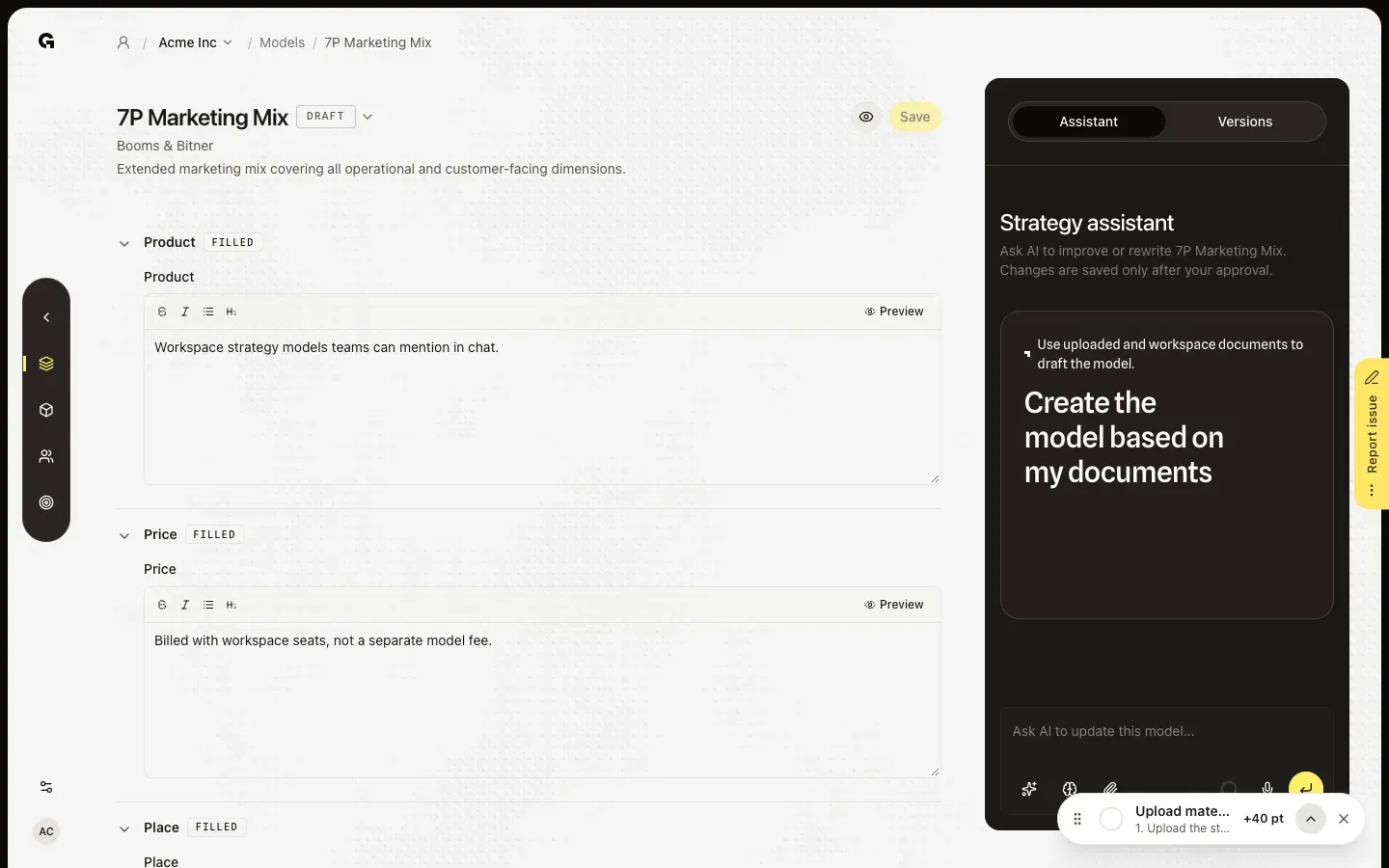
Open a model from Models, here the 7P Marketing Mix. A model with a saved version opens in Display. Click the pencil (Edit) to show the form. You can only click Save after you change a field. Next to the model name, the status shows whether the latest version is Draft or Published.
Change a field and save
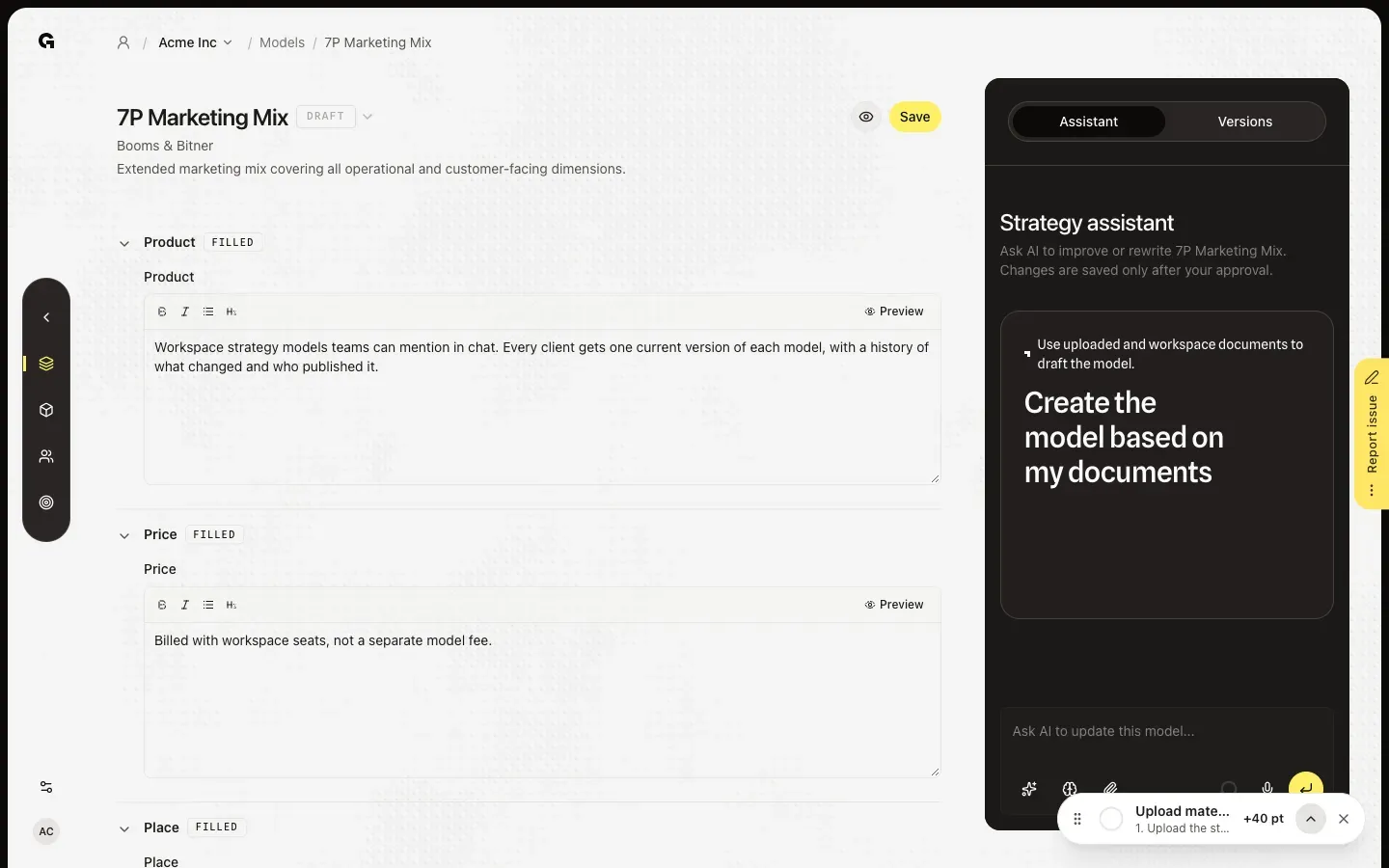
Change a field, for example Product, and click Save. Growf saves a new version as Draft, with the next version number, and shows Version saved. Older versions stay as they were. A published model goes back to Draft: the chat stops using it when someone mentions it with @, until you publish again.
Publish the latest version
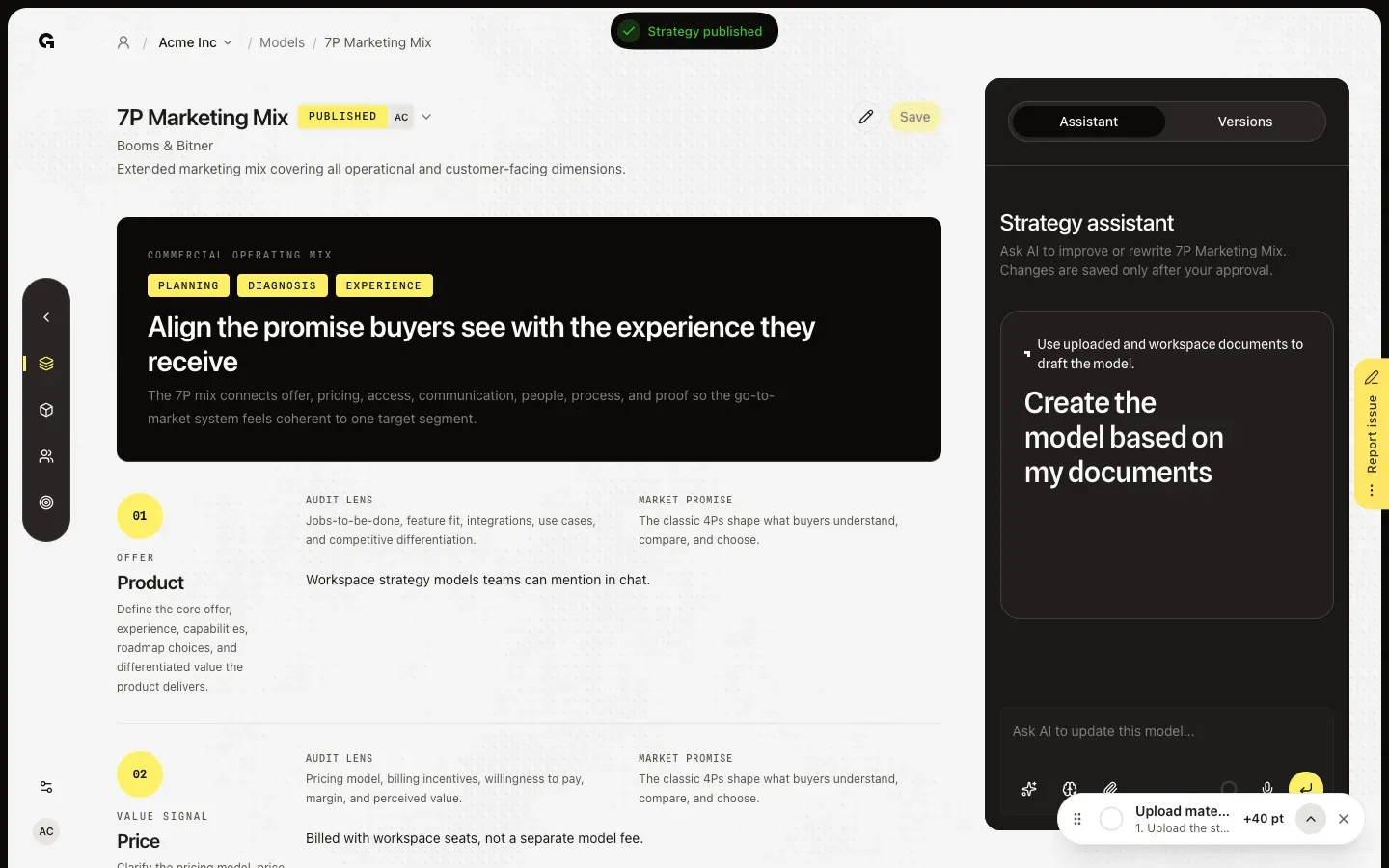
Click the status next to the model name and choose Published. Growf publishes the latest version, shows Strategy published and adds you as the publisher next to Published. To take the model offline, choose Draft in the same menu. You can only change the status when you have no unsaved changes, so save them first.
FAQ
Why can I not open the status menu?+
You have unsaved changes; save them first. A model without a saved version has nothing to publish yet. Without permission to update strategy you only see the status, without a menu.
Does Save also publish?+
No. Save always creates a new Draft version, also when the model was published. Publish again when the change should be live. Only the latest version can be published.
What changes when I publish?+
The model shows Published in the list, and the chat uses this version when someone mentions the model with @. Drafts cannot be mentioned. Everyone who can view strategy can still open drafts on the model page, and the Models panel in a chat can preview every saved version.
Can the assistant save or publish for me?+
Yes, after you approve. The assistant proposes a change, and Apply saves it as a new Draft version. Ask it to publish as well and the proposal shows Status: Published; Apply then saves and publishes in one go. See **Use the strategy model assistant**.
Saving fails with a message that the model is no longer in my agency's model selection.+
Your agency removed the model from its stack while you had it open. Your saved versions are kept, but you can only save again when the agency adds the model back. Copy any unsaved text you want to keep, then reload the page.