Run a custom agent
Start a Test Run from Runs, watch the live canvas, and open History for past output.
Test Run executes the agent now and shows the result on a canvas. Anyone who can open the agent can start a test.
4 steps · About 3 minutes
Open Runs
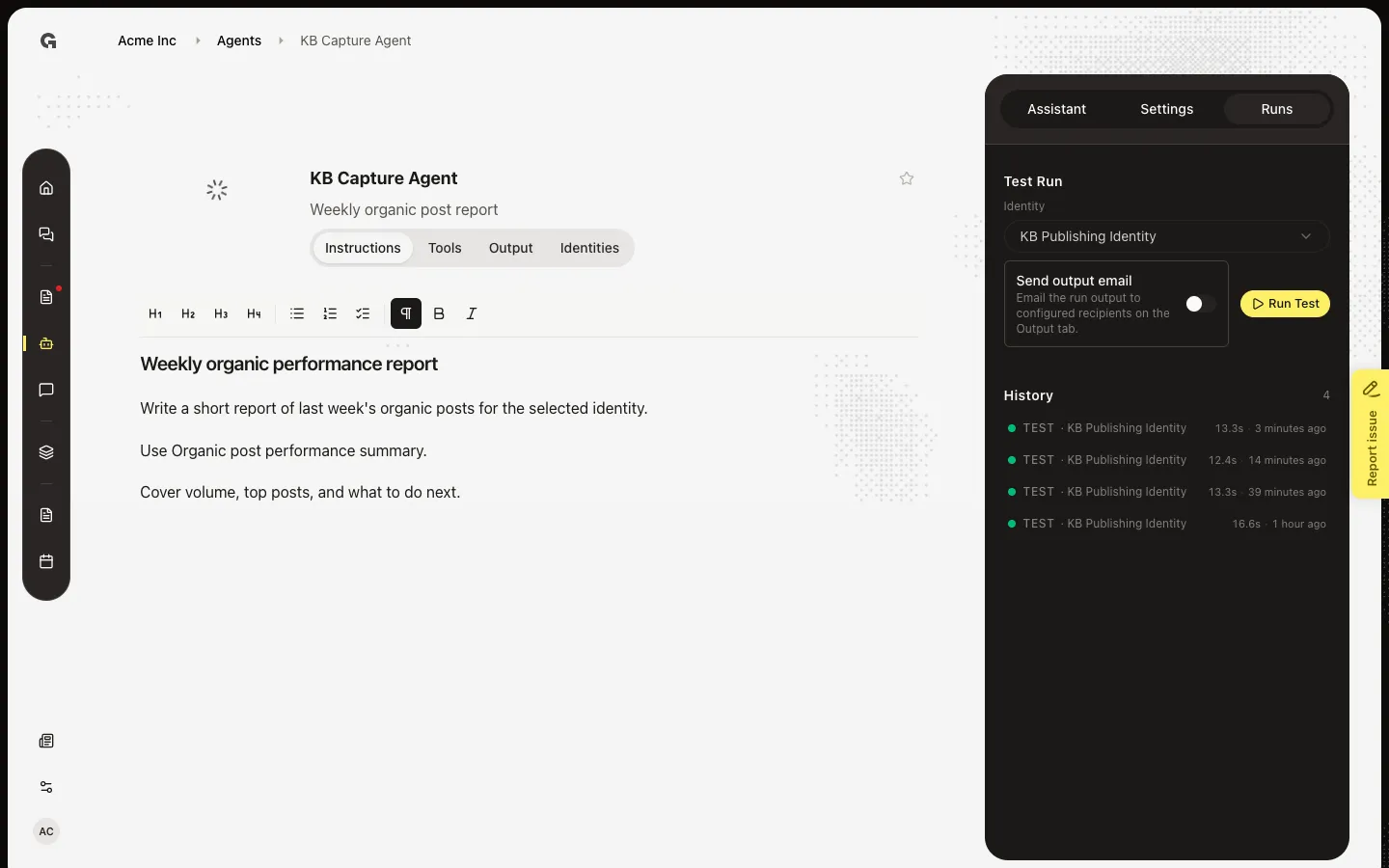
Open **KB Capture Agent**. In the sidebar, choose Runs. Test Run is the way to try the agent now. History lists past test and scheduled runs. You can run a Draft agent; you do not need Active for a test.
Confirm the identity
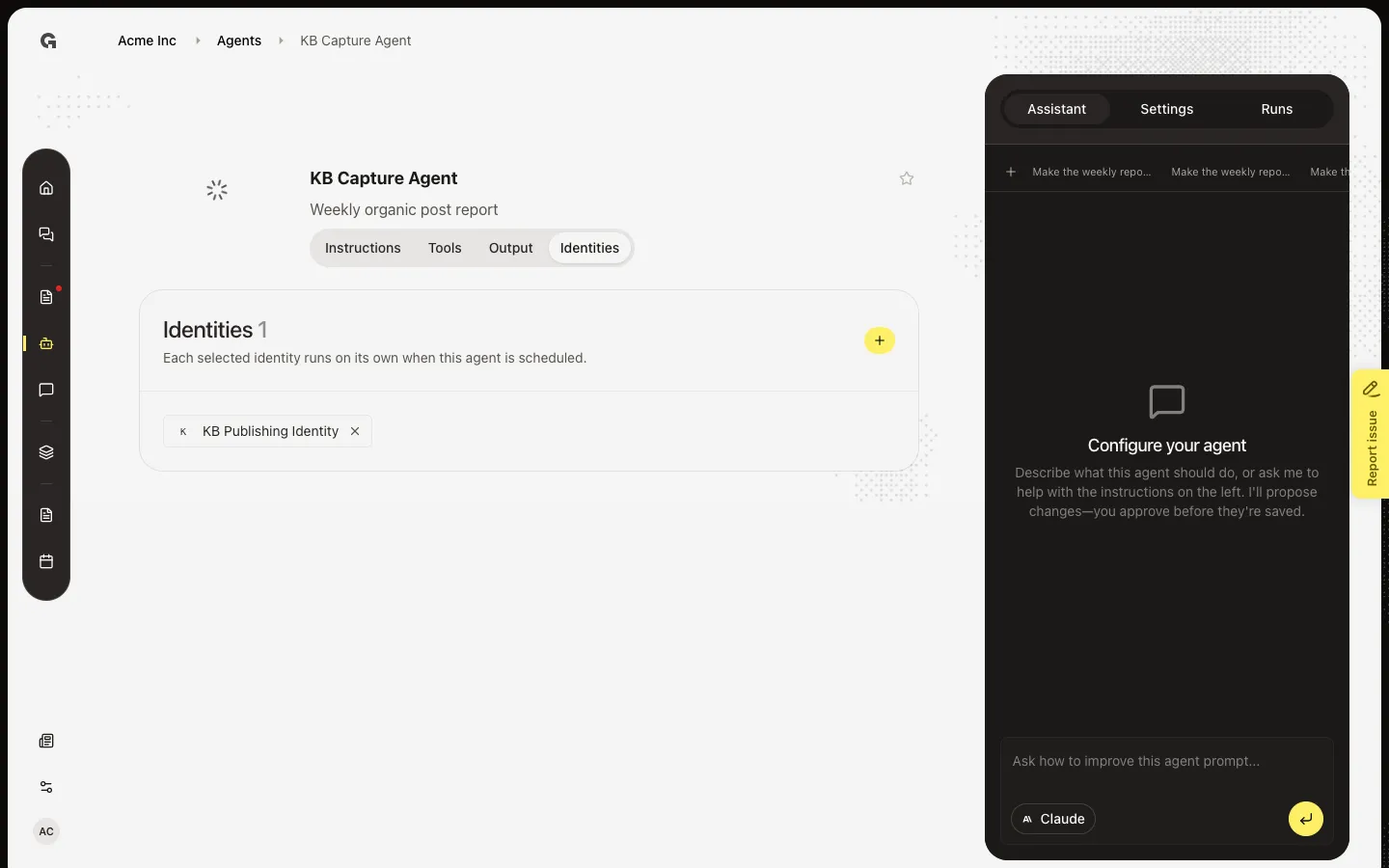
If Test Run is blocked, open Identities and add a brand. This agent already has **KB Publishing Identity**. When more than one identity is linked, Test Run shows Identity so you can pick which one to use. If Tools still asks for a connection, link it before you run.
Start Run Test
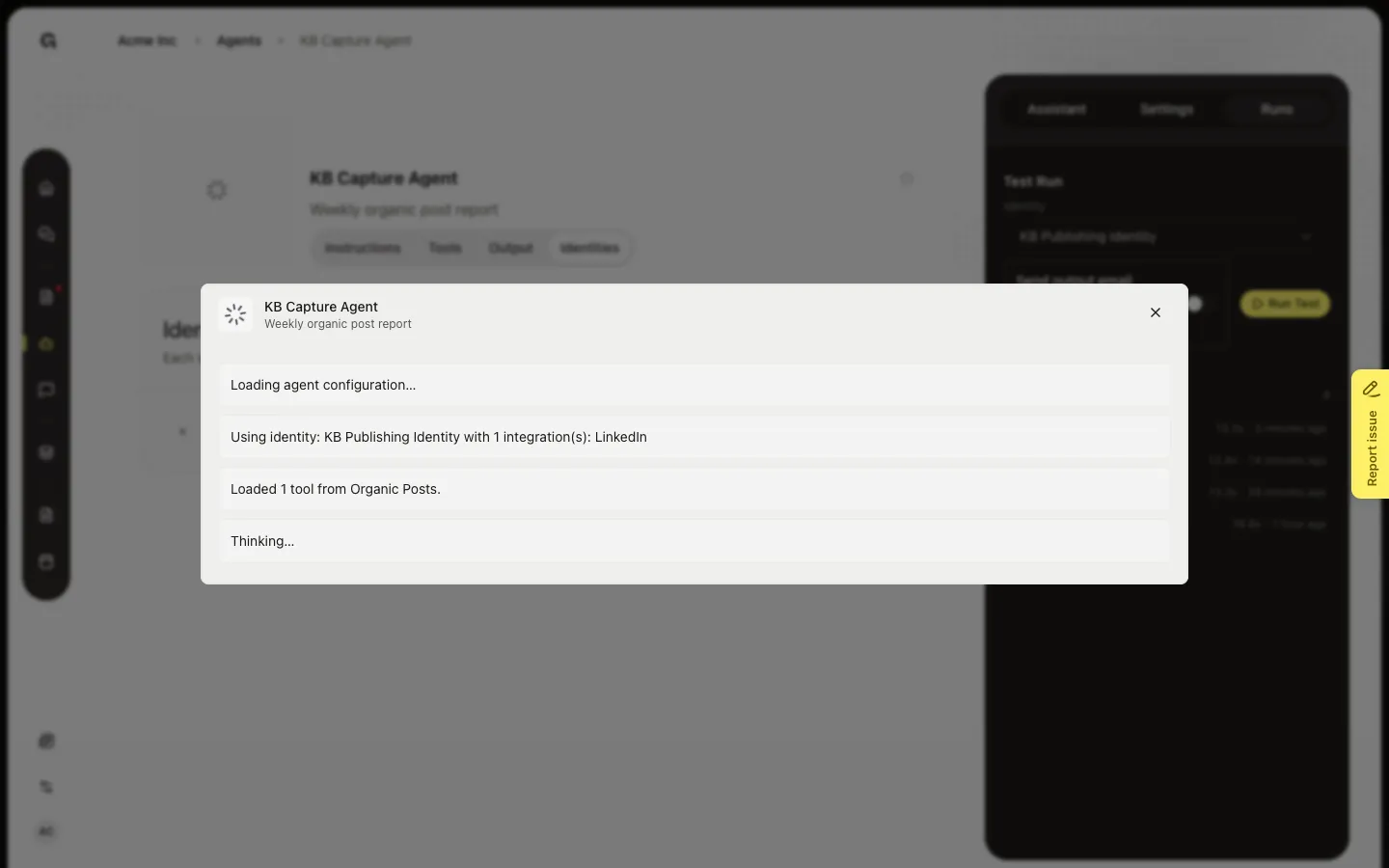
Return to Runs. Leave Send output email off unless you want this test emailed to Output recipients. Choose Run Test. A canvas opens and shows thinking, tools, and the final text.
Open a run in History
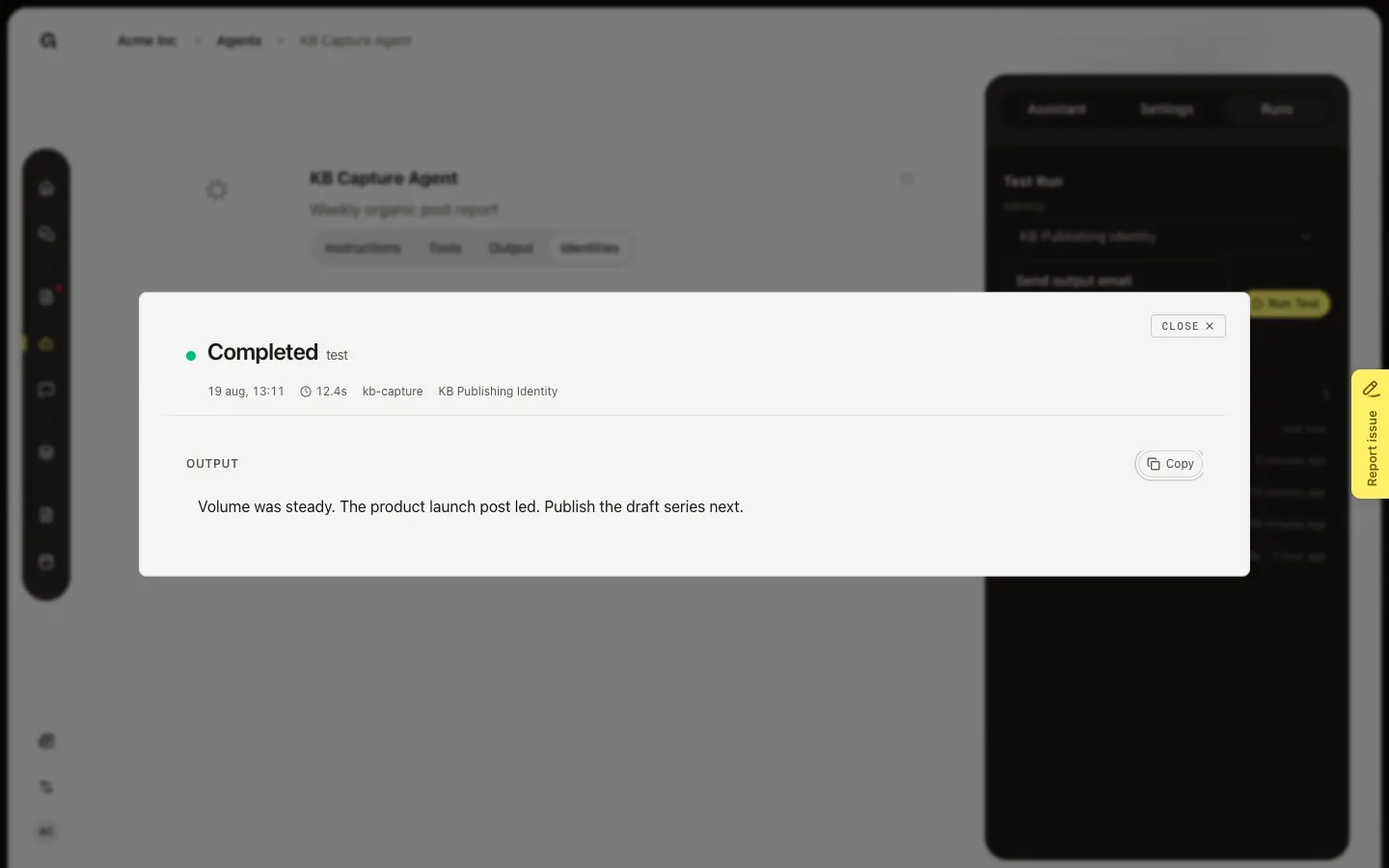
After a run finishes, History shows test or scheduled, how long it took, and when. Choose a row to see Output, Copy (Markdown or Plain text), Tool Calls, and Logs. Empty History means no run has finished yet.
FAQ
Run Test is off.+
Read the line under Test Run. Link an integration means Tools still has an external tool with no connection. Add an identity means a tool needs a brand and Identities is empty. Select an identity means pick one in the Identity menu.
Can I test a Draft agent?+
Yes. Test Run works on Draft. Active is only required for the schedule.
What does Send output email do?+
It emails this test to the people on Output. Leave it off if you only want the canvas. Scheduled production runs email those recipients on their own.
I do not see Run Test.+
Open Runs in the sidebar. You need permission to read agents.