Review incoming knowledge
Accept or discard synced transcripts before they become workspace documents.
Incoming is the hold for synced transcripts. They are not workspace documents until someone accepts them.
3 steps · About 3 minutes
Open Incoming from Documents
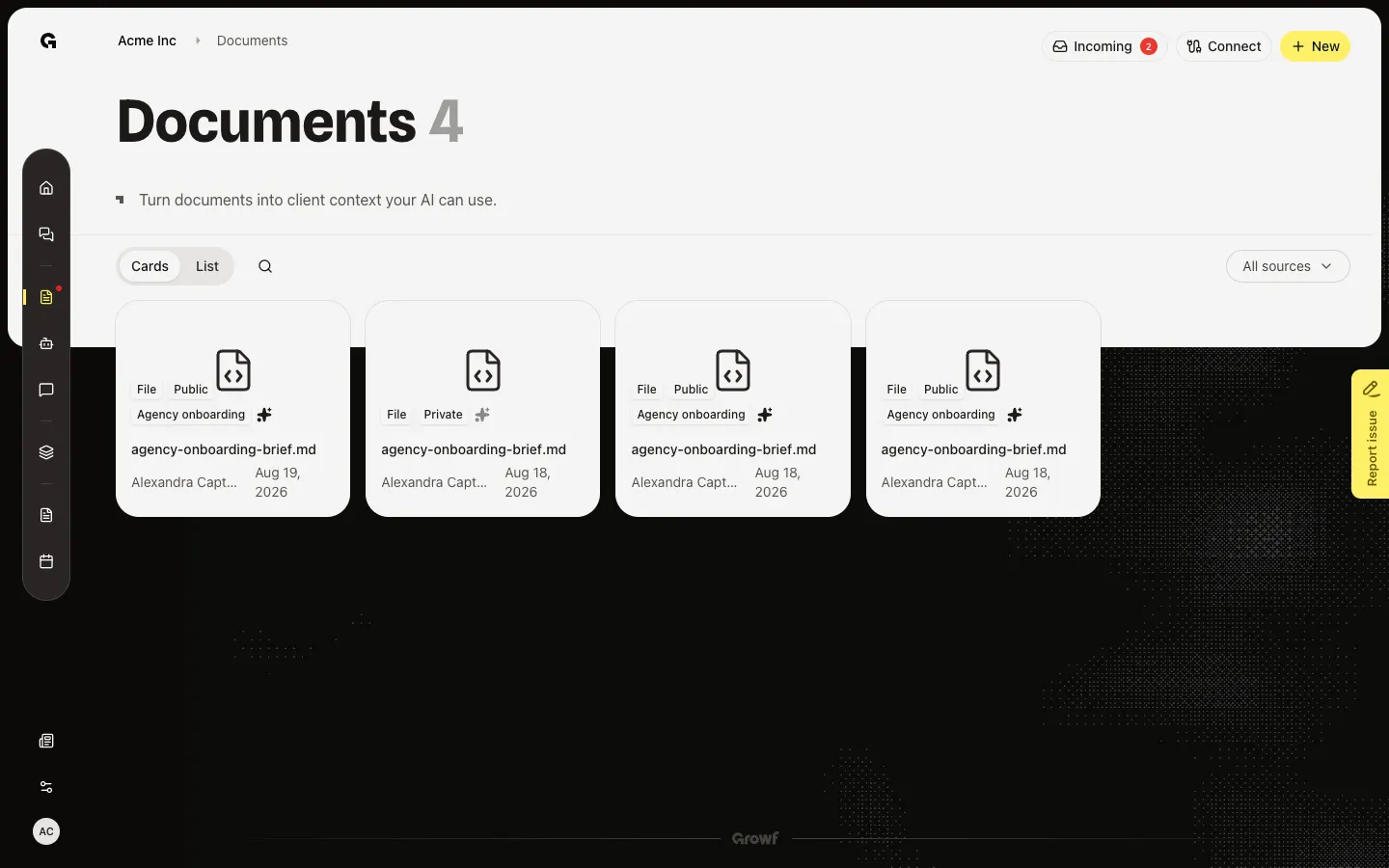
Open Documents. Incoming appears in the header when at least one transcript is waiting. The badge is the pending count. Capture seeds two Fireflies items, so Incoming shows 2. The button hides when the queue is empty.
Open Incoming transcripts
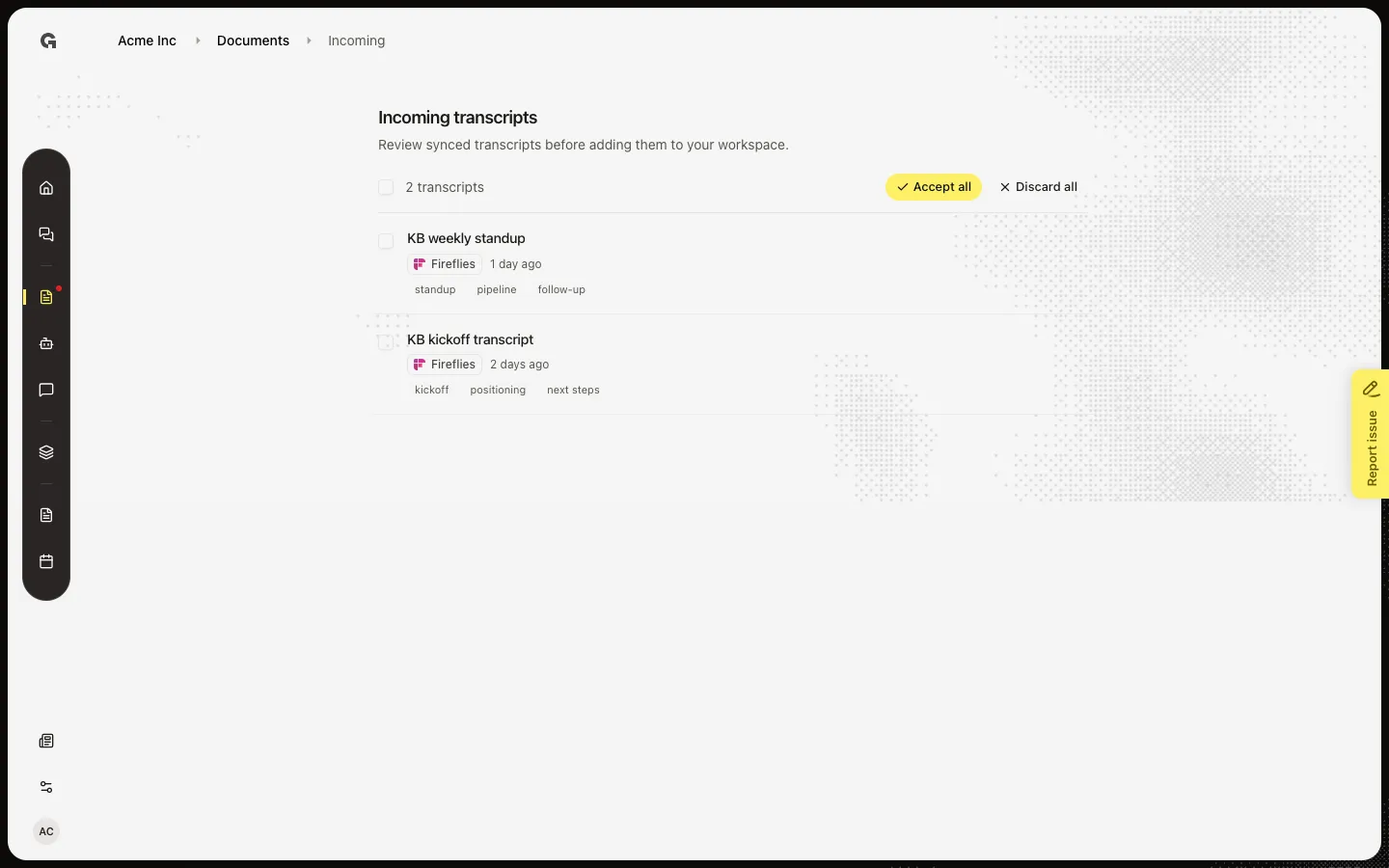
Choose Incoming. Incoming transcripts is the review queue. The line under the heading says to review synced transcripts before adding them to your workspace. Capture lists KB kickoff transcript and KB weekly standup, each tagged Fireflies. With nothing selected, the toolbar shows Accept all and Discard all.
Select a transcript
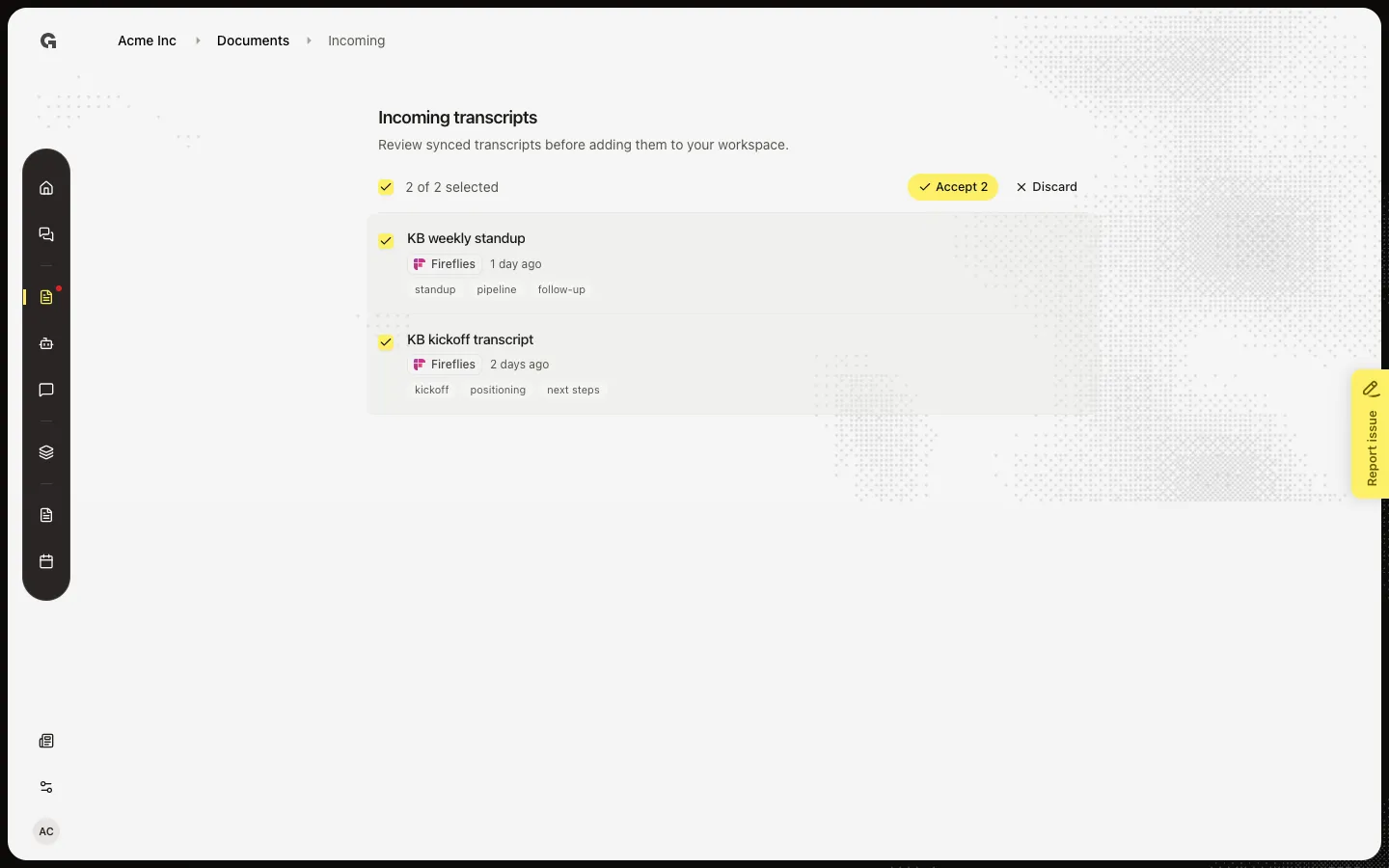
Tick KB kickoff transcript. The toolbar switches to Accept 1 and Discard. Accept writes the transcript into Documents as workspace knowledge. Discard drops it from the queue. You need permission to create documents for both actions. This walk selects the row and does not accept, so later captures still see two pending items.
FAQ
I see No incoming transcripts.+
Nothing is waiting. Connect Fireflies and run Knowledge sync, or wait for the daily sync. See Sync knowledge from an integration.
Documents has no Incoming button.+
The button hides when the count is 0. After a sync, refresh Documents. You can still open Incoming from the Fireflies dialog (Open Incoming).
Should I Accept or Discard?+
Accept if the transcript should be workspace knowledge (chat and agents can use it). Discard if it is noise or the wrong meeting. Accept all is for a queue you already trust.
Accept failed with a permission error.+
Viewing Incoming does not need create-document permission. Accept and Discard do. Ask an admin to raise your role.