Request content feedback
Send a draft to a teammate or client for review, with an optional lock so they finish before you edit or schedule.
Request feedback sends a draft to one teammate or client. You are the requester. They approve or ask for changes. The piece can stay editable, or lock until they finish.
3 steps · About 3 minutes
Open a ready draft
Request feedback stays off until the piece has a title, body, and a persona. Social posts also need an identity. Open KB Feedback Sample — seed already filled those fields. The header control is Request feedback.
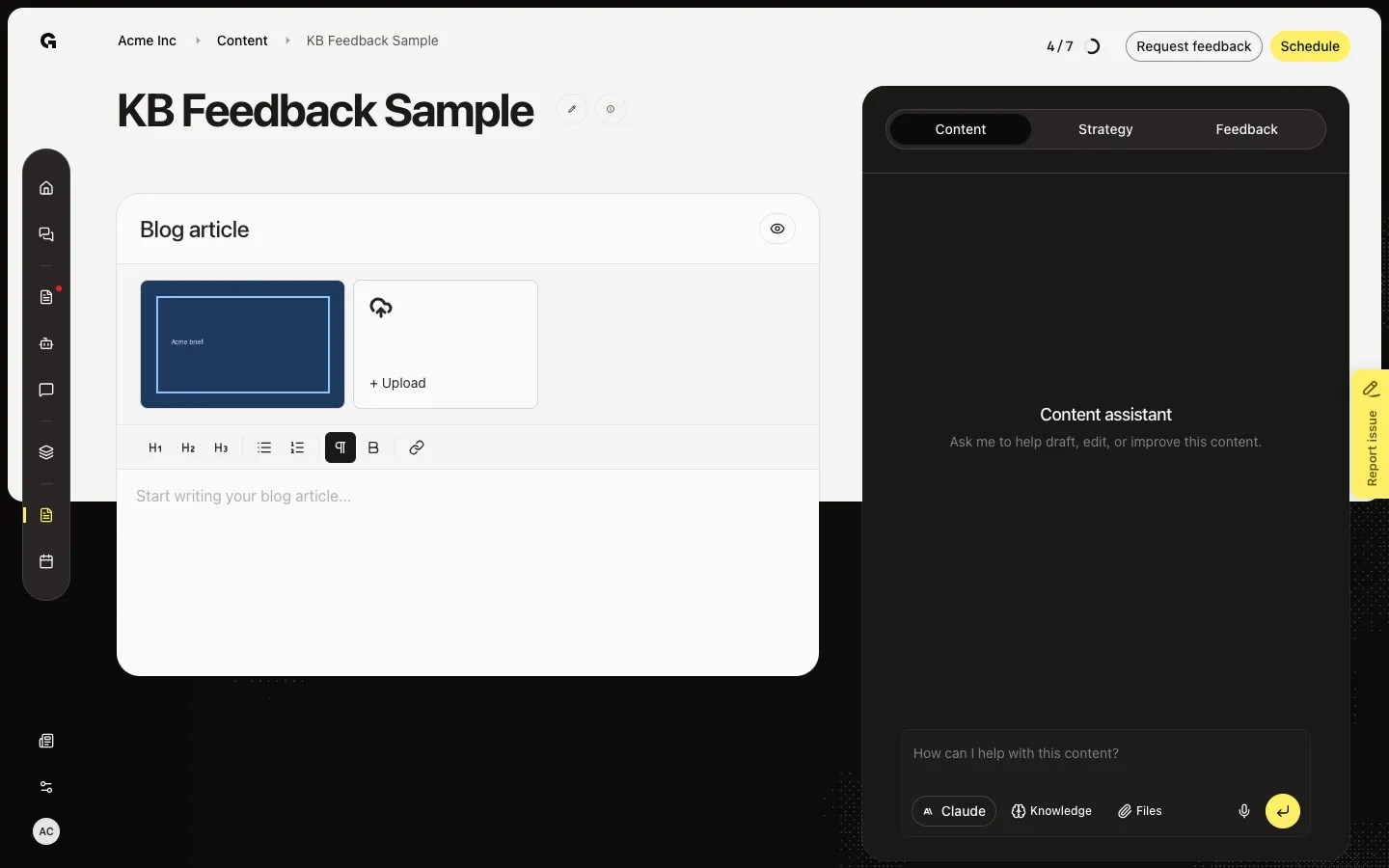
Open Request Feedback
Choose Request feedback. You pick one reviewer from the workspace. You cannot pick yourself. Seed may already show an open request on this sample. A locking pending request blocks a new invite until it is done or withdrawn.
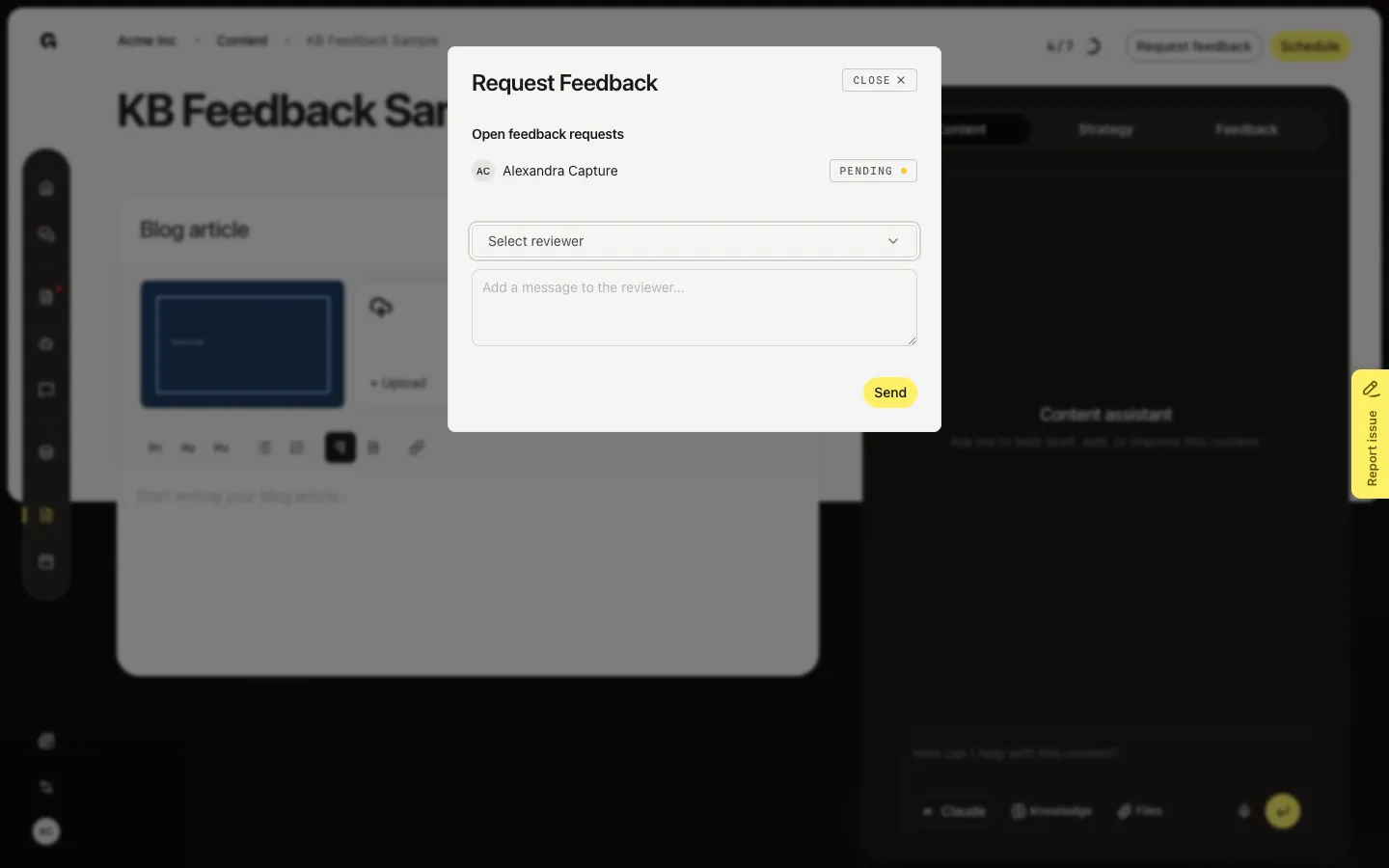
Choose reviewer, lock, and Send
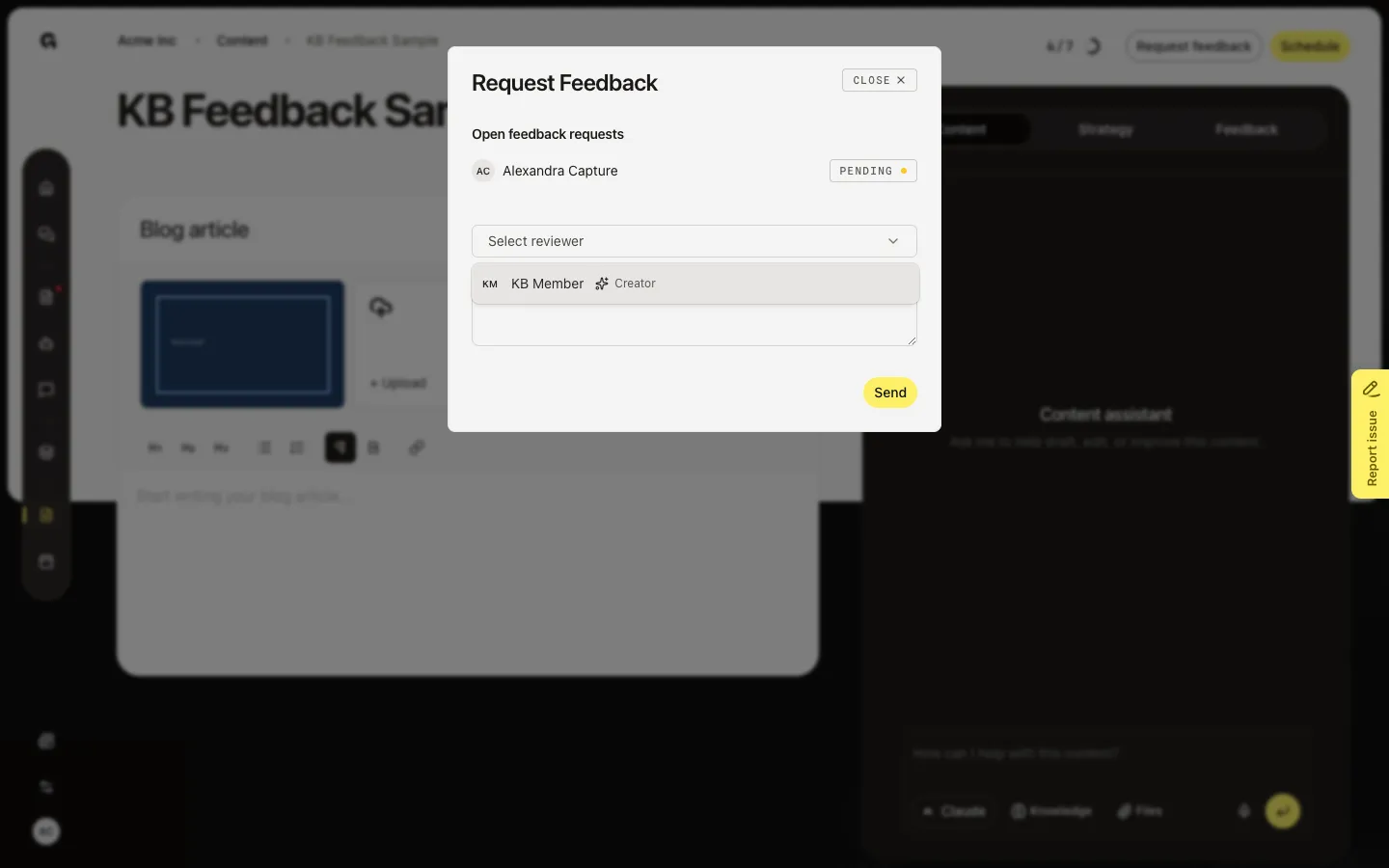
Select reviewer lists other members and clients. Lock content while awaiting feedback (on by default) stops edits and scheduling until they finish. A client always locks the piece. Add an optional message, then Send. The reviewer gets the request in Feedback. Withdraw or Send reminder later from the Feedback tab on the draft.
FAQ
Request feedback is grey.+
Add a title, body, and persona. Social posts also need an identity. A published post cannot request feedback.
Select reviewer is empty.+
You cannot assign yourself. Invite another member, or use seed for Review feedback and approvals (that pending row is created in the database for the capture user).
When should I lock the content?+
Lock when the reviewer should see a frozen draft. Leave it off if you still need to edit while they comment. A client request always locks.
Where does the reviewer see this?+
In Feedback (Pending), and by email. See Review feedback and approvals. You see the open request on the Feedback tab of the draft.