Rename a design
Change the title on the live preview so the gallery and downloads use the new name.
Rename changes the workspace design (or template) title from the preview heading. Anyone who can update chat can do it.
2 steps · About 2 minutes
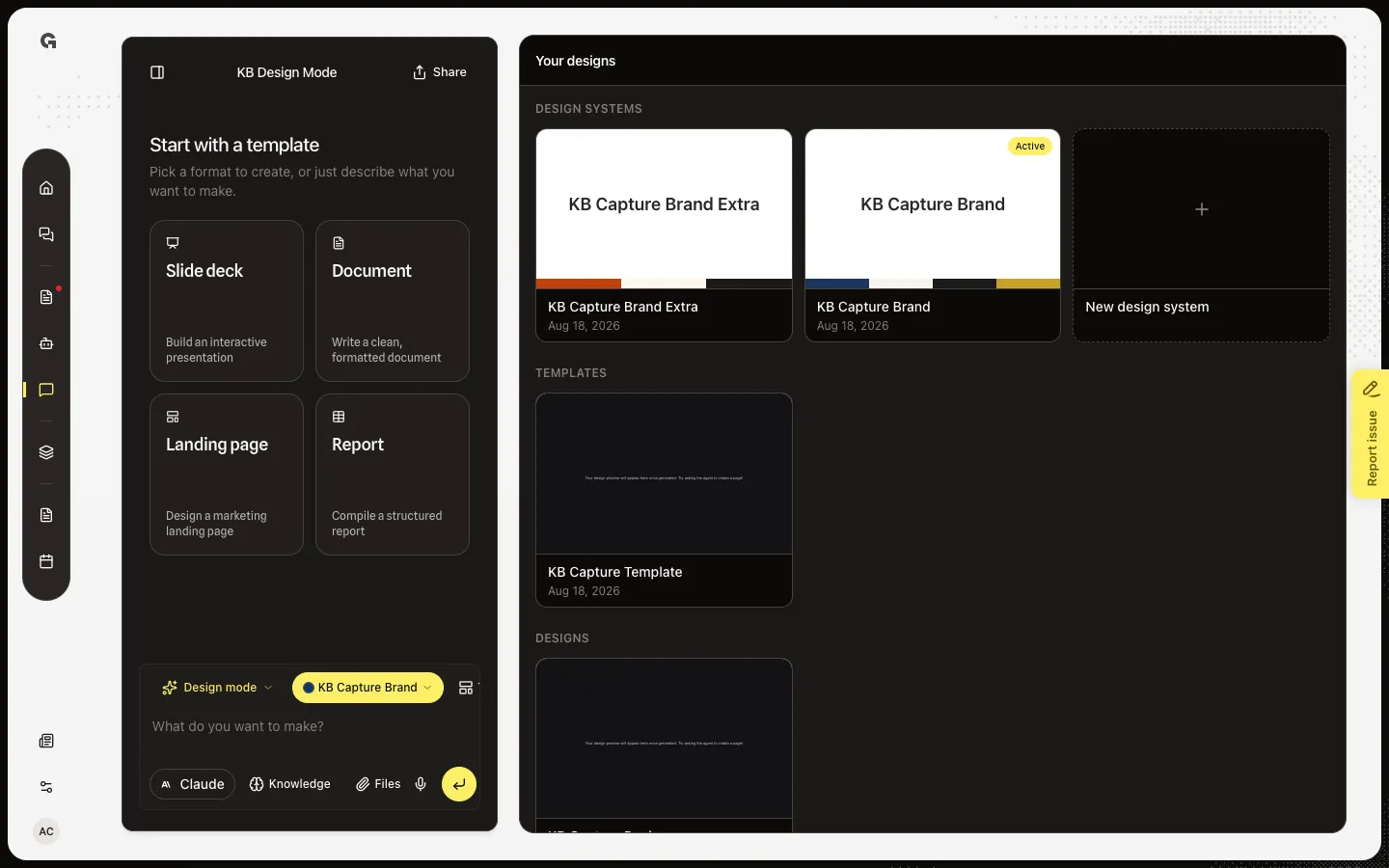
Open the live preview
Open Design Mode. Your designs lists KB Capture Design. Open that card to reach the live preview. The preview title is the design name, not the chat name in the header. Hover the title to see the pencil. Templates show an Editing template badge and use the same rename.
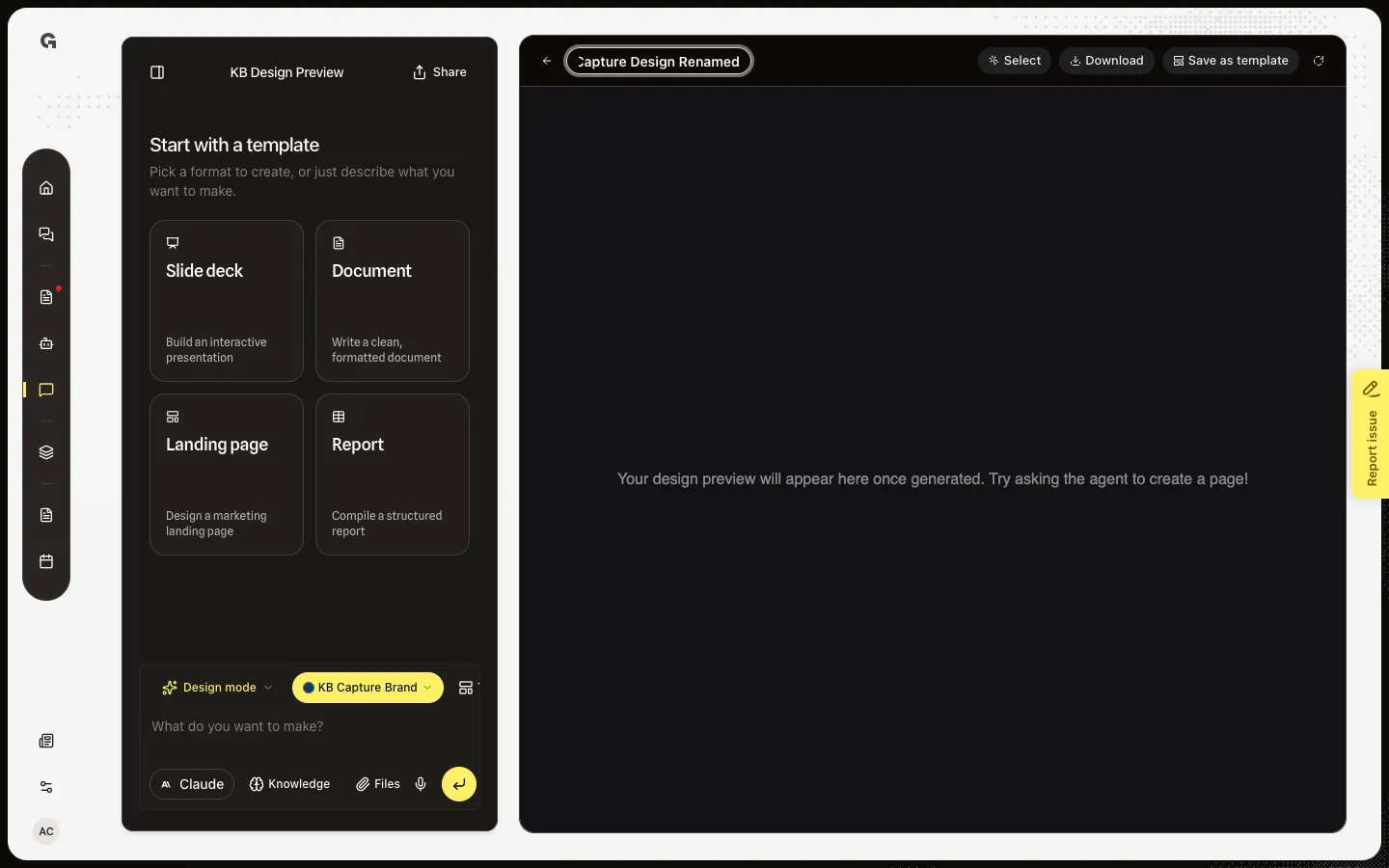
Edit the title
Click the title. The field selects the current name. Type a new name. Enter or blur saves. Escape or an empty field cancels, so the design is never left nameless. A failed save keeps the field open and shows Couldn't rename this design.
FAQ
I renamed the chat. Why is the design still Untitled design?+
The chat title and the design title are different. Rename the preview heading. New designs stay untitled until the first build finishes and Growf names them.
Does the gallery update?+
Yes, on the next load of Your designs. Download HTML also uses the new name for the file.
Can I clear the name?+
No. An empty field cancels. The title is required.
Who can rename?+
Anyone who can update chat. The name is shared for everyone who opens that design.