Rename a conversation
Change a conversation name from the header or the Chats list.
Rename sets the name in the Chats list and the thread header. Anyone who can update chat can do it.
2 steps · About 2 minutes
Open the conversation
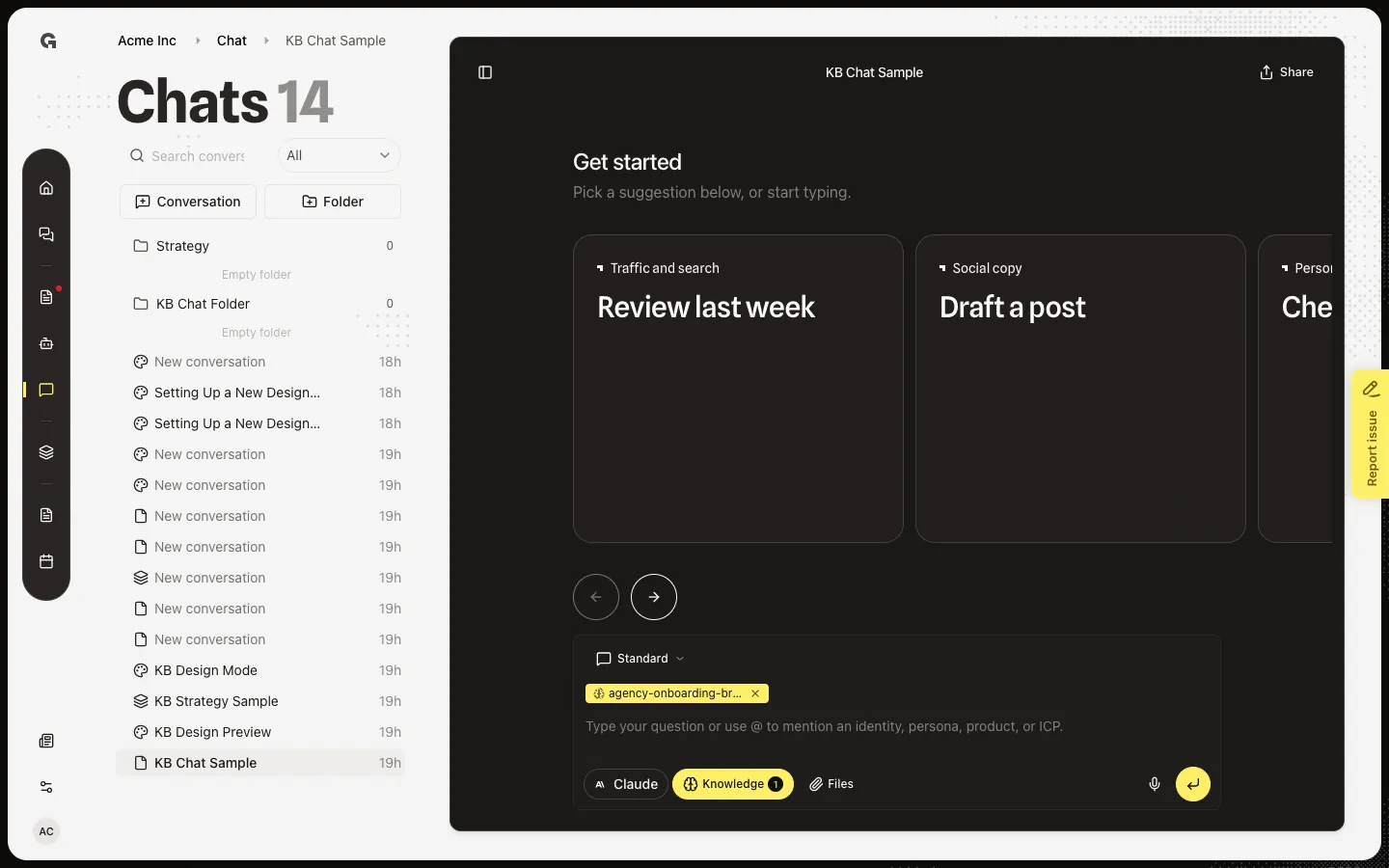
Open the thread. The name is the header title. New chats often start untitled until the first reply names them. You need permission to update chat to rename.
Edit the title
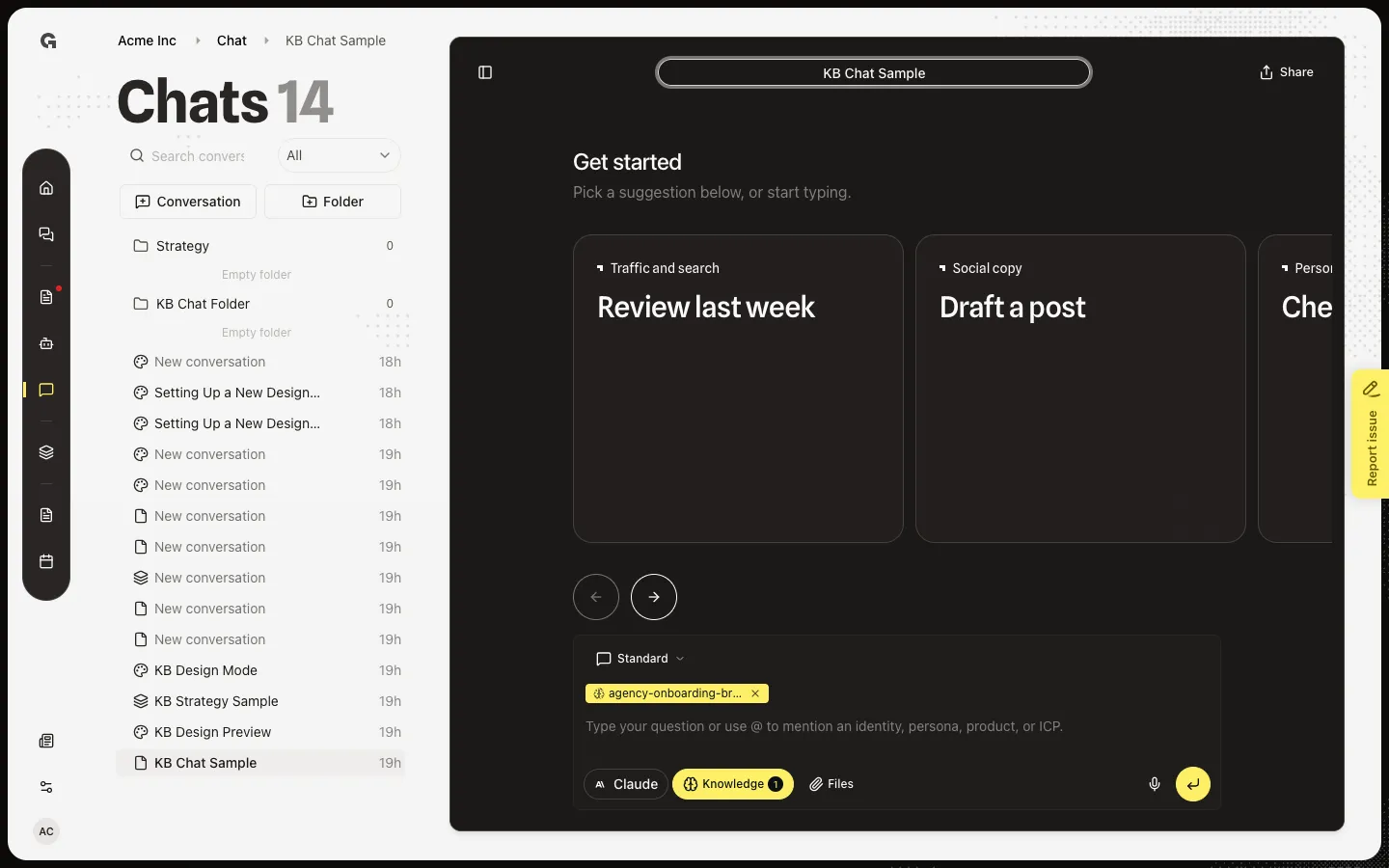
Hover the title and choose Rename, or double-click the title. Type a new name (up to 100 characters). Enter saves. Escape or an empty name cancels. You can also choose Rename from the ⋯ menu on the row in the Chats list. The list and the header stay in sync.
FAQ
I do not see Rename.+
You need permission to update chat. The pencil also stays hidden until you hover the title on a wide screen. Use Rename on the row ⋯ menu instead.
I cleared the name and it snapped back.+
An empty name cancels. Type at least one character, then press Enter or click away.
I want to rename a design, not the chat.+
That is a different control on the Design Mode preview. See Rename a design. This how-to only changes the conversation name in the Chats list.