Regenerate agent instructions
Rebuild instructions and tool picks from the saved goal, after you confirm the dialog.
Regenerate rebuilds Instructions and the toolset from the agent's saved goal. Anyone who can update agents can run it.
3 steps · About 3 minutes
Open Settings
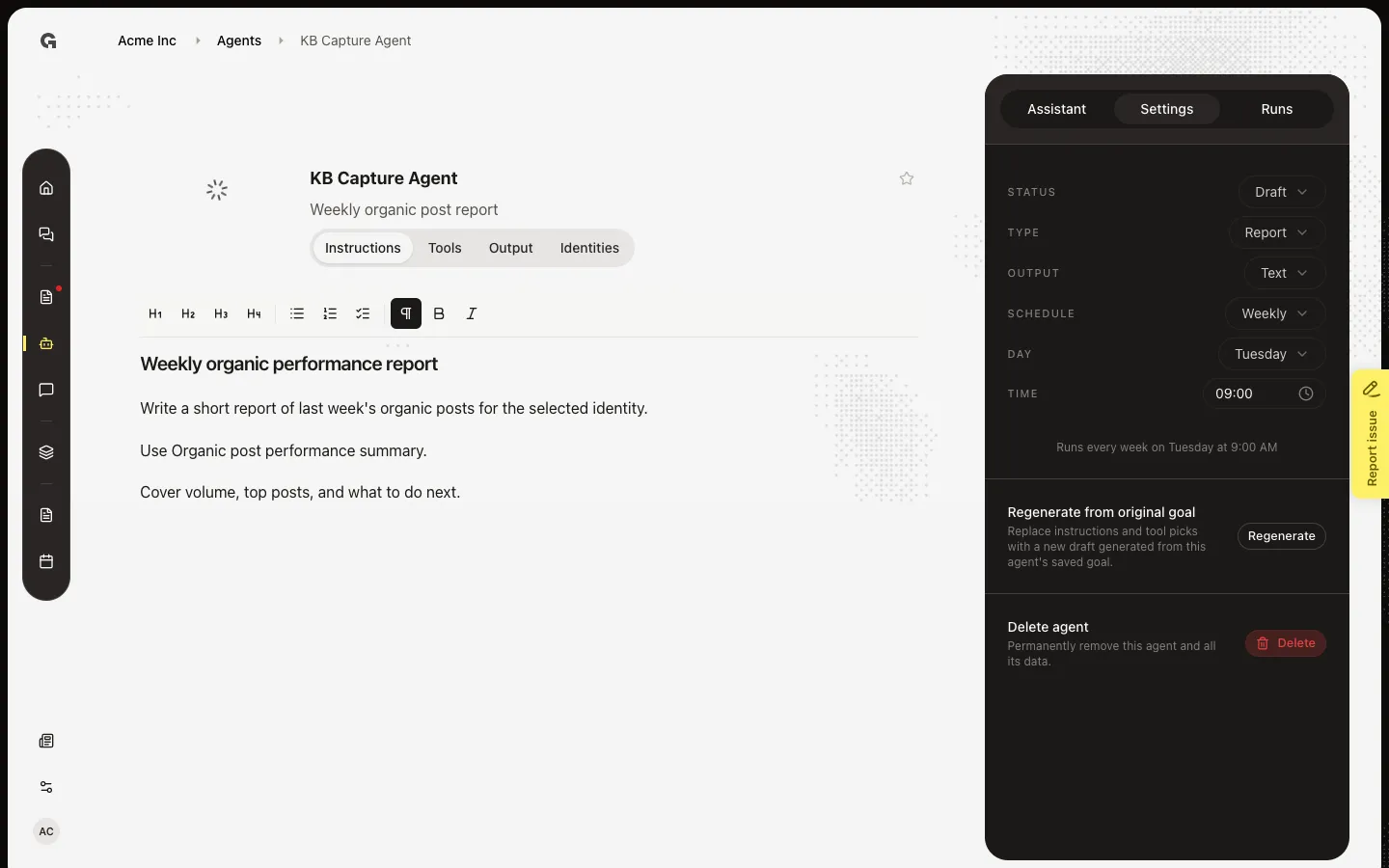
Open **KB Capture Agent**. In the sidebar, choose Settings. Scroll to Regenerate from original goal. This replaces the current Instructions and the tools Growf picked. It is not the sidebar Assistant, which proposes a prompt you must Apply.
Open Regenerate instructions?
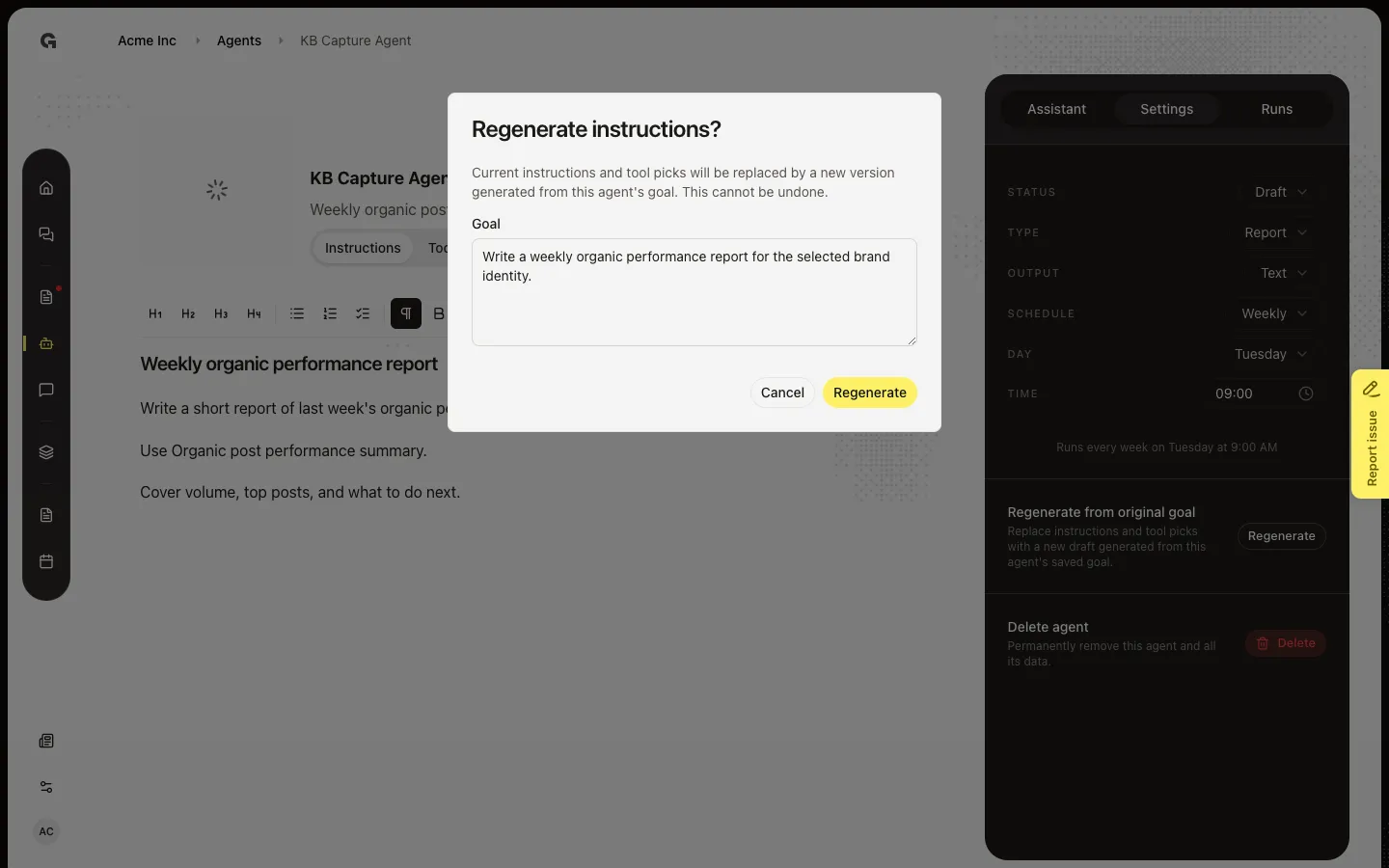
Choose Regenerate. The dialog warns that current instructions and tool picks will be replaced from this agent's goal, and that you cannot undo it. You can edit Goal here before you confirm. Cancel leaves the agent as it is.
Review the goal, then cancel
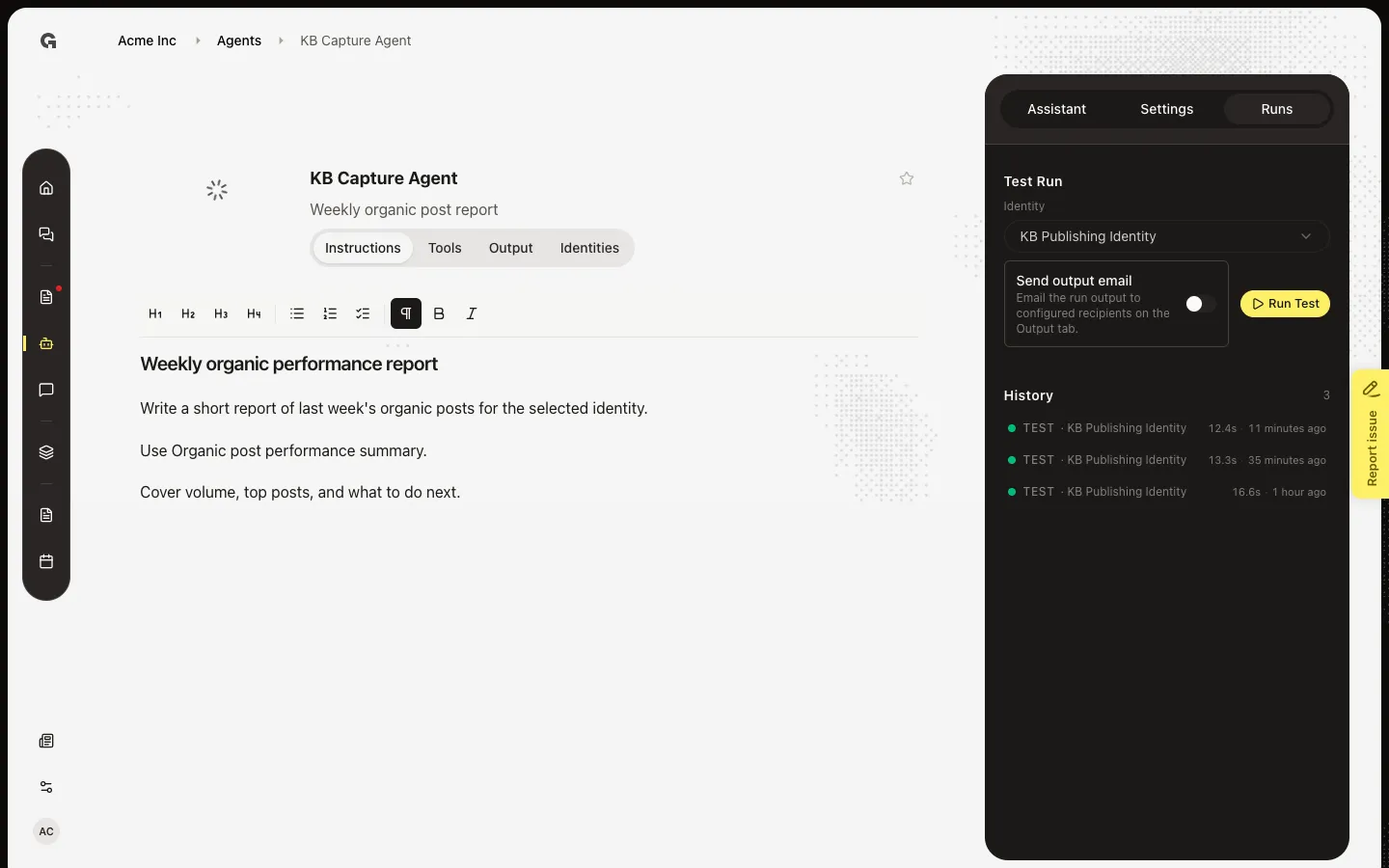
Goal shows the text used to rebuild instructions. Edit it if the job changed. Confirming Regenerate starts Generating instructions and tools from your goal and overwrites the editor and toolset. Open Runs and use Run Test on the current agent before you rebuild. Choose Cancel on the dialog if you only wanted to read the warning.
FAQ
Can I undo Regenerate?+
No. The new draft replaces instructions and tool picks. Edit Goal in the dialog if you want a different job before you confirm. Use Assistant if you only want a small change you can Discard.
Regenerate is off.+
The agent needs a saved Goal, and generation must not already be running. If you see Generating instructions and tools from your goal, wait until it finishes.
Should I use Assistant instead?+
Yes when you want to review a proposed prompt and Apply or Discard. Use Regenerate when you want a full rebuild from the goal. See Use the agent prompt assistant.
I cannot open Regenerate.+
You need permission to update agents.