Publish a buyer persona
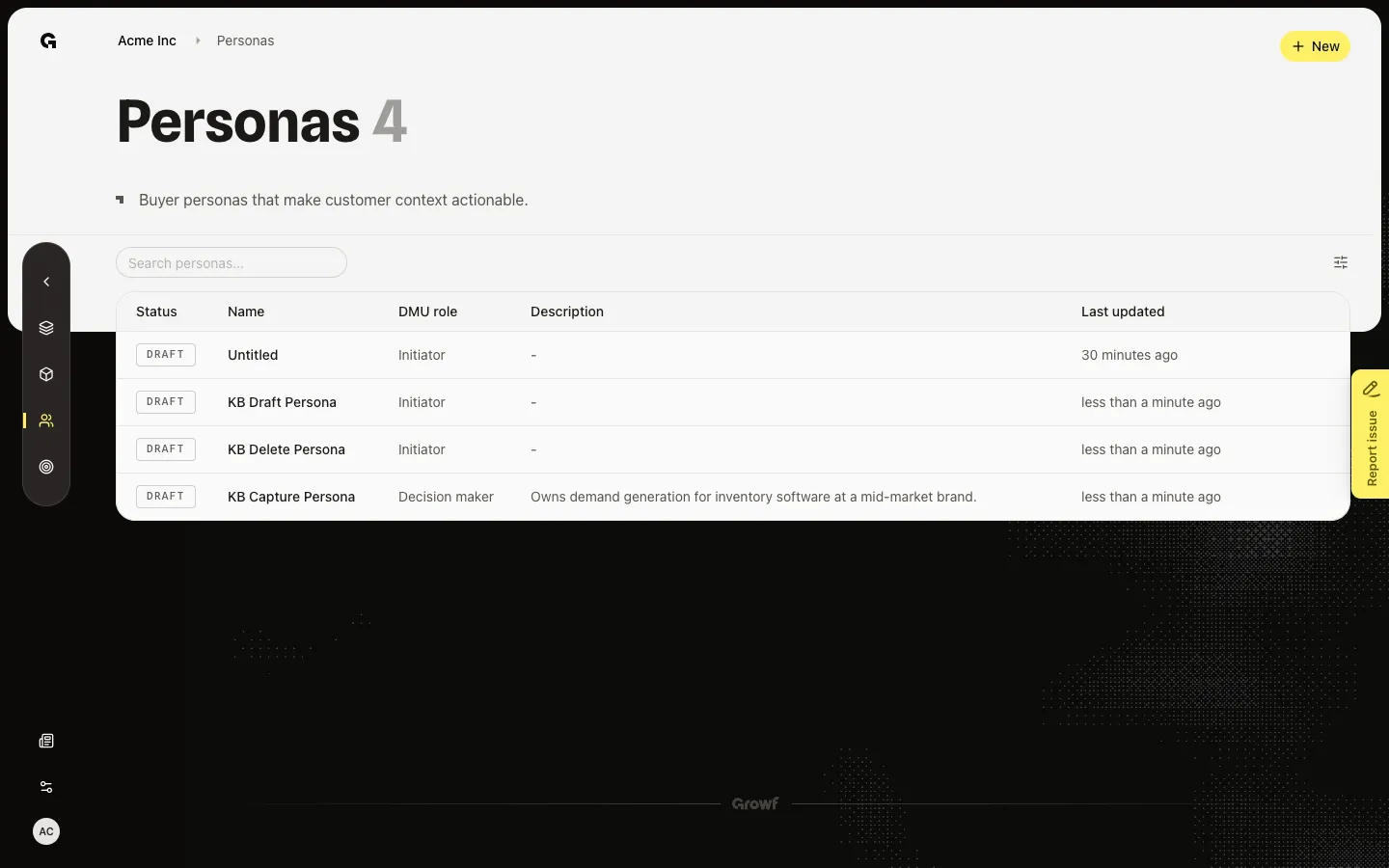
Open the overview and choose Publish when the AI persona checklist is complete.
Publish marks the persona as ready for content and chat. Until then it stays a draft, even if most of the profile is filled.
2 steps · About 2 minutes
Open the overview
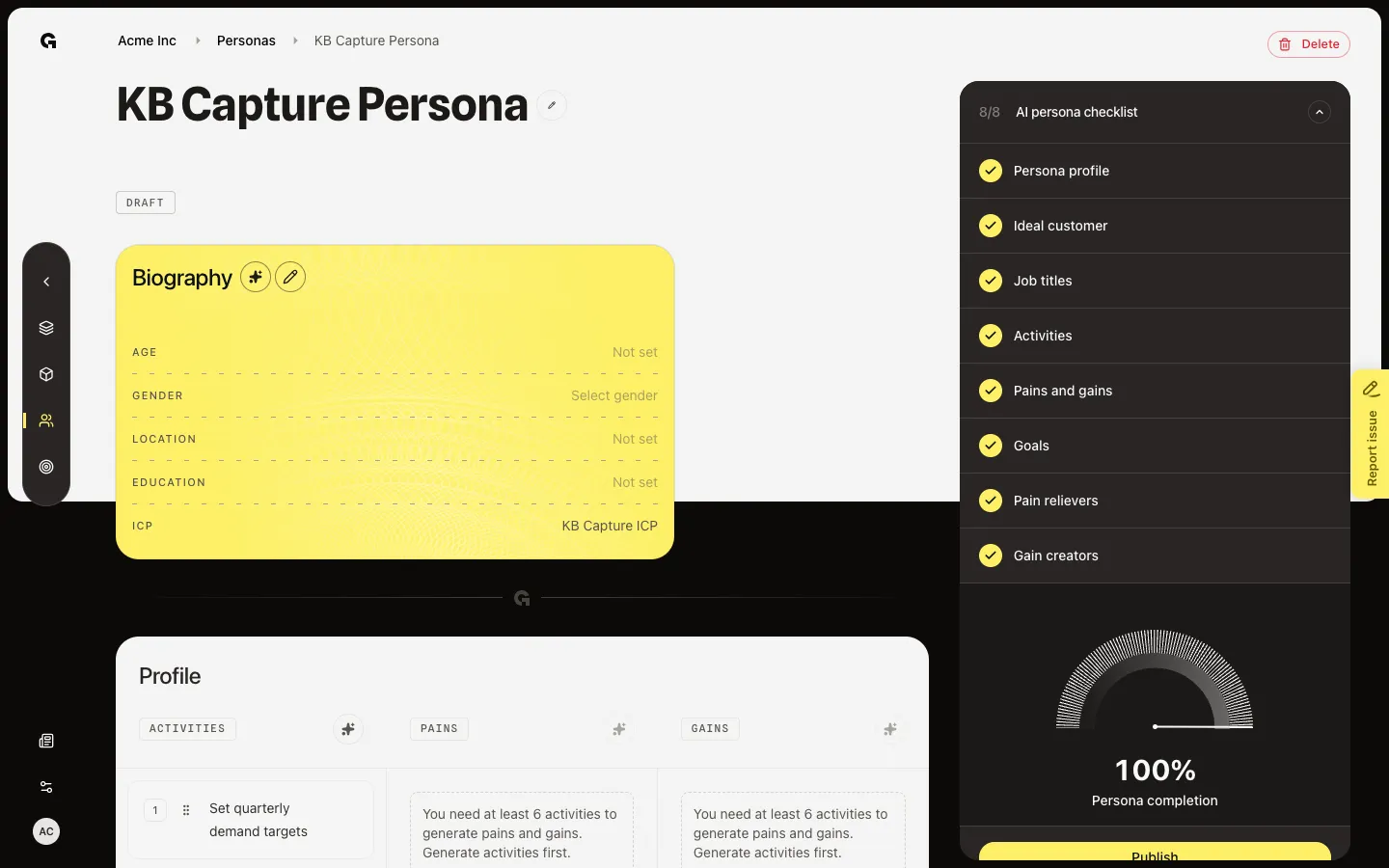
From Personas, open a draft such as KB Capture Persona. The overview shows biography, activities, pains, gains, goals, value props, and tone. The sidebar is AI persona checklist. You need persona update to publish. The checklist counts eight items: profile, ideal customer, job titles, activities, pains and gains, goals, pain relievers, and gain creators.
Review Publish
Publish appears under the checklist only when every item is done and status is not already Published. Lists need at least five items each. Job titles need at least three. Profile needs a name and a DMU role. Ideal customer needs a linked ICP. Open Status to confirm Draft, then choose Publish. Do not change status or click Publish during capture so the button stays for the next run. If Publish is missing, finish the empty checklist rows or generate the missing lists.
FAQ
I do not see Publish.+
The button shows only when the checklist is complete and the persona is not already published. Fill the empty rows, add three job titles, and link an ICP. You also need persona update.
Does Finish and open overview already publish?+
Yes. The last wizard step sets status to Published. Use this overview button when you left the wizard early or you moved a published persona back to draft.
I can read the checklist but I cannot publish.+
Publish needs persona update. Ask an admin.