Manage product features
Open Features on a configured product, then add, edit, reorder, or delete the points that define the offer.
Features are the short list of what the product does. Growf uses them when it writes persona value props and when chat talks about the offer.
2 steps · About 2 minutes
Open Features
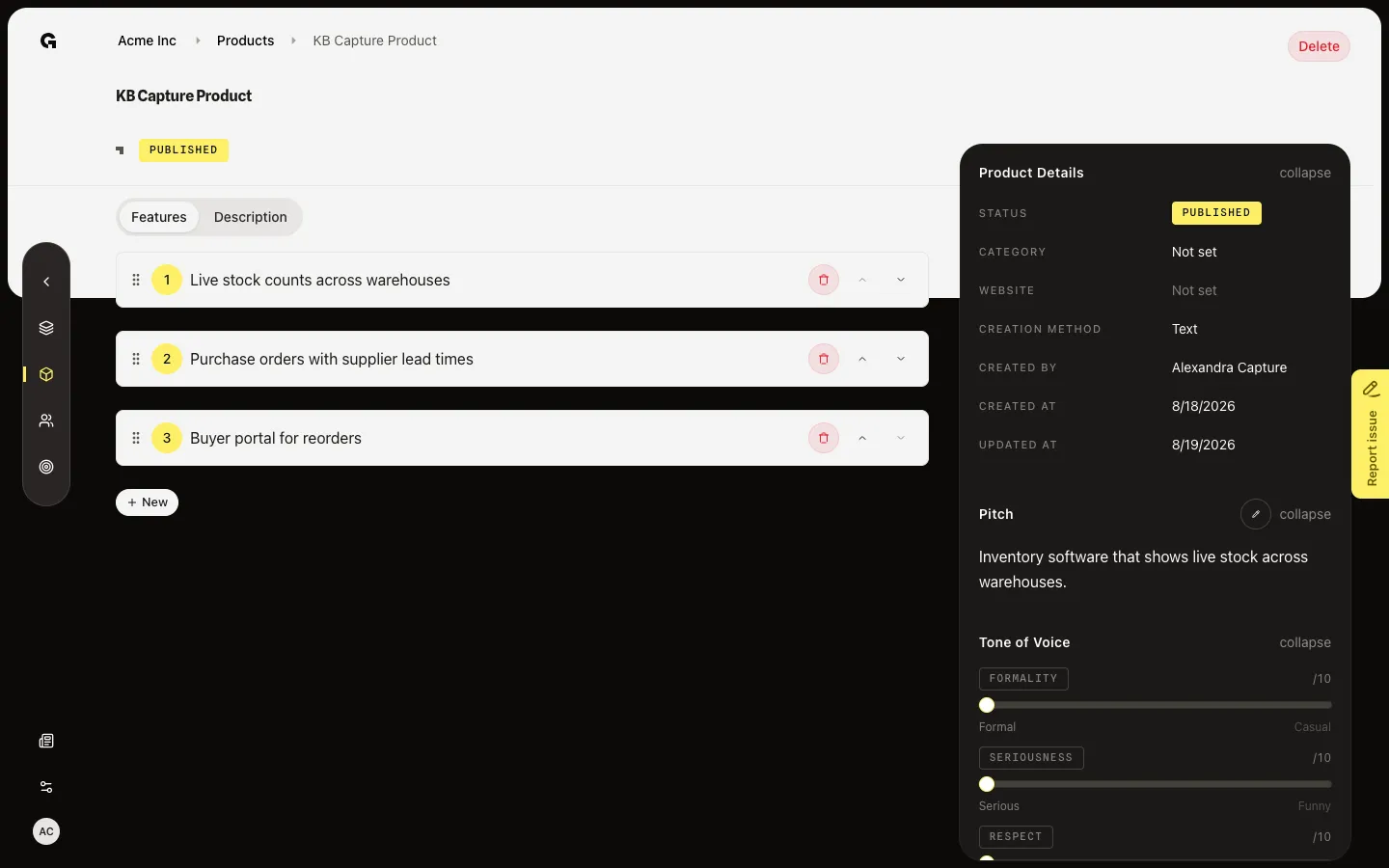
Open a published product such as KB Capture Product, or choose the Features tab. The seeded list already has points such as Live stock counts across warehouses. If status is Enriching… and features are not done, you see placeholders instead of the list. Anyone with product read can view. Edit needs product update.
Edit a feature
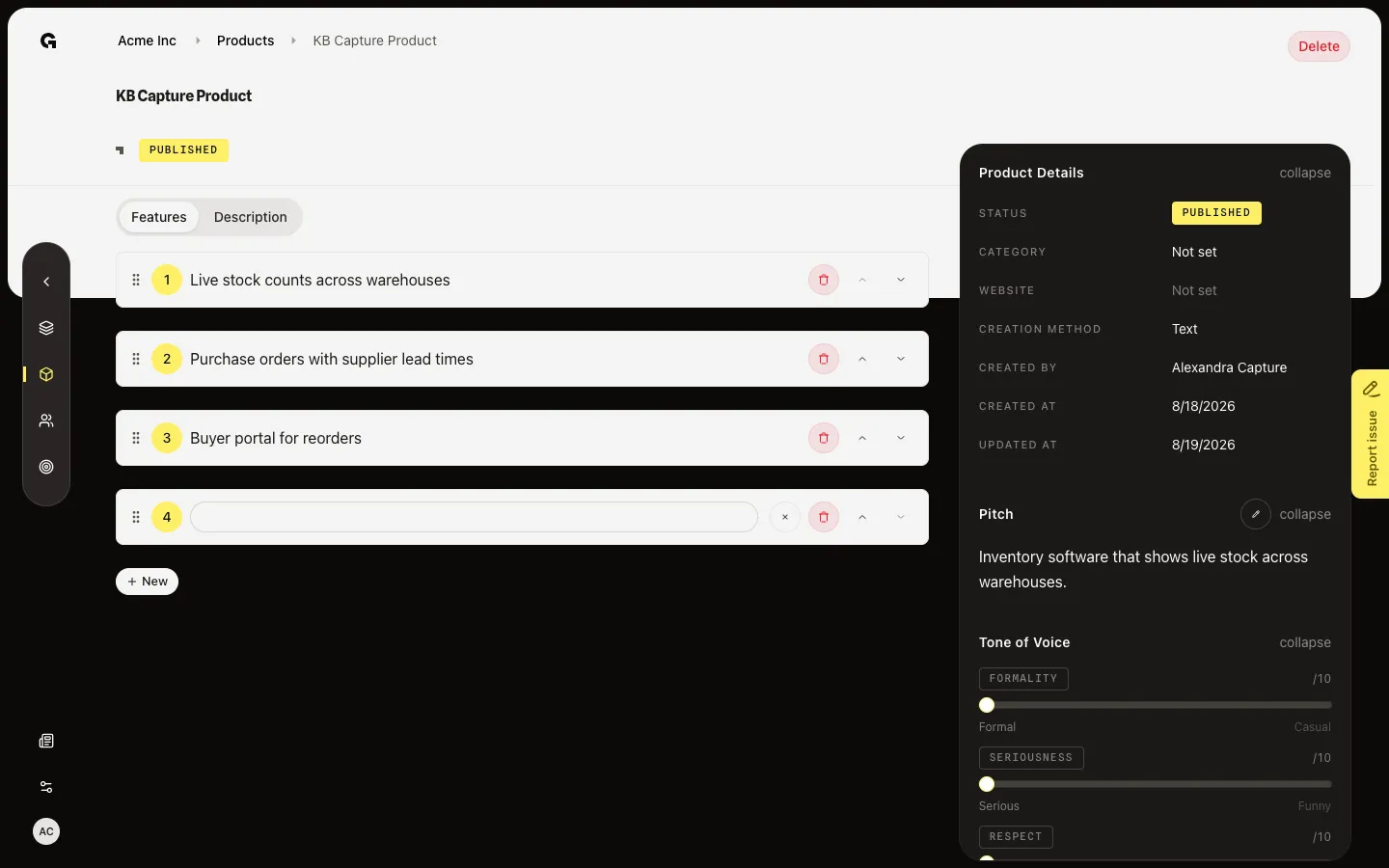
Click a feature line to edit it. Changes save after a short pause. Saved appears next to New. Use the arrows to reorder. The trash on a row removes that feature. New adds an empty line. If the list is empty, Add feature is on the empty state instead. Description is the other tab — pitch and tone live in the sidebar, not here.
FAQ
I see No features yet, or a loading list.+
Empty means no one has added features and enrich has not written any. Add feature if you can update. Loading means enrich is still writing FEATURES. Wait, or open the product later.
I can read the features but I cannot edit or see New.+
Editing needs product update. Without it, the list is read-only. Ask an admin.
Why do these lines matter after I save them?+
Personas use product features when they generate pain relievers and gain creators. Chat and content also read this list. Keep each line specific and true.