Manage ICP example companies
Open Example companies on a published ICP to review the 3–6 accounts that define the profile, then add more if needed.
Example companies are the 3–6 lookalikes that define this ICP. Growf uses them when it writes the profile and when it searches for more accounts.
2 steps · About 2 minutes
Open Example companies
Open a published ICP such as KB Capture ICP, then choose Example companies. Seeded names should already be here. These companies taught Growf what “good” looks like for this product. You need ICP update to add more.
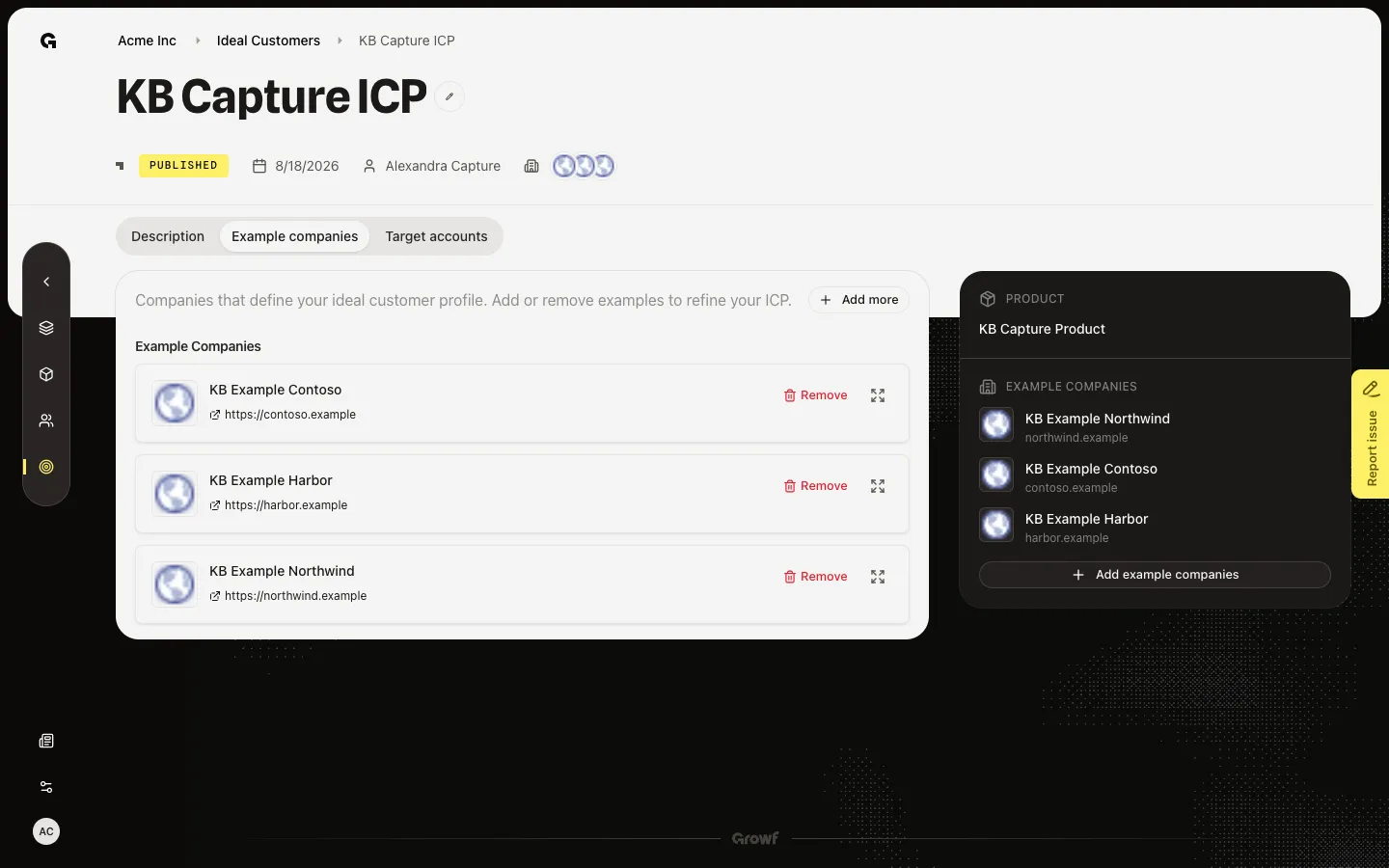
Open Add example companies
Choose Add more. Add example companies opens a search dialog. Search talks to LinkedIn and can fail or return live results. Do not run a search during capture. Close the dialog to keep the seeded list. Target accounts are a different tab — those are prospects, not the examples that define the ICP.
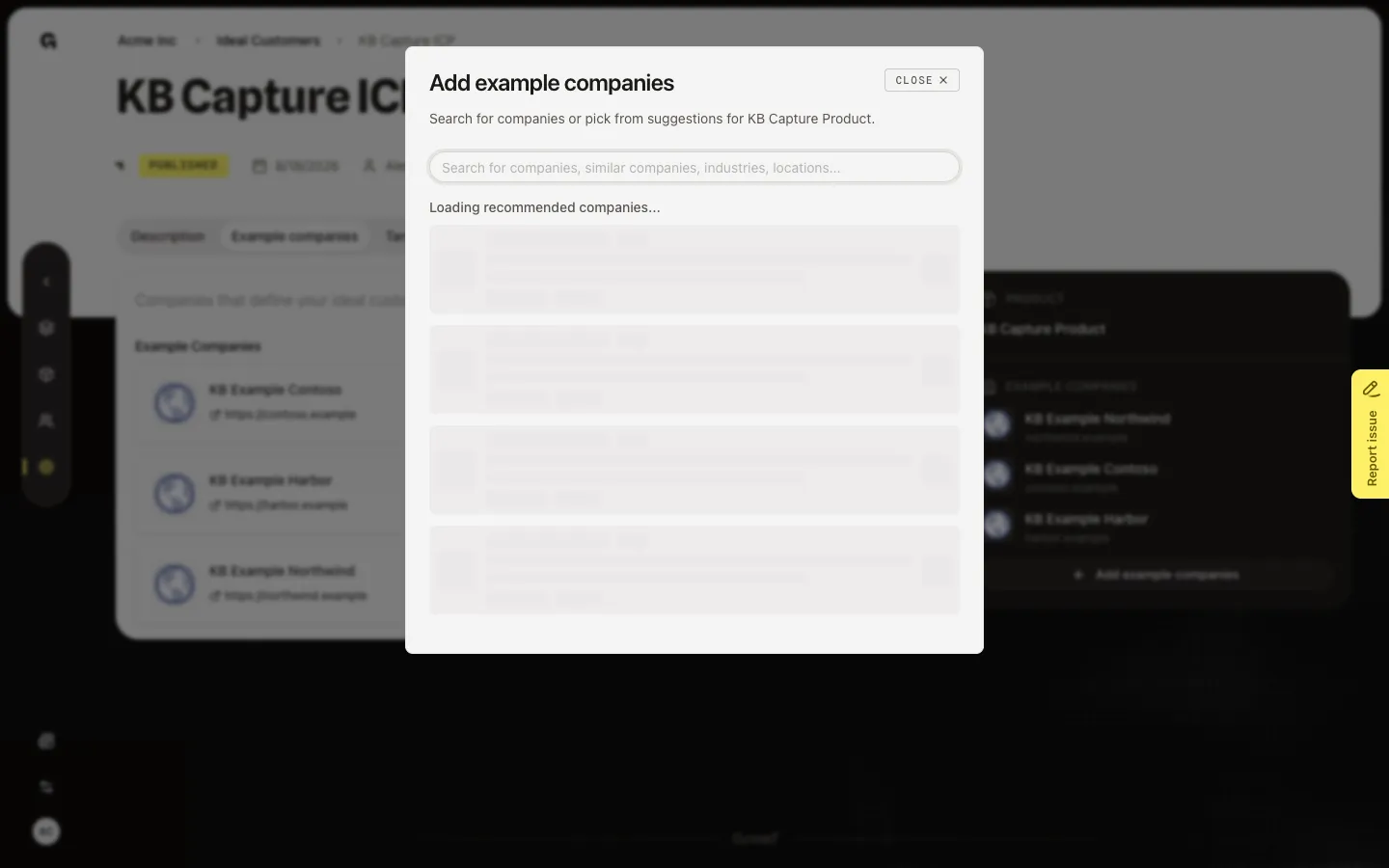
FAQ
How is this different from Target accounts?+
Example companies define the ICP (3–6 lookalikes). Target accounts are the longer prospect list you search and export. Use each tab for that job.
I can see the list but not Add more.+
Adding needs ICP update. Ask an admin. Anyone with read can still open the tab.
Why should I not search in the dialog right away?+
Search calls LinkedIn. Results can be empty, slow, or live companies you did not mean to add. Review the seeded list first. Search only when you have a real company in mind.