Manage agent tools and identities
Add tools from Instructions, link a connection on Tools, and pick identities when a tool needs a brand or person.
Tools and Identities decide what the agent can call and which brand it runs as. Anyone who can update agents can change them.
4 steps · About 3 minutes
Open Tools
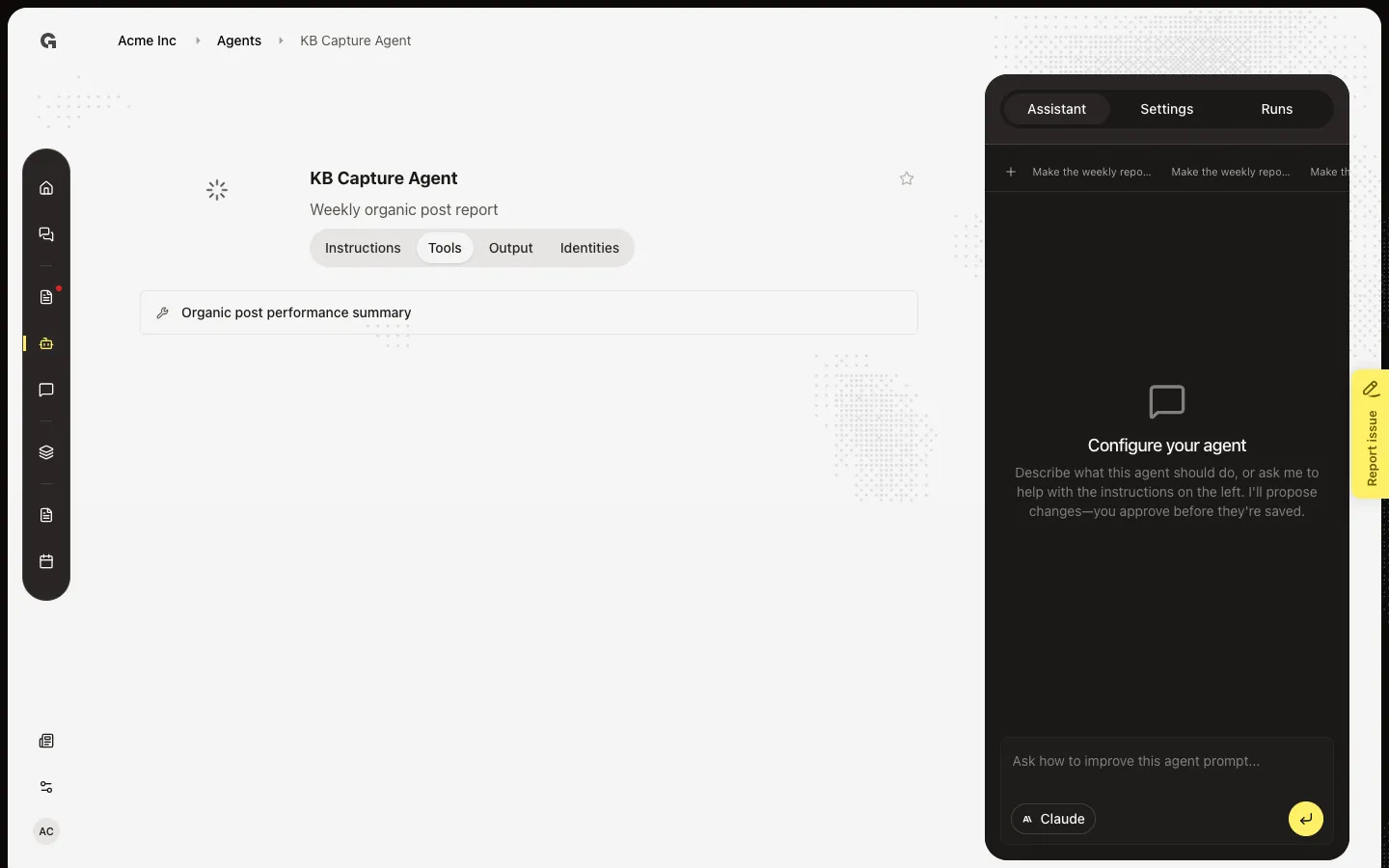
Open **KB Capture Agent**, then choose Tools. The toolset lists tools Growf picked from the goal, plus tools you add. This agent includes Organic post performance summary. A badge on Tools means an external tool still needs a connection.
Open Instructions
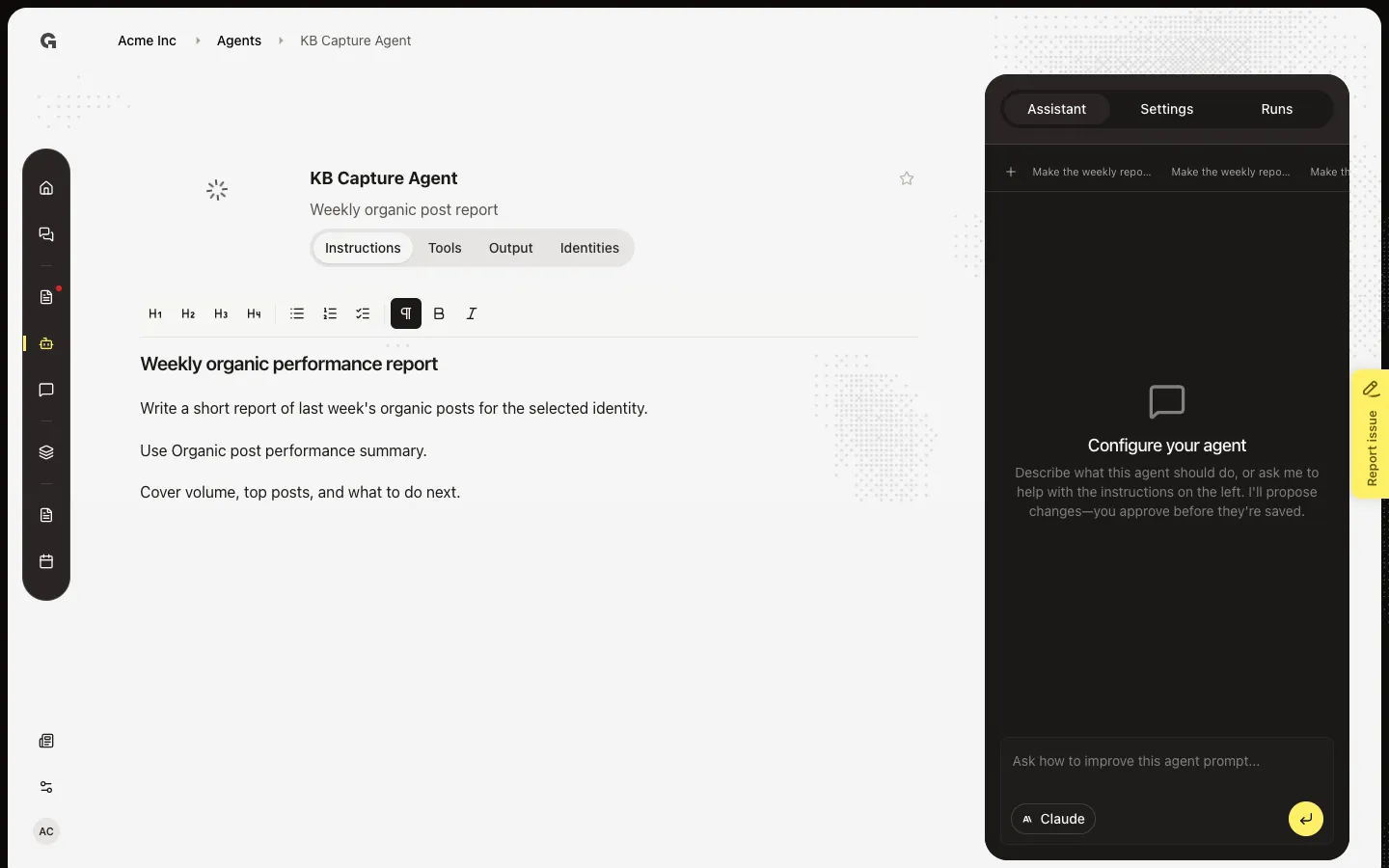
Choose Instructions. The editor holds the prompt Growf generated from the goal. Type / at the start of a new line and choose Add tool to insert a mention. Tools Growf already added stay in the toolset.
Confirm Type and Output
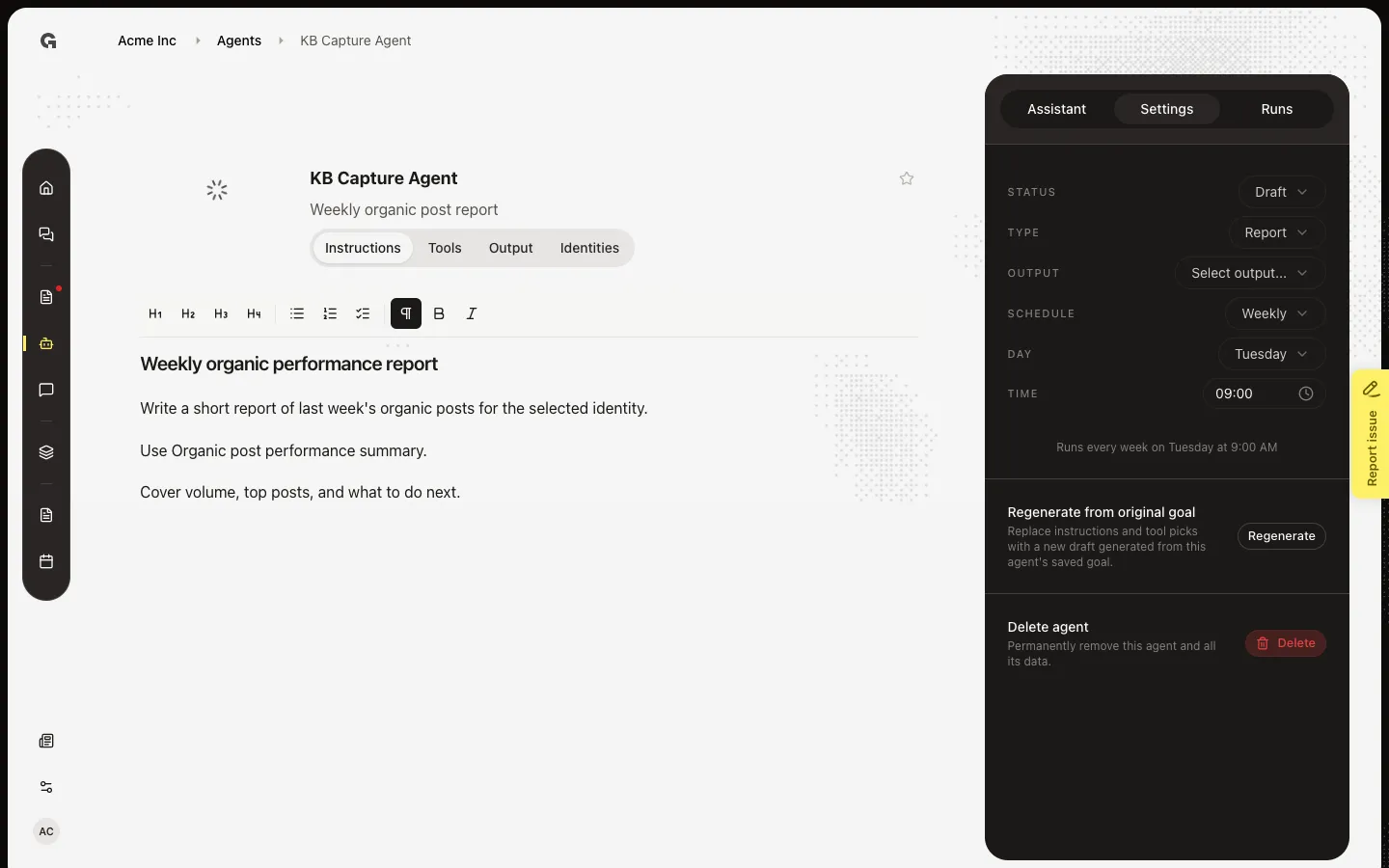
Open Settings. Type and Output must be set before Status can be Active. Builtin tools such as Organic post performance summary do not ask for a connection. LinkedIn, Google, and similar tools show Choose connection on Tools until you pick one. Connect the app first — see Connect an integration.
Review Identities
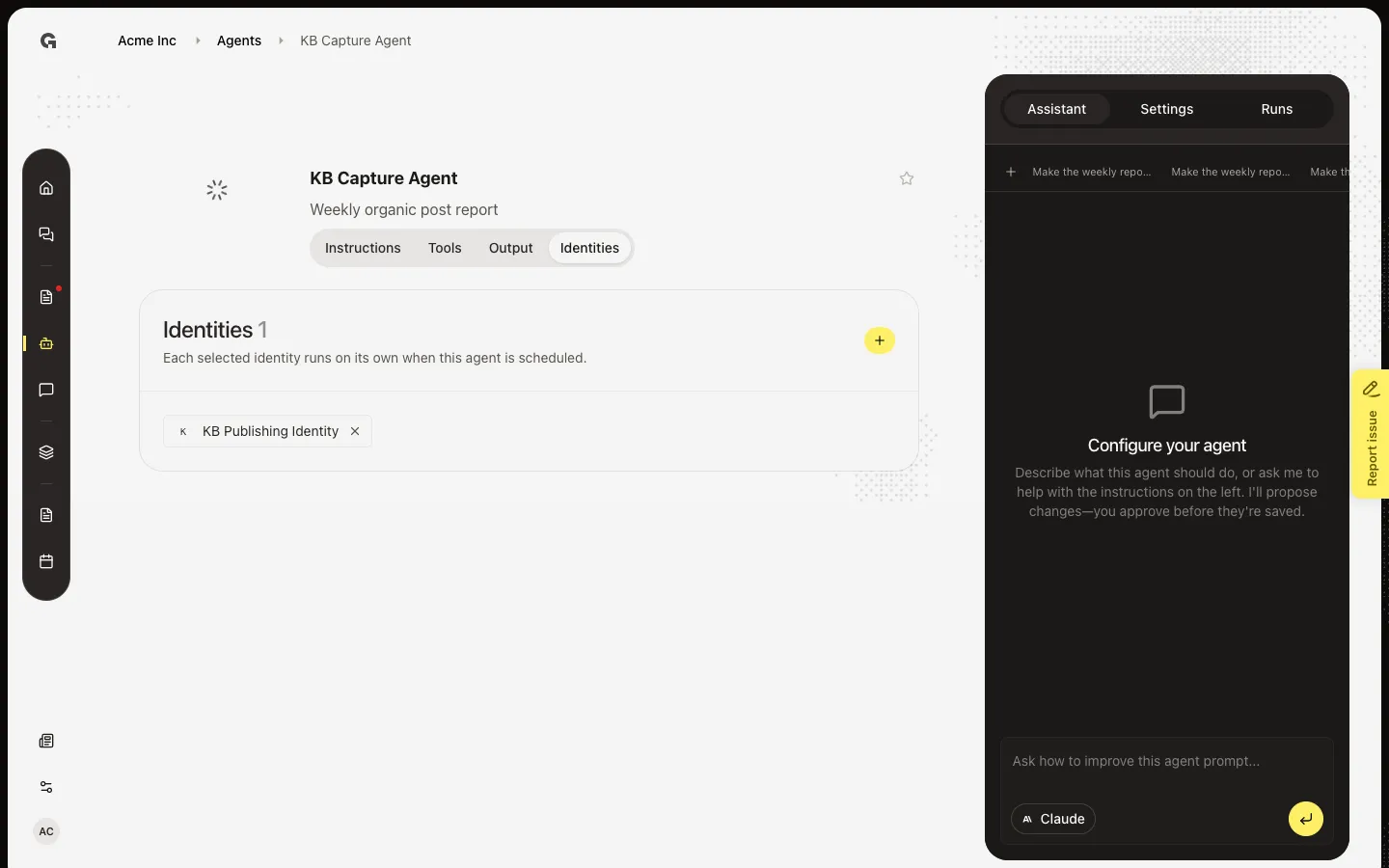
Identities appears when a tool needs a brand or person. Choose Identities. This agent already has **KB Publishing Identity**. Choose + to add another from Settings. A scheduled agent runs once per linked identity. You cannot remove the last identity while the agent is Active and scheduled.
FAQ
Tools shows a number.+
That count is external tools with no connection. Open Tools and choose a connection for each. If the list is empty, connect the app first — see Connect an integration.
I do not see Identities.+
The tab appears only when a tool needs an identity. Add an Organic Posts or similar tool, or wait until generation finishes. If + is off, add a publishing identity in Settings first.
I cannot remove the last identity.+
An Active scheduled agent must keep one identity. Set Status to Draft, or add another identity before you remove this one.
I cannot add tools or identities.+
You need permission to update agents.