Manage agency rules
Add, edit, and remove agency rules that agents follow across client workspaces.
Agency rules are standing instructions for AI across **every client** in the agency: shared tone, strategy, and how the agency works. Only the agency owner can open this page, and only from the agency workspace.
3 steps · About 3 minutes
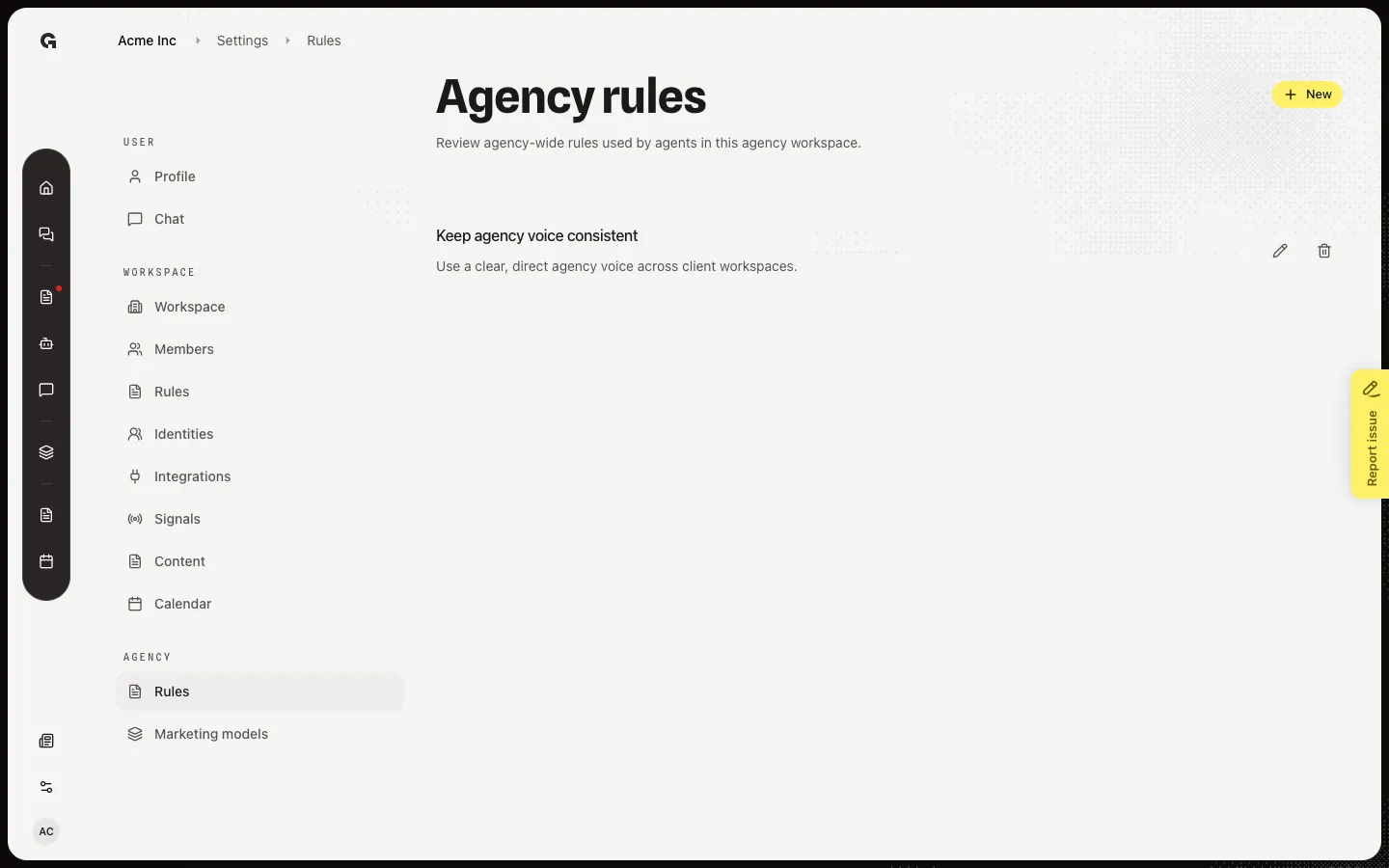
Open Agency rules
Open Settings in the agency workspace. Under Agency, choose Rules. The page title is Agency rules. This item is missing on a client workspace and if you are not the agency owner. Agency rules apply to every client in the agency. Workspace rules still override or add detail per client.
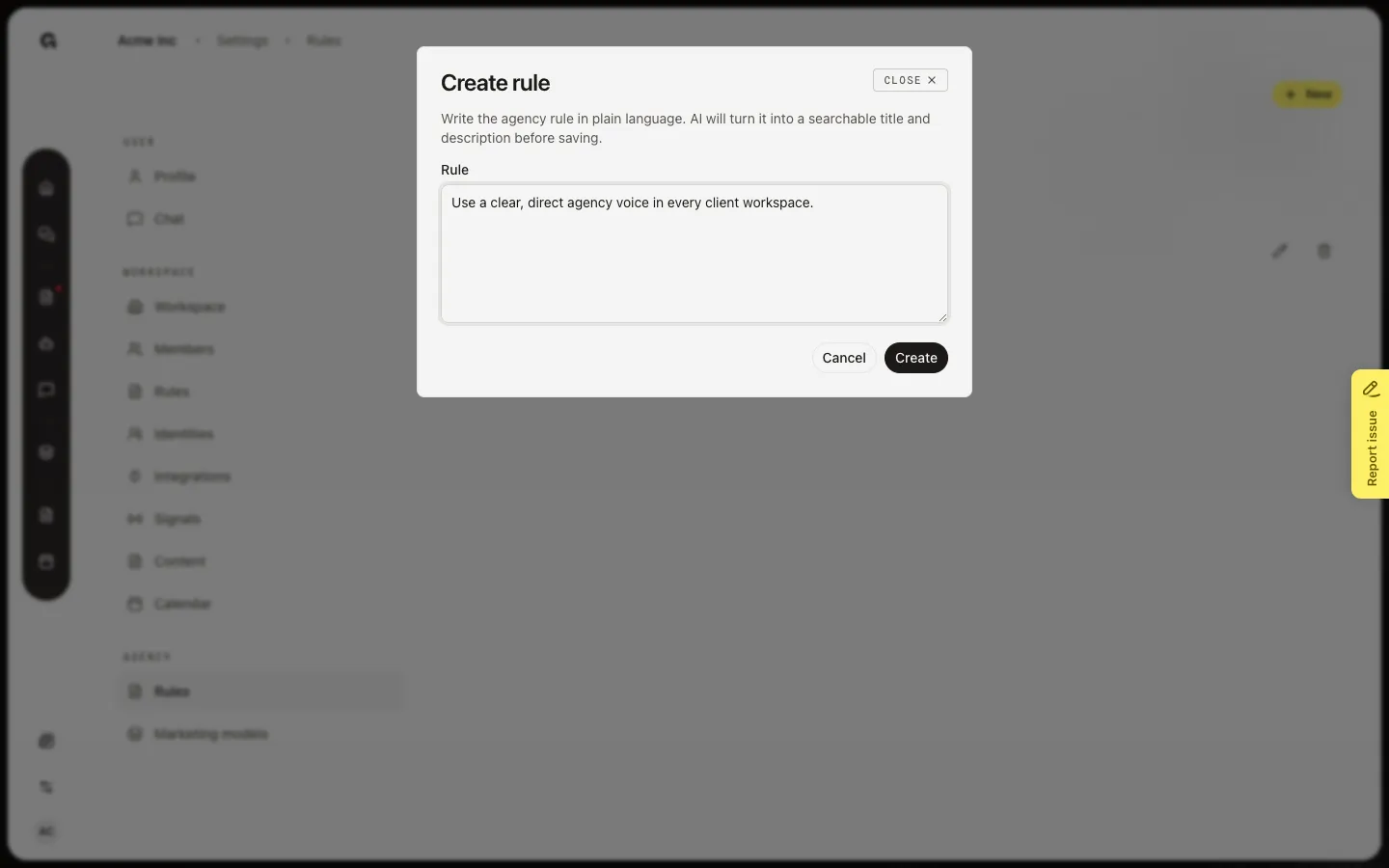
Open Create rule
Choose New. Write an agency default in Rule: tone, strategy, or how the agency works with every client. On Create, AI turns that text into a label and instruction. Do not put one client’s offer here. Use Manage workspace rules for that.
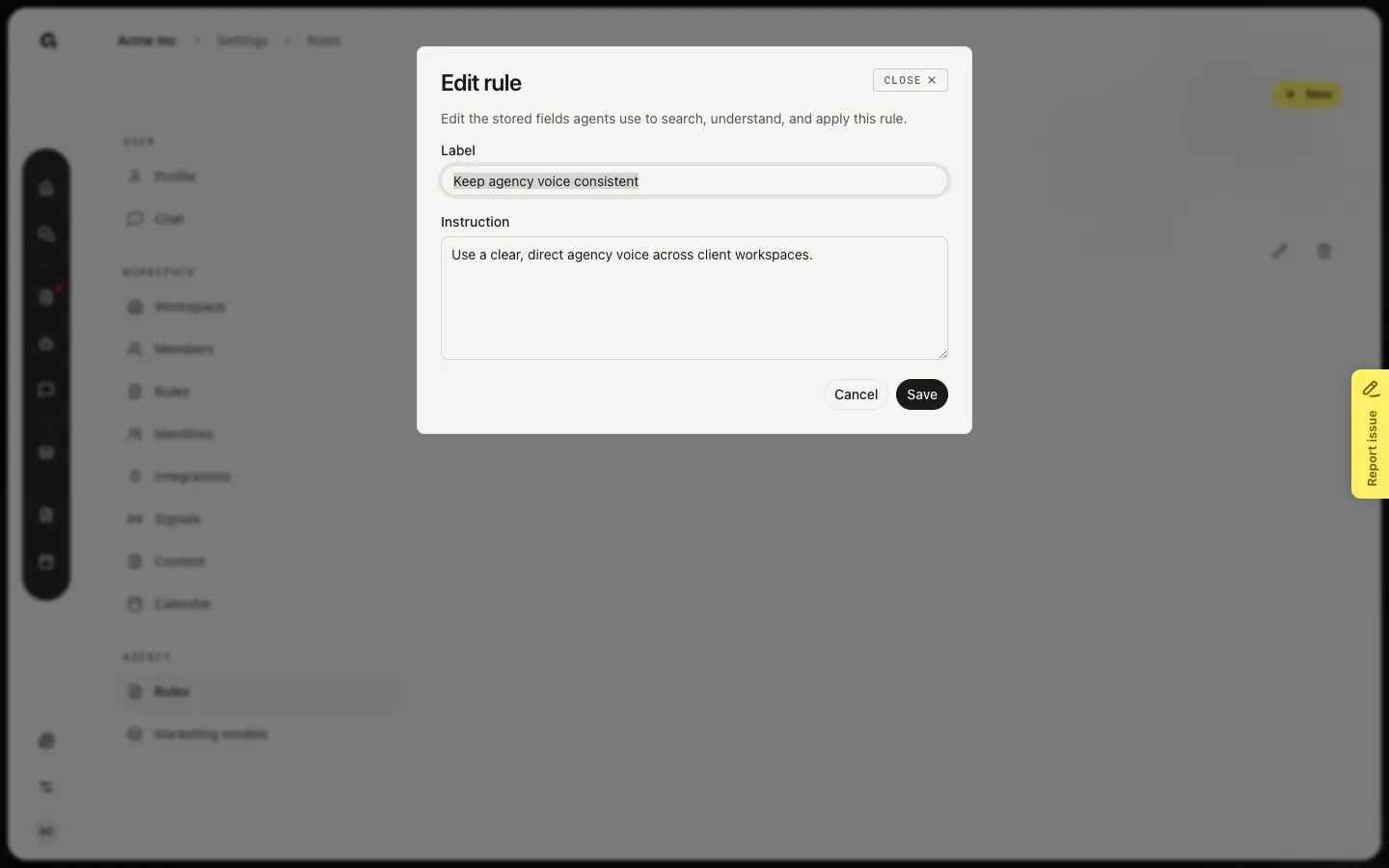
Edit or remove an agency rule
Choose Edit on a saved rule. Change Label or Instruction, then Save. Remove deletes the rule for every client that inherited it. Chat and agents pick up the change on the next run.
FAQ
I do not see Agency or Agency rules.+
Open the agency workspace and sign in as the agency owner. A client workspace has no Agency rules page. Other admins can read workspace Rules, not this page.
Do agency rules replace workspace rules?+
No. Agents read agency rules first, then that workspace’s rules. Use agency rules for defaults. Use Manage workspace rules for one client.
The page shows How to use Agency rules and no list.+
No agency rules are saved yet. Onboarding documents and saved agent memory can add them. Choose New to write the first default.
Agency rules opens a missing page.+
That URL only works on an agency workspace. Switch to the agency, then open Settings and Agency.