Give a profile its own tone of voice
Link a Knowledge document or let Growf AI draft one from the profile's posts, so content made as that profile sounds like the profile itself.
A tone of voice is a Knowledge document that describes how a profile writes: what it always does, what it never does, and an example. You set it per profile in Settings, under Profiles. You need permission to create content or to manage the workspace; Admin, Strategist and Creator have it by default. Draft from posts also needs permission to create content or documents, and Choose from Knowledge needs access to Knowledge or the chat.
3 steps · About 3 minutes
Open the profile's tone of voice
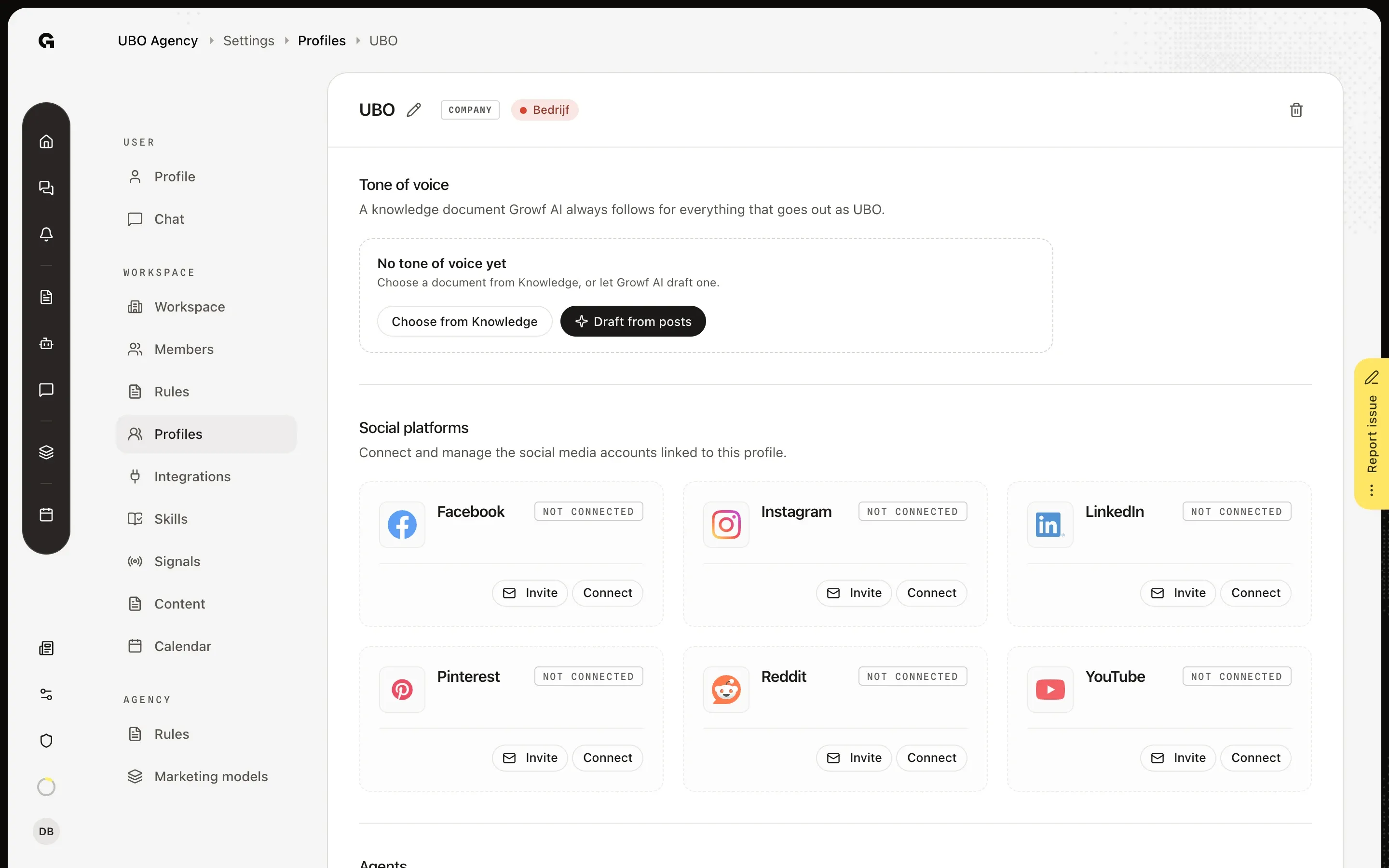
In Settings, under Workspace, choose Profiles and click the name of a profile, here KB Publishing Identity. Tone of voice is the first section on the profile's page. Without a document it reads No tone of voice yet, with two buttons: Choose from Knowledge and Draft from posts. Growf AI follows the document you set here for everything that goes out as this profile.
Draft it from the profile's posts
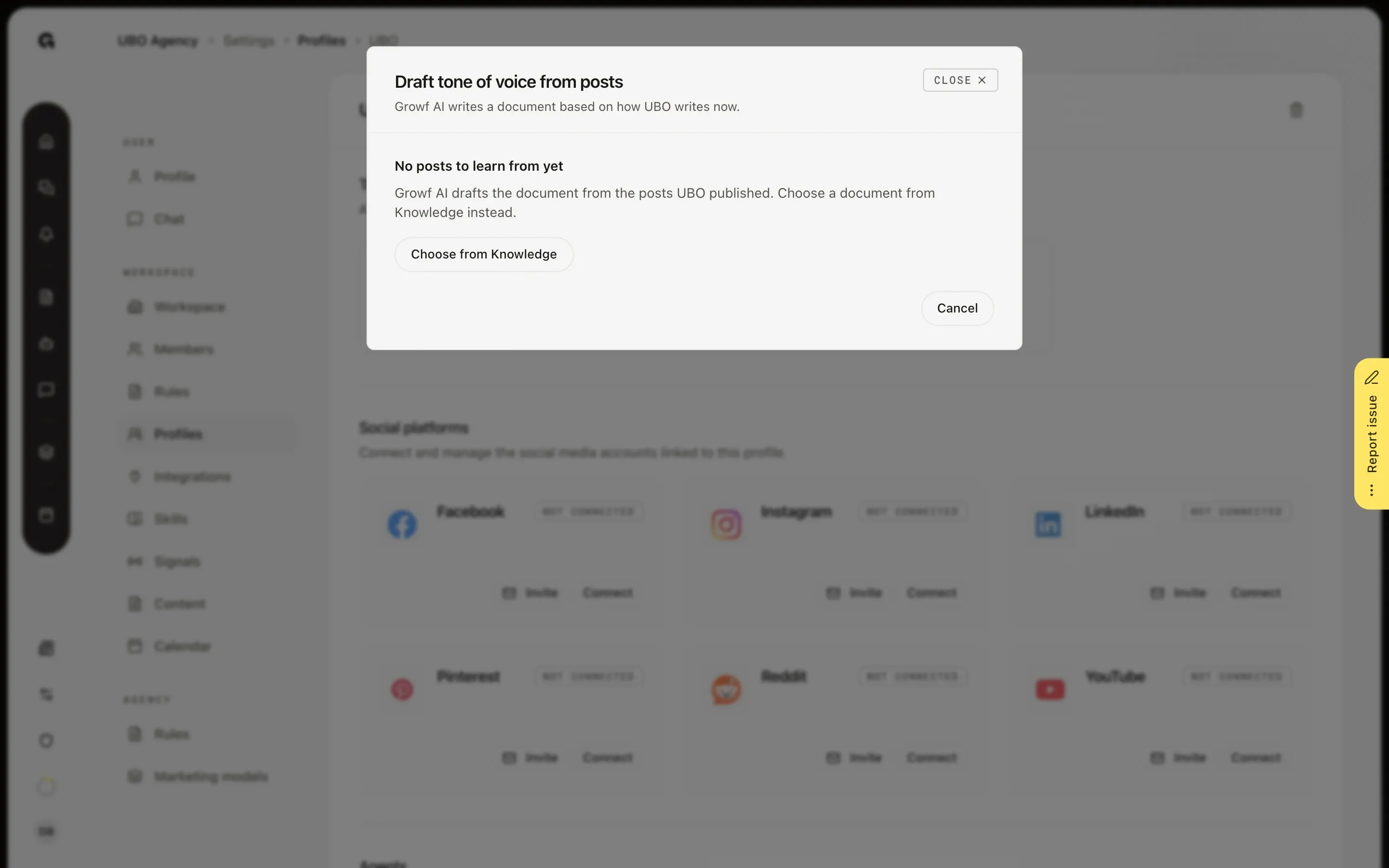
Click Draft from posts. In Draft tone of voice from posts, Growf AI reads the posts the profile published on every channel in the last 12 months and writes a Draft: a short summary, what the writing Always and Never does, and an Example. Change sources lets you pick other Channels and a Period of 6, 12 or 24 months, and Apply drafts again; Write again drafts again from the same posts. Each draft uses AI credits. Save and link puts the document in Knowledge and links it to the profile, and Cancel keeps nothing. KB Publishing Identity has no posts yet, so here you see No posts to learn from yet, with Choose from Knowledge instead.
Or link a document from Knowledge
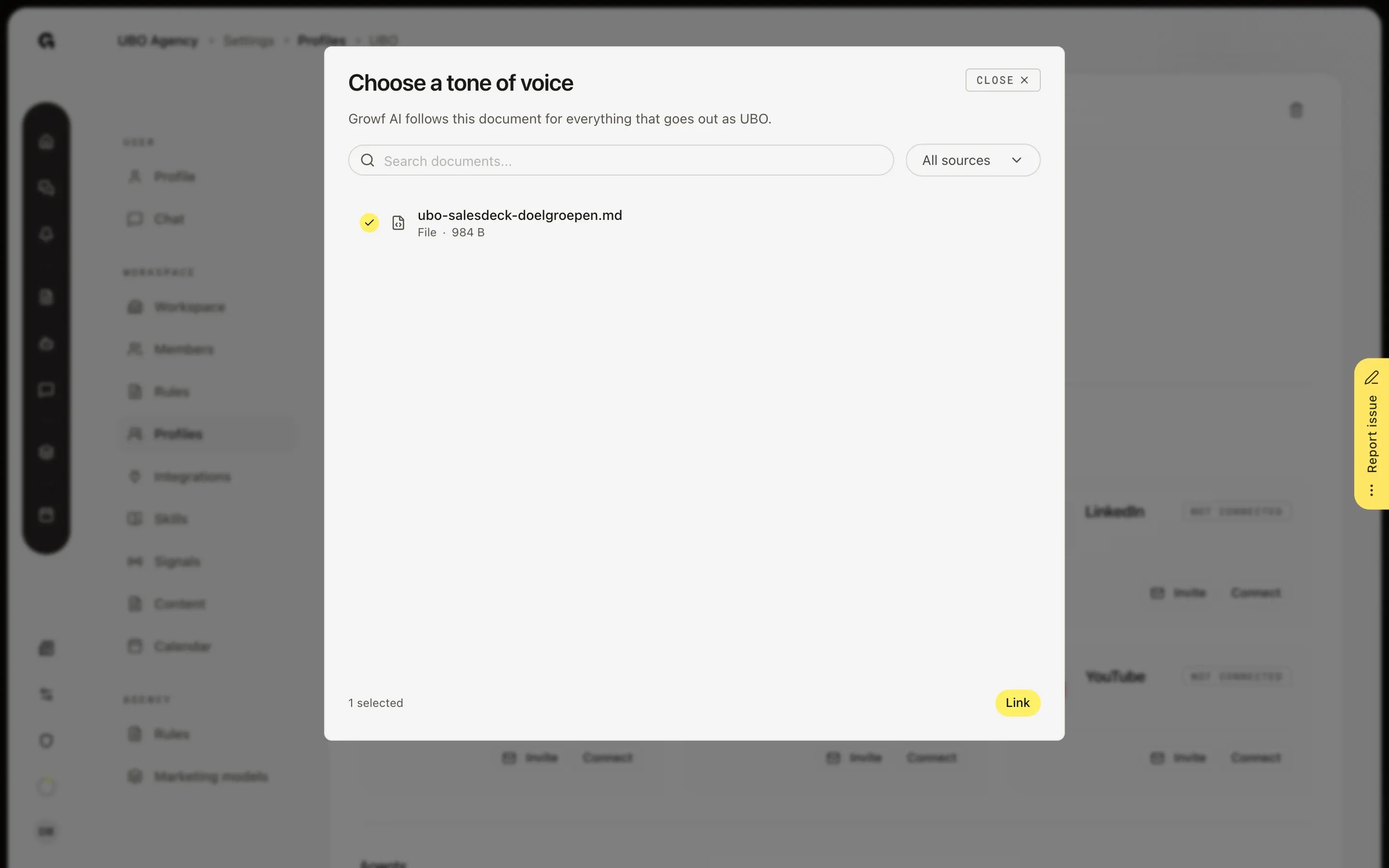
Click Choose from Knowledge to link a document you already have, such as a brand voice guide. In Choose a tone of voice, you can search, filter by source or page through the list. Pick one document and click Link. You can only link a Public document, because everyone who writes as the profile uses it. After Link, the section shows the document with Open, and under it Choose another document and Regenerate from posts. The … button next to Open has Unlink, which keeps the document in Knowledge.
FAQ
Why does it say No posts to learn from yet?+
Growf AI drafts from the posts the profile published on its connected channels. A new profile, or one whose channels Growf has not read yet, has none. Connect a channel first, see Connect a publishing channel, or choose a document from Knowledge instead. If you see No posts with text in this period, open Change sources and choose a longer Period or other Channels.
Can I link a private document?+
No. Growf AI puts the tone of voice in front of everyone who writes as the profile, so only a Public document can be linked. If you pick a private one, you see This document is private. Make it visible to the workspace to link it. The owner of the document can set its Visibility to Public. If a linked document becomes private later, the card says private, Growf AI does not follow it.
Does it cost AI credits?+
Drafting does. Every draft uses AI credits, and so do Write again and Apply under Change sources. Choosing a document from Knowledge, linking and unlinking cost nothing. When the credits are used up, the dialog says Your AI credits are used up, so Growf AI cannot draft the document.
Where does Growf AI use the tone of voice?+
In Content mode, for everything that goes out as the profile: the chat, the texts Growf writes in the background, and each channel's Own version (see Give a channel its own text). It wins over general tone advice. Growf AI follows a new document once it is processed; until then the card says being processed. The draft is written in the language most of the posts are in.
What happens when I regenerate from posts?+
Regenerate from posts opens the same dialog. If Growf drafted the linked document, Save updates that document in Knowledge. If you linked a document of your own, Save and link adds a new document and links that one instead; your own document stays in Knowledge.