Find target accounts
Open Target accounts on a published ICP and use Discover to search for companies that match the profile.
Target accounts are the companies you want to sell this product to. Discover searches for matches. Selected is the list you keep.
2 steps · About 2 minutes
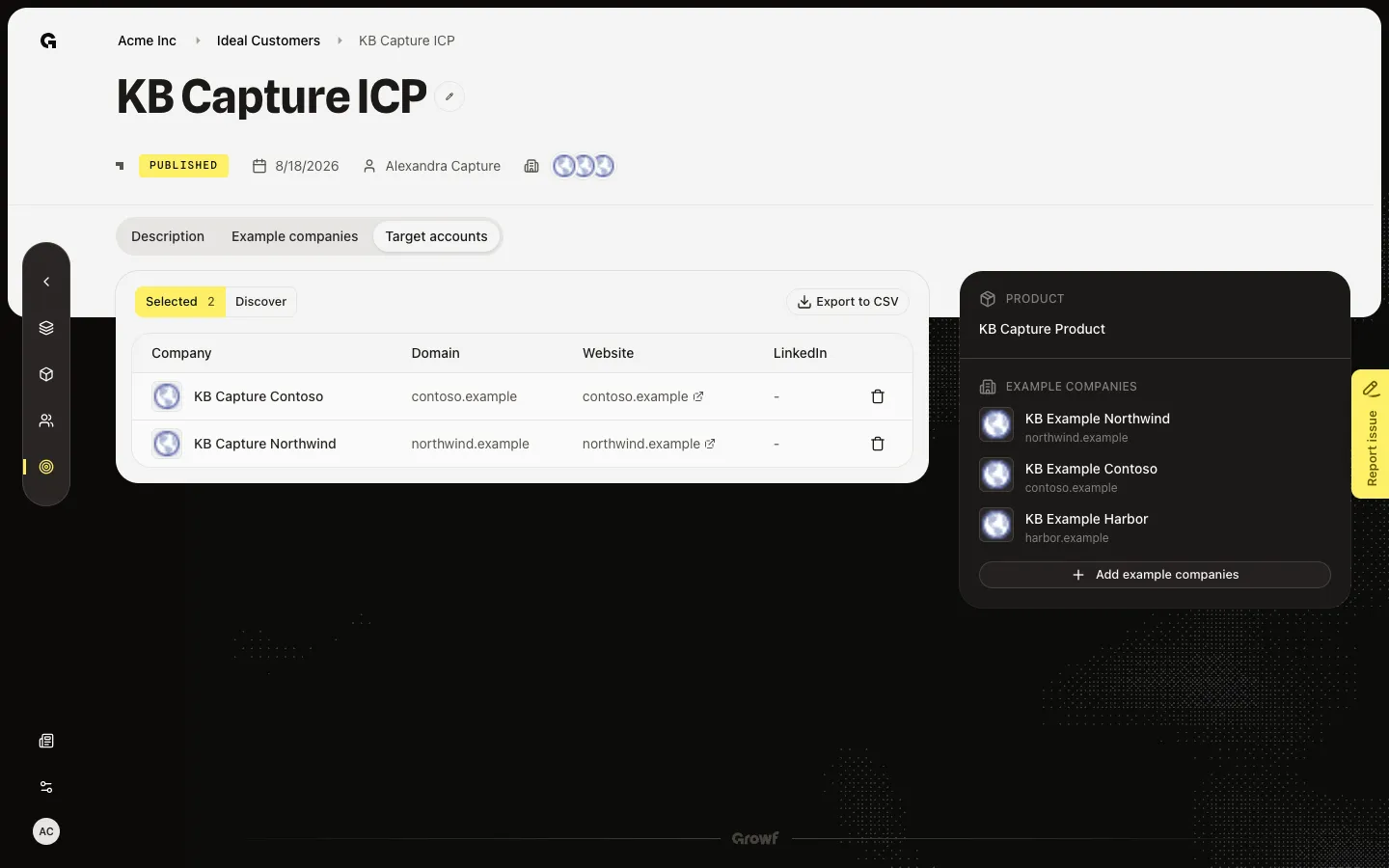
Open Target accounts
Open a published ICP such as KB Capture ICP, then choose Target accounts. Selected lists companies already saved for this ICP. Discover is the search view. You need ICP update to search. Seeded accounts such as KB Capture Northwind and KB Capture Contoso appear on Selected.
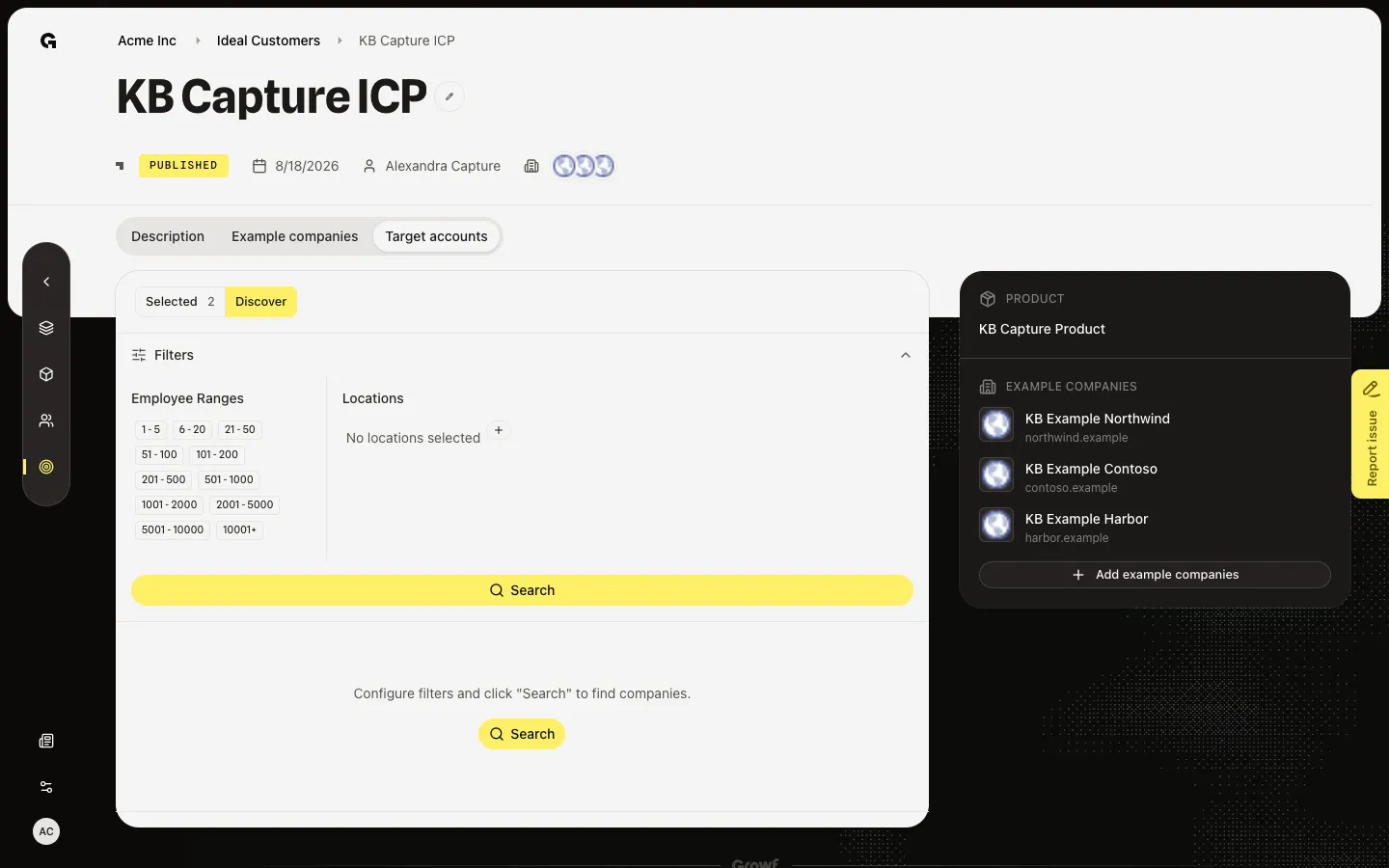
Open Discover
Choose Discover. Filters and Search appear. Search talks to Apollo and can spend credits. Do not click Search during capture. Set filters first, then Search when you mean to look up live companies. Matches you keep move to Selected. Export target accounts downloads that list.
FAQ
I see No target accounts yet.+
Open Discover and run Search when you are ready. Save matches to fill Selected. The empty state points you there.
I do not see Target accounts.+
The tab needs ICP update. Without it you can still read Description and example companies. Ask an admin.
Why should I not click Search right away?+
Search calls Apollo. That can create live results and use credits. Set filters first. Export uses the Selected list, not Discover.