Export target accounts
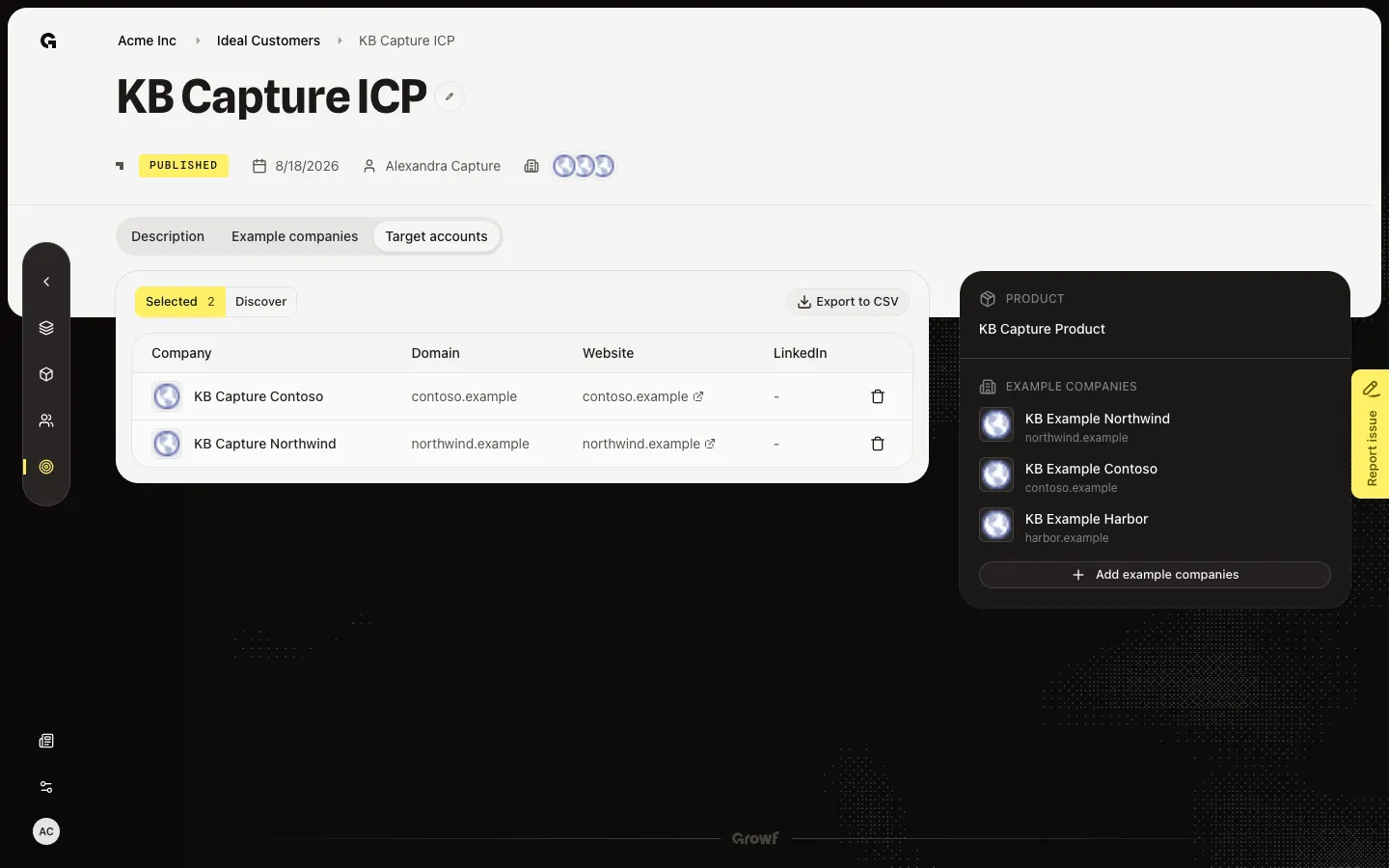
Open Selected on Target accounts and choose Export to CSV to download the saved companies.
Export downloads the companies you already saved on this ICP.
2 steps · About 2 minutes
Open Selected
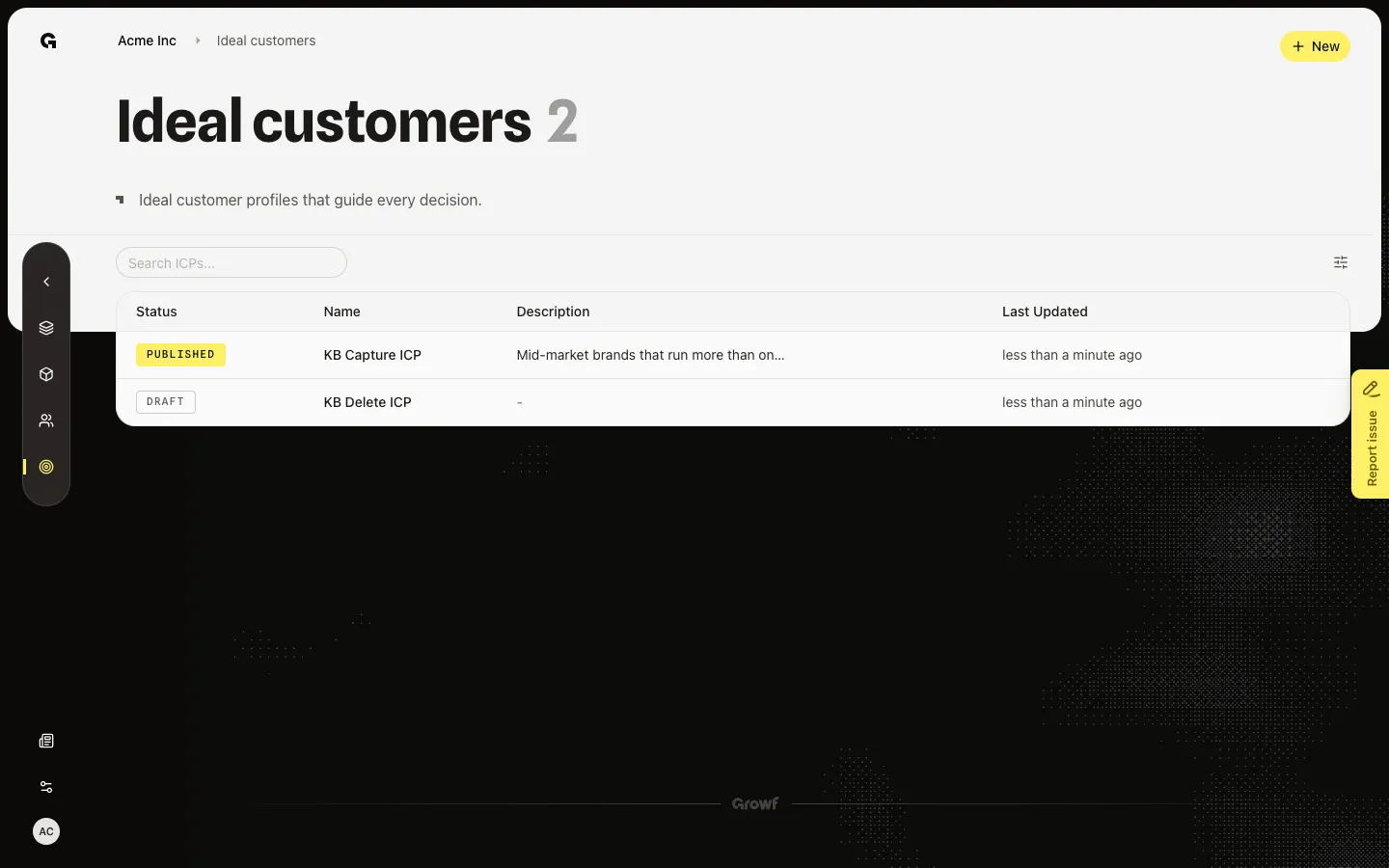
Open Target accounts on a published ICP such as KB Capture ICP. Selected is the default when accounts already exist. You should see seeded companies. Export to CSV sits above the table. Discover is the other view — export does not use it.
Choose Export to CSV
Choose Export to CSV. The browser downloads the Selected companies. If the button is missing, Selected is empty — Find target accounts first. You need ICP update to see this tab.
FAQ
I do not see Export to CSV.+
The button sits on Selected when at least one company is saved. Open Discover, search, and keep matches first. See Find target accounts.
Can I export Discover results?+
No. Export writes the Selected list. Save companies from Discover first.
I cannot open Target accounts.+
The tab needs ICP update. Ask an admin.