Export persona job titles
Open the jobs page and choose Export to download the titles as a CSV.
Export downloads the job titles on this persona as a CSV you can upload elsewhere.
2 steps · About 2 minutes
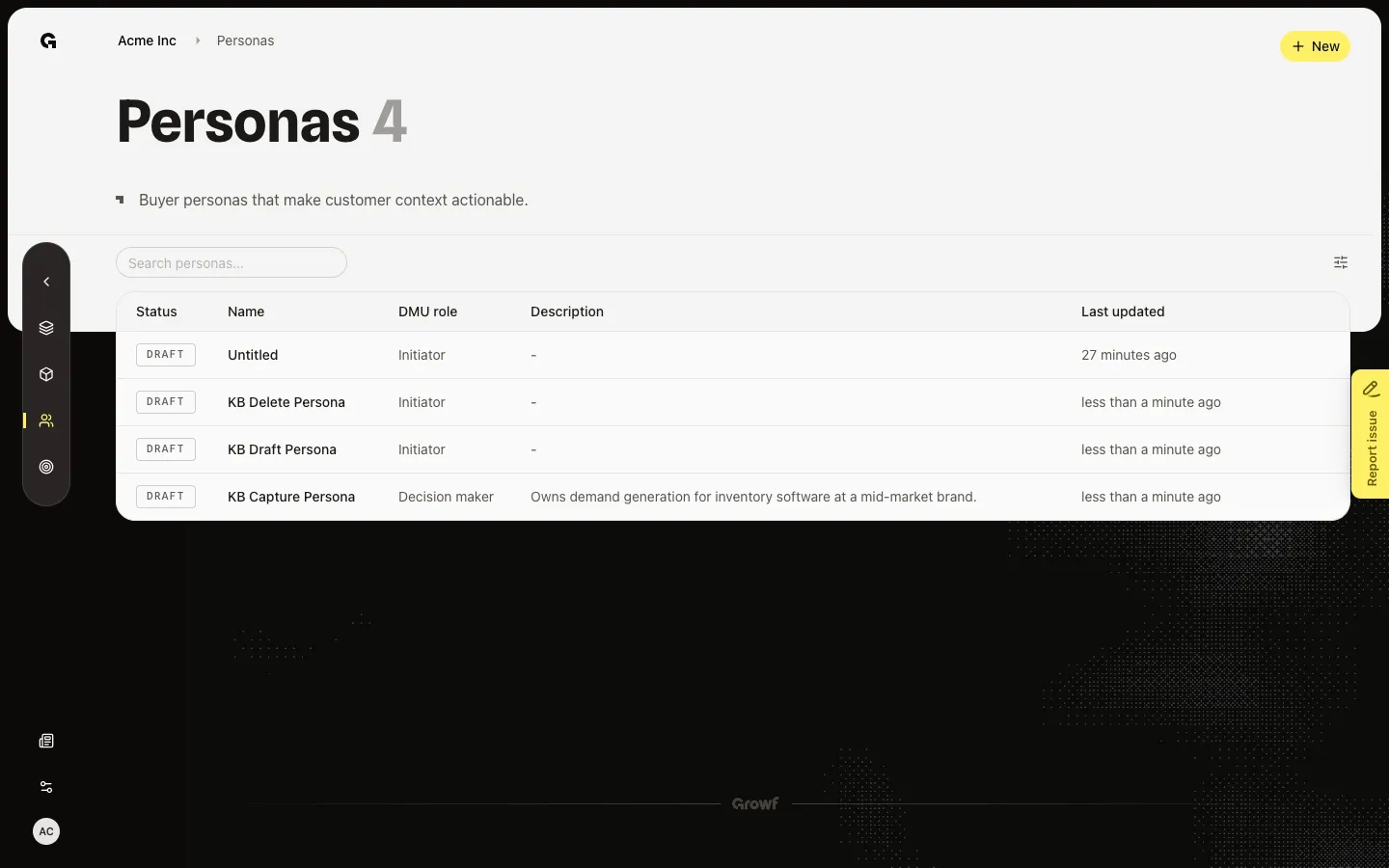
Open job titles
Start from Personas and open a persona that already has titles, such as KB Capture Persona. The jobs page is where Export appears. The file name is audience.csv. The first column header is job_title.
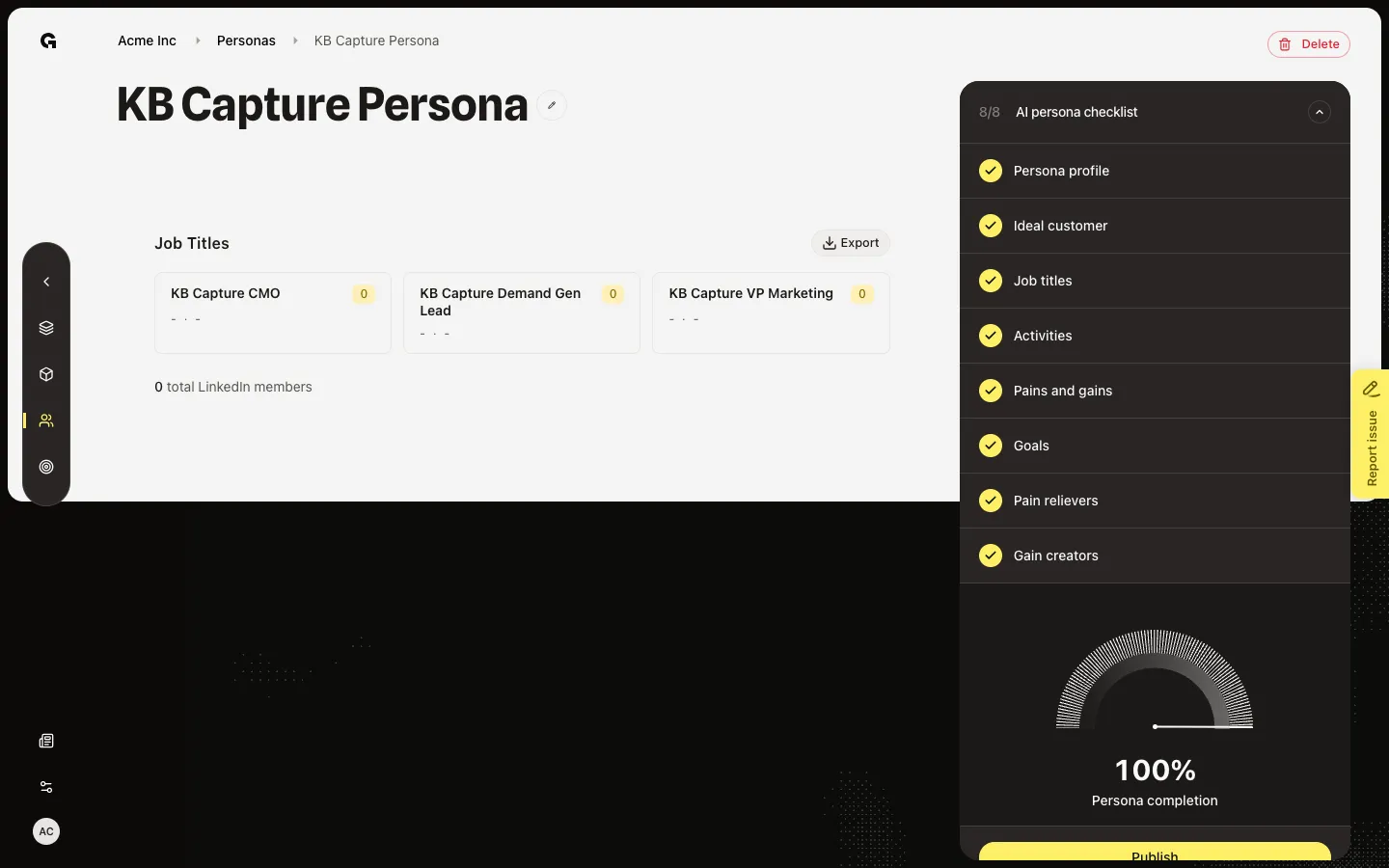
Choose Export
Choose Export. The browser downloads audience.csv with one title per row. Use it for ad audiences or a CRM list. If Export is missing, the persona has no titles — add them in Configure first.
FAQ
I do not see Export.+
Export shows only when at least one title is linked. Open Configure and add titles, then return here.
What does the file contain?+
A CSV named audience.csv. The header is job_title. Each following row is one title from this persona.
Do I need a special permission to export?+
Anyone who can open the jobs page can export. Changing titles still needs persona update.