Edit marketing content
Open a draft, rename it, and write the body. Changes save as you leave a field.
The editor is where you write the piece after you create it. Anyone with update permission can open a draft. The creator can also delete it while it is still a draft.
3 steps · About 3 minutes
Open the Content list
Choose Content. Open the piece you want to change. Use KB Feedback Sample when you are walking this how-to — it already has a title and body.
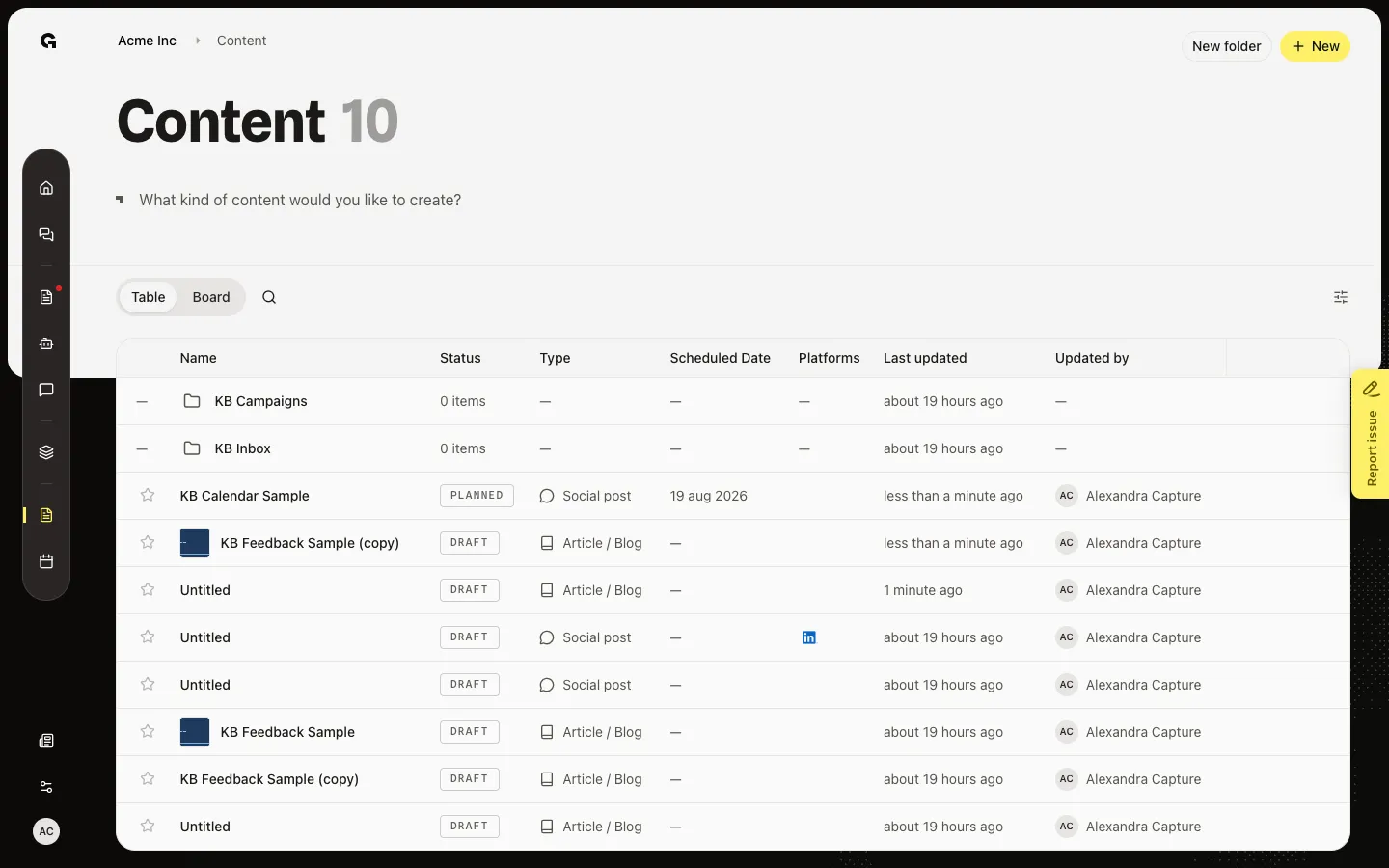
Open the editor
Click the name. The editor opens. Article / blog shows Blog article, headings, and lists. A social post or ad shows Post Content or Advertisement and a character count. Email and Website content show Not implemented. The name in the header is internal.
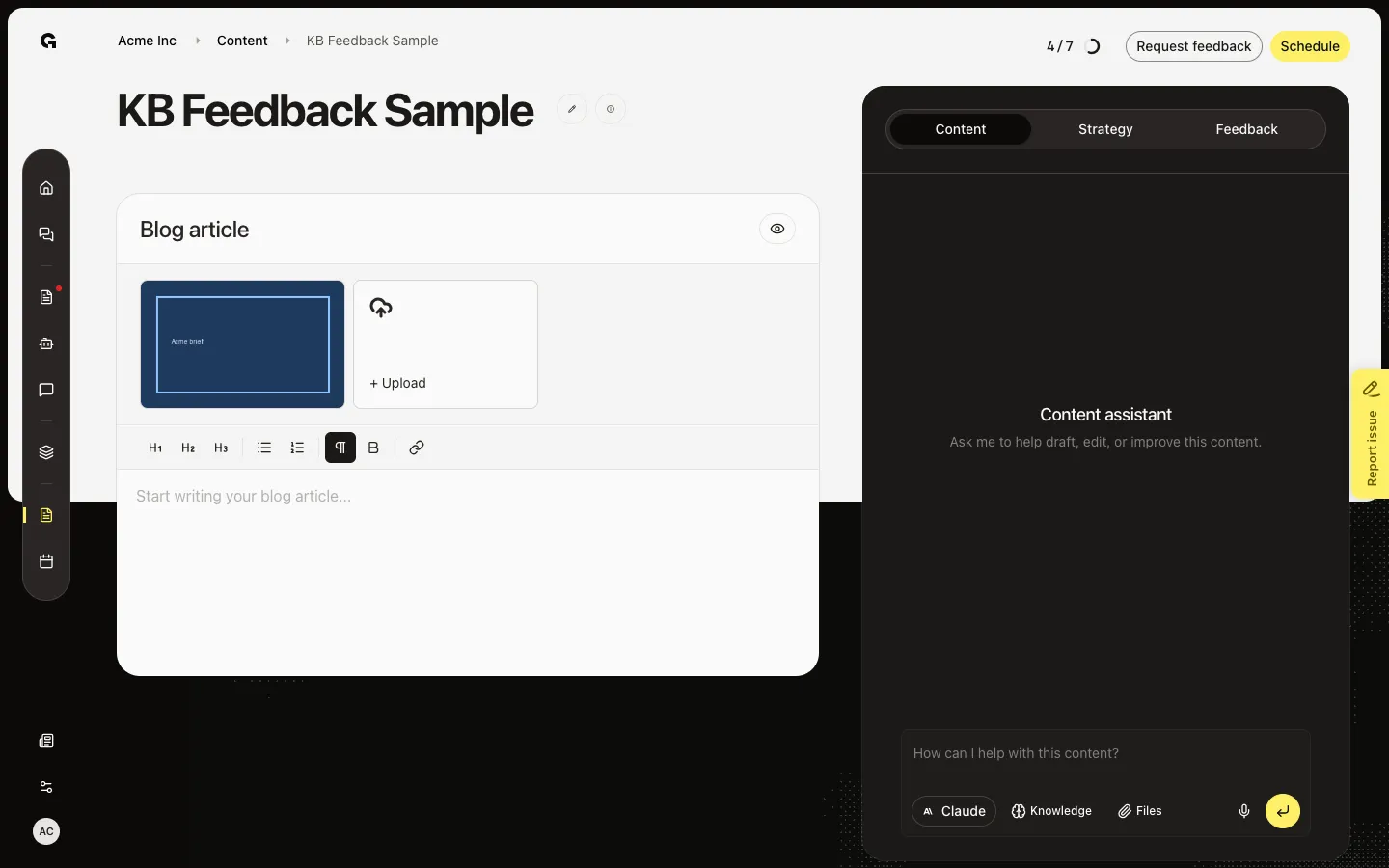
Rename the internal title
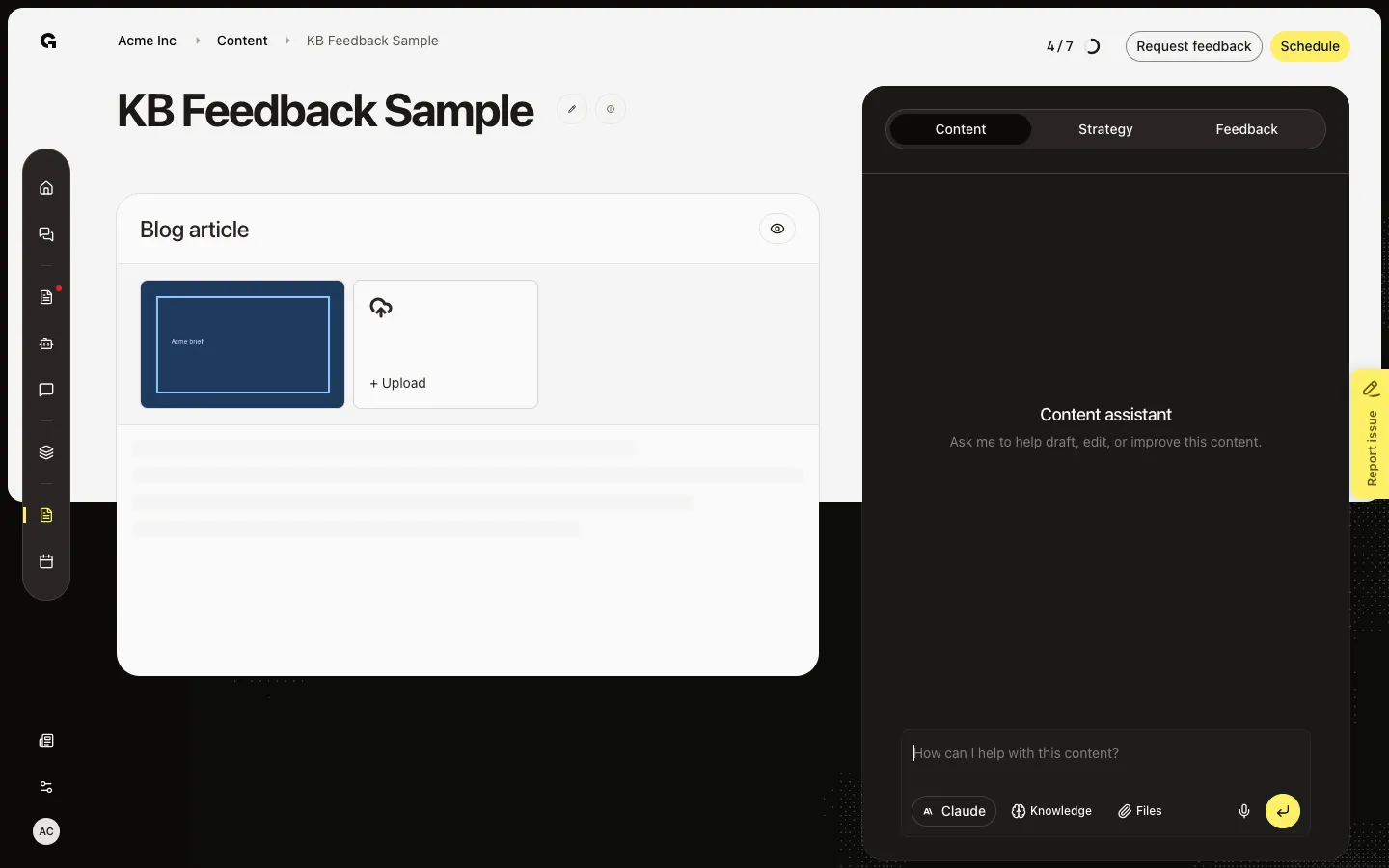
Click the title next to the info button, then type a new name. Growf saves when you leave the field. Use + Upload above the body to attach images or one MP4. The eye button opens View example when the piece has a title and body.
FAQ
The editor is locked and I cannot type.+
A published post is locked. An open feedback request that locks the piece also blocks edits until the reviewer finishes or you withdraw the request. See Request content feedback.
Where is Save?+
There is no Save button. The title and body save when you leave the field. Saved appears when the write succeeds.
I opened Email or Website content and see Not implemented.+
Those types create a list row only. Use Social post, Advertisement, or Article / blog to write.
What is Original concept on a social post?+
That is the shared draft. After you pick channels, you can add a platform variant so LinkedIn, Facebook, or Instagram can differ. See Assign identity and channels to content.