Edit an ideal customer profile
Open Description on a published ICP and edit the profile text and challenges.
Description is the written profile for one published ICP: who the company is, and what problems they have.
2 steps · About 2 minutes
Open Description
Open a published ICP such as KB Capture ICP. The first tab is Description. You see the profile text and Challenges. You need ICP update to change them. Example companies and Target accounts are the other tabs.
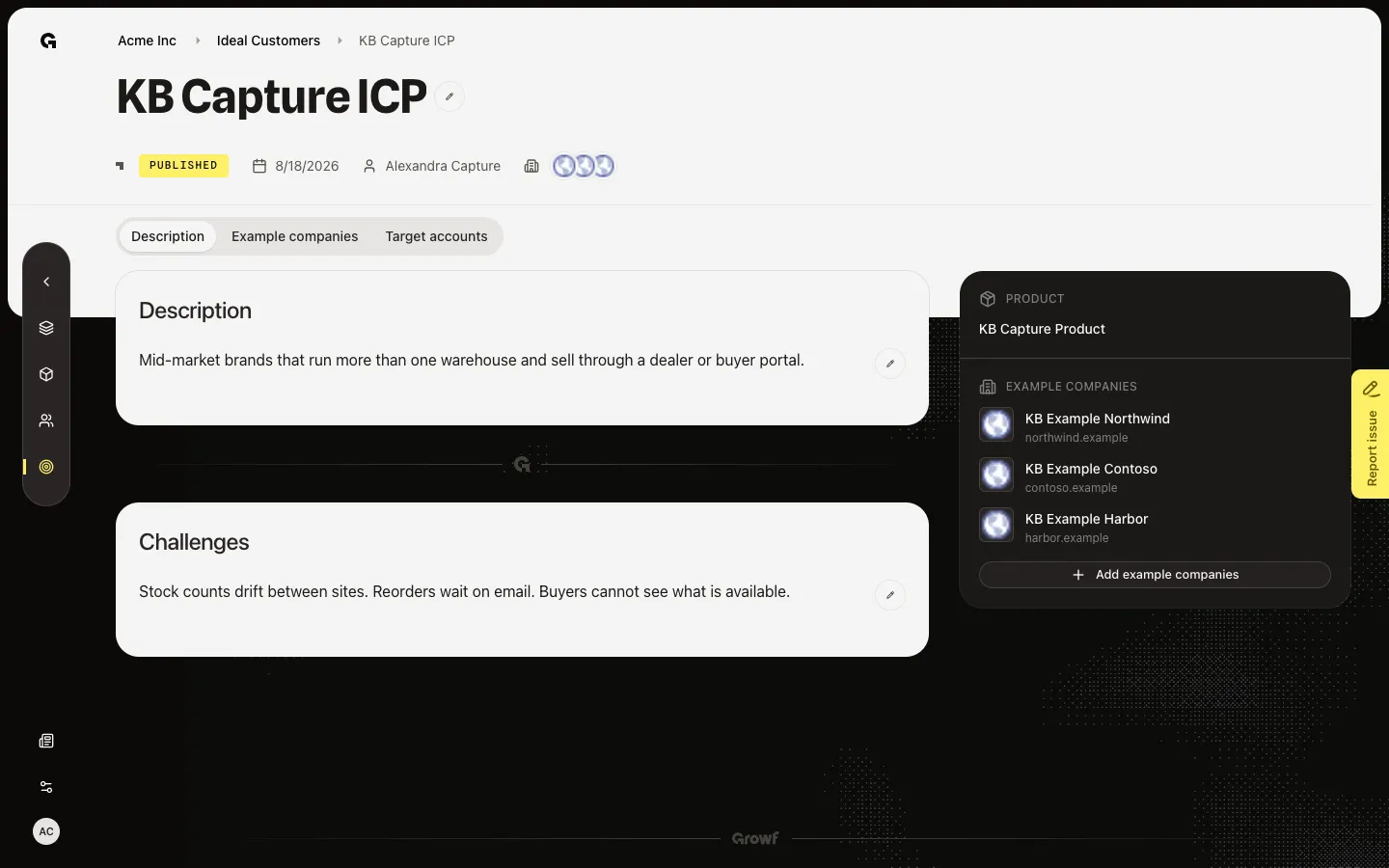
Open the editor
Choose the pencil on Description. The text becomes an editor. Leaving the field writes the change. The pencil turns into a close control. Stay in the editor during capture. A draft ICP does not use this page — it reopens the create wizard.
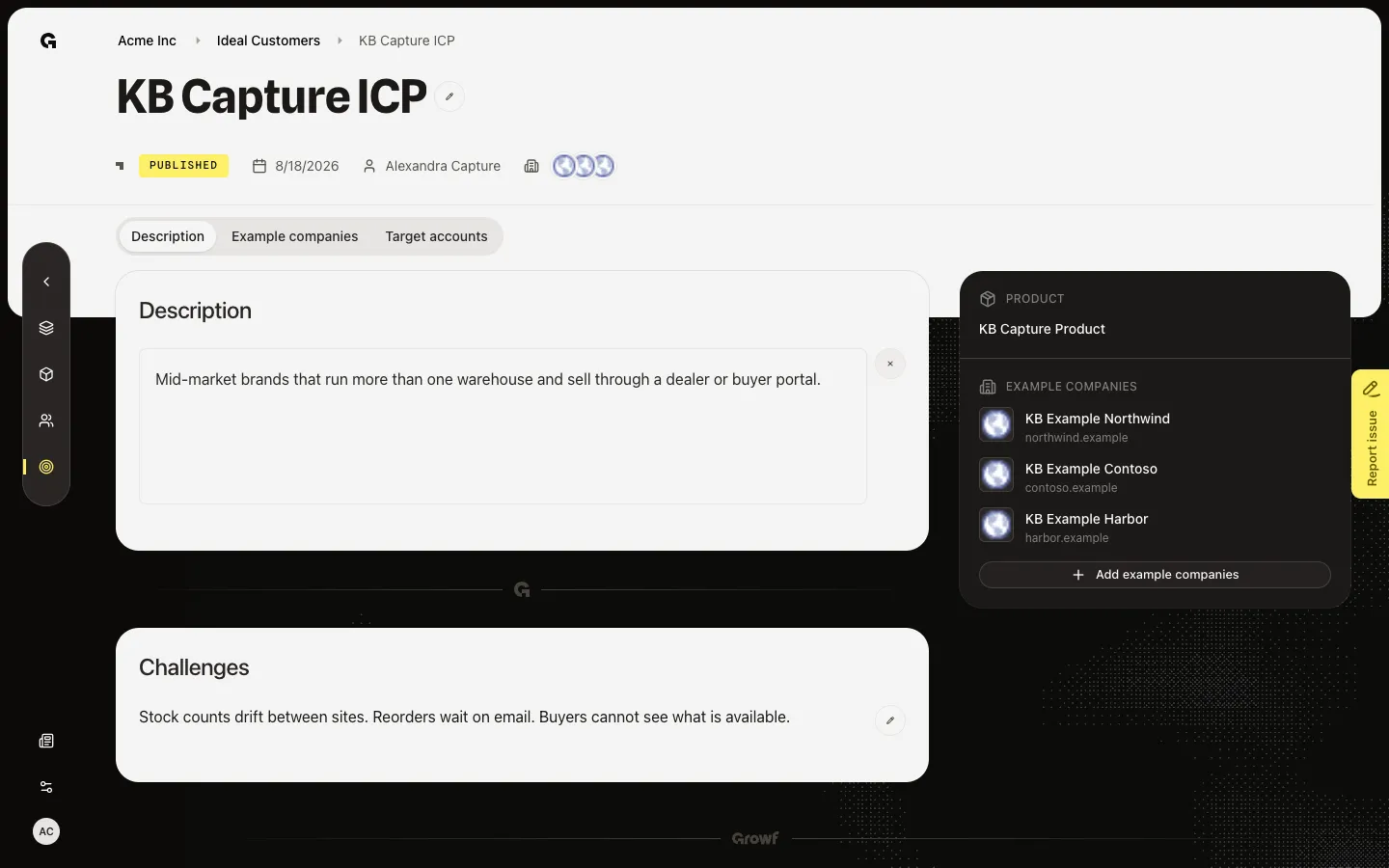
FAQ
Opening the ICP sends me to the create wizard.+
That row is still a draft. Finish Create, or pick a published name such as KB Capture ICP. Edit lives on the published Description tab.
I can read the text but I do not see the pencil.+
The pencil needs ICP update. Ask an admin. Anyone with read can still open Description.
What can I edit here?+
The written profile and the challenges list. Example companies and target accounts have their own tabs.