Edit a signal detector
Change a detector’s name, custom prompt, active switch, or priority so the next run matches what you care about.
Edit is where you steer an existing audit. Anyone who can update the workspace can change a detector.
3 steps · About 3 minutes
Open Signals
Open Settings → Signals. The table lists each detector. Capture includes KB Analytics findings. Choose the name (or the eye control) to open it.
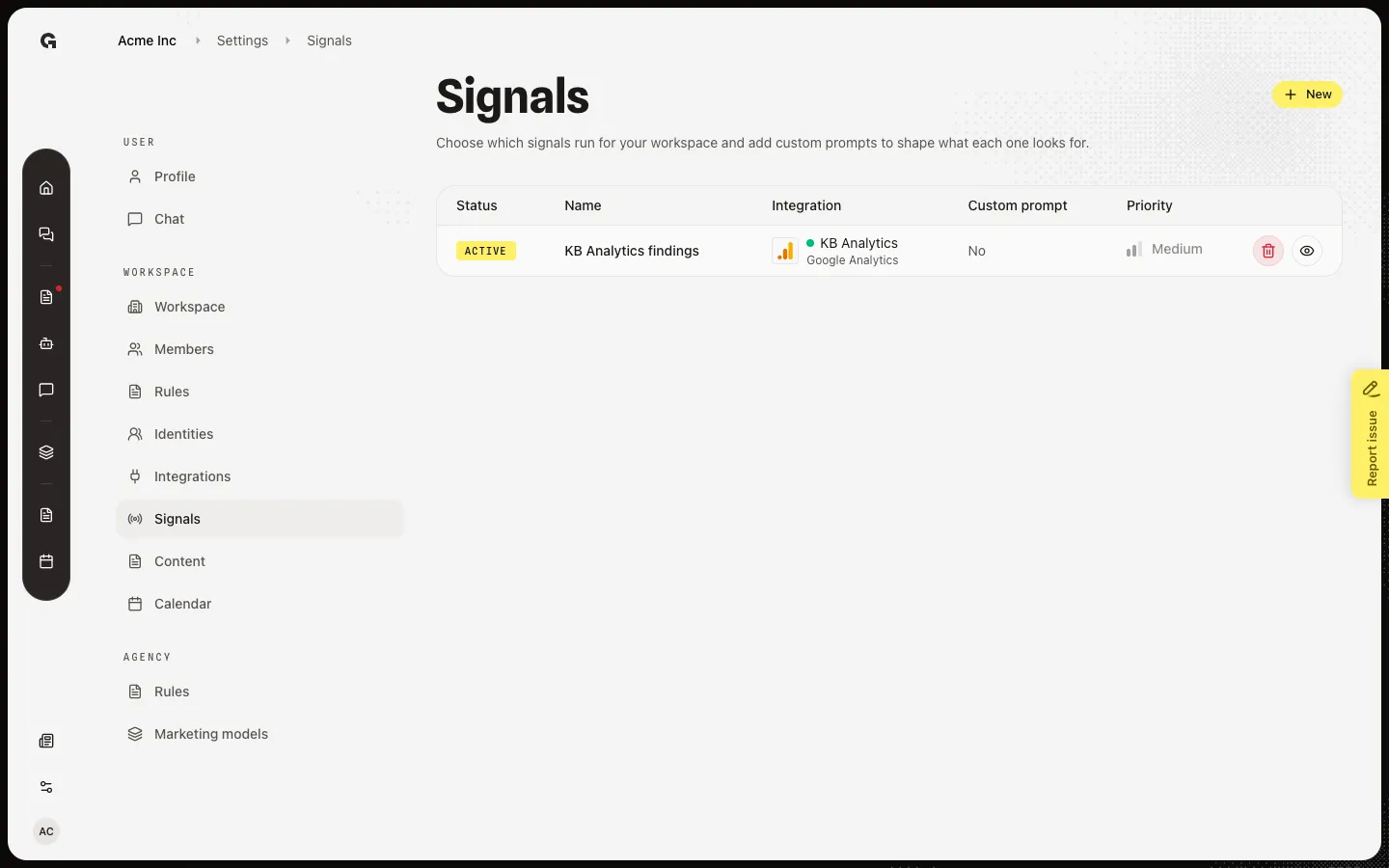
Open KB Analytics findings
Choose KB Analytics findings. The page shows the connection (KB Analytics / Google Analytics) and its status. Capture starts with no custom prompt, Active on, and Medium priority. Custom prompt is extra instruction for the audit.
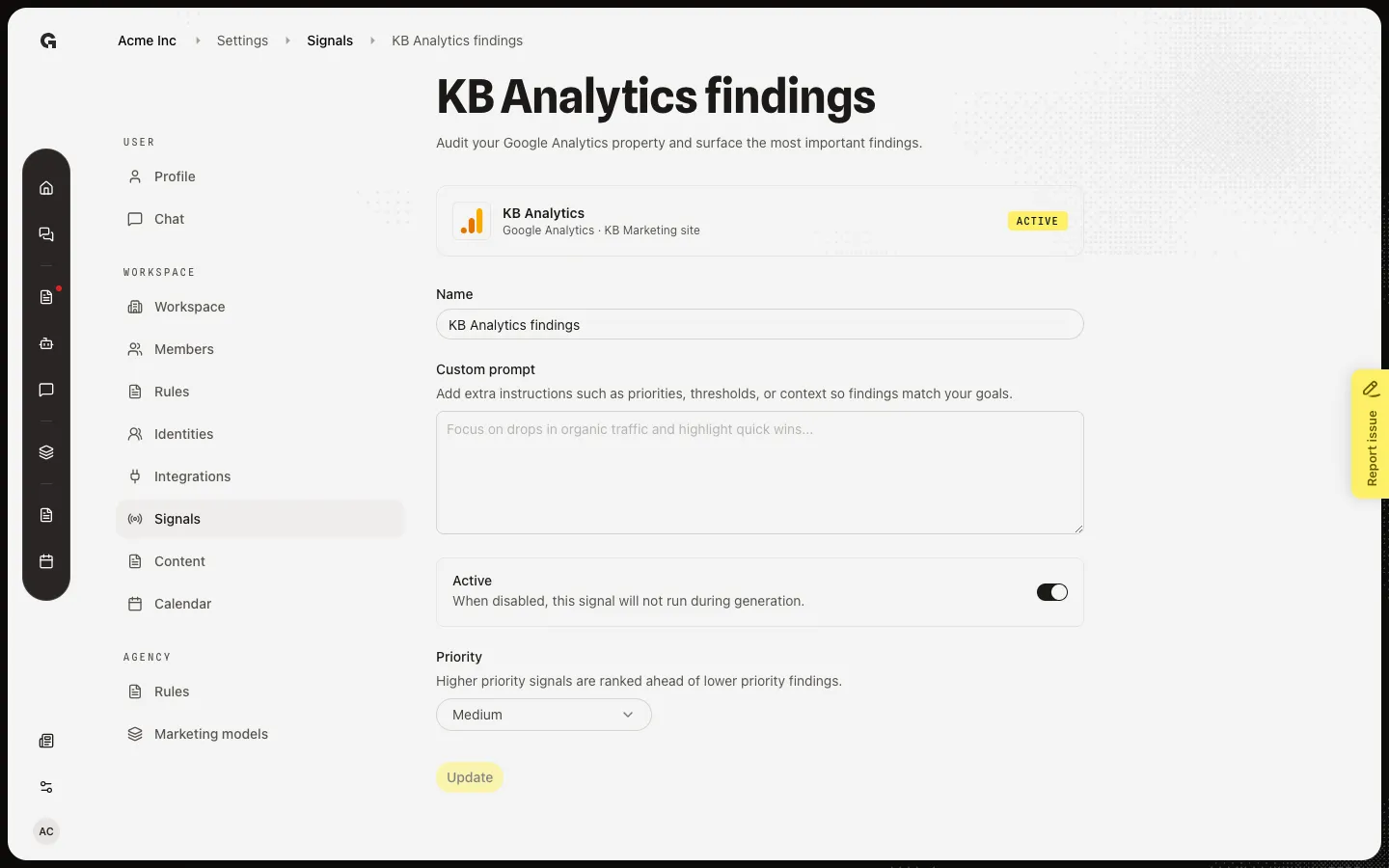
See findings on Home
After you save, the next generation can write cards to Home. Open Home and scroll to Integration signals. Capture already shows Organic sessions fell this week from this detector. Active, when off, skips the next run. Priority ranks findings on Home.
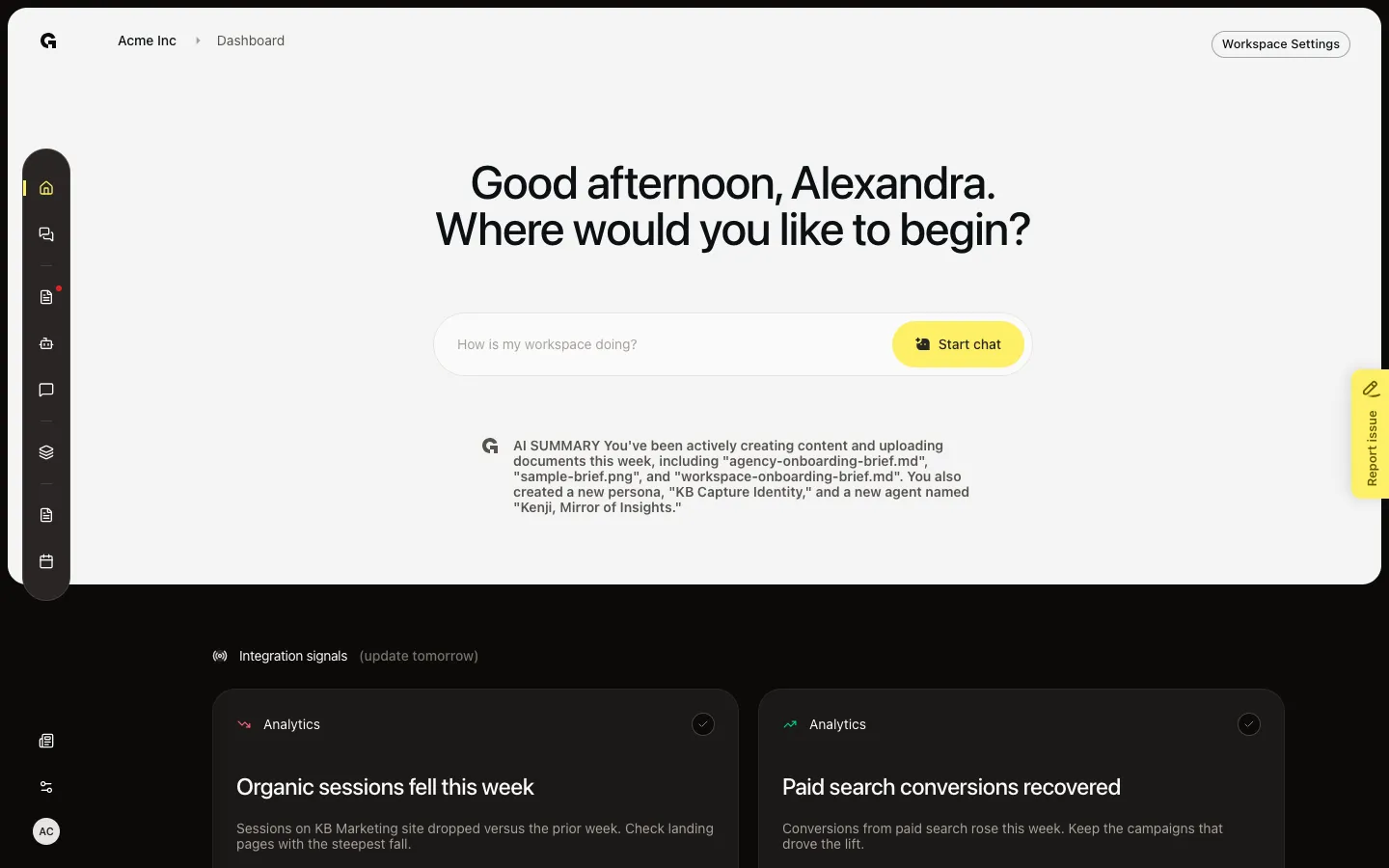
FAQ
Update is off.+
Nothing has changed, or the name field is empty. Name is required. Change the prompt, Active switch, or priority, then Update.
I turned Active off. Will old cards stay on Home?+
The detector will not run again. Cards already on Home for this week stay until you mark them done or the week rolls over. See Review home integration signals.
Where do I delete this detector?+
Delete is on the Signals table (trash), not on this page. See Delete a signal detector.