Edit a publishing identity
Change the identity name used on the list, in content, and in invites.
Edit changes the display name only. Type (Person or Company) stays as you set it on create.
2 steps · About 2 minutes
Open the identity
On Identities, choose the eye icon on a row. The overview shows the name, type badge, and Social platforms. You can rename here. You cannot change Person or Company. Capture seed opens KB Publishing Identity.
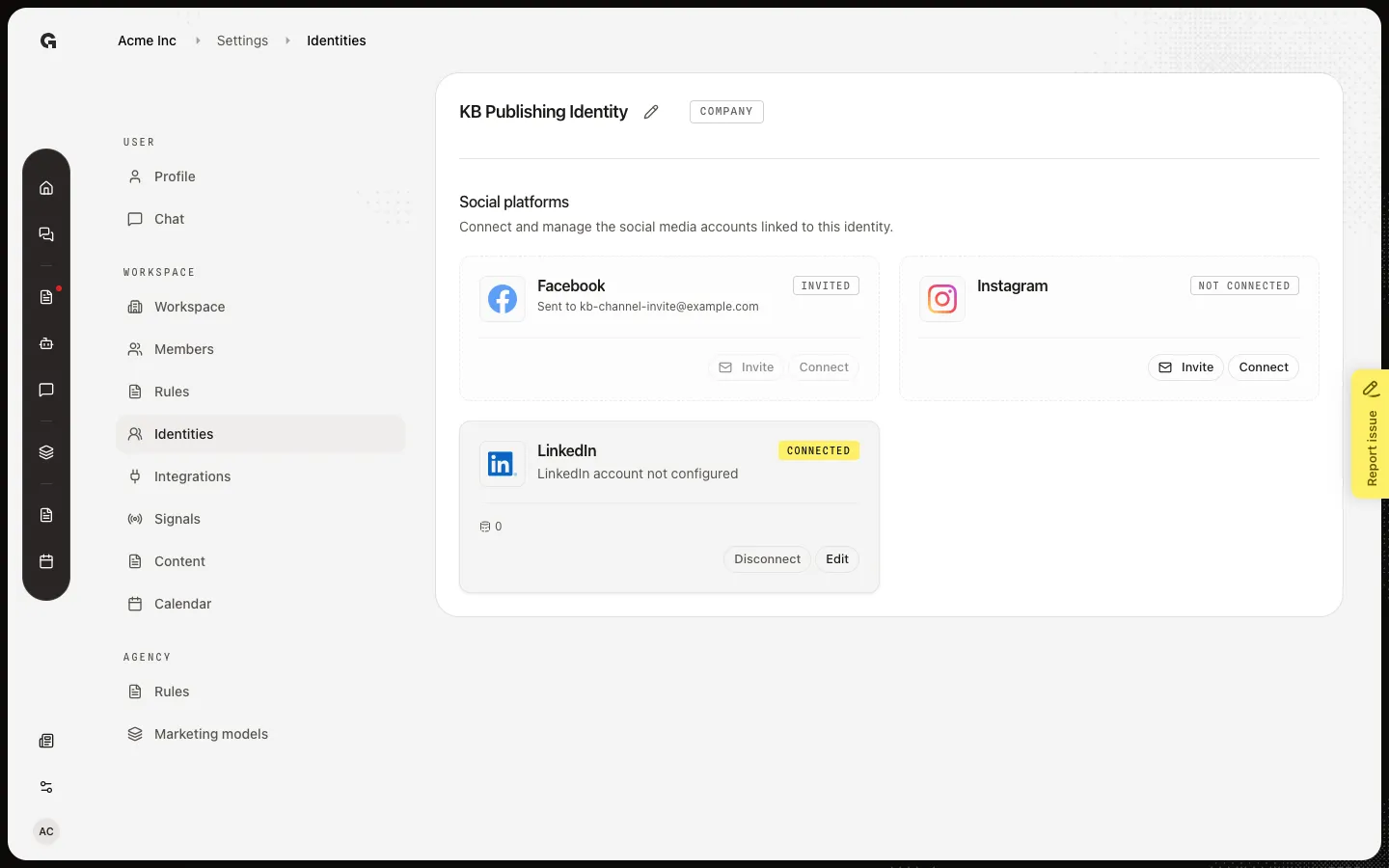
Open Edit identity name
Choose the pencil (Edit identity name). Update the name used across Growf, then Save. A blank name is allowed. Success shows Identity name updated. Type stays as it was at create.
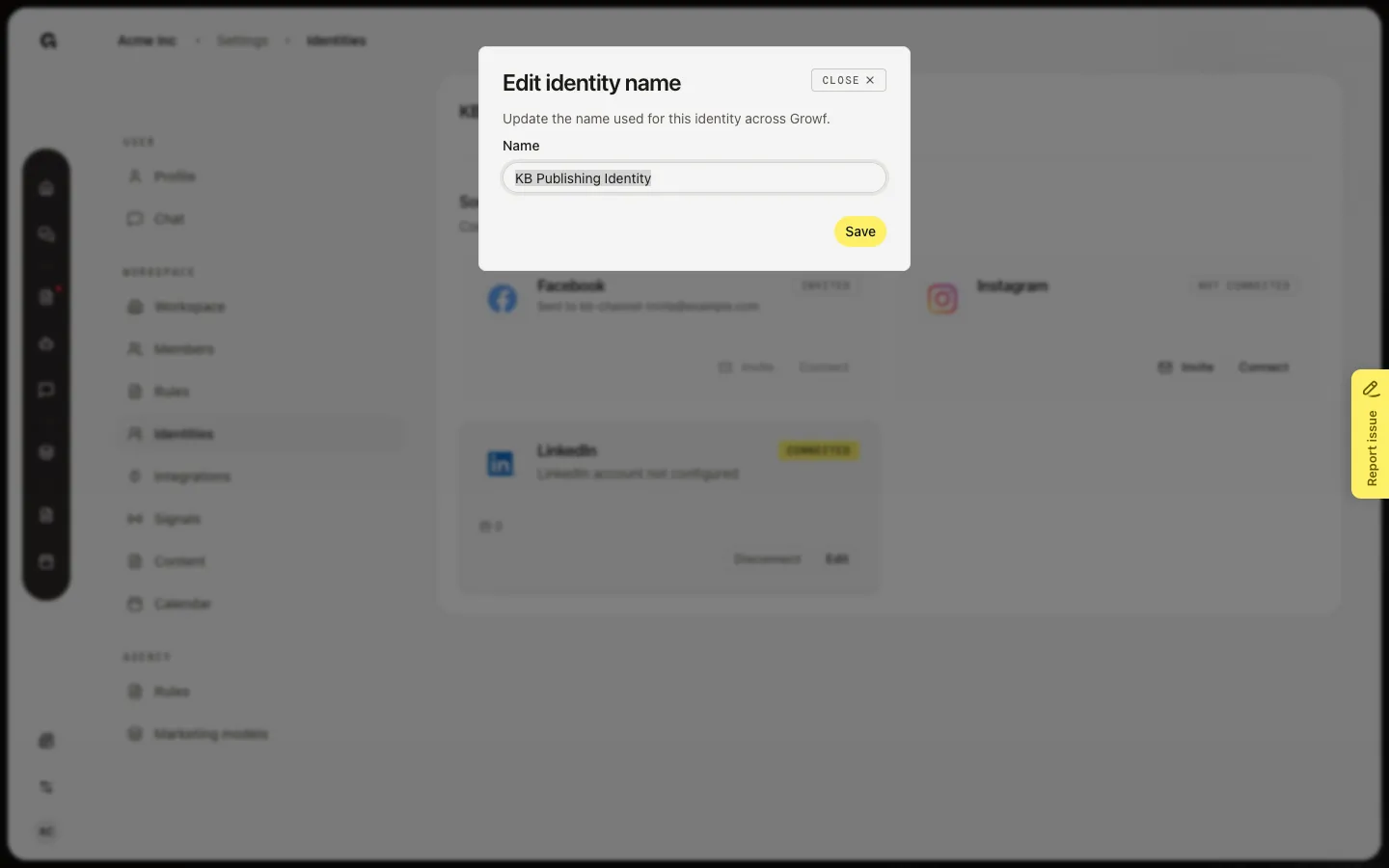
FAQ
Can I change Person to Company?+
No. Type is set on Create. Make a new identity if you picked the wrong type, then move drafts to it.
I do not see the pencil.+
Renaming needs the same permissions as Identities: update the workspace and create content. Ask an admin.
Where does the new name appear?+
On the Identities table, this overview, content identity pickers, calendar filters, and channel invites. Connected accounts do not change.