Download a design
Save the open design as HTML, or as a PDF when it is a slide deck.
Download saves the design this chat is editing. Anyone who can open the preview can use it.
2 steps · About 2 minutes
Open the live preview
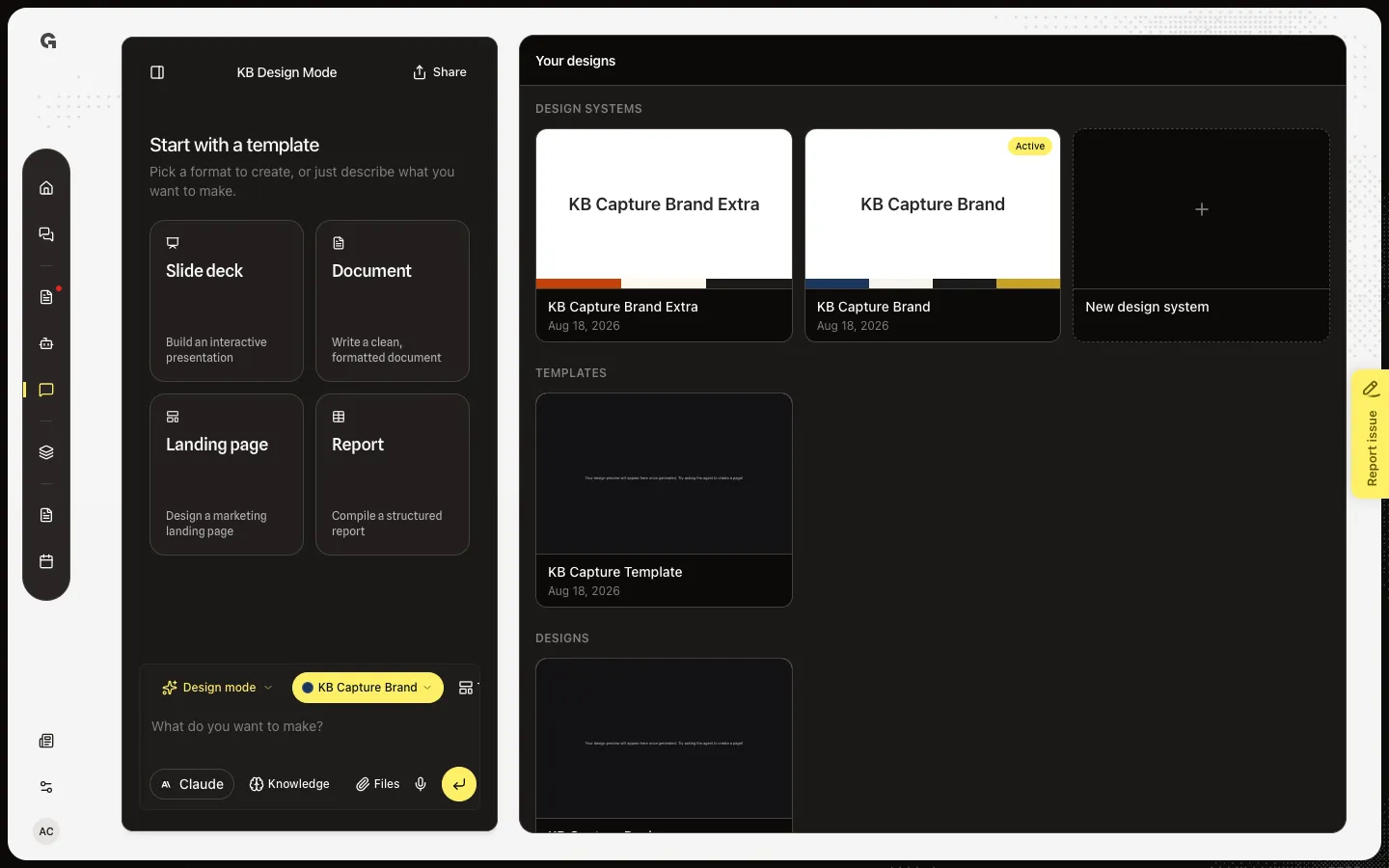
Open Design Mode. Your designs lists KB Capture Design. Open that card to reach the live preview. Download sits in the preview header with Select and Save as template. It stays off while a build is running, because the file on disk is the last save, not the in-progress edit.
Open Download
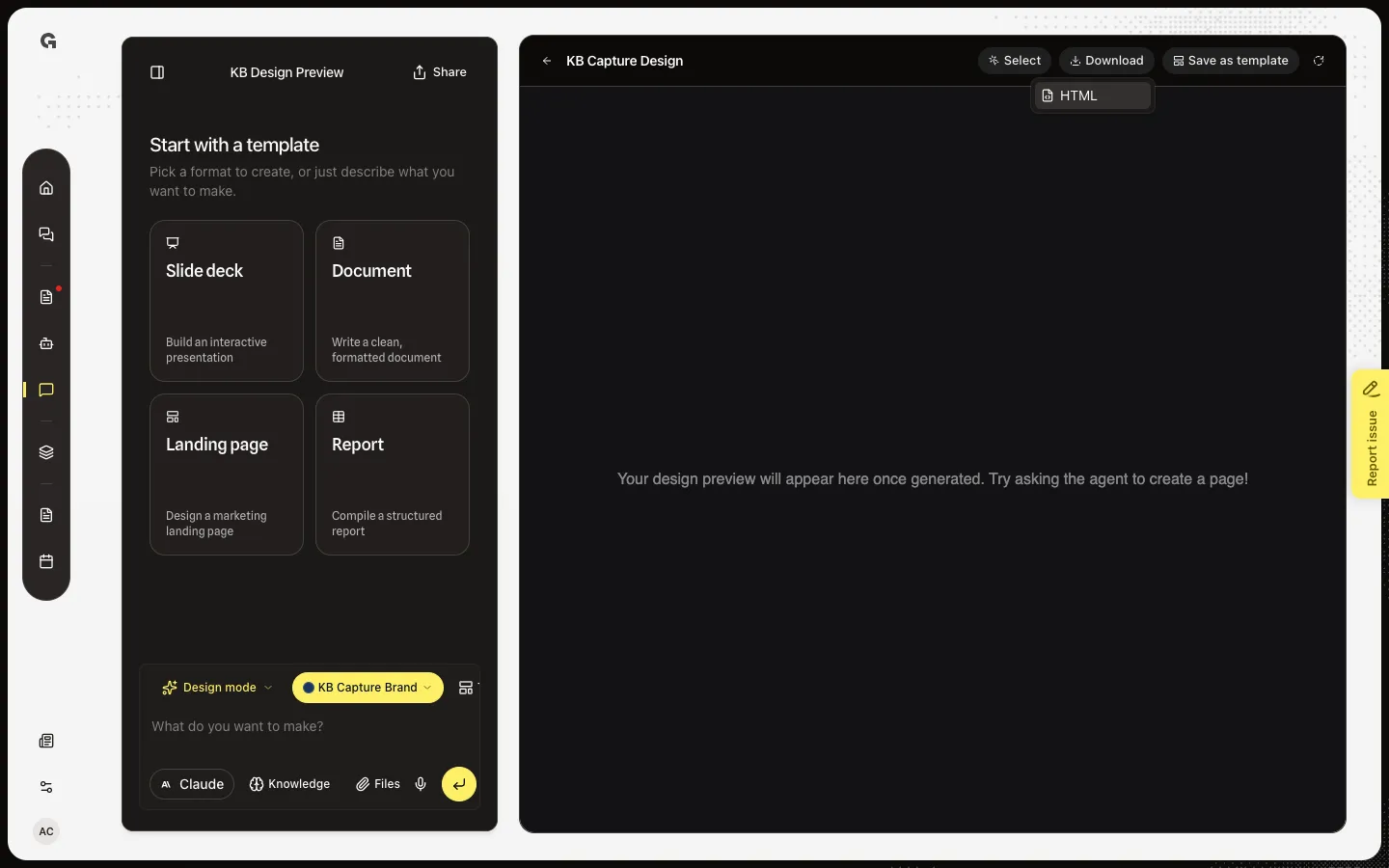
Choose Download. A static page offers HTML. A slide deck also offers PDF. HTML is the design file under a safe name (here kb-capture-design.html). PDF renders each slide as a page and can take several seconds. This sample is a page, so only HTML appears.
FAQ
Why is there no PDF option?+
PDF is only for decks. A document, landing page, or report is one HTML page. Start from Slide deck if you need a PDF.
Download is grey.+
A build is still writing the file. Wait until the run finishes. Downloading mid-build would save a half-finished design.
I see Couldn't download this design's HTML or Couldn't render this deck as a PDF.+
The file is missing or the PDF render failed. Reload the preview, then try again. PDF needs a finished deck.
Can I download a design another person made?+
Yes. Open it from Your designs in any Design Mode chat, then use Download. Designs are workspace-level.