Discuss a post with your team
Talk a post or a reviewer's comment through in comments that only your team sees, and type @ to notify a colleague.
Team comments are threads on a post that only your team sees: the members who can edit content, such as Admins, Strategists and Creators. Clients never see them, also not on the review page. You find them under Team in the Feedback section of a post in Content mode, and on a wide screen also beside the text.
3 steps · About 3 minutes
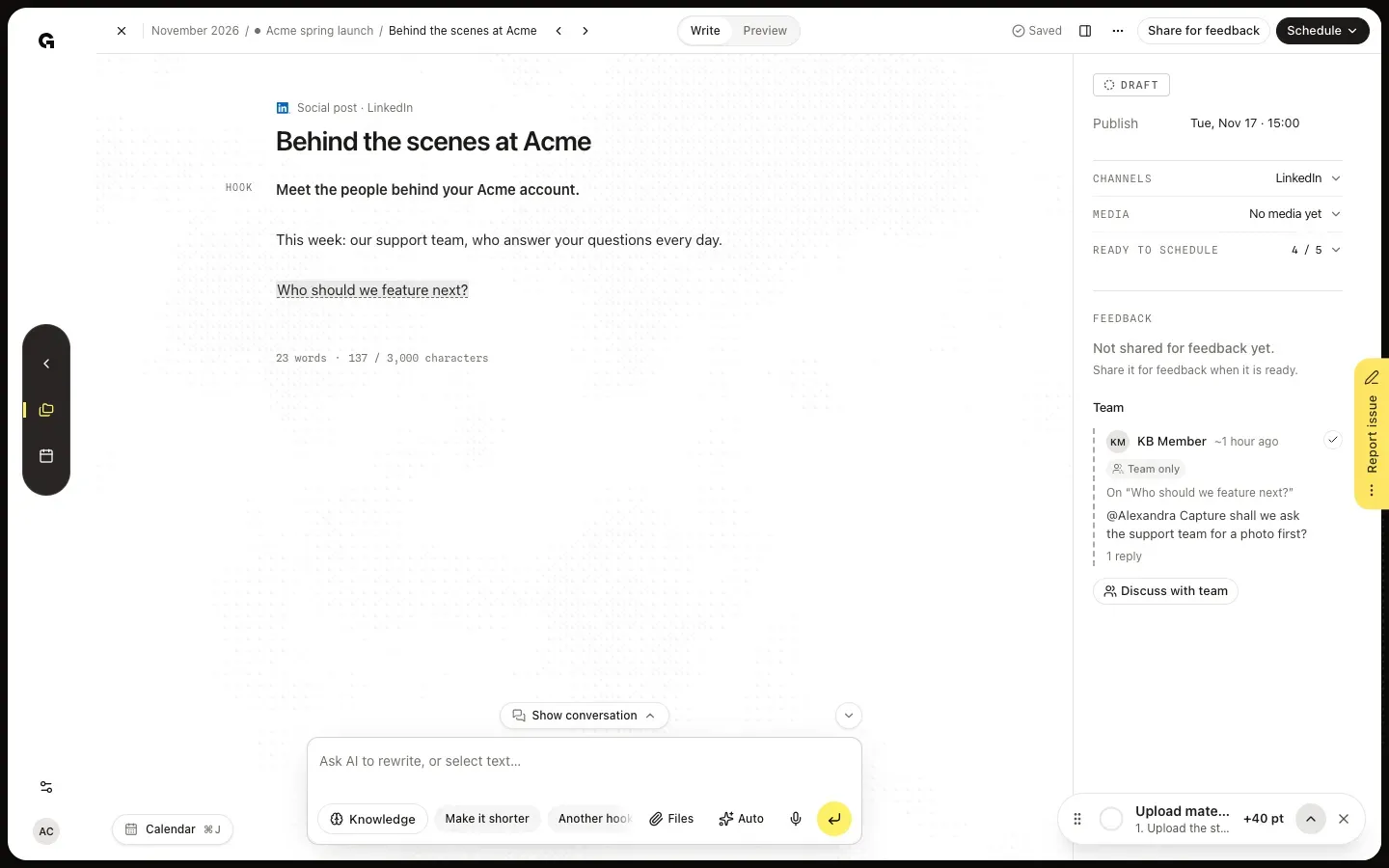
Find the Team section of a post
Open the post in Content mode. At the bottom of its properties, the Feedback section has a part called Team. Without team comments it says Talk this through with colleagues. Clients never see it. Team comments show there with the Team only label, the words they are about after On, the comment itself and how many replies it has; the words are underlined in the text. On a wide screen, or after Hide properties, the comments also sit beside the text.
Start a team comment
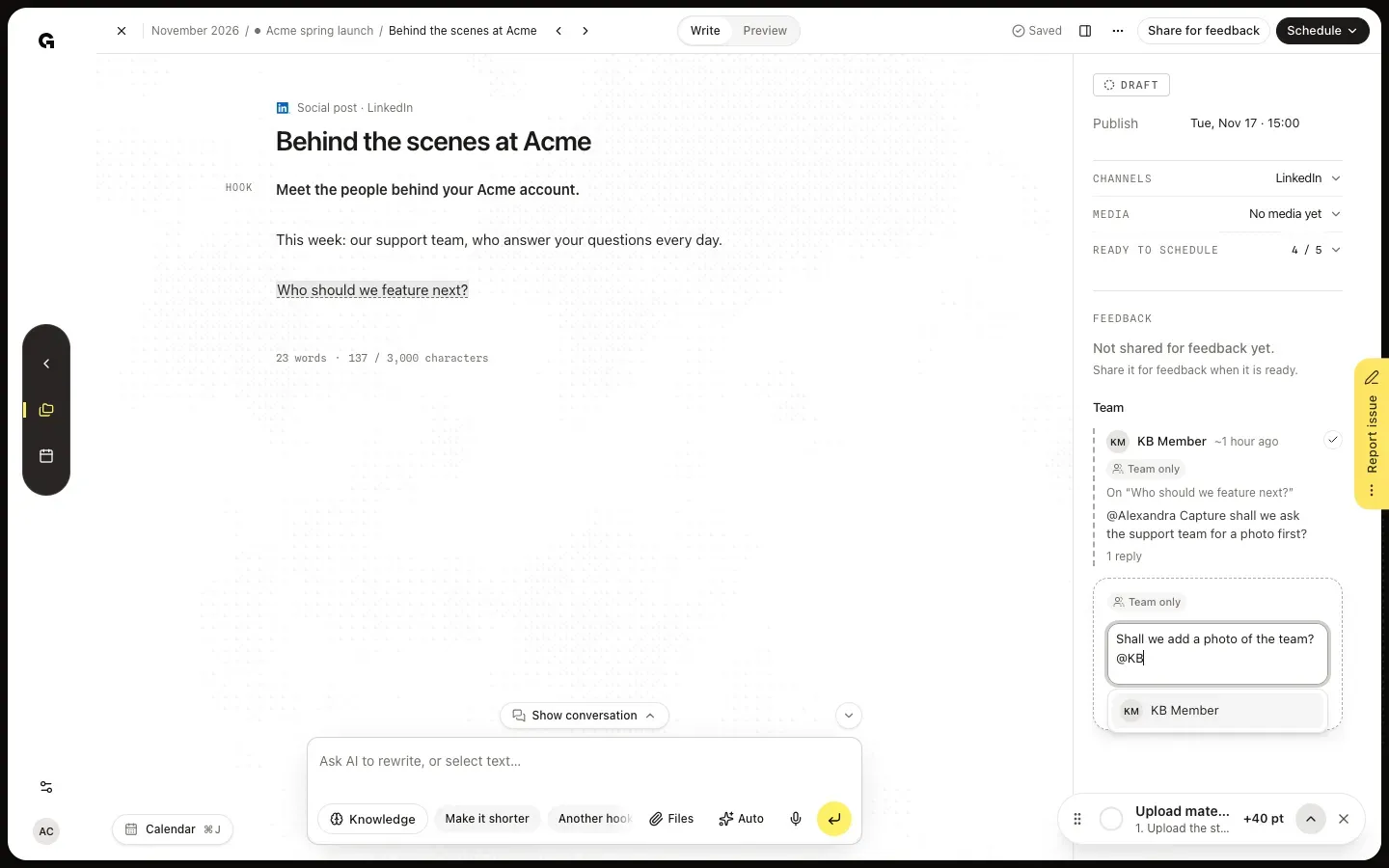
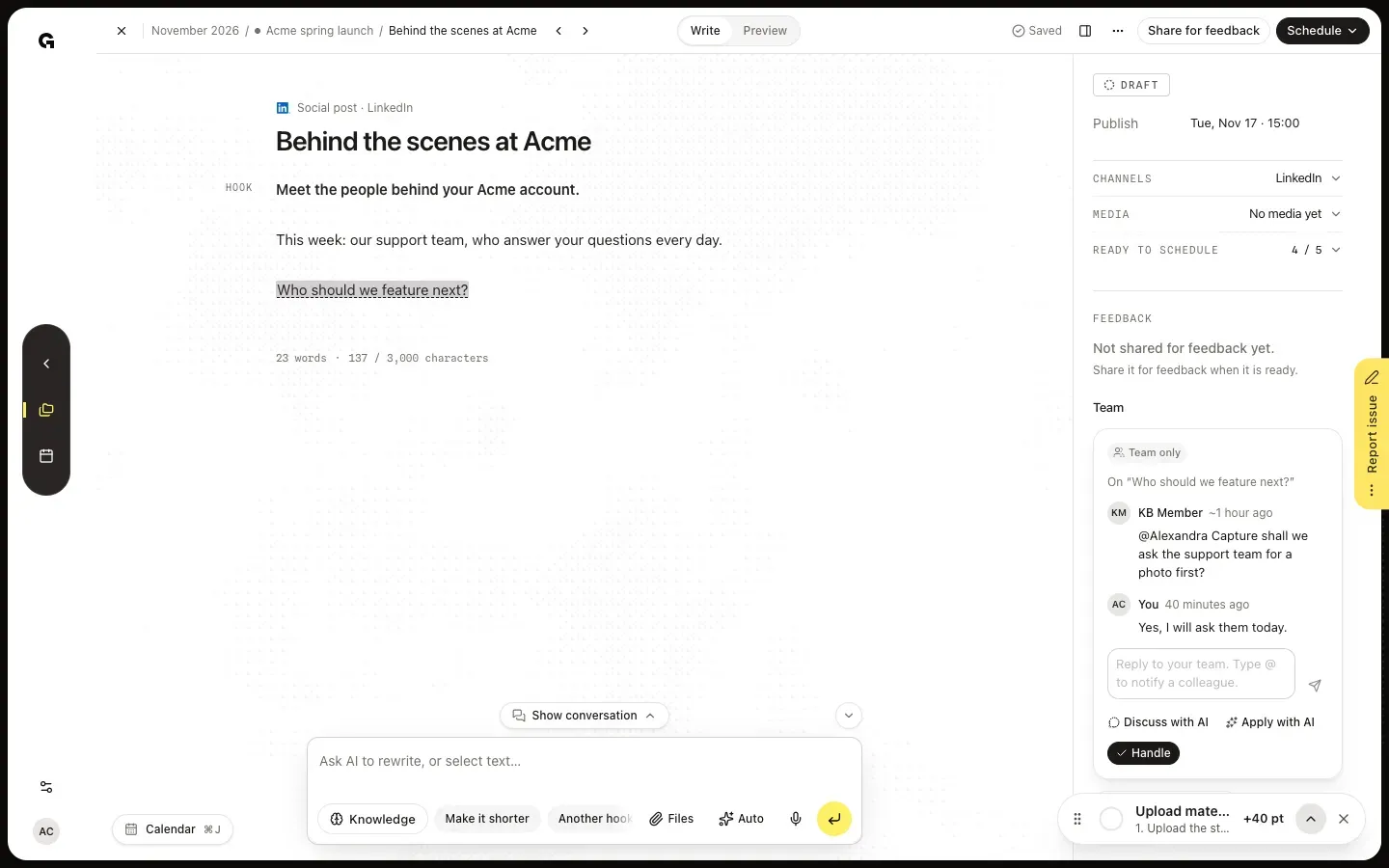
Click Discuss with team under Team to write about the post as a whole. Type your comment in the box with the Team only label. To notify a colleague, type @ and the first letters of their name, then pick them with the arrow keys and Enter or Tab, or click their name. The list holds your colleagues, not clients. Click Post or press Enter to post the comment; Cancel or Escape throws it away. To talk about a passage, select it and click Comment beside it; to talk about a reviewer's comment, open it and click Discuss with team. Both open the box beside the text, so they need a wide screen or Hide properties.
FAQ
Who sees team comments?+
Only the team: members who can edit content, such as Admins, Strategists and Creators. Clients and other reviewers who may only give feedback never see them, also not on the review page or in the emails about their review. Team comments sit next to the reviewers' comments in Content mode, with the Team only label and a dashed line, so you can tell them apart.
Who gets notified, and when?+
A colleague you mention with @ gets a notification, You were mentioned, and an email right away. The others in the thread get a New Comment notification in Growf. Team members who have not read their new comments get one email per post with all of them, 10 minutes after the last new comment; every new comment starts the 10 minutes again, up to an hour after the first. Comments you already read in Growf are not emailed. See **View notifications**.
Can I discuss a reviewer's comment before I answer it?+
Yes. Open the reviewer's comment and click Discuss with team. The new team comment shows what it is about, such as About Sam’s feedback: followed by their comment, and points at the same words in the text. The reviewer does not see it. When you know what to do, answer the reviewer in their own comment; see **Process feedback on a post**. This box opens beside the text, so on a smaller screen click Hide properties first.
Do team comments hold the post back?+
No reviewer waits for them, but until someone clicks Handle an open team comment counts as an open comment: in the calendar the post shows a speech bubble with the number, Ready to schedule lists it as a comment to handle, and the sections above Feedback fold into one line each. Handle the thread when the talk is done.