Delete an ideal customer profile
Remove a draft ICP from the list. Only drafts can be deleted.
Delete removes an unfinished ICP from this workspace. Use it for a draft you started by mistake.
3 steps · About 3 minutes
Open Ideal customers
Open Ideal customers. You need ICP delete. Find a draft such as KB Delete ICP. Published rows do not show trash. The product cannot delete a published ICP from this list.
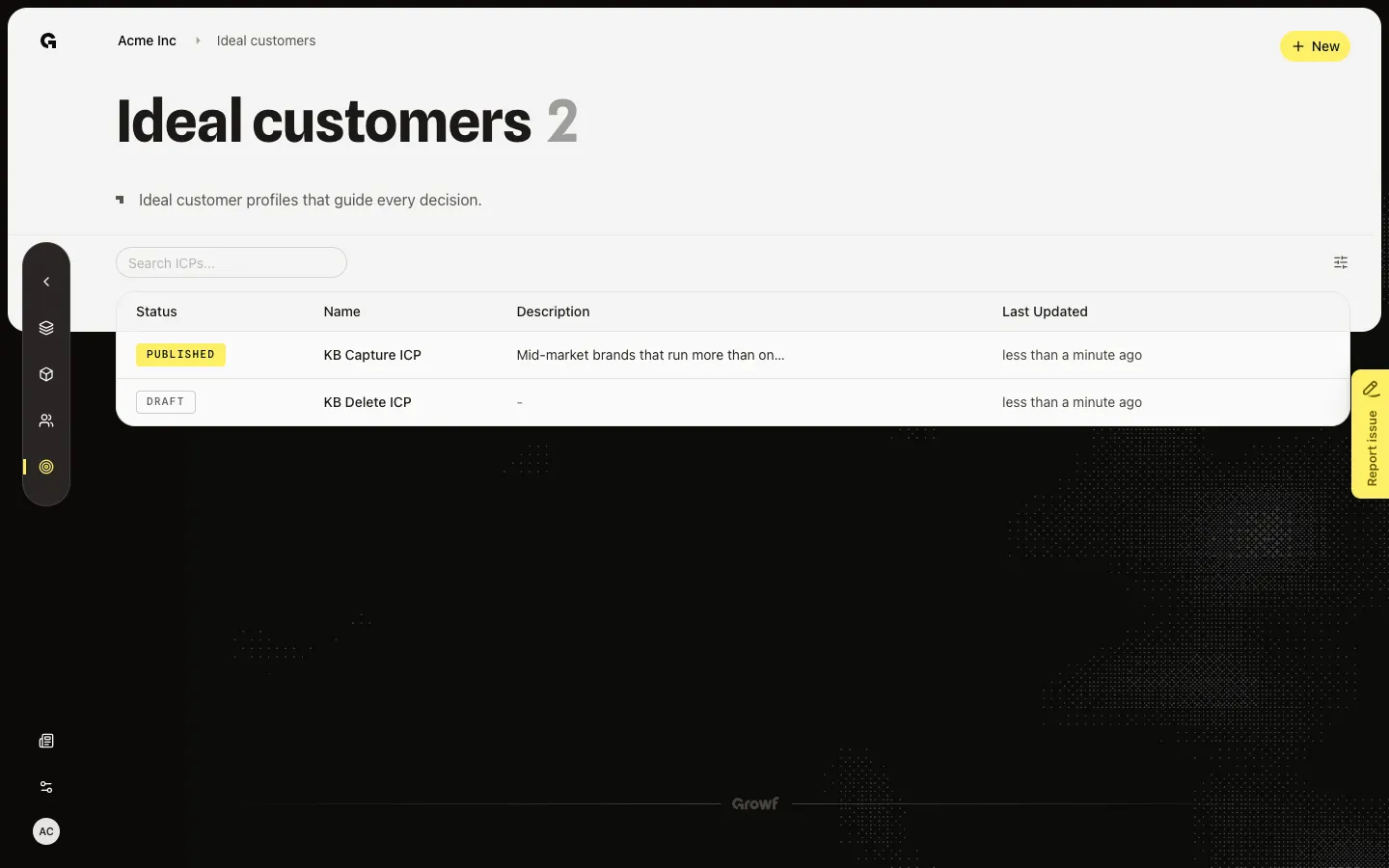
Open Delete on the draft row
Hover the draft row and choose Delete. Delete Ideal Customer Profile asks if you are sure. If you do not see the control, you lack delete permission or the row is published.
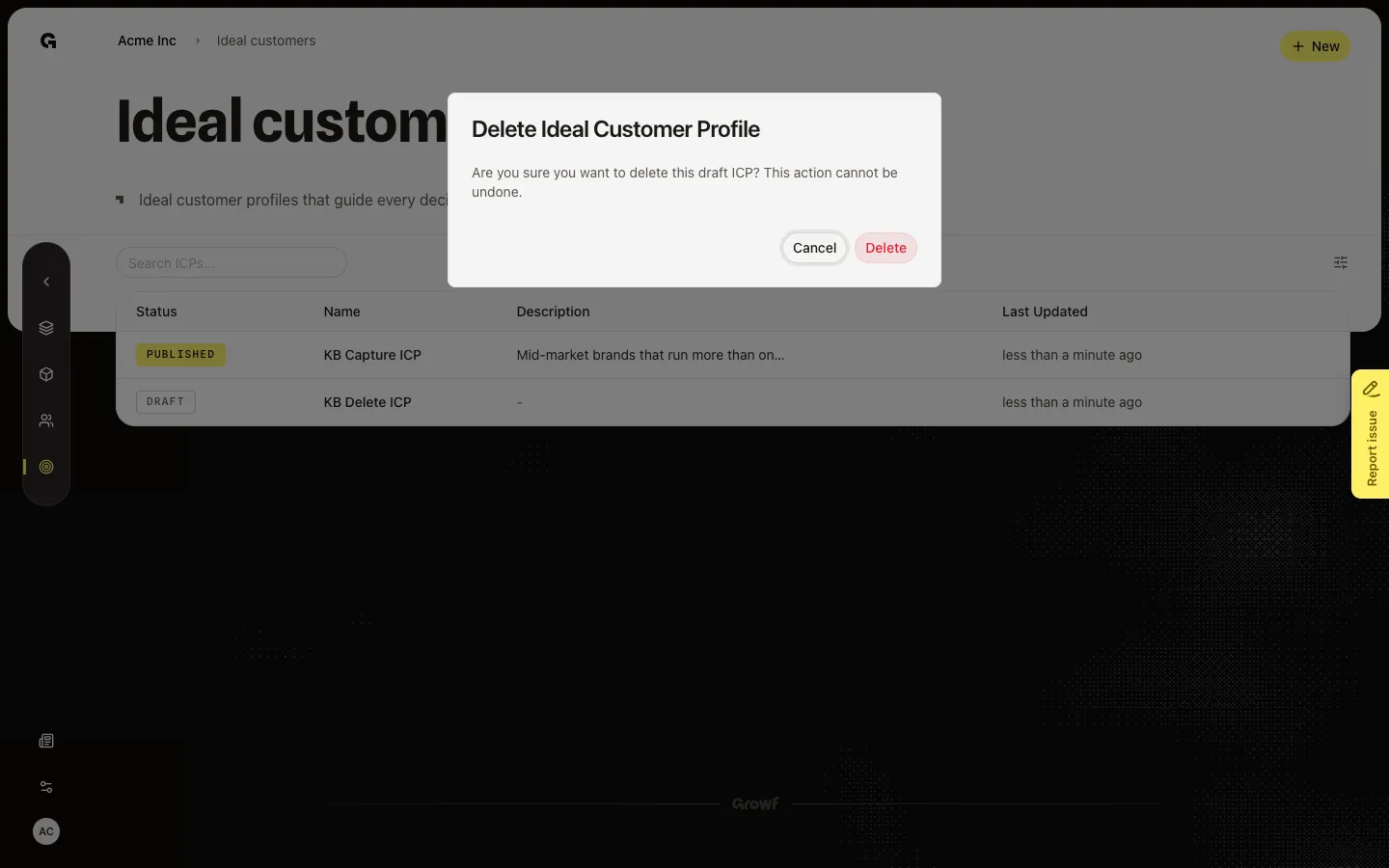
Published rows keep the profile
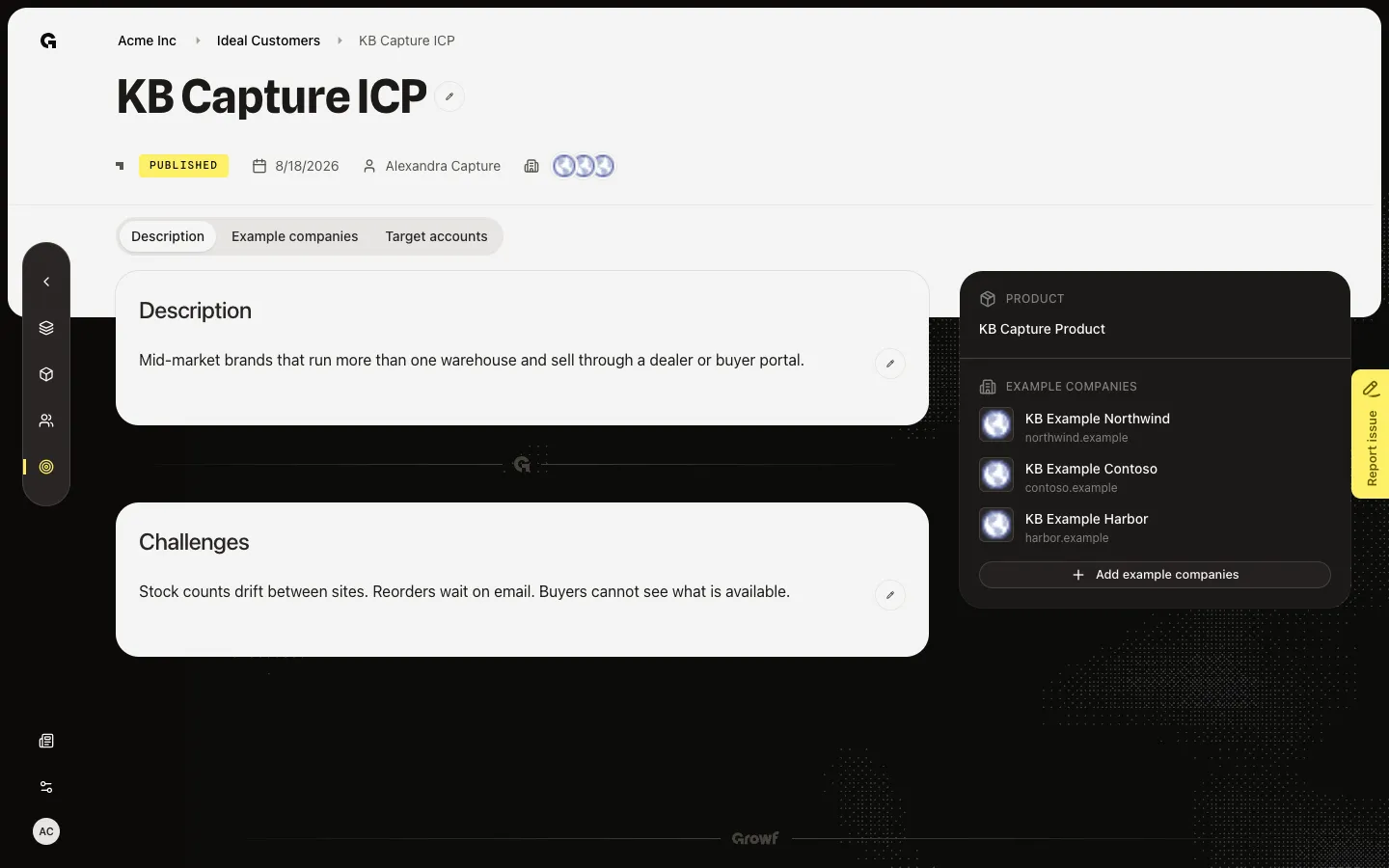
Open a published ICP such as KB Capture ICP. There is no trash on that row and no Delete on Description. Only drafts can be removed. Go back to the list and use Delete on a draft when you mean it. Do not confirm Delete during capture so the seeded draft stays for the next run.
FAQ
Why is there no trash on a published ICP?+
Only drafts can be deleted. A published ICP stays on the list. Edit the text or example companies instead.
I hover a draft and see no Delete.+
That control needs ICP delete. Ask an admin. Create an ideal customer profile if you need a draft you are allowed to remove.
Can I restore a deleted ICP?+
No. Delete is permanent from the list. Create the profile again if you still need it.