Delete a custom agent
Remove an agent from Settings or from the list. You cannot undo it.
Delete removes a custom agent from the workspace. Anyone who can delete agents can do it.
3 steps · About 3 minutes
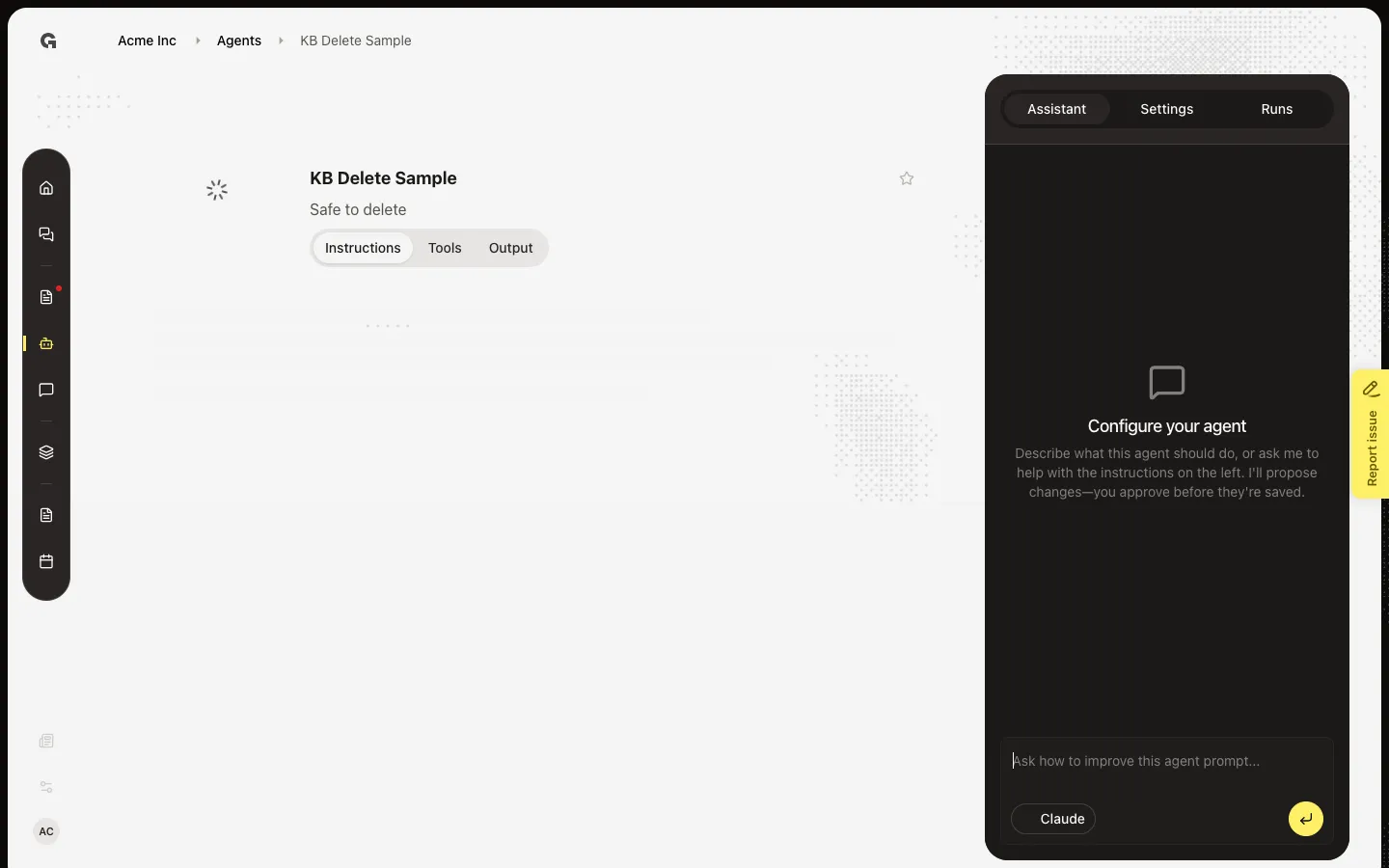
Open the agent
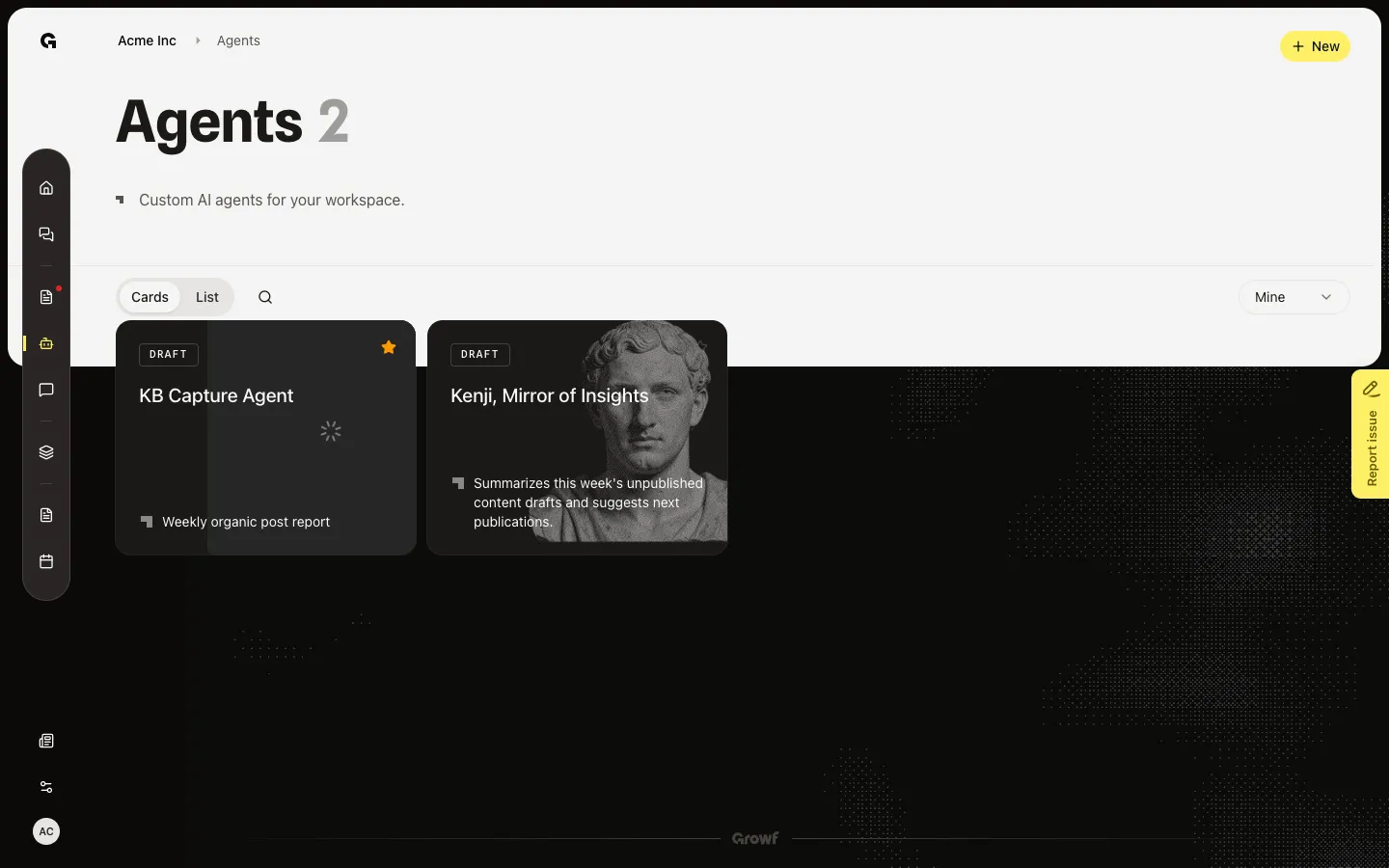
Choose Agents and open **KB Delete Sample**. Delete from this agent, not from **KB Capture Agent**. You can also hover a List row and choose Delete. You need permission to delete agents.
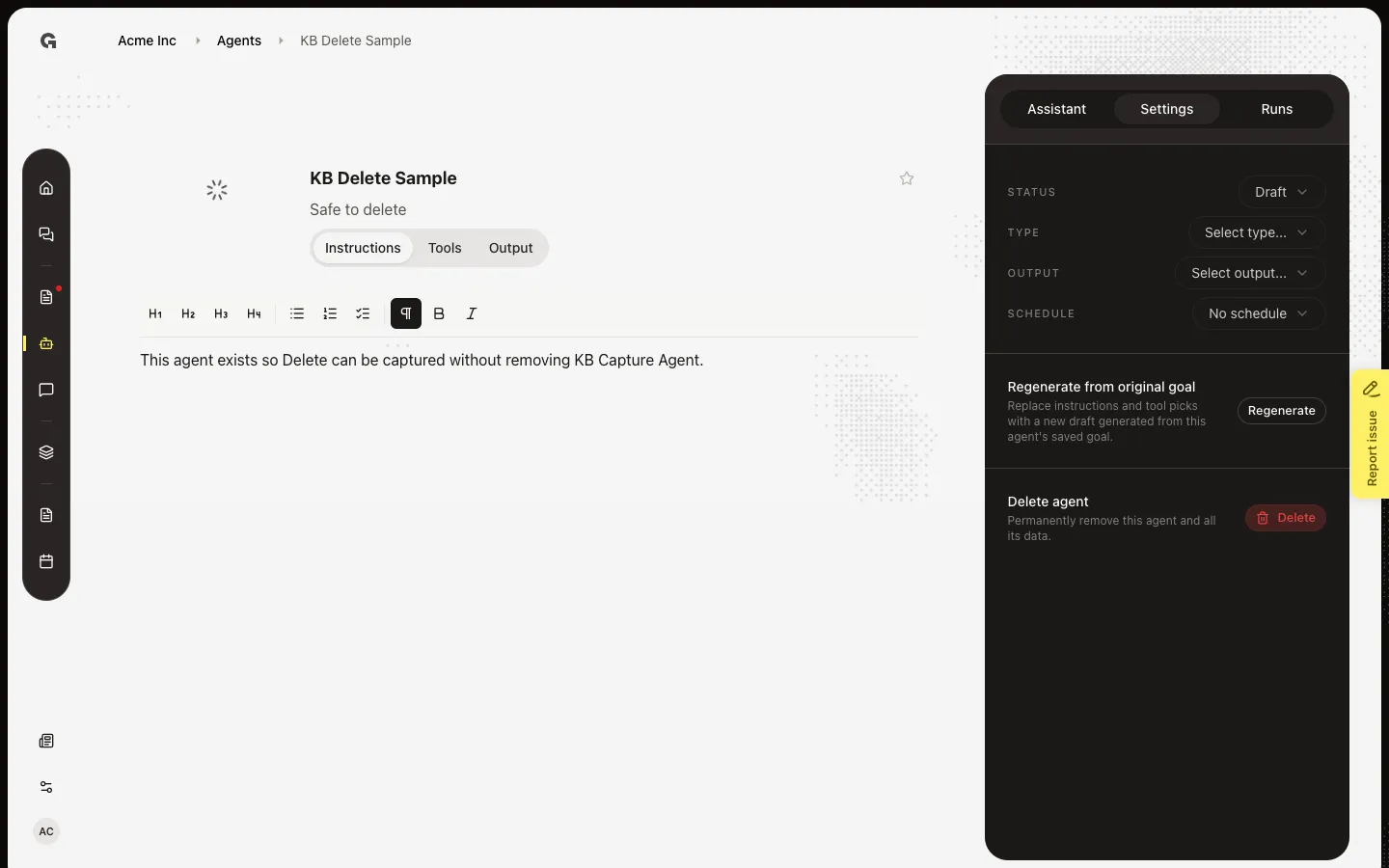
Open Delete agent
In the sidebar, choose Settings. Scroll to Delete agent. This permanently removes the agent and its runs, tools, and recipients. Set Status to Draft if you only want to stop a schedule.
Confirm Delete Agent
Choose Delete. Delete Agent asks if you are sure. This action cannot be undone. Choose Delete to remove the agent and return to Agents, or Cancel to keep it.
FAQ
Can I restore a deleted agent?+
No. Delete removes the agent from the list. Create a new agent if you still need the job.
I do not see Delete.+
You need permission to delete agents. Open Settings on the manage page, or hover a List row.
I only want to stop scheduled runs.+
Set Status to Draft, or set Schedule to No schedule. See Schedule agent runs and Activate a custom agent.
I deleted the wrong agent.+
You cannot undo it. Create the agent again from a goal.