Delete a conversation
Remove a conversation from the workspace after you confirm Delete.
Delete removes a thread from the workspace. Anyone who can delete chat can do it. The confirm step is required.
2 steps · About 2 minutes
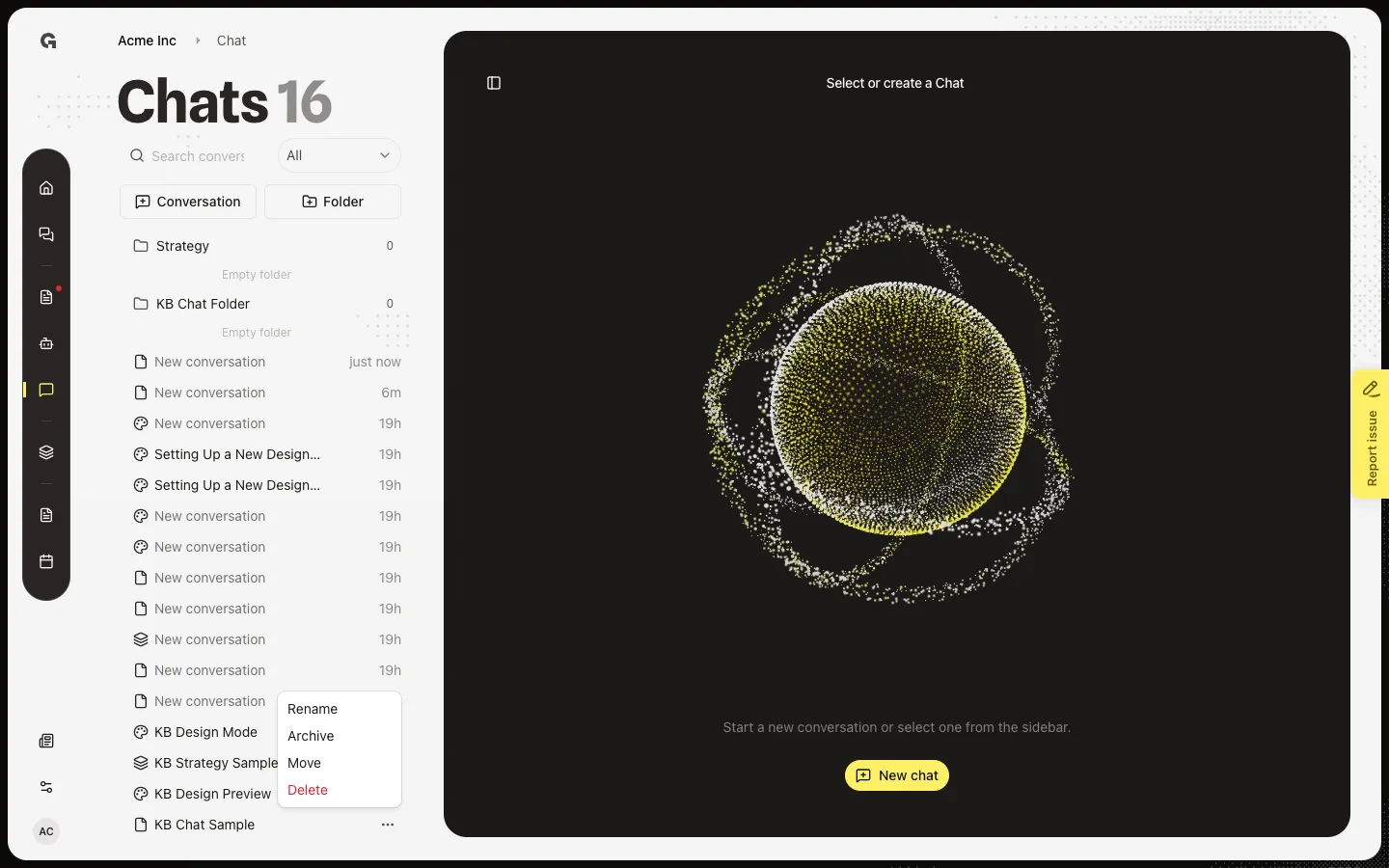
Open the conversation menu
In the Chats list, hover the thread. Open ⋯. Delete sits under Rename, Archive, and Move. You need permission to delete chat. Archive if you only want it off the main list — see Archive a conversation.
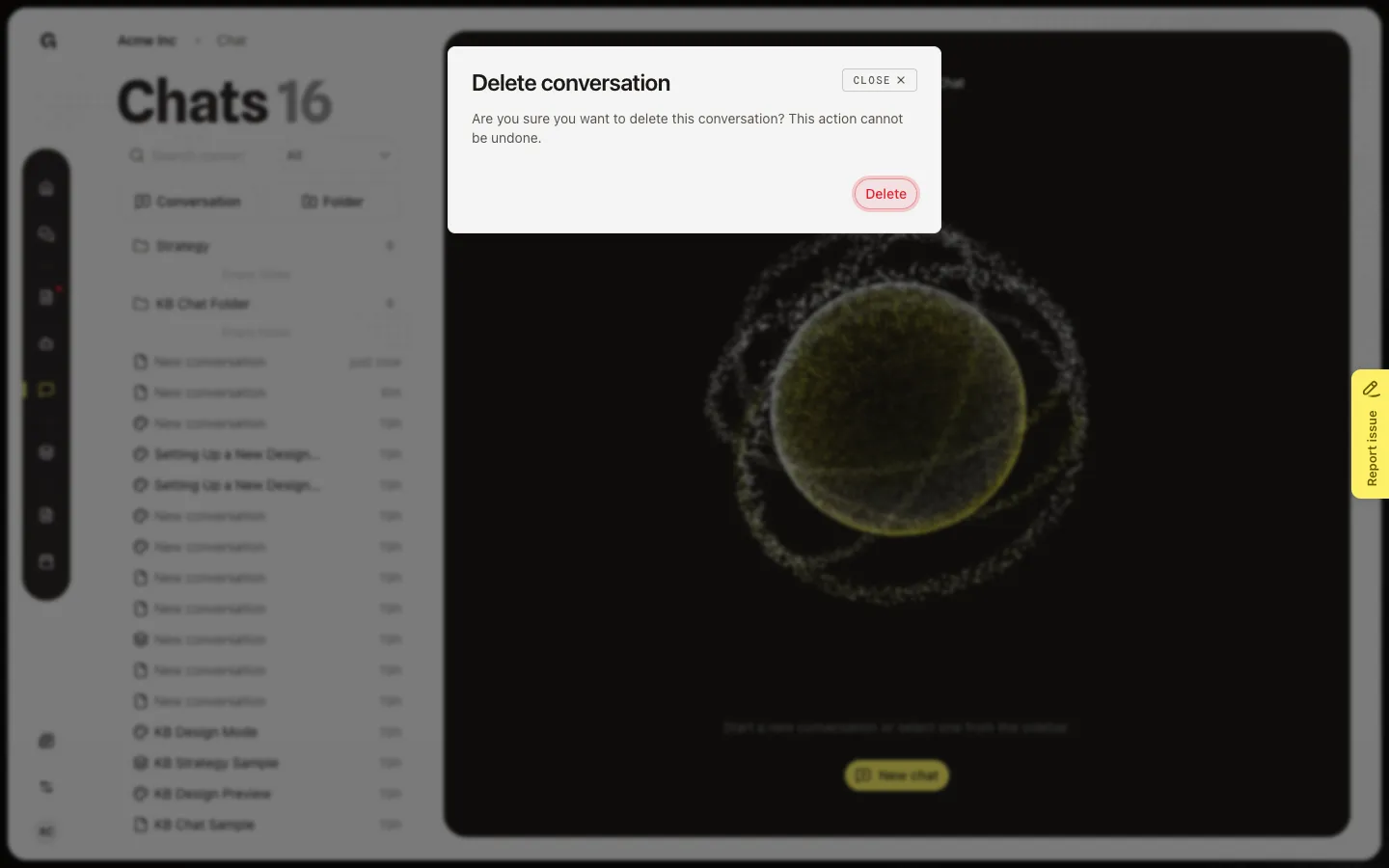
Confirm Delete conversation
Choose Delete. Delete conversation asks Are you sure you want to delete this conversation? This action cannot be undone. Choose Delete to remove it, or close the dialog to keep it. After delete, the thread leaves the list for everyone who could see it.
FAQ
Can I restore a deleted conversation?+
No. Delete cannot be undone. Archive if you might need the thread later.
I do not see Delete.+
You need permission to delete chat. You can still archive or move if you can update chat.
What happens to people I shared it with?+
The conversation is gone for them too. Copy anything you still need before you confirm Delete. See Share a conversation.