Create an ideal customer profile
Choose New on Ideal customers, pick a published product, then add example companies before you create the profile.
An ideal customer profile (ICP) describes the company you sell to for one product: size, industry, and example accounts. Personas and target-account search hang off this profile.
3 steps · About 3 minutes
Open Ideal customers
In the sidebar, choose Strategy, then Ideal customers. The page title is Ideal customers. New appears if you can create ICPs. Published rows such as KB Capture ICP open Description. Draft rows such as KB Delete ICP reopen the create wizard.
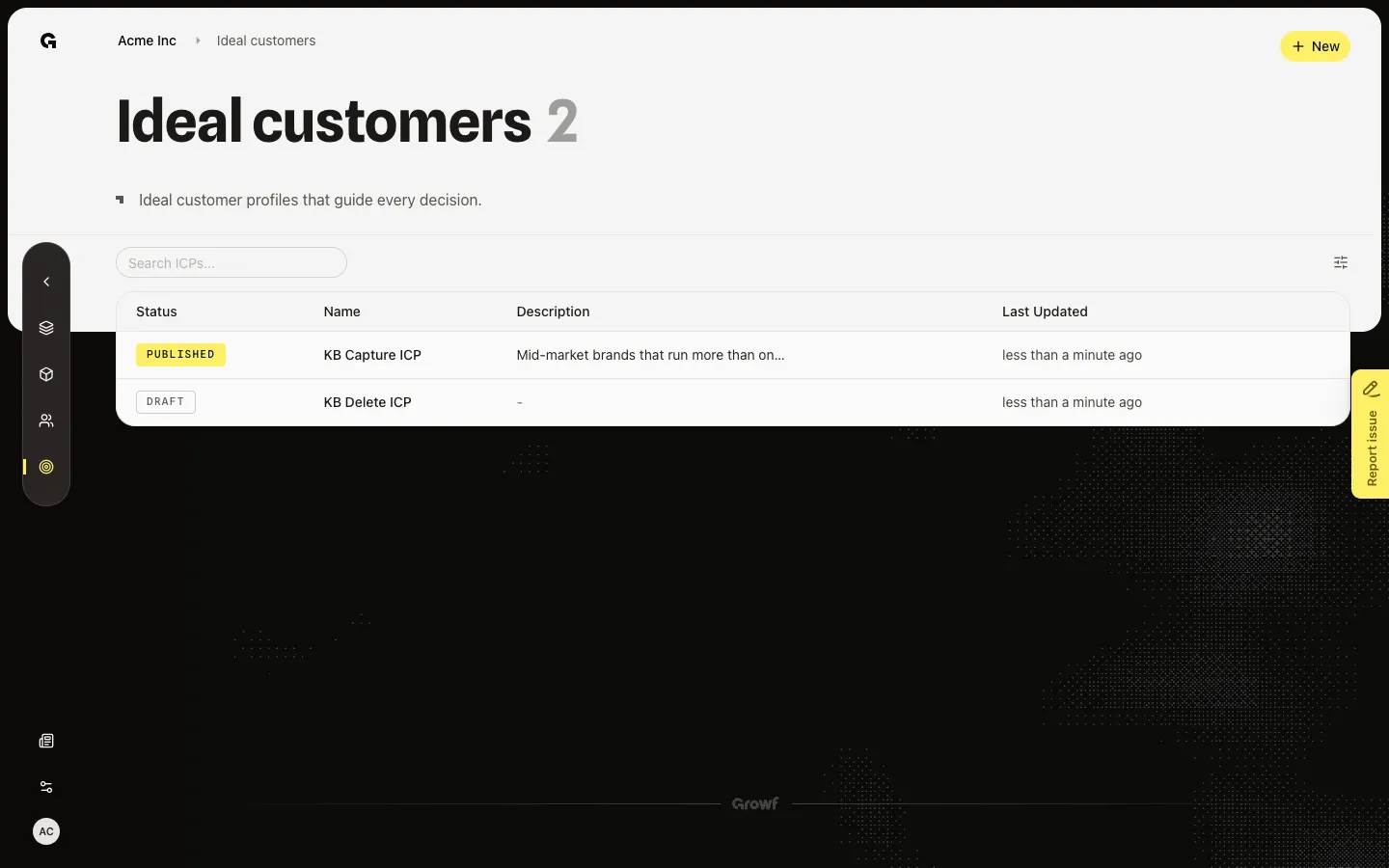
Choose New
Choose New. The page title is New Ideal Customer Profile. The checklist starts on Pick a product. Only published products appear in Product. If the list is empty, publish a product first. Next step on this screen creates a draft ICP. Do not click Next step during capture — that writes a new draft each run.
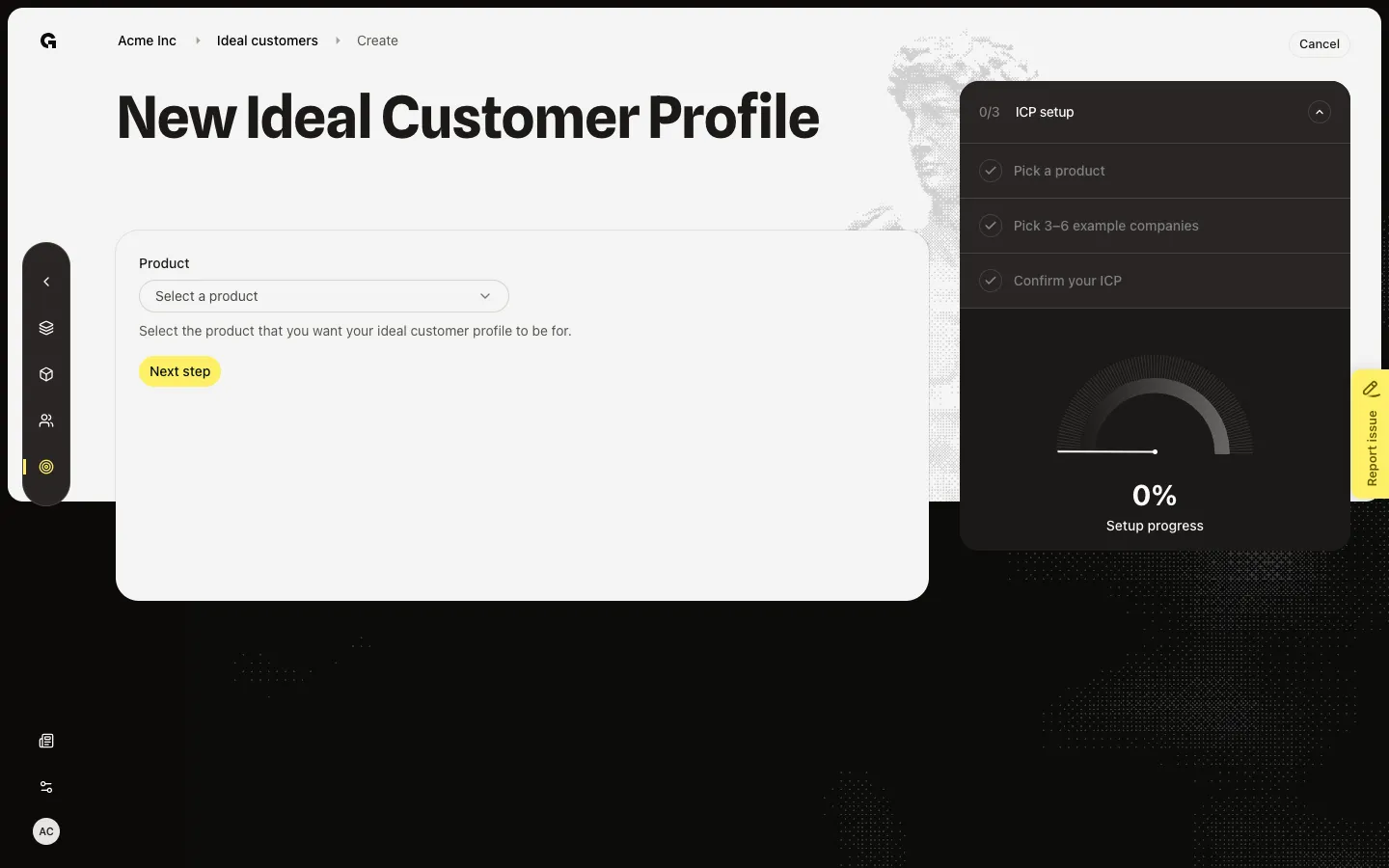
Pick a published product
Open Product and choose KB Capture Product. The next checklist item is Pick 3–6 example companies. Confirm your ICP then Create finishes the profile. Stay on this step during capture.
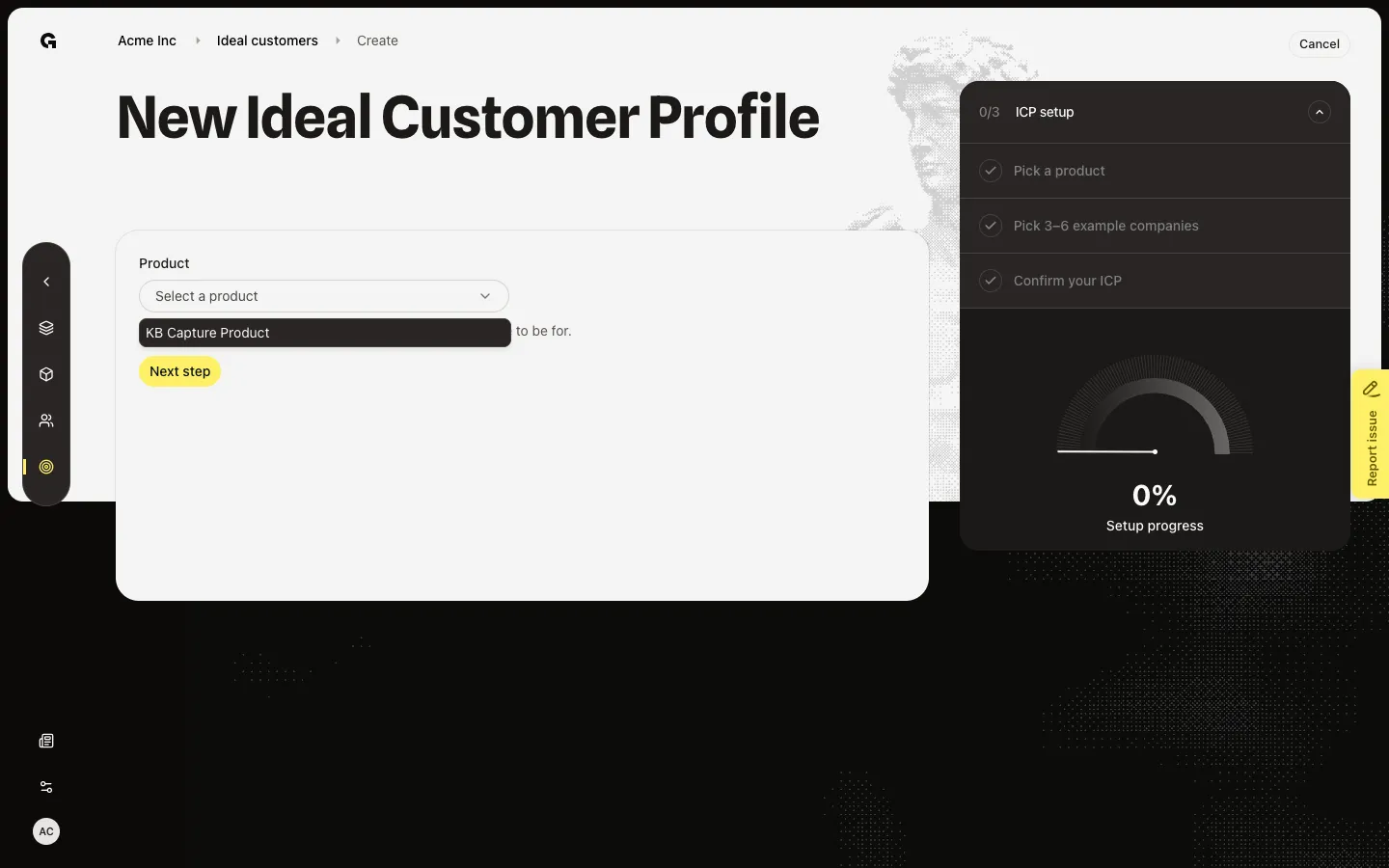
FAQ
I see No published products found.+
An ICP always belongs to one published product. Configure and publish a product first, then return here. Draft products do not appear in this picker.
I do not see New.+
New needs ICP create. Ask an admin.
Why does a draft ICP send me back to this wizard?+
Draft ICPs are unfinished create flows. Opening the name reopens `/icp/new` with that draft. Finish example companies and Create, or delete the draft from the list.