Create marketing content
Start a social post, article, ad, email, or website piece from Content, then write it in the editor.
Content is the workspace list for marketing drafts. Anyone with create permission can add a piece. Teammates see the same list.
3 steps · About 3 minutes
Open Content
Choose Content in the sidebar. The table lists every piece in this workspace, including KB Feedback Sample from capture seed. Use New when you want a new draft. New folder is a different control — see Organize content in folders.
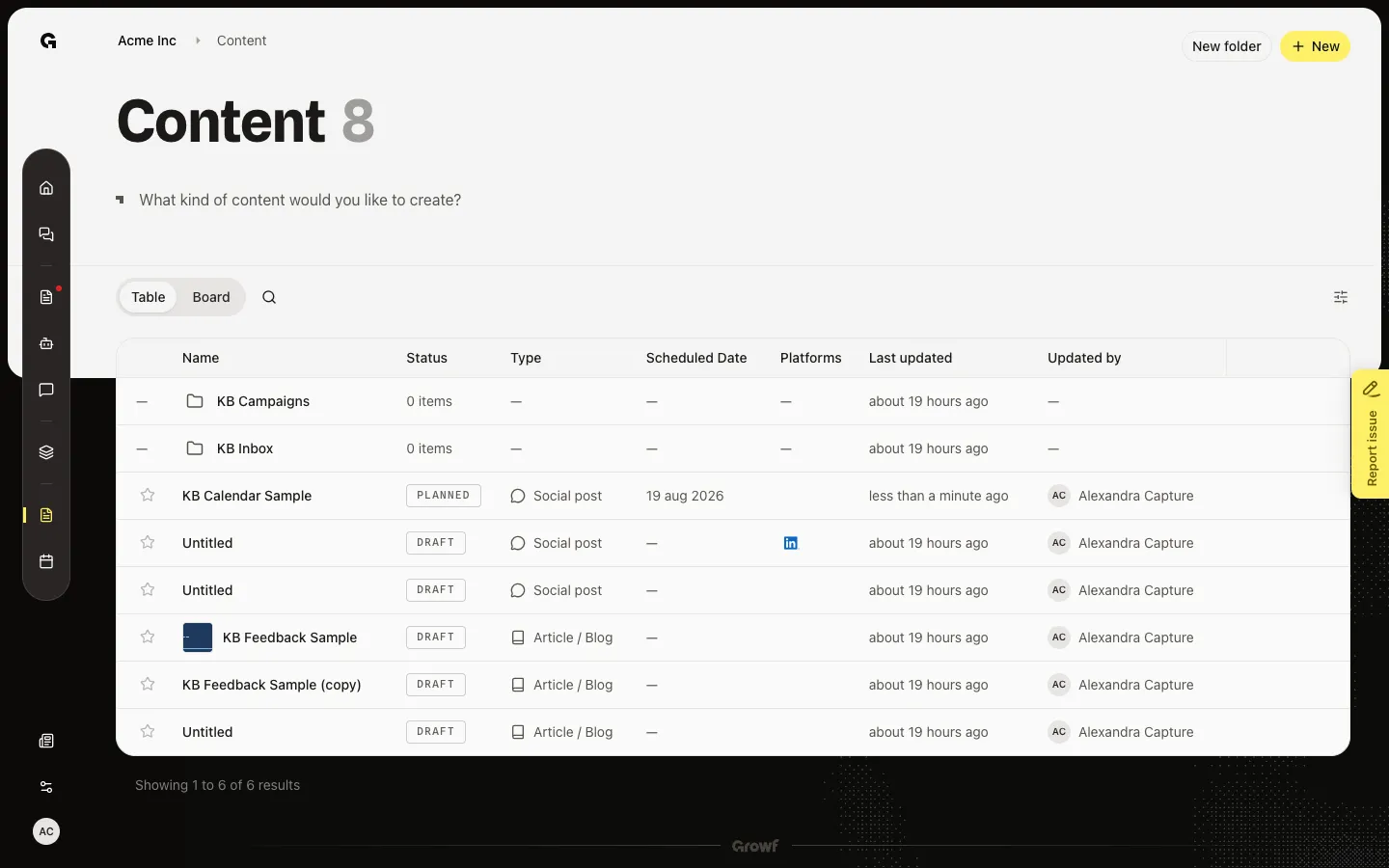
Open New content
Choose New. New content asks which type to start with: Social post, Website content, Advertisement, Email, or Article / blog. Pick a type. Growf creates an Untitled draft and opens the editor. Website content and Email have no editor yet.
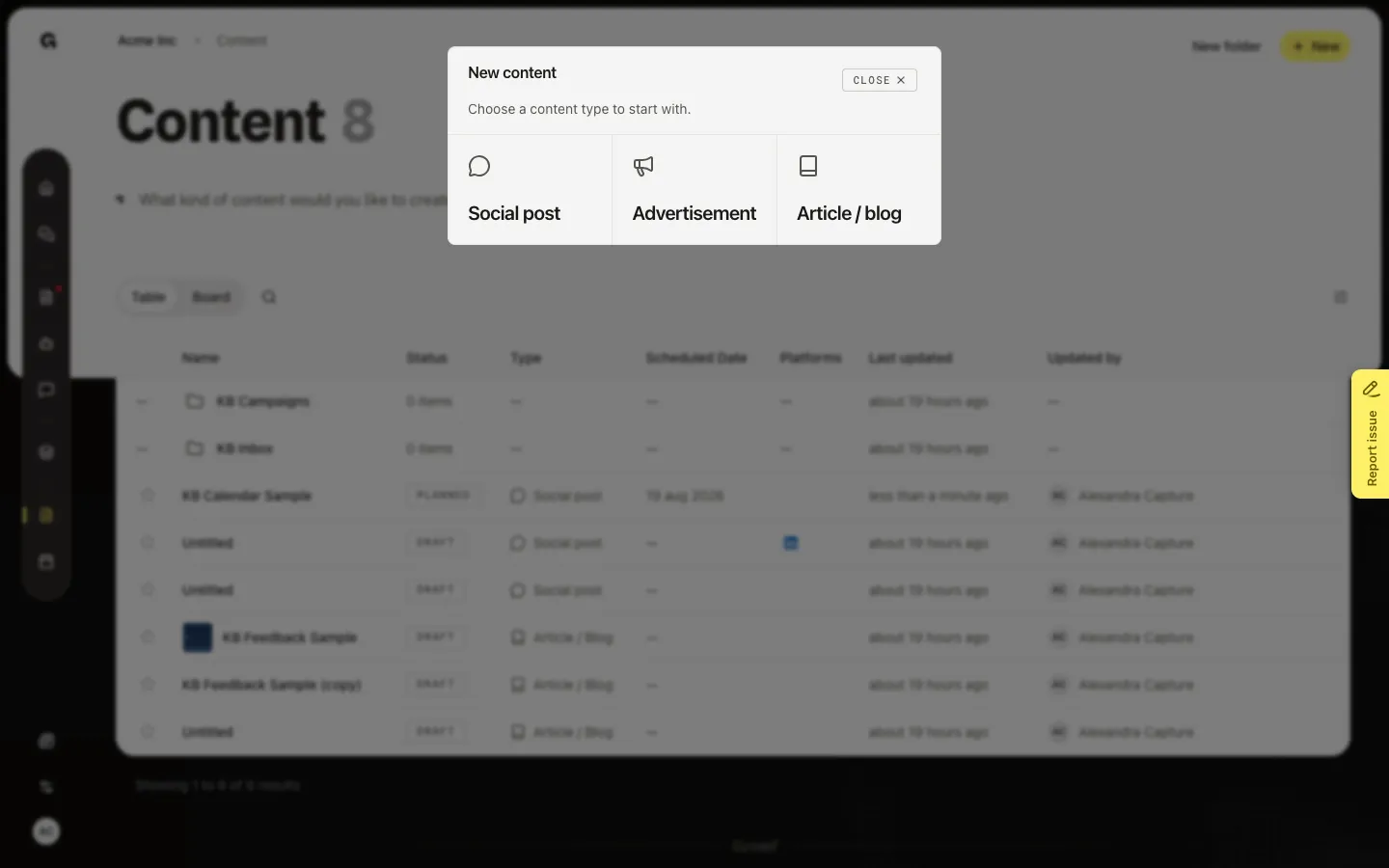
Create an Article / blog
Choose Article / blog. Growf opens the draft. The title starts as Untitled. Rename it in the header — that name is for you and the team, not the public headline. For a social post you first choose who publishes (identity required, persona optional), then Start writing. An article can start at once; a persona is optional for tailored help.
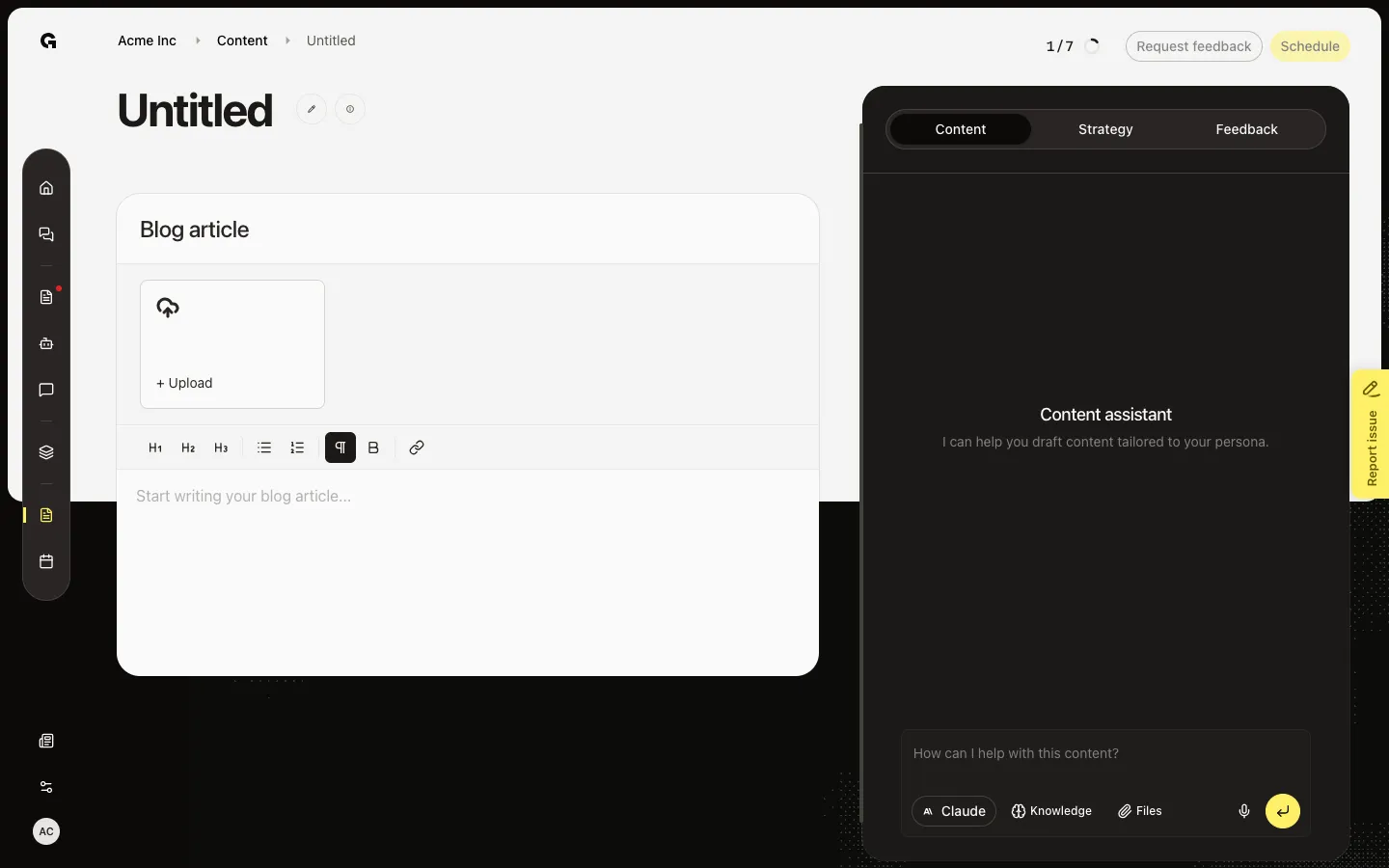
FAQ
I do not see New on Content.+
You need permission to create content. Ask a workspace admin. New folder is a separate button and does not create a post.
Which type should I pick?+
Social post and Advertisement go to connected channels. Article / blog is a long-form editor with headings and lists. Email and Website content create a row but have no editor yet.
Why is the new piece called Untitled?+
New starts a blank draft. Click the title to rename it. The name is internal. Write the public text in the editor.
What do I do after I create a draft?+
Write the body, then use the Content assistant or Strategy tab if you want help. Assign an identity and channels for social posts before you schedule. See Edit marketing content.