Create a signal detector
Add a detector for a connected integration so Growf can write findings to Home.
A detector ties one supported connection to an audit. Anyone who can update the workspace can add one.
3 steps · About 3 minutes
Open New signal
Open Settings → Signals. Choose New. New signal asks you to name the detector and pick a connection that supports signals and does not already have one. Capture leaves KB HubSpot free. KB Analytics already has KB Analytics findings, so it will not appear in the list.
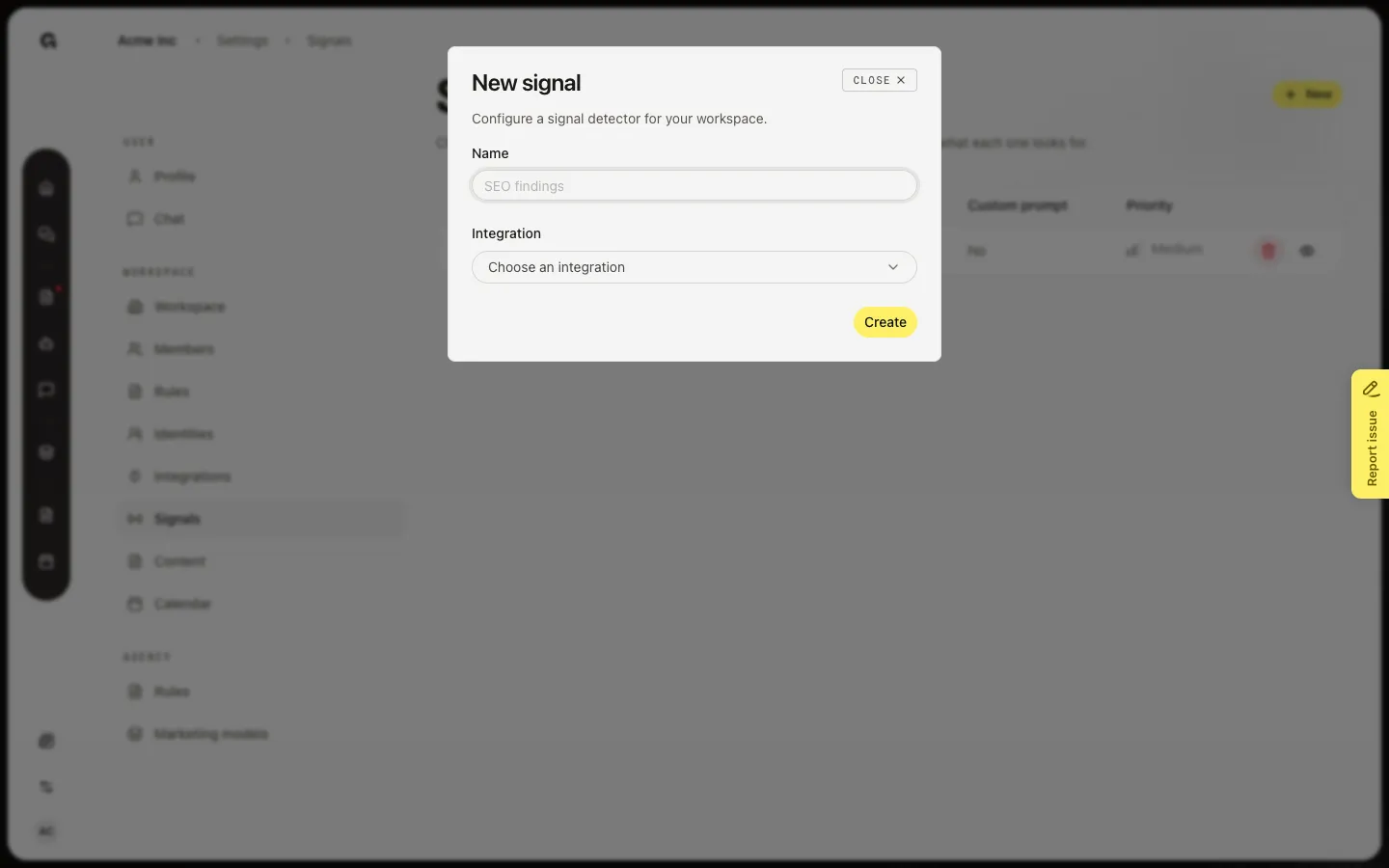
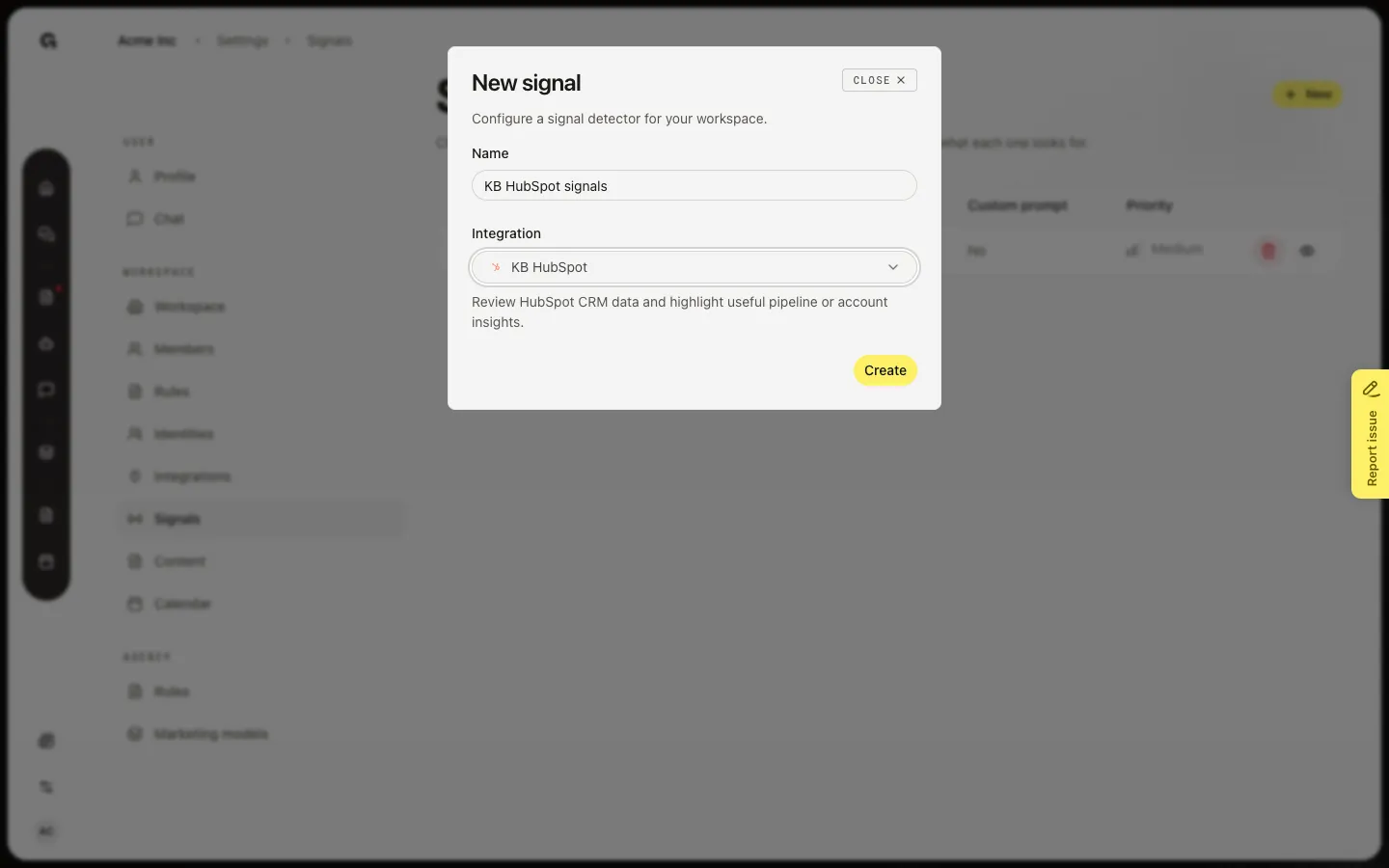
Name the detector and pick KB HubSpot
Type a name you will recognise, such as KB HubSpot signals. Under Integration, choose KB HubSpot. The form then shows what that audit looks for (pipeline and account insights for HubSpot). Other connections show their own audit line (Analytics, SEO, Ads, social, or GTM).
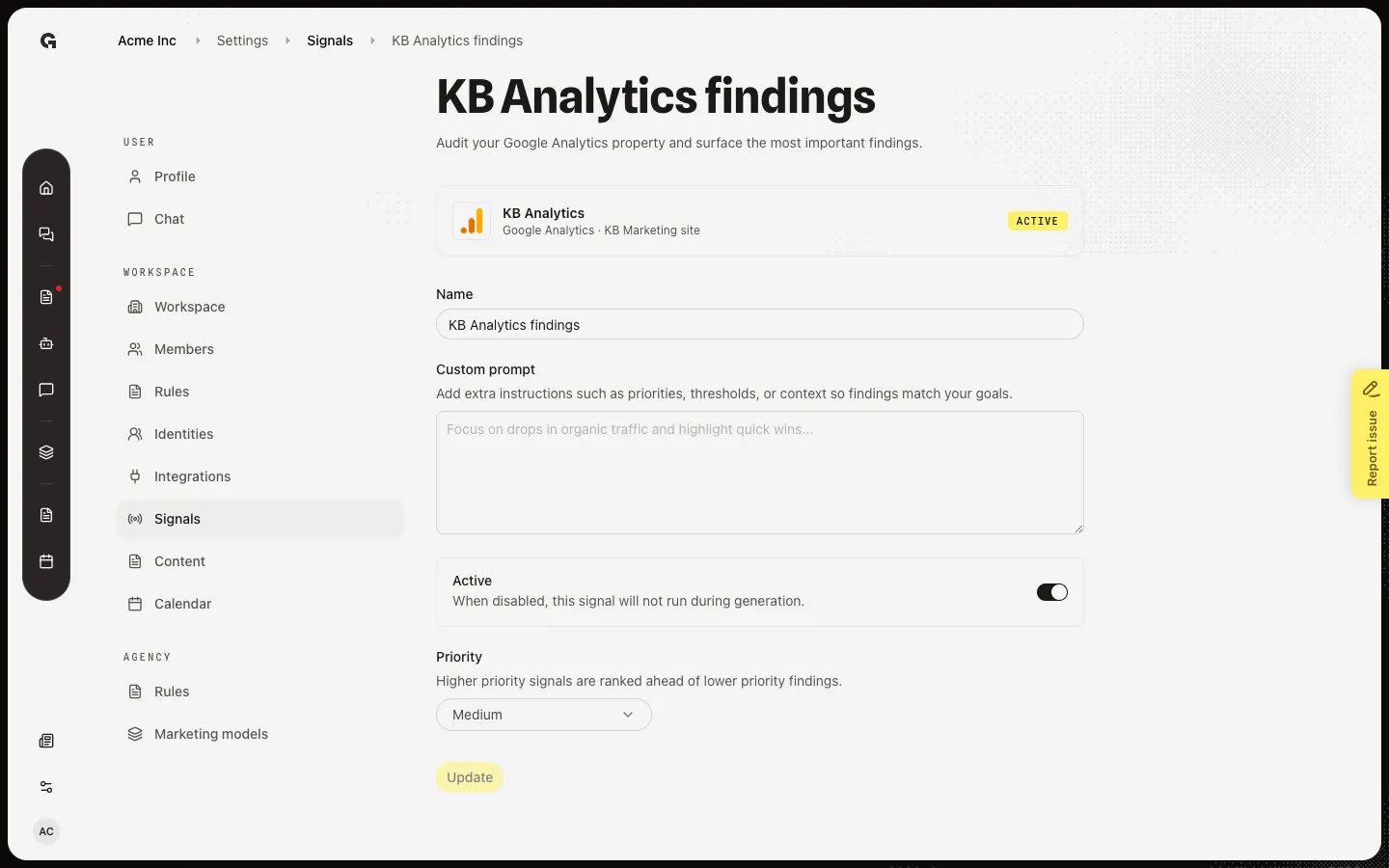
Open a detector after Create
Choose Create. Growf opens the new detector. It starts Active, Medium priority, and with no custom prompt. Capture already has KB Analytics findings so you can see that page without adding a second HubSpot detector. Add a prompt if you want the next run to focus on a threshold or account list. Findings appear on Home after generation — they do not appear the moment you click Create.
FAQ
The form says Connect a supported integration first.+
Signals run on Google Analytics, Ahrefs, Google Search Console, HubSpot, Google Ads, LinkedIn, Instagram, and Stairoids. Connect one on Integrations, then return here. Fireflies and most chat-only tools cannot have a detector.
The form says every supported integration already has a signal.+
Each connection can have one detector. Open the existing row to change the prompt, or disconnect a connection you no longer need and create again.
I created a detector but Home is empty.+
Generation is a scheduled job, not a click. Home shows Integration signals only after a run writes findings for this week. See Review home integration signals.