Create a publishing identity
Add a person or company identity so social posts and ads have someone to publish as.
A publishing identity is who a social post or ad publishes as. Create one before you schedule those types. Article / blog does not need one.
2 steps · About 2 minutes
Open New identity
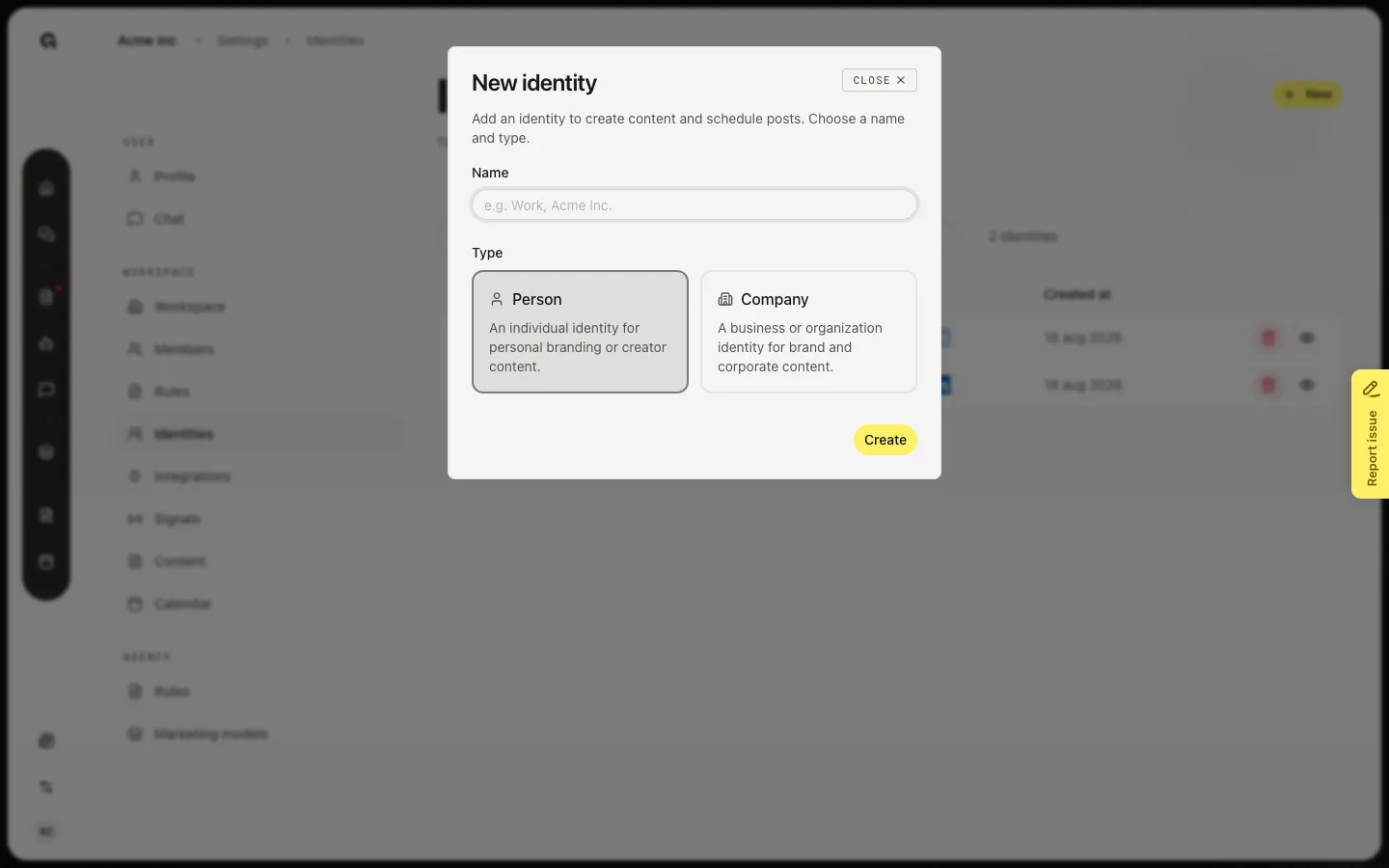
On Identities, choose New. New identity asks for a name and a type. Name is optional (placeholder e.g. Work, Acme Inc.). Type is required: Person (personal branding or creator) or Company (brand or corporate). Person is selected until you change it.
Create a company identity
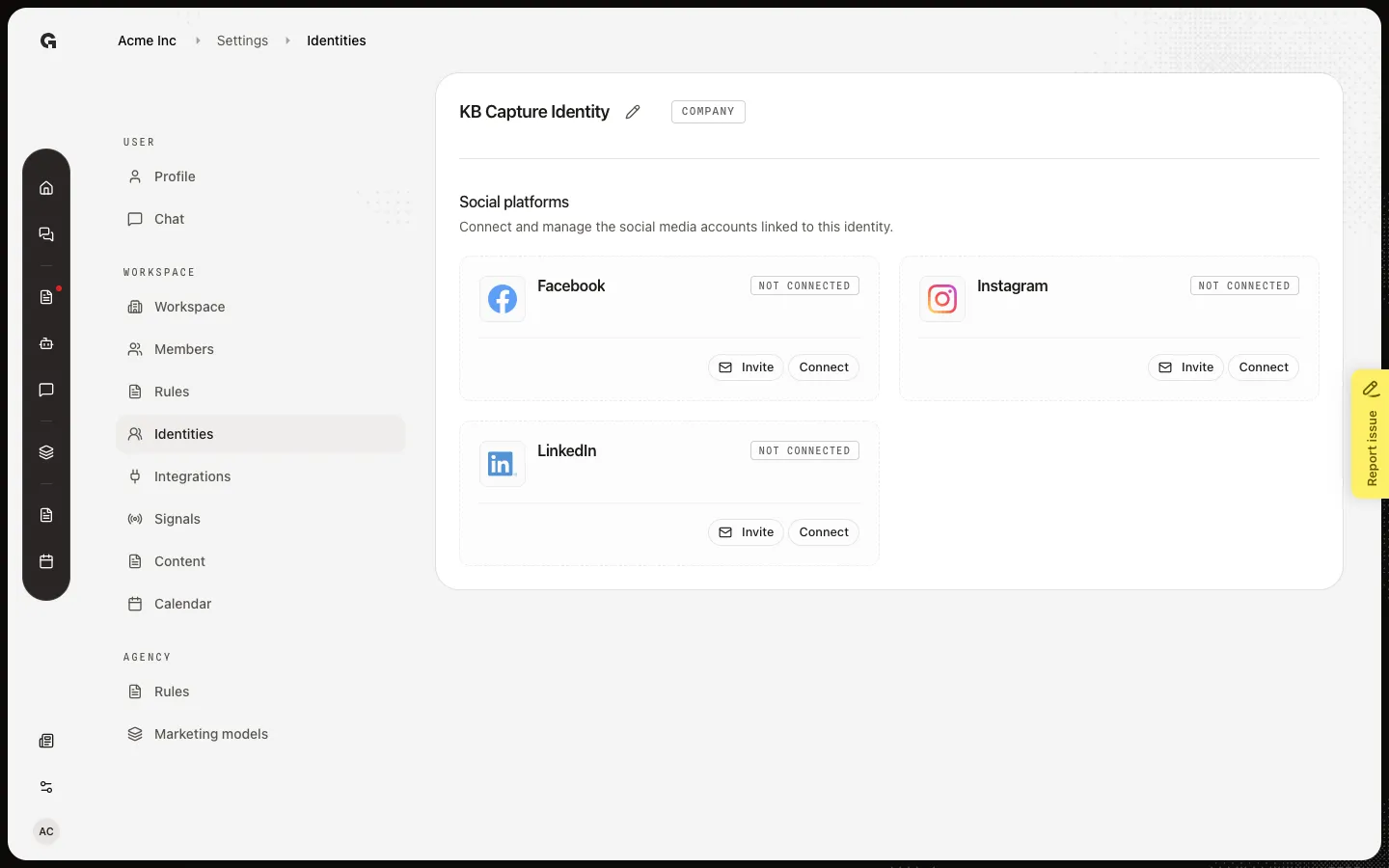
Enter a name, choose Company, then Create. Growf opens the new identity so you can connect channels. Type is fixed after create — pick Person or Company here. You can change the name later. Capture uses KB Capture Identity so Delete a publishing identity can remove this row, not the seeded KB Publishing Identity.
FAQ
I do not see New on Identities.+
You need permission to update the workspace and create content. Ask an admin.
Do I have to enter a name?+
No. Create works with a blank name. Add a name later with Edit a publishing identity so the list and content picker stay clear.
Should I pick Person or Company?+
Person is one human voice. Company is the brand or organization. You cannot change type after Create. Make a second identity if you need both.
What happens after Create?+
Growf opens the identity overview. Connect LinkedIn, Facebook, or Instagram, or send an invite. A social post still needs this identity before you can schedule or publish.