Create a product
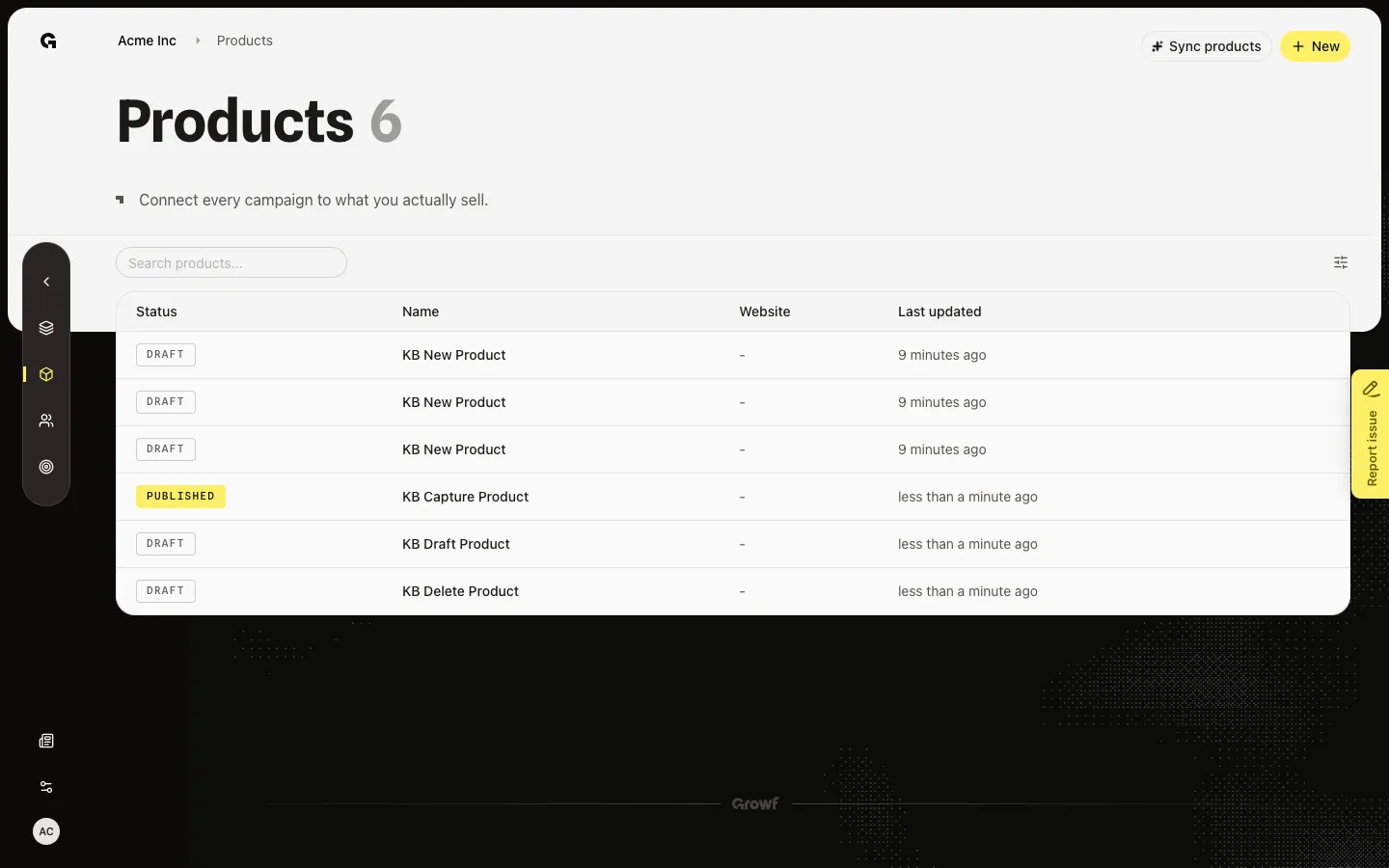
Add a product from New, pick a website page or pasted text, then continue to Configure.
A product is one offer this workspace sells. ICPs must tie to a published product, so add the offer before you define ideal customers.
3 steps · About 3 minutes
Open Create New Product
On Products, New sits in the header. You need product create. If a sync is running, New is off until that job finishes. Choose New to open Create New Product.
Name the product and pick a method
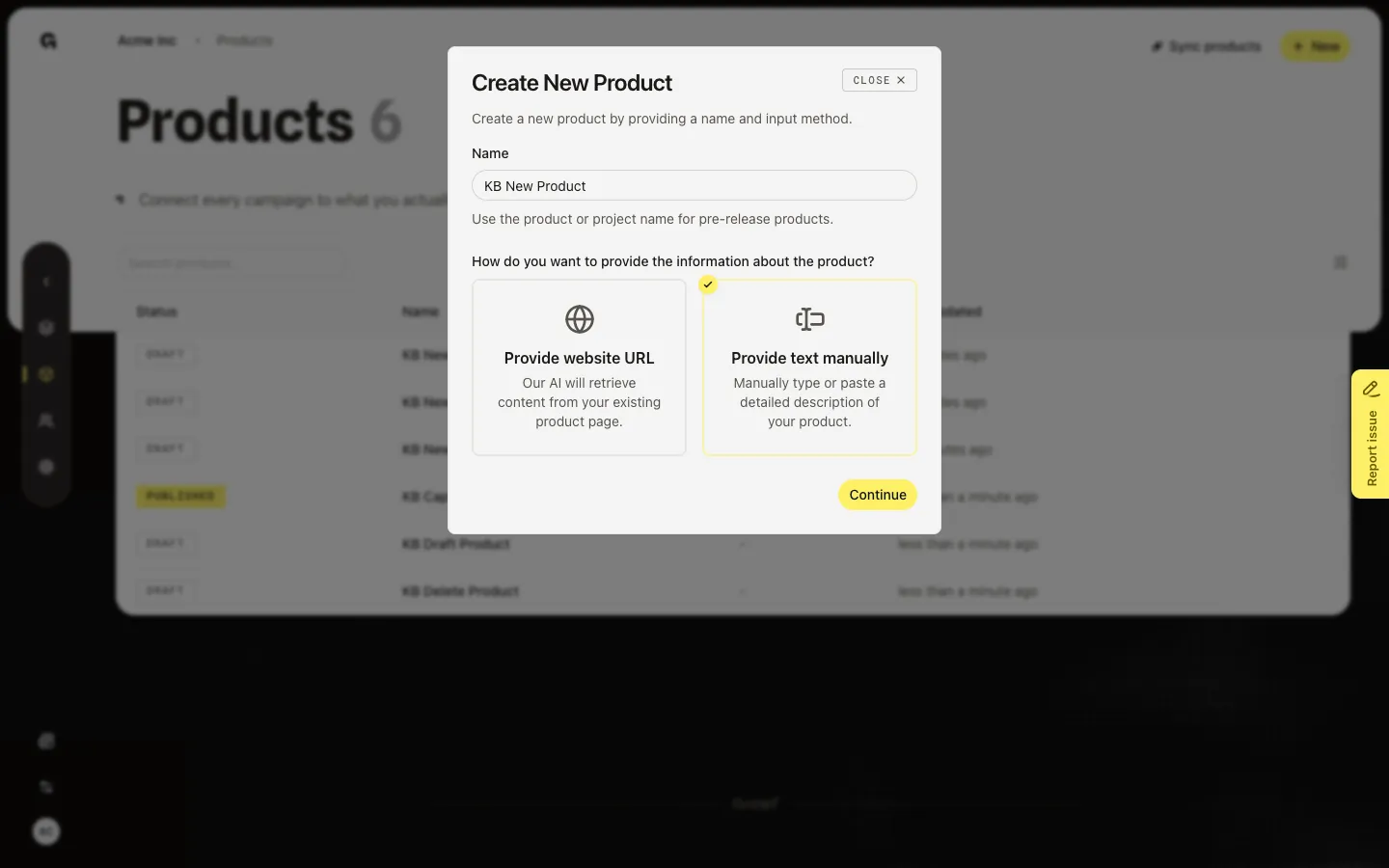
Enter the product or project name. Then pick how Growf should learn it. Provide website URL lets the agent read an existing page — Website URL appears only after you pick that card. Provide text manually is for a pre-release offer or a page you cannot share. Continue stays available once the name and method are valid. URL method also needs a full http(s) address.
Continue to Configure
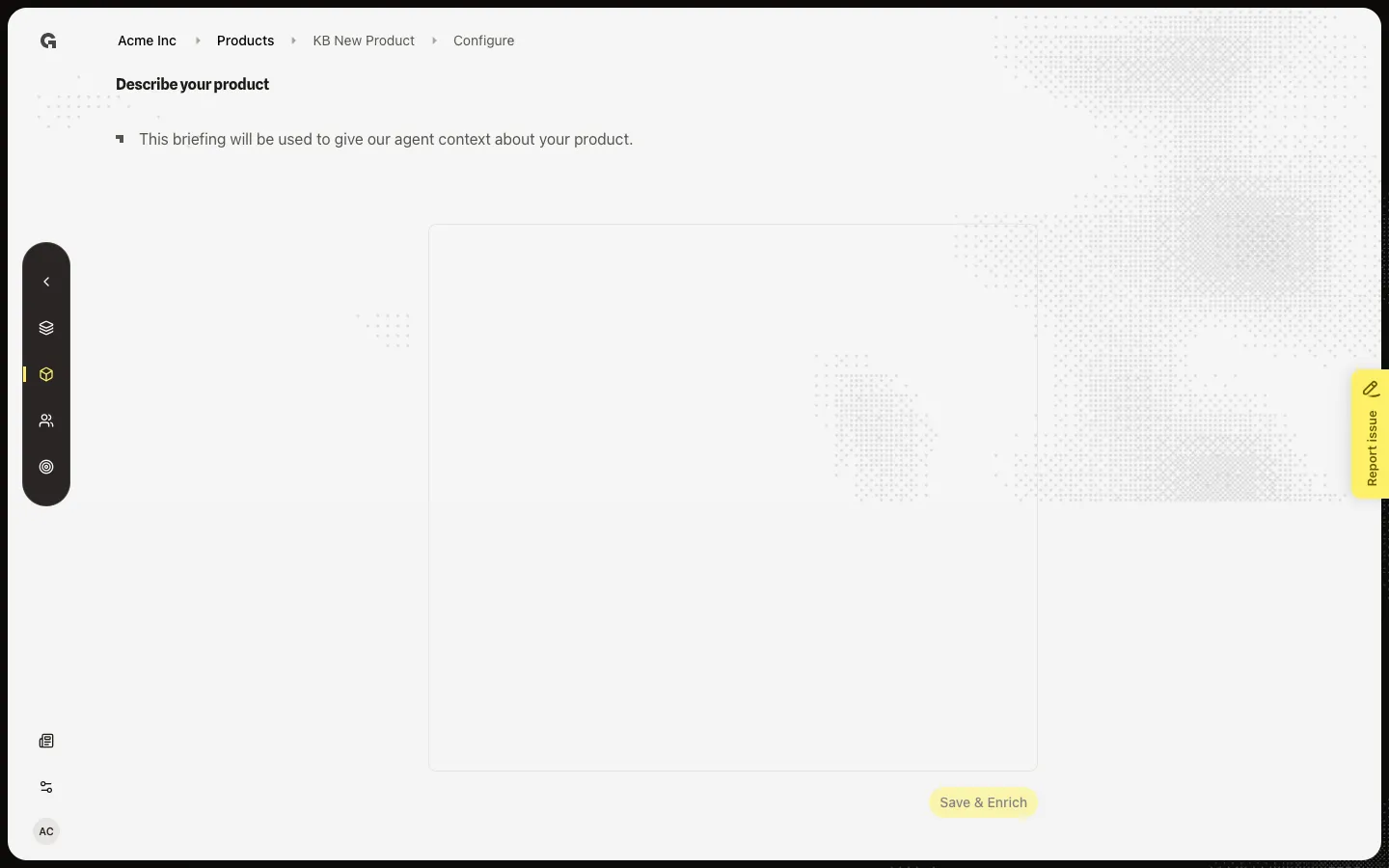
Choose Continue. Growf saves a Draft product and opens Configure. Text method opens Describe your product so you can paste a briefing. URL method opens Configuring your product and starts reading the page. Do not click Save & Enrich yet — that starts an enrich job. See Configure a product for that step.
FAQ
Should I use a website URL or paste text?+
Use a website URL when a public product page already describes the offer. Use text when the page is missing, private, or the product is not launched. You cannot switch method after Continue. Create another product if you picked the wrong one.
I do not see New.+
New needs product create. It also hides while a sync or enrich job is running. Ask an admin if the button never appears.
What status is the product after Continue?+
Draft. Features and Description appear after you save and enrich the briefing. Until then, the name on the list opens Configure.