Create a design system
Start a new workspace brand from the Your designs gallery so later designs can stay on-brand.
A design system is the workspace brand: colours, type, spacing, motifs, voice, and imagery. Anyone who can chat can create one. Later designs use the Active system unless you pick another.
3 steps · About 3 minutes
Open Your designs
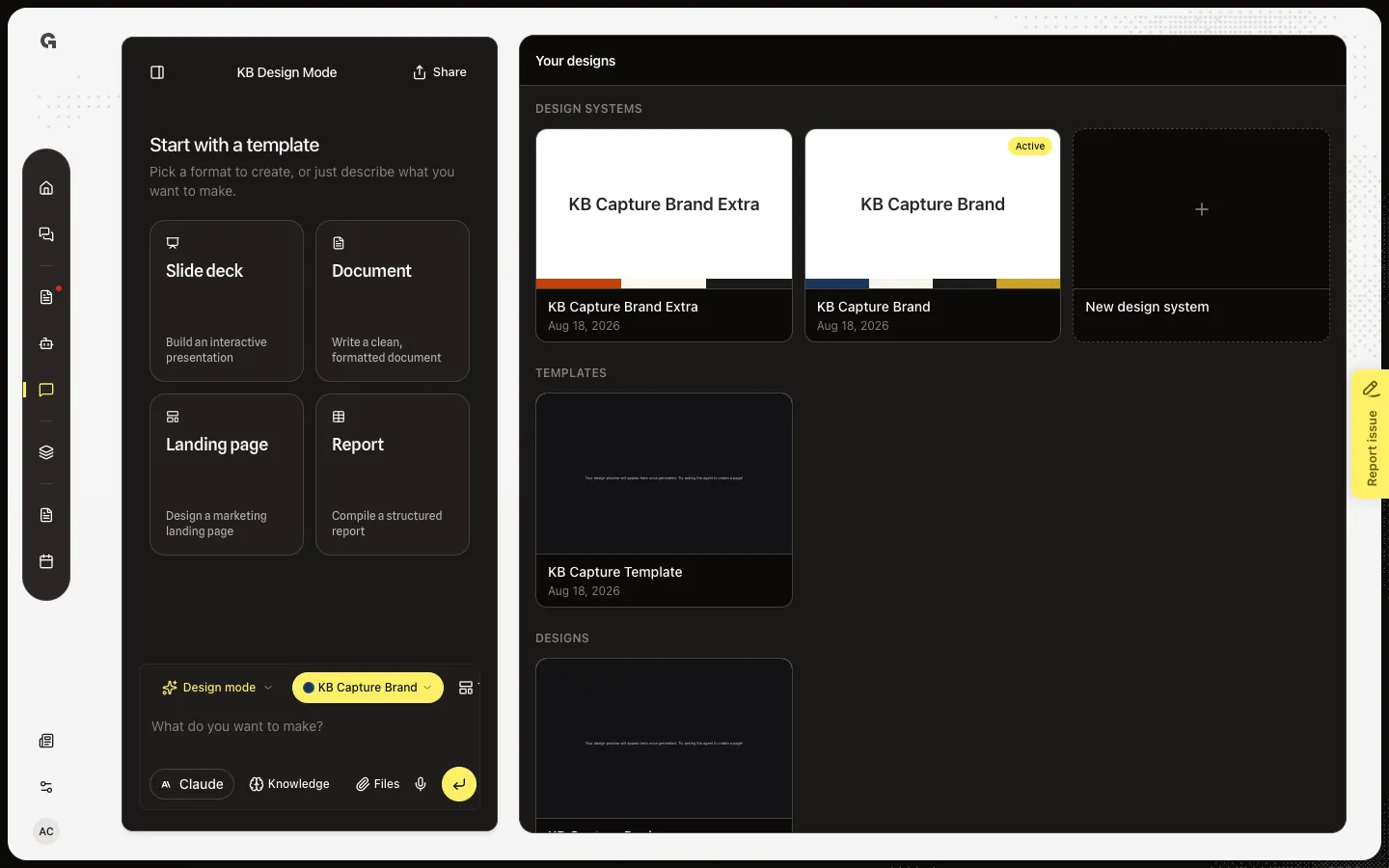
Open Design Mode. Your designs lists Design systems first. KB Capture Brand (Active) is the default brand for new designs. KB Capture Brand Extra is a second ready system. New design system starts a fresh Design Mode chat and asks the agent to open the setup form.
Choose New design system
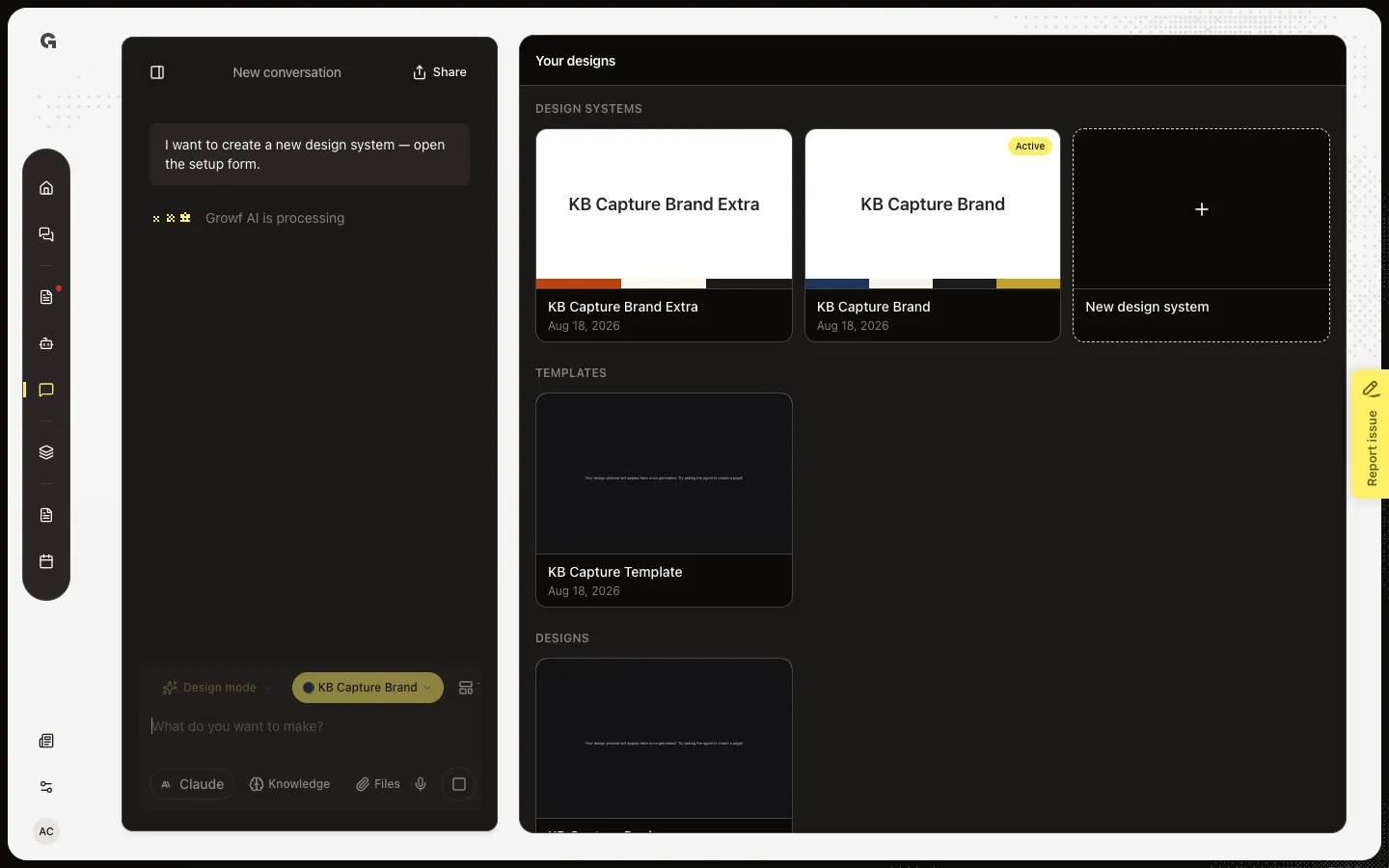
Choose New design system. Growf opens a new Design Mode conversation and sends I want to create a new design system — open the setup form. The agent should show Create a design system: Website plus optional Brand assets, then Go.
Know the setup form
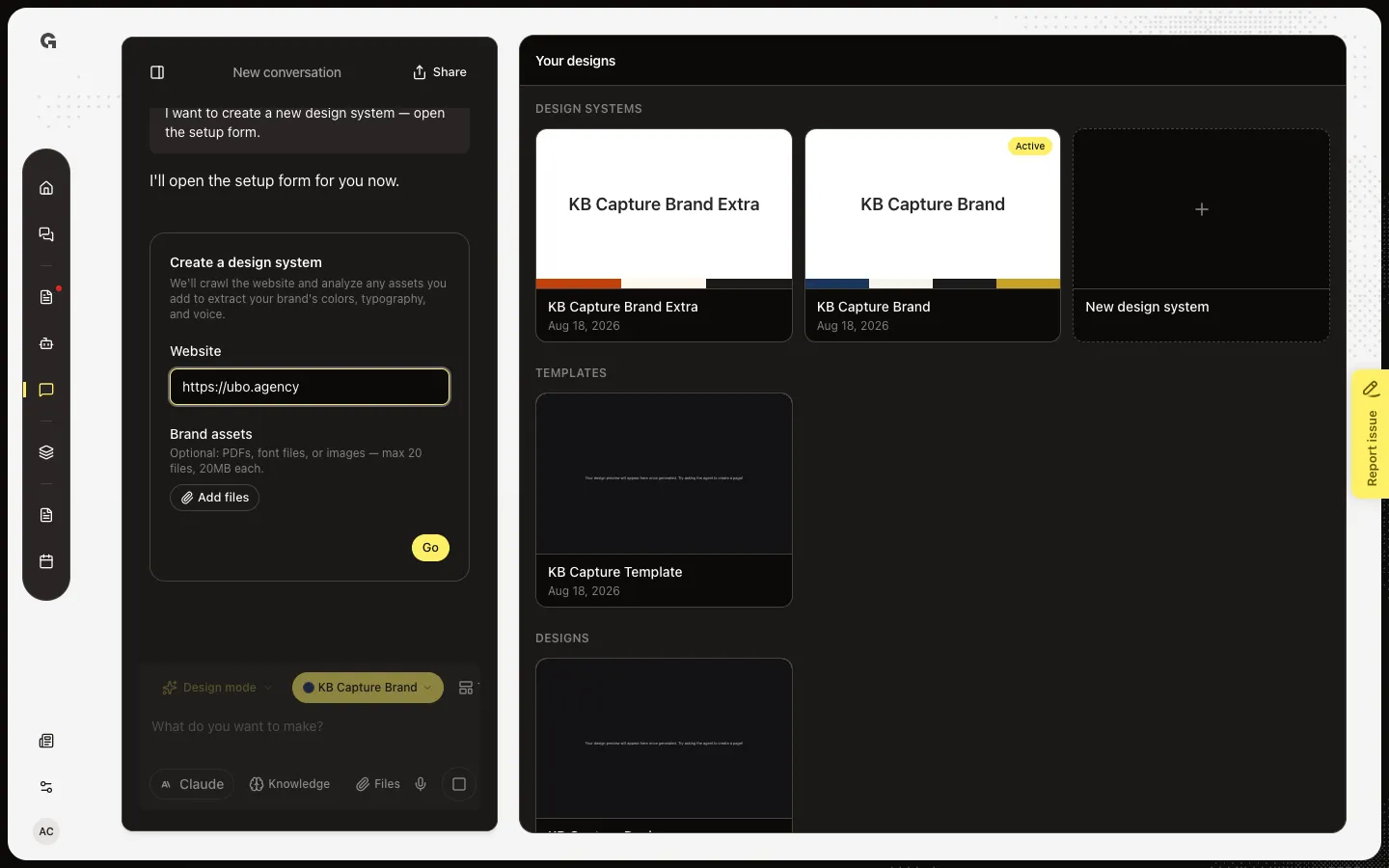
When Create a design system appears, Website is required (it may already show the workspace site). Brand assets are optional: PDF, fonts, or images, up to 20 files and 20MB each. Go creates a pending system and asks the agent to generate it. The gallery card shows Generating… then the style guide when status is ready. Opening an existing style guide and talking in chat edits that system; it does not create another.
FAQ
Do I have to use New design system?+
No. You can type that you want a new design system in any Design Mode chat. The gallery card is the explicit start. Naming a website or changing colours on an existing brand edits the open or Active system, and does not create a second one, unless no system exists yet.
What does Go do?+
Go stores a pending design system with the website and any files, then the agent starts generate. Extraction can take a few minutes. The card stays on Generating… until it is ready or shows Generation failed.
What does Active mean?+
Active is the default brand for new designs. It does not re-brand designs you already made. Pick another system in Design systems on the composer to change the default, or to re-pin an open design.
Who can use the new design system?+
Everyone in the workspace who can open Design Mode. Delete removes the system and its stored brand files. That cannot be undone. See Delete a design system.