Configure agency chargeback
Track monthly credit cost for a client workspace so you can invoice them outside Growf.
Chargeback records monthly AI credit cost for one client workspace, excl. VAT. Agency owners and admins use it to build invoices outside Growf.
3 steps · About 3 minutes
Open Usage
Choose Usage. Chargeback is only on client workspaces, not on the agency row. Growf does not create invoices here. It stores credit totals and amounts excl. VAT so you can bill in your own tool.
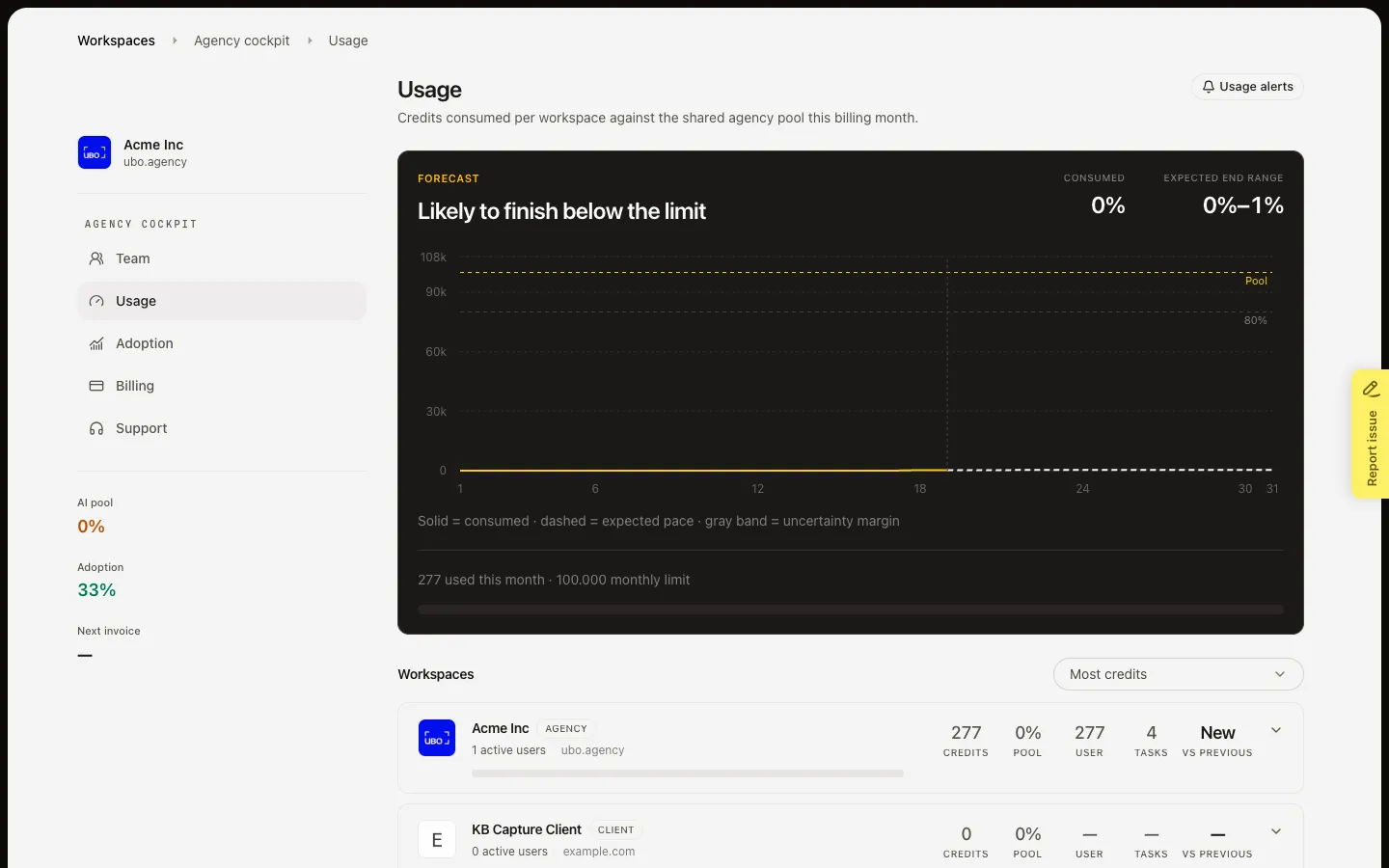
Open a client workspace
Choose a row with the Client badge. Chargeback sits next to Usage alert and Set cap. The agency row has no Chargeback button.
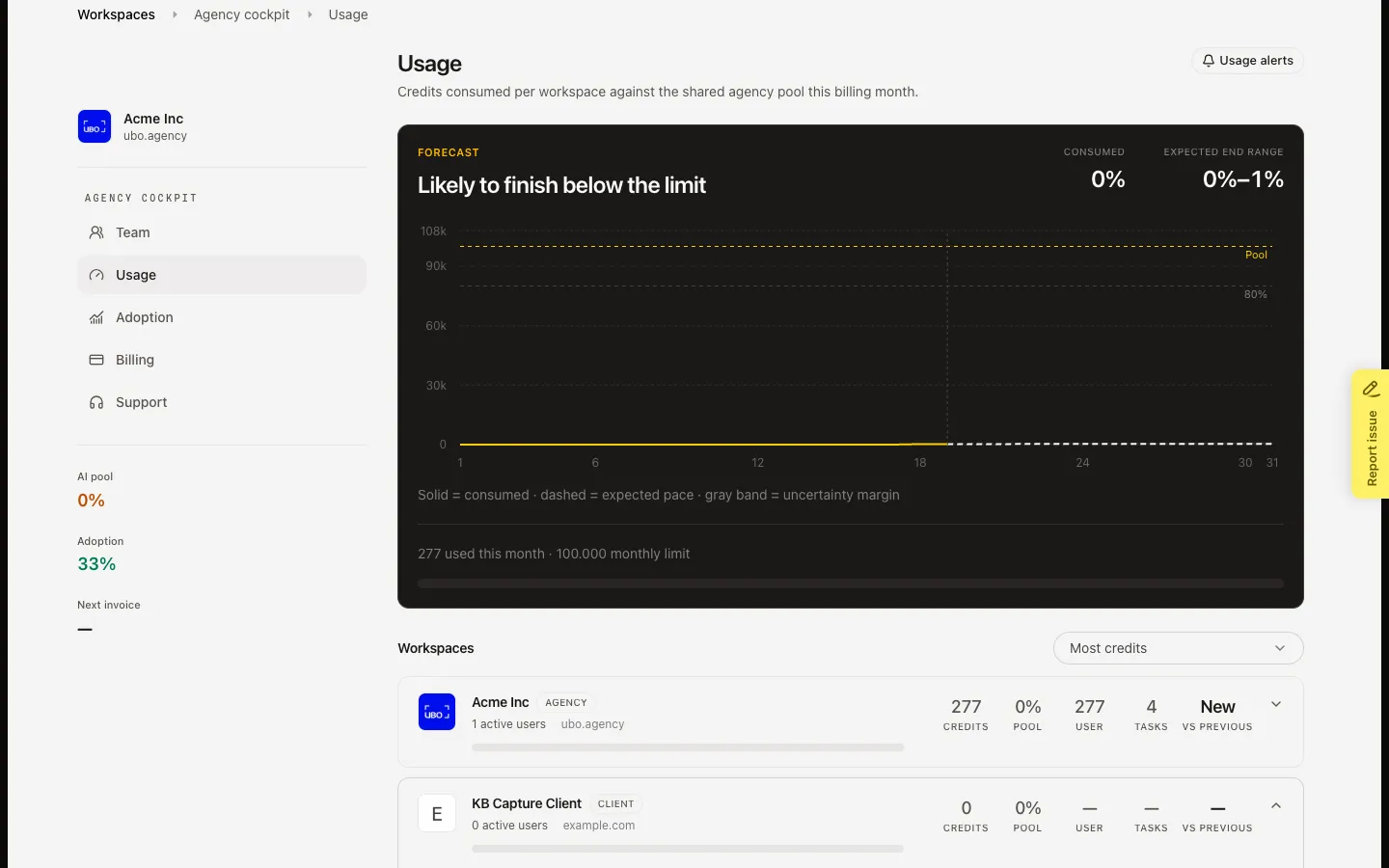
Open Chargeback
Choose Chargeback. If it is off, Enable starts tracking for this client. If it is on, pick a month, read credits by type and the total excl. VAT, then Mark as invoiced after that billing month closes. Undo invoiced reopens the month and recalculates from live usage. Disable stops new months; old invoiced months stay visible.
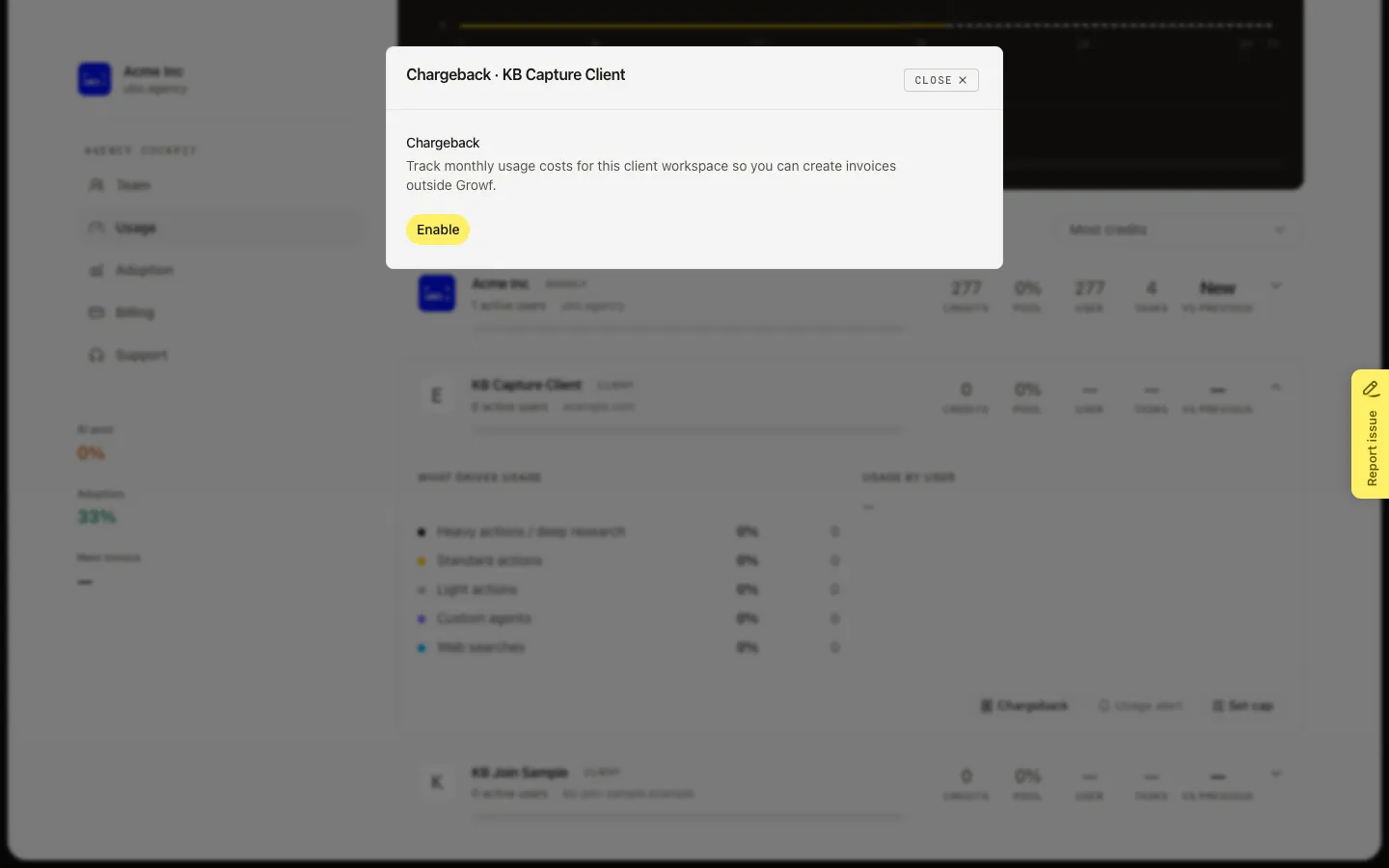
FAQ
Why is there no Chargeback on the agency workspace?+
Chargeback is for client workspaces only. The agency row is your own pool, not a client you invoice.
Why can I not mark this month as invoiced?+
The current month stays Open until the billing month ends. Future months are hidden. Enable chargeback first if the dialog still shows Enable.
What do I lose if I disable chargeback?+
New months are not tracked. Months you already marked invoiced stay. Turn it on again when you want new months recorded.
Does this send an invoice in Growf?+
No. Billing in the cockpit has no screen yet. Chargeback is a cost sheet you copy into your own invoicing.