Configure a product
Open a draft product, add the briefing from a page or pasted text, then save and enrich so Features and Description appear.
Configure is the briefing step. Growf uses that text to draft features, pitch, and tone so later campaigns talk about the same offer.
2 steps · About 2 minutes
Open a draft
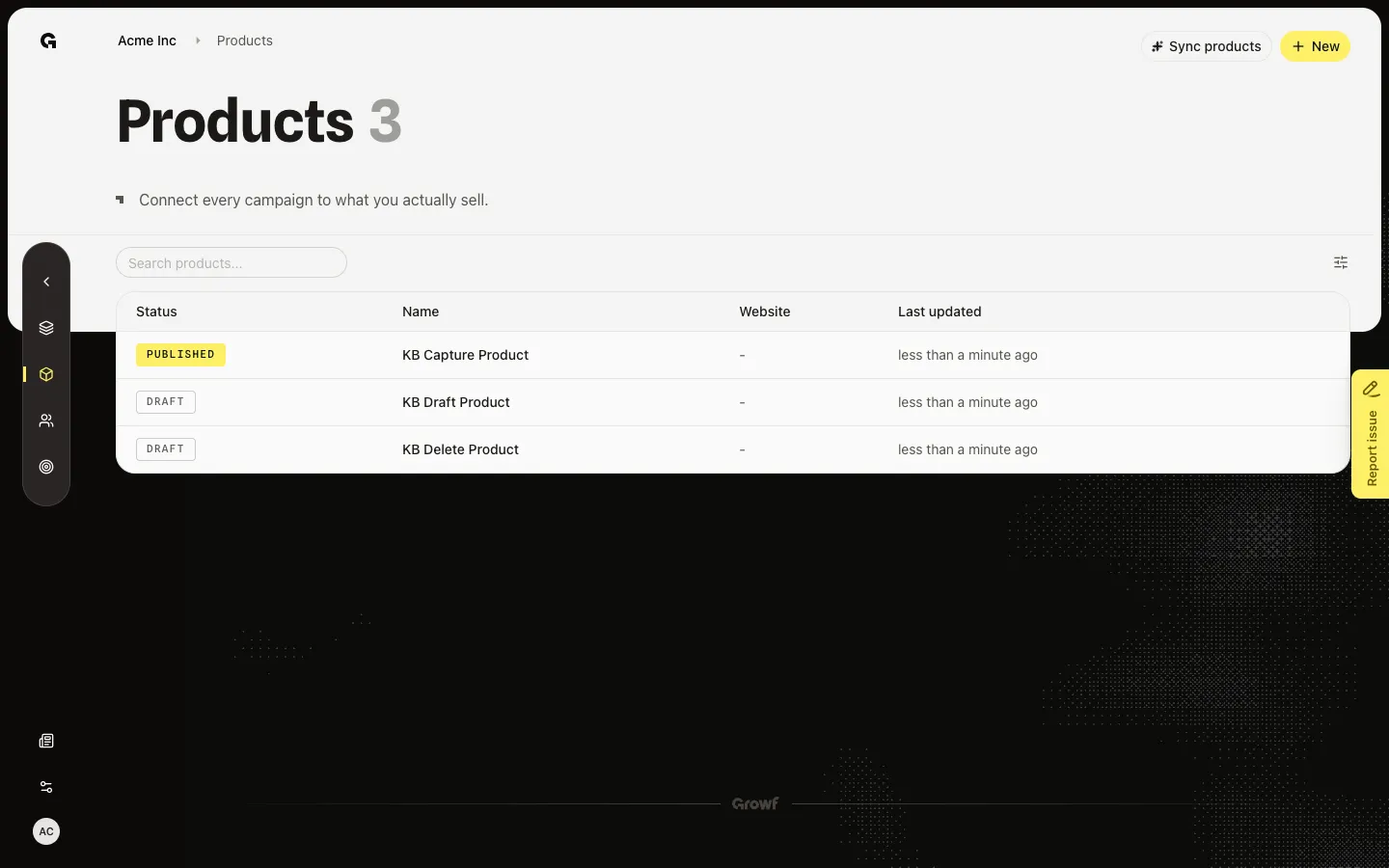
On Products, choose a Draft name such as KB Draft Product. Drafts open Configure. You need product update. Without it, Growf sends you back to the list. Published names skip this screen and open Features.
Add the briefing
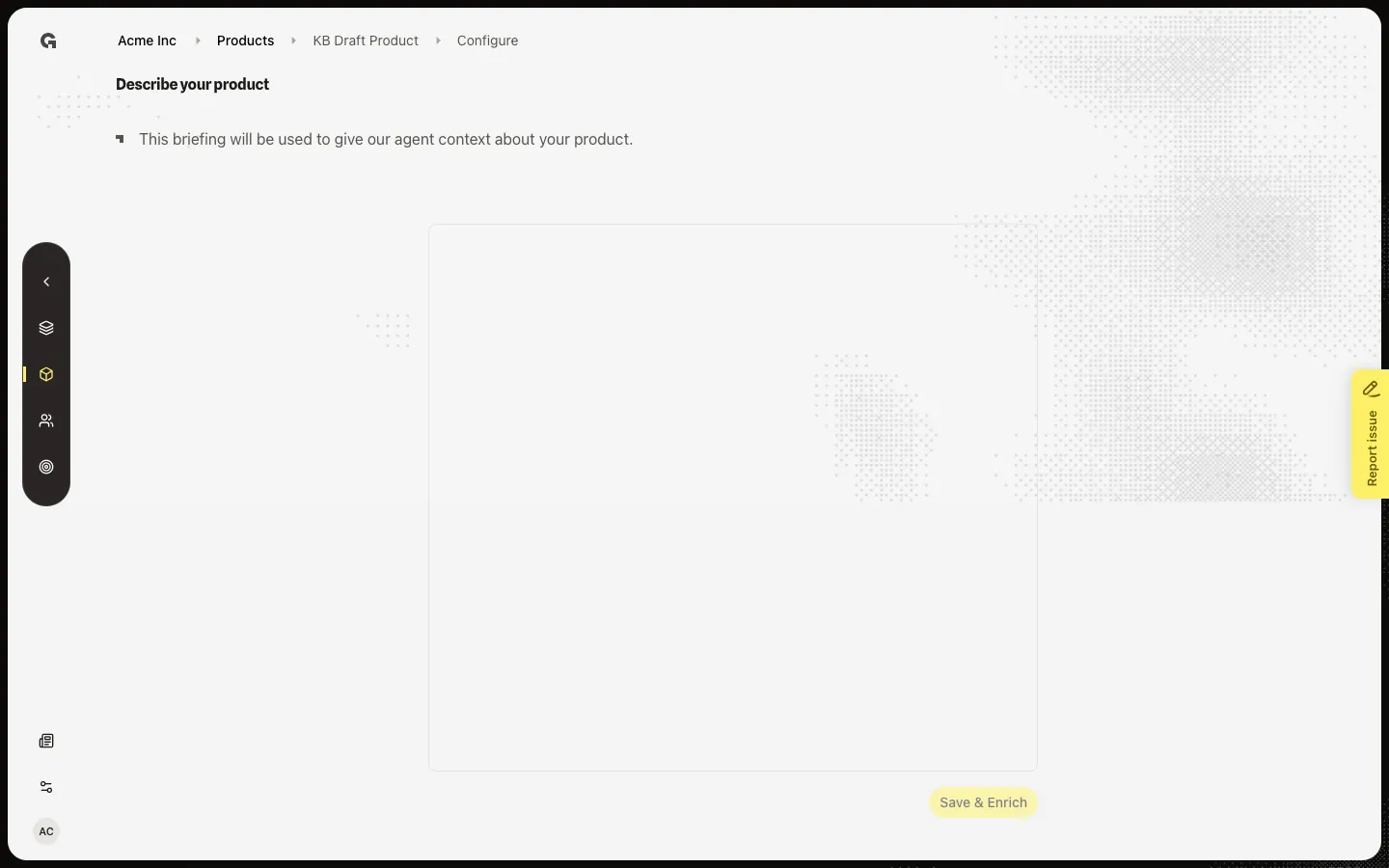
Text method shows Describe your product and an editor. Paste what you sell, who it is for, and why it wins. Save & Enrich stays off until the editor has text. URL method shows Configuring your product, reads the page, and offers Regenerate if the draft is wrong. Do not click Save & Enrich or Save and enrich during capture — that starts an enrich job and can leave Features in a loading state.
FAQ
I open a draft and return to the Products list.+
Configure needs product update. Ask an admin. You can still read published products if you have product read.
What happens after Save & Enrich?+
Growf writes features, pitch, and tone, then opens Features. Status can show Enriching… on that page until those sections finish. Stay on Features until the list appears.
I used a URL but wanted to paste text.+
You cannot change creation method on this screen. Create another product with Provide text manually, or edit the generated page text after enrich and save again.