Add products from documents
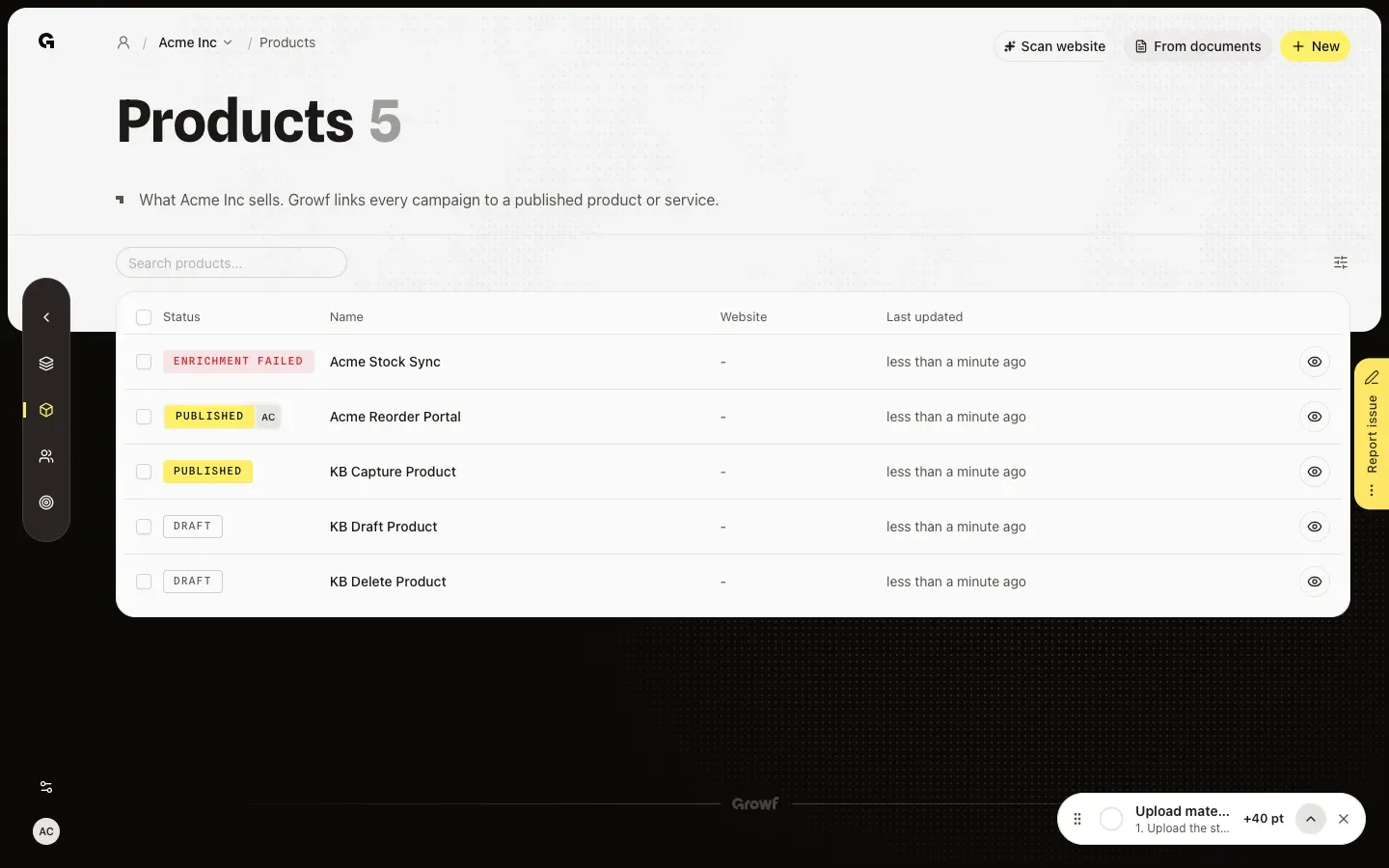
Choose From documents on Products, pick a brochure, price list or offer, and add the products Growf finds in it.
From documents lets Growf read your own documents, such as a brochure, price list or offer, and suggest the products and services in them. It is the way to go when the website says too little or the product has no page yet. You find it on Products, under Strategy in the sidebar.
3 steps · About 3 minutes
Choose From documents
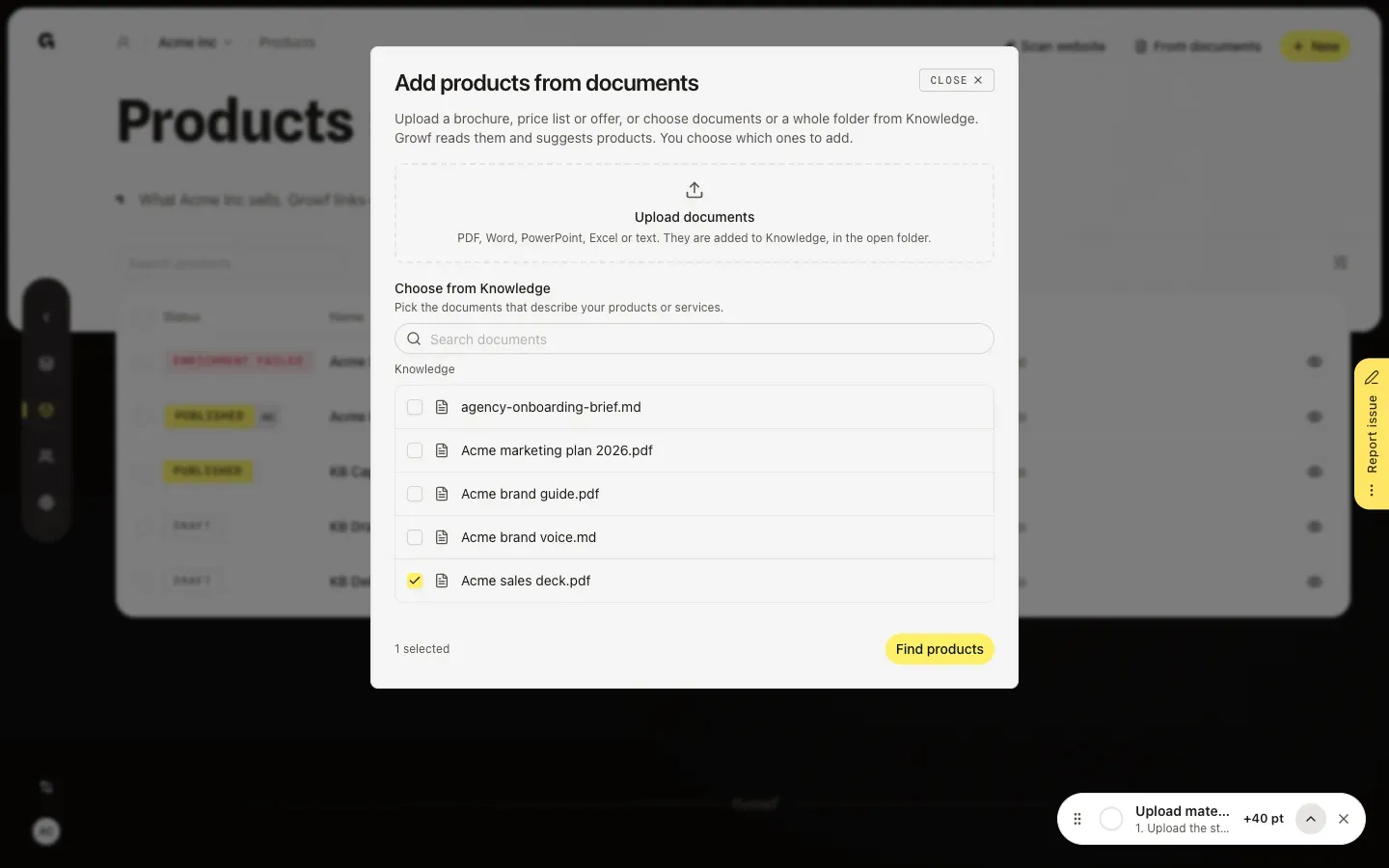
In the sidebar, choose Strategy, then Products, and choose From documents at the top right. Add products from documents opens. Upload documents adds files from your computer; Growf stores them in Knowledge, in the folder that is open below. Choose from Knowledge lists the documents and folders that are already there.
Pick the documents and find the products
Tick the documents that describe your products or services, such as a brochure, price list or offer. You can also tick a whole folder, search, or open a folder to see what is in it. Pick up to 10 documents or folders. A file you just uploaded is read first, and the dialog says how long that still takes. Then choose Find products.
Add the products and check them
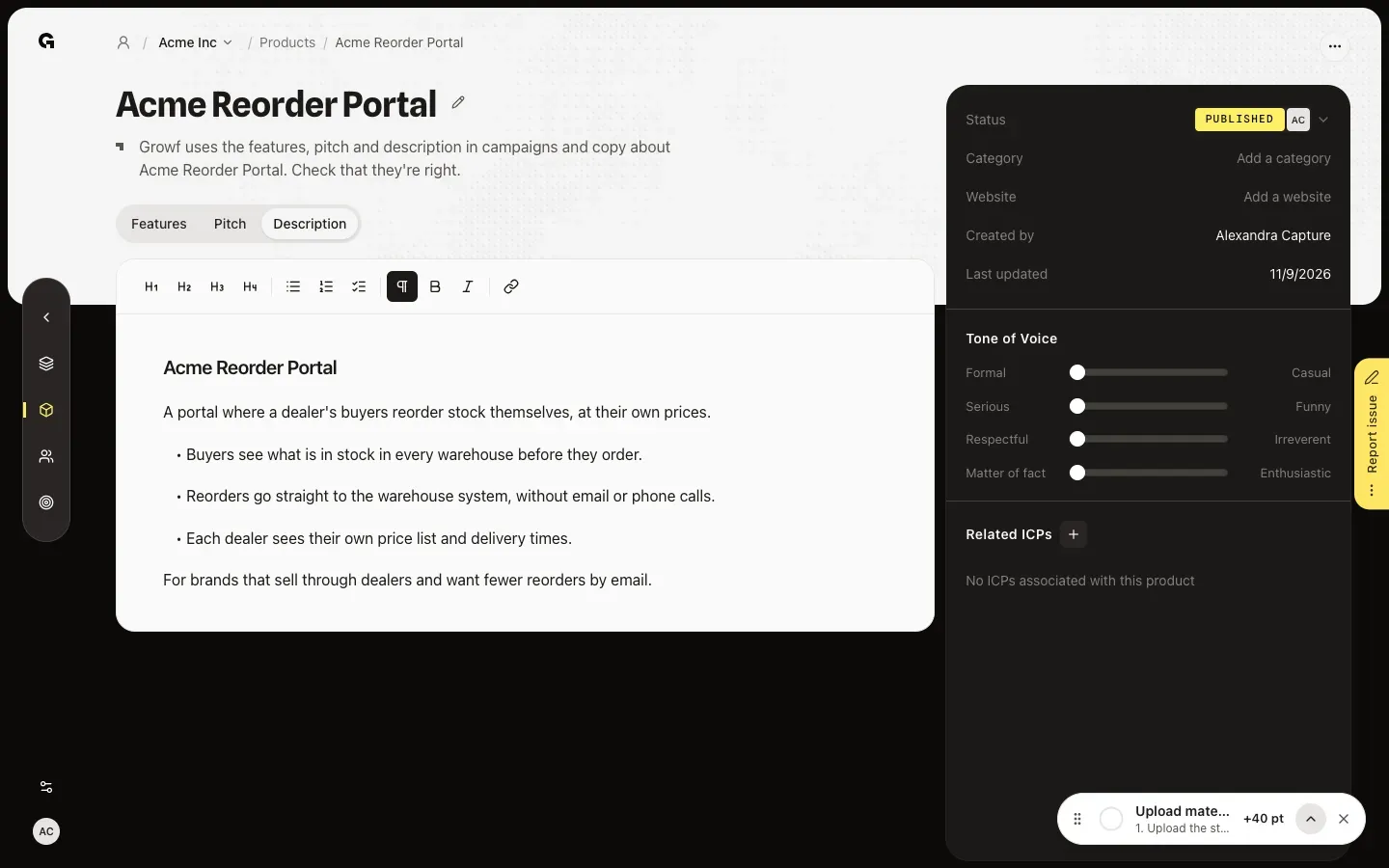
Growf reads the documents, which can take a minute, and lists the products it found, each with a short description and the document it comes from. Products that are already in Growf are left out. Untick the ones you don't want and choose Add. The new products show the status Enriching while Growf writes their features, pitch and tone of voice, and Published when it is done. Their Description tab holds what the documents say about them.
FAQ
Which files can I use?+
PDF, Word, PowerPoint, Excel and text files. A brochure, price list, offer or product sheet works best. Growf only reads documents you can open in Knowledge.
Find products is greyed out.+
Pick at least one document or folder, and no more than 10. Find products also waits while Growf is still reading a new upload, and when a file you uploaded is already in Knowledge: choose Use existing or Upload anyway next to it first.
Growf says No new products found.+
The documents describe no products or services that are not in Growf yet. Choose Choose other documents to try another file, or add the product yourself with New.
Who can use From documents, and does it cost credits?+
You need permission to create products and access to the workspace's documents; Admin, Strategist and Creator have both by default. Uploading needs permission to add documents or content. Reading the documents and writing the products' features both use AI credits.
Can Growf set up products, ideal customers and personas from documents in one go?+
Yes, in Get started: Growf reads your documents once and sets up products, ideal customers, personas, marketing models and rules. See **Set up a client workspace in Get started**. From documents on Products only adds products.